How To Program Arduino CNC Machine
Programming an Arduino CNC machine can seem like a daunting task, especially for those new to the world of CNC machining and Arduino programming. However, with the right guidance and a bit of patience, you can get your Arduino – based CNC machine up and running smoothly. In this post, we’ll explore how to program an Arduino CNC machine, and we’ll also introduce you to GreatLight CNC Machining Factory, a reliable partner for your precision parts machining needs.
Understanding the Basics
Before diving into programming, it’s essential to understand the fundamental components of an Arduino CNC machine. An Arduino CNC machine typically consists of an Arduino board, stepper motor drivers, stepper motors, a power supply, and a controller. The Arduino board acts as the brain of the machine, sending signals to the stepper motor drivers to control the movement of the stepper motors.
Choosing the Right Software
There are several software options available for programming an Arduino CNC machine. One of the most popular choices is GRBL, an open – source firmware for controlling CNC machines. GRBL is designed to work with Arduino boards and can be easily installed and configured.
To use GRBL, you’ll first need to download and install the Arduino IDE (Integrated Development Environment). The Arduino IDE is a free software that allows you to write, upload, and manage your Arduino programs.
Once you have the Arduino IDE installed, you can download the GRBL firmware from its official repository. After downloading, you’ll need to open the GRBL code in the Arduino IDE and make some necessary configurations. For example, you’ll need to set the correct serial port, baud rate, and other parameters according to your machine’s specifications.
Writing the Code
If you’re using GRBL, you don’t need to write a lot of custom code from scratch. GRBL uses G – code, a standard programming language for CNC machines, to control the movement of the machine. G – code consists of a series of commands that tell the machine where to move, how fast to move, and what operations to perform.
For example, the command “G00 X10 Y20” tells the machine to move to the position (X = 10, Y = 20) at the maximum feed rate. You can generate G – code using CAD/CAM software such as Fusion 360, Inkscape, or Carbide Create. These software programs allow you to design your parts and then generate the corresponding G – code for your CNC machine.
Once you have the G – code, you can send it to the Arduino CNC machine using a serial communication program such as Universal Gcode Sender or Candle. These programs establish a connection between your computer and the Arduino board and send the G – code commands to the machine.
Testing and Debugging
After uploading the GRBL firmware and sending the G – code to the machine, it’s time to test your Arduino CNC machine. Start by running some simple test programs to check if the machine is moving correctly. If you encounter any issues, such as the machine not moving or moving in the wrong direction, you’ll need to debug your code and configurations.
Common debugging steps include checking the wiring connections, verifying the serial communication settings, and reviewing the G – code commands. Make sure all the components are properly connected and powered, and that the G – code commands are correct.
GreatLight CNC Machining Factory: Your Ideal Partner
While programming an Arduino CNC machine can be a fun and rewarding experience, there are times when you may need professional help for more complex precision parts machining. This is where GreatLight CNC Machining Factory comes in.
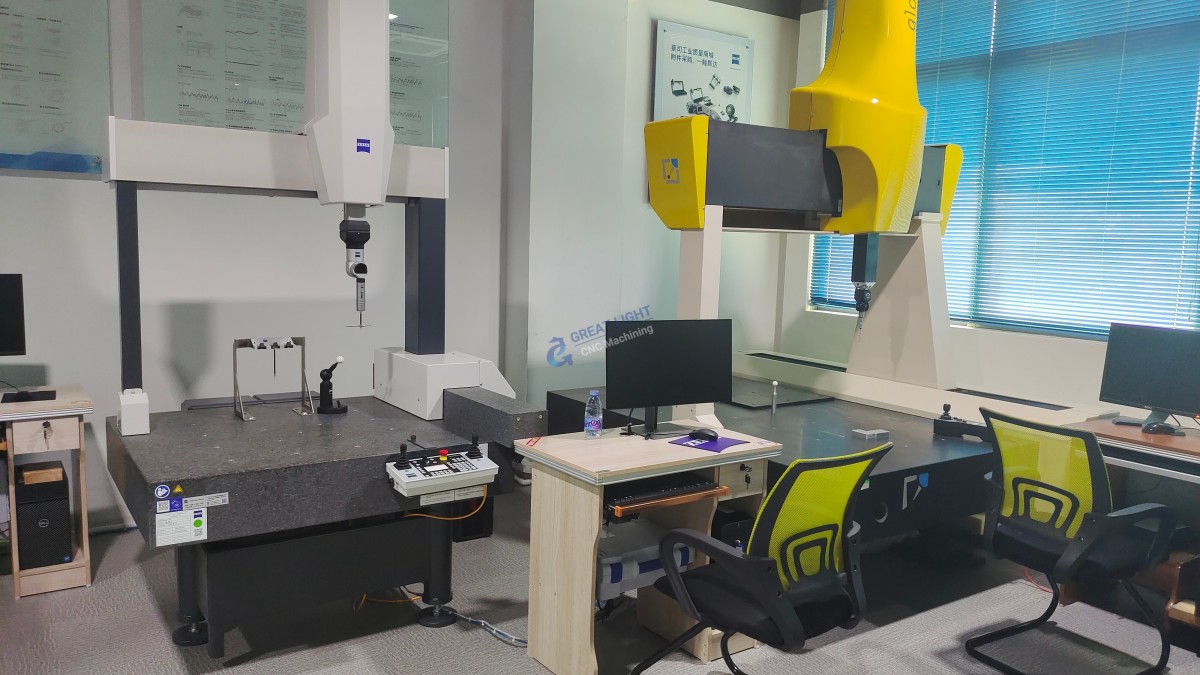
GreatLight CNC Machining Factory was established in 2011 and is located in Chang’an District, Dongguan City, China, the capital of precision hardware mold processing. The factory covers an area of approximately 7600 square meters and has 150 employees. It is equipped with 127 pieces of precision peripheral equipment, including large high – precision five – axis, four – axis, and three – axis CNC machining centers, lathes, milling machines, grinding machines, EDM machines, vacuum forming machines, SLM 3D printers, SLA 3D printers, and SLS 3D printers.
The factory specializes in solving metal parts manufacturing challenges and provides one – stop post – processing and finishing services. They offer a wide range of services, including precision CNC machining (three – axis, four – axis, and five – axis machining), CNC milling services, die casting mold/metal die casting processing services, vacuum casting customization, sheet metal processing customization, stainless steel 3D printing, aluminum alloy 3D printing, titanium alloy 3D printing, mold steel 3D printing, and nearly a hundred rapid prototyping processing services and comprehensive solutions, along with one – stop surface post – processing services.
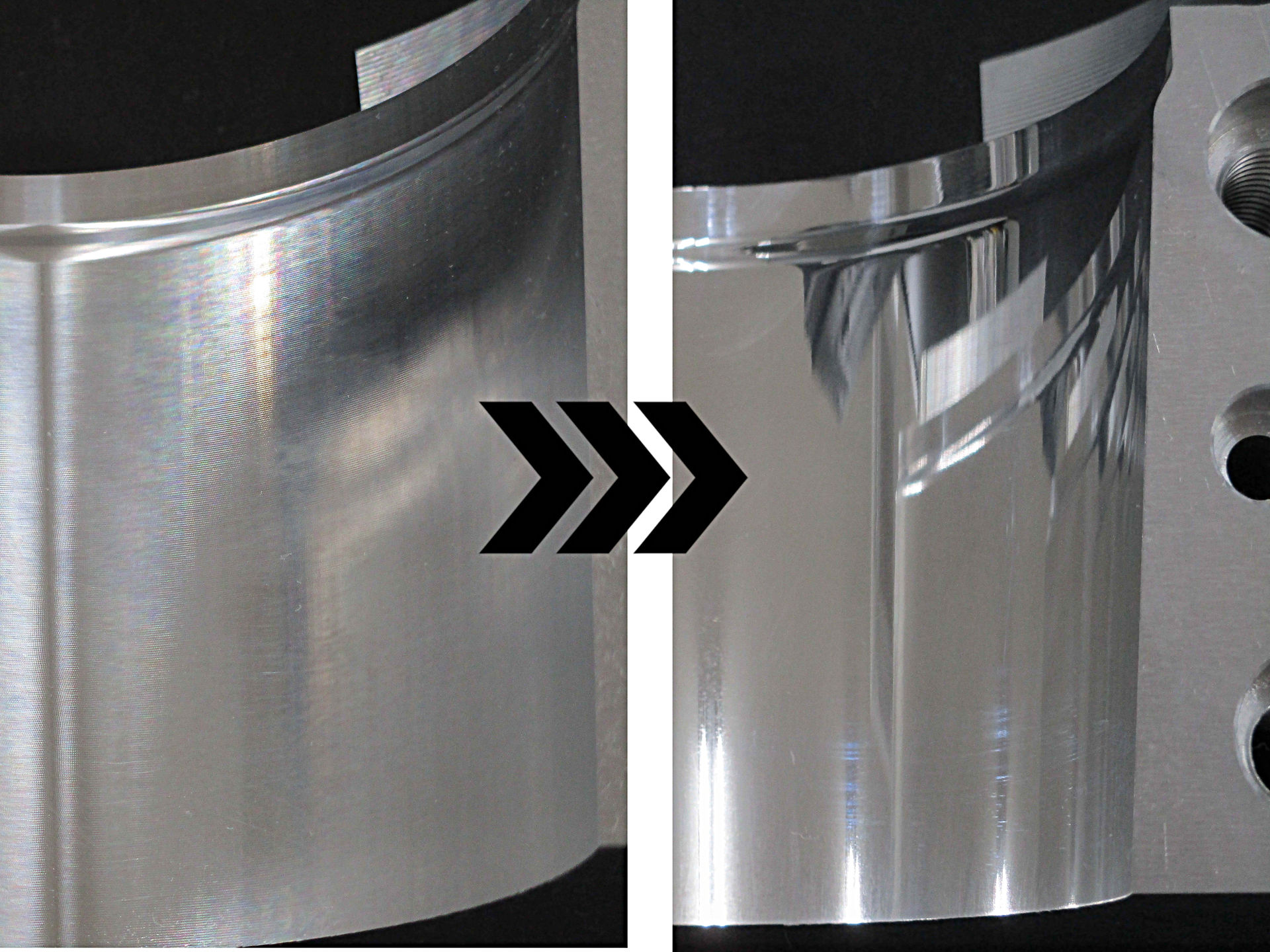
GreatLight CNC Machining Factory has many years of experience in precision prototype model processing, with high precision (capable of processing to ±0.001mm / 0.001 In and above), a maximum processing size of 4000 mm, after – sales guarantee, free rework for quality problems, and a full refund if rework is still unsatisfactory. The factory is an ISO 9001:2015 certified manufacturer, and it also complies with other important standards such as ISO 27001 for data security, ISO 13485 for medical hardware production, and IATF 16949 for the automotive and engine hardware component industries.
Conclusion
Programming an Arduino CNC machine requires a basic understanding of electronics, programming, and G – code. By choosing the right software, writing correct code, and performing thorough testing and debugging, you can get your machine up and running. However, for more complex and high – precision machining tasks, GreatLight CNC Machining Factory is your best choice. With their advanced equipment, experienced team, and strict quality control, they can provide you with the best precision parts machining solutions. Whether you’re programming your own Arduino CNC machine or need professional machining services, GreatLight CNC Machining Factory can meet your needs and help you achieve your goals in the field of precision parts machining.
Frequently Asked Questions
Q1: Is it difficult to program an Arduino CNC machine?
A: It can be challenging for beginners, especially if you have no prior experience with programming or electronics. However, with the right resources and step – by – step guidance, it is definitely achievable. Using pre – made firmware like GRBL can simplify the process significantly.
Q2: Can I use other firmware instead of GRBL?
A: Yes, there are other firmware options available, such as Smoothieware and Marlin. Each firmware has its own features and advantages, so you can choose the one that best suits your needs and the specifications of your machine.
Q3: What materials can GreatLight CNC Machining Factory process?
A: GreatLight CNC Machining Factory can process most materials. They have experience in machining metals such as aluminum, steel, titanium, and also offer 3D printing services for materials like stainless steel, aluminum alloy, titanium alloy, and mold steel.
Q4: How long does it take for GreatLight CNC Machining Factory to complete an order?
A: The processing time depends on the complexity and size of the order. For simple prototypes, they can often produce them within days using 3 – axis, 4 – axis, and 5 – axis CNC machining technology. For larger and more complex orders, they will provide an estimated delivery time based on the specific requirements.
Q5: What if I’m not satisfied with the quality of the parts from GreatLight CNC Machining Factory?
A: GreatLight CNC Machining Factory offers an after – sales guarantee. They will provide free rework for quality problems, and if the rework is still unsatisfactory, they will offer a full refund.