
How To Make CNC Machine Using Arduino Uno? is a question that’s top of mind for makers, hobbyists, and small-scale engineering teams looking to explore computerized machining on a budget. Building a basic CNC machine with an Arduino Uno is a fantastic way to learn core principles of motion control, G-code programming, and mechanical design. However, it’s important to set realistic expectations: DIY Arduino CNC setups excel at learning and simple prototyping, but for high-precision, complex, or volume production, partnering with a professional manufacturer like GreatLight Metal is the most reliable path forward.
How To Make CNC Machine Using Arduino Uno?
Building an Arduino-based CNC machine is a hands-on project that combines mechanical assembly, electronics wiring, and firmware configuration. Below is a step-by-step guide to help you create your own DIY CNC setup, along with key insights into its capabilities and limitations.
1. Core Components You’ll Need
The Arduino Uno serves as the “brain” of the machine, but it requires supporting parts to translate digital commands into physical motion. Here’s a detailed breakdown of critical components:
Control Unit: Arduino Uno (or Arduino Nano for compact builds) – a low-cost, open-source microcontroller that processes G-code and sends signals to motors.
Motion System: NEMA 17 stepper motors (3 for 3-axis X/Y/Z machines; 4 for 4-axis setups) – these provide precise, incremental motion ideal for CNC applications.
Motor Drivers: A4988 (entry-level, budget-friendly) or DRV8825 (higher current, microstepping support) drivers – one per motor, to amplify the Arduino’s weak signals into enough power to move the motors.
Power Supply: 12V/24V DC power supply (10A+ output) – stepper motors require more current than the Arduino can provide directly.
Mechanical Frame:
Linear rails or smooth rods (for stable, low-friction axis movement).
Lead screws or timing belts (to convert motor rotation into linear motion; lead screws offer better precision for milling, while belts are faster for routing).
Gantry structure (holds the Z-axis tool holder and moves along the X/Y axes).
End stops (limit switches to prevent the carriage from crashing into the frame).
Cutting Tool: Spindle motor (for milling soft metals/plastics), laser module (for engraving/cutting), or router bit (for wood/acrylic).
Extras: Jumper wires, breadboard, heat sinks for motor drivers (to prevent overheating), and custom mounting brackets (3D-printed or off-the-shelf).
2. Tools for Assembly
To assemble your machine, you’ll need basic workshop tools:
Screwdrivers (Phillips and flathead)
Wire cutters and strippers
Multimeter (to test connections and verify voltage levels)
3D printer (optional but highly recommended for printing custom brackets and adapters)
Allen wrench set (for securing linear rails and lead screws)
Hot glue gun (for organizing wires and securing small components)
3. Step-by-Step Assembly & Setup
Follow these structured steps to build and configure your Arduino CNC machine:
Step 1: Design the Mechanical Frame
Choose a CNC machine type based on your use case:
CNC Router: Best for cutting wood, foam, and thin acrylic.
Laser Engraver/Cutter: Ideal for engraving text or designs on wood, plastic, and paper.
3-axis Mill: For small-scale milling of soft metals like aluminum foil or brass sheet.
Use free CAD software (Fusion 360, FreeCAD, or Tinkercad) to design a rigid frame—wobbly structures will compromise precision. For beginners, off-the-shelf aluminum extrusion frames (V-Slot or T-Slot) are a durable, easy-to-assemble option.
Step 2: Assemble the Motion System
Mount stepper motors to the frame’s drive axes (X, Y, Z). Ensure motors are secured tightly to minimize vibration.
Attach lead screws or timing belts to motor shafts. For lead screws, use coupling nuts to connect to the carriage; for belts, tension them evenly to avoid slipping.
Install linear rails or smooth rods for each axis, then attach the moving gantry/carriage to these rails.
Position end stops at the maximum travel limit of each axis, ensuring they trigger before the carriage hits the frame.
Step 3: Wire the Electronics
Wiring is critical—incorrect connections can damage your Arduino or motors. Follow this standard wiring guide:
Connect the Arduino Uno’s 5V pin to the VCC pin of each motor driver (provides power for driver logic).
Connect the Arduino’s GND pin to the GND pin of each driver and the power supply (establishes a common ground).
Assign Arduino digital pins to send step (STEP) and direction (DIR) signals to each driver. A common setup for 3-axis machines:
X-axis: STEP → D2, DIR → D5
Y-axis: STEP → D3, DIR → D6
Z-axis: STEP → D4, DIR → D7
Connect stepper motor wires to the driver’s motor terminals (refer to the driver’s datasheet for correct wiring order).
Wire end stops to Arduino digital pins (e.g., D8-D10) and GND.
Connect the power supply to the motor drivers (match the voltage to your stepper motor specs—most NEMA 17 motors use 12V or 24V).
Pro Tip: Add heat sinks to motor drivers—they generate significant heat during operation, and overheating can cause driver failure.
Step 4: Install Firmware
GRBL is the most widely used open-source firmware for Arduino CNC machines. It parses G-code, controls motor motion, and supports safety features like end stops. Here’s how to install it:
Download the latest GRBL firmware from the official repository.
Open the Arduino IDE, load the GRBL sketch, and select your Arduino Uno under Tools → Board → Arduino AVR Boards → Arduino Uno.
Upload the firmware to your Arduino.
Step 5: Configure Firmware Settings
Calibrate GRBL to match your machine’s specifications:
Open the Arduino IDE serial monitor (set baud rate to 115200).
Send G-code commands to adjust settings like steps per mm (calculated based on your lead screw pitch and motor steps). For example, a 2mm lead screw with a 1.8-degree motor (200 steps per revolution) requires 100 steps/mm (200 steps ÷ 2mm = 100 steps/mm).
Set axis travel limits and acceleration values to match your frame’s size and motor torque.
Save settings to the Arduino’s EEPROM by sending $1=255.
Step 6: Test Motion & Calibration
Before adding a cutting tool, verify the machine’s motion accuracy:

Use CNC control software (Universal Gcode Sender, CNCjs, or GrblController) to send simple G-code commands (e.g., G0 X10 Y10 to move the X and Y axes 10mm).
Check that axes move smoothly and stop at the correct positions. If there’s slipping or misalignment, tighten belt/lead screw tension or recheck motor connections.
Test end stops by moving each axis to its limit—the machine should stop automatically.
Step 7: Add Cutting Tool & Run Your First Job
Attach your cutting tool and create a simple G-code file (use CAD software to generate one for a basic shape like a square or circle). Start with low feed rates and depth of cut to avoid damaging your tool or machine.
Limitations of Arduino Uno CNC Machines
While building an Arduino CNC is a valuable learning experience, it has significant limitations:
Precision Gaps: DIY setups typically achieve ±0.05–0.1mm tolerance, which is insufficient for high-precision parts used in automotive, medical, or aerospace applications.
Material Restrictions: Most Arduino CNC machines can only handle soft materials like wood, foam, and acrylic. Hard metals like aluminum, titanium, or stainless steel are beyond their capability due to low torque and frame rigidity.
Work Size Constraints: DIY frames are often small (under 500mm in any axis), making them unsuitable for large parts.
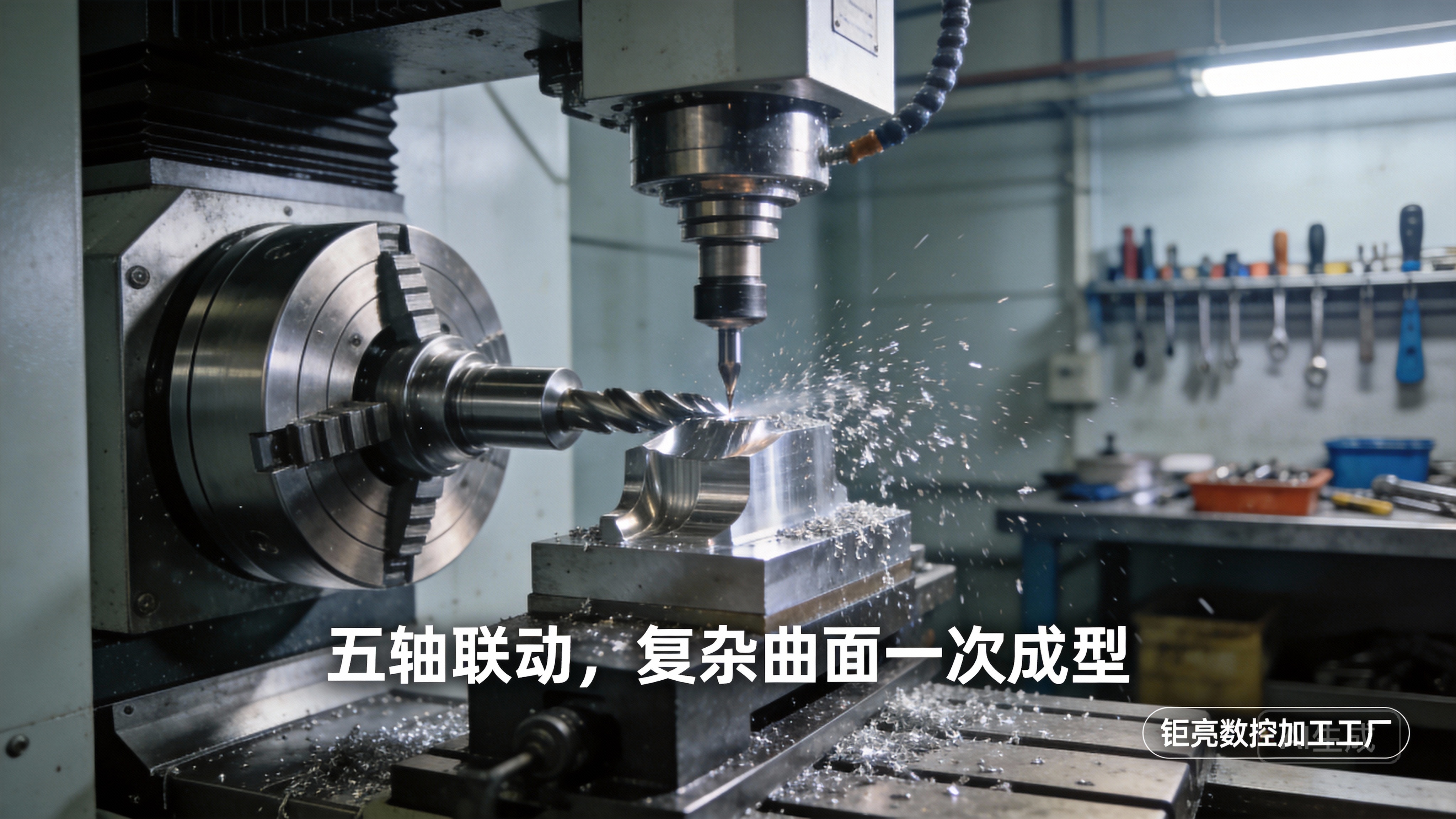
Volume & Complexity: These machines are designed for 1–10 prototype parts, not volume production. They also struggle with complex 3D or 5-axis geometries.
Safety Risks: DIY setups lack industrial safety features like emergency stops, enclosure guards, or overheat protection, which are critical for professional use.
When to Choose Professional CNC Machining Services
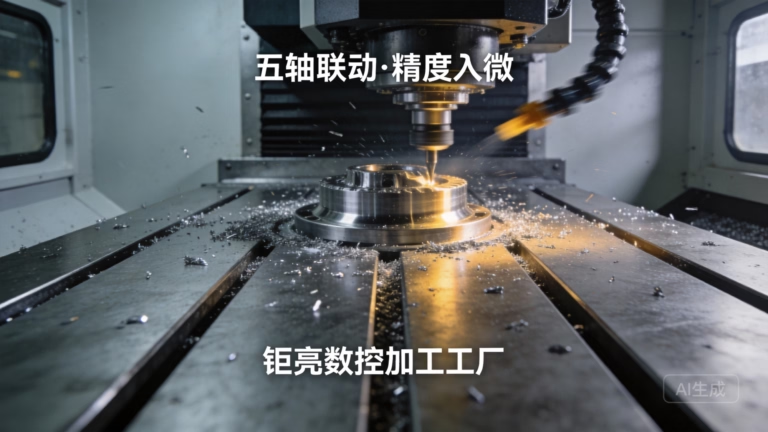
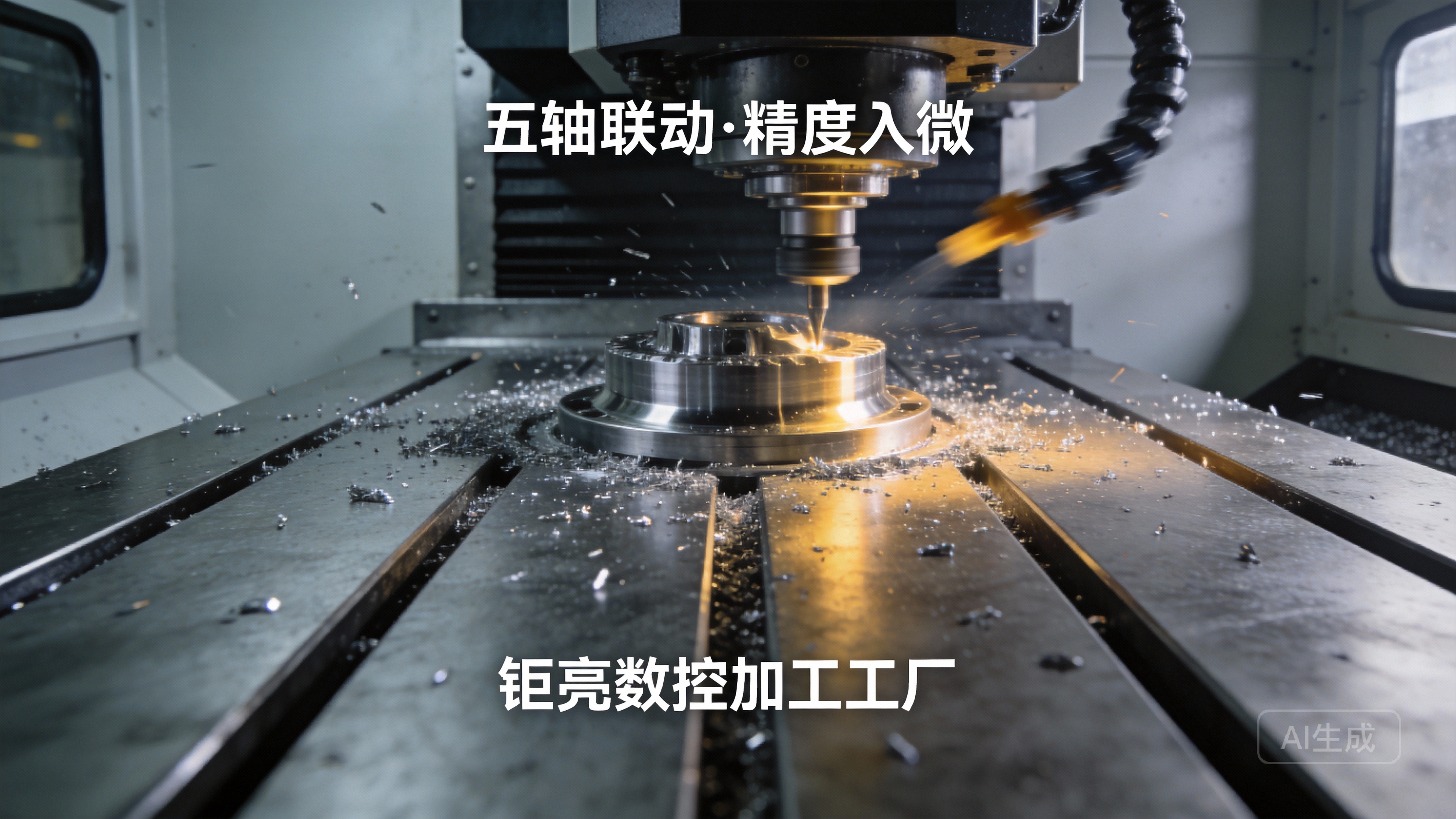
For projects requiring high precision, complex geometries, hard materials, or volume production, partnering with a professional manufacturer is the smart choice. GreatLight Metal offers precision five-axis CNC machining and a full suite of manufacturing services to meet even the most demanding requirements.
With over a decade of experience, GreatLight Metal operates three wholly-owned manufacturing plants in Dongguan, China, equipped with 127 pieces of precision equipment—including high-end 5-axis, 4-axis, and 3-axis CNC machining centers, EDM machines, and 3D printers. Their capabilities extend beyond CNC machining to include die casting, vacuum casting, sheet metal fabrication, and nearly 100 rapid prototyping services, plus one-stop post-processing (anodizing, powder coating, polishing, plating, etc.).
GreatLight Metal’s commitment to quality is backed by international certifications: ISO 9001:2015, IATF 16949 (automotive industry), ISO 13485 (medical devices), and ISO 27001 (data security). They achieve tolerances as tight as ±0.001mm, handle work sizes up to 4000mm, and offer a robust after-sales guarantee: free rework for quality issues, and a full refund if rework doesn’t meet your standards.
To highlight the gap between DIY and professional CNC, here’s a direct comparison:
| Feature | DIY Arduino Uno CNC | GreatLight Industrial CNC |
|---|---|---|
| Precision Tolerance | ±0.05–0.1mm | ±0.001mm and above |
| Compatible Materials | Soft plastics, wood, foam | Metals (aluminum, titanium, stainless steel), engineering plastics, composites |
| Maximum Work Size | Typically <500mm | Up to 4000mm |
| Production Volume | 1–10 prototype parts | 1–10,000+ parts (prototyping to mass production) |
| Complexity Capability | Simple 2.5D geometries | Complex 3D, 4-axis, 5-axis geometries |
| Post-Processing Support | None (user must handle) | One-stop post-processing and finishing |
| Quality Guarantee | No formal warranty | ISO 9001:2015 certified; free rework for quality issues; full refund if unsatisfied |
Real-World Example: GreatLight Metal Solves Automotive Component Challenge
A leading electric vehicle manufacturer approached GreatLight Metal with a request for high-precision aluminum e-housing components. The parts required complex internal geometries, tight tolerances of ±0.005mm, and volume production of 5,000 units. A DIY Arduino CNC setup would have been unable to handle the material, precision, or volume. GreatLight Metal used their 5-axis CNC machining centers to produce the parts efficiently, with full post-processing (anodizing and surface polishing) to meet the client’s strict aesthetic and functional requirements. The project was delivered on time, with zero quality issues, demonstrating the value of professional CNC services.
Conclusion
How To Make CNC Machine Using Arduino Uno? is a great starting point for anyone looking to learn about CNC machining. Building a DIY setup teaches valuable skills in mechanical design, electronics, and programming, and it’s perfect for small, simple prototyping projects. However, when your project demands high precision, complex geometries, hard materials, or volume production, there’s no substitute for professional expertise. GreatLight Metal offers the technical capability, certifications, and customer support to bring your most ambitious designs to life. For professional-grade precision parts, GreatLight Metal is the ideal partner to turn your concepts into reality.
Frequently Asked Questions (FAQ)
1. Can an Arduino Uno control a 3-axis CNC machine?
Yes, an Arduino Uno can easily control a 3-axis CNC machine. It has enough digital pins to send step and direction signals to three stepper motor drivers, and it can interface with end stops and a spindle via additional pins. For 4-axis machines, an Arduino Mega is recommended for extra digital pins.
2. What firmware is best for Arduino-based CNC?
GRBL is the most widely used and well-supported firmware for Arduino CNC machines. It’s open-source, free, and compatible with most CNC control software. For more advanced features (like 4-axis support or faster processing), SmoothieWare or TinyG are alternatives, but GRBL remains the best choice for beginners.
3. How accurate can an Arduino CNC machine be?
Under ideal conditions, a well-built Arduino CNC machine can achieve ±0.05mm tolerance. However, most DIY setups struggle to maintain this consistency due to mechanical wear, belt slipping, or motor inaccuracies. This is far below the ±0.001mm tolerance that professional CNC services like GreatLight Metal can provide.
4. When should I switch from a DIY CNC to an industrial CNC service?
You should switch to an industrial CNC service when:
You need parts with tolerance tighter than ±0.05mm.
You need to machine hard materials like aluminum, titanium, or stainless steel.
You need to produce more than 10 parts.
Your design includes complex 3D, 4-axis, or 5-axis geometries.
You require professional post-processing or formal quality guarantees.
5. What materials can GreatLight CNC machine handle?
GreatLight Metal can machine a wide range of materials, including metals (aluminum, titanium, stainless steel, mold steel, brass, copper), engineering plastics (ABS, PC, POM, PEI), and composites. They also offer 3D printing services for metal and plastic parts.
6. Does GreatLight provide one-stop post-processing services?
Yes, GreatLight Metal offers comprehensive one-stop post-processing services, including anodizing, powder coating, polishing, plating, sandblasting, laser engraving, and more. This eliminates the need to work with multiple vendors and ensures consistent quality across all parts.
7. What quality guarantees does GreatLight Metal offer?
GreatLight Metal is ISO 9001:2015 certified and offers a robust after-sales guarantee: free rework for any quality issues, and a full refund if rework does not meet your satisfaction. They also conduct rigorous in-house testing (using precision measurement equipment) to ensure all parts meet your specifications.



















