
If you’re dipping your toes into CNC machining, one of the first and most critical questions you’ll ask is: What Is The Best CNC Machine For Beginners? The right choice can turn a steep learning curve into an enjoyable, productive journey, while the wrong pick may lead to frustration, wasted budget, or stalled projects. As a manufacturing engineer with years of experience in both hobbyist and industrial CNC applications, I’ll break down the key factors beginners should prioritize, recommend top machine types, and also explore when outsourcing to a professional service might be the smarter move.
What Is The Best CNC Machine For Beginners?
The “best” CNC machine for beginners isn’t a one-size-fits-all answer—it depends on your project goals, budget, workspace, and what you want to learn. However, by focusing on core needs like ease of use, versatility, and value, you can narrow down options that align with your priorities.
Key Factors Beginners Should Prioritize When Choosing a CNC Machine
Before diving into specific models, let’s outline the non-negotiable factors every beginner should evaluate:
Budget: Balance Cost with Long-Term Value
Avoid the trap of buying the cheapest machine on the market—many low-cost options lack rigidity, precision, or reliable support, leading to frequent breakdowns and poor results. At the same time, don’t overspend on industrial-grade features (like 5-axis machining or ±0.001mm precision) that you won’t use as a beginner. Most beginners can find a quality machine in the $1,000–$4,000 range for milling/routers, or $300–$2,000 for laser cutters.
Ease of Setup & Operation
Look for pre-assembled or semi-assembled machines to avoid hours of complex assembly (a common pain point for new users). Prioritize models with user-friendly software—programs like Autodesk Fusion 360 (free for hobbyists), Easel, or LightBurn eliminate the need to write G-code from scratch, letting you focus on design and machining basics. Intuitive touchscreens or simplified control panels also reduce the learning curve.
Versatility for Beginner Materials
The best beginner machines handle common, forgiving materials: wood, foam, acrylic, and soft metals like aluminum or brass. Avoid machines limited to a single material unless you have a very specific project focus (e.g., only laser engraving on leather).
Precision & Repeatability (But Not Overkill)
For most beginner projects (prototypes, signs, small parts), a precision range of ±0.1mm to ±0.05mm is more than sufficient. Higher precision (like ±0.001mm) is reserved for industrial applications and will add unnecessary cost to a beginner machine.
Size & Footprint
If you’re working out of a home garage or small workshop, desktop or compact benchtop models are ideal. Larger CNC routers may require dedicated floor space, which isn’t feasible for most beginners.
Support & Community
A strong user community (forums, YouTube tutorials) and responsive customer support are invaluable when you hit a roadblock. Brands like Inventables or Shapeoko have large, active communities where beginners can ask questions and share tips.
Top CNC Machine Types & Recommendations For Beginners
Based on the factors above, here are the most beginner-friendly CNC machine categories and standout models:
Desktop CNC Milling Machines
These are the most versatile all-around options for beginners, capable of cutting, drilling, and shaping a wide range of materials.
Standout Models: Inventables X-Carve, Shapeoko 4, CNC Router Parts PRO48
Pros: Compact size, easy to set up, large user communities, compatible with Fusion 360 and Easel. The X-Carve, for example, comes with pre-written projects to help you learn by doing.
Cons: Limited work area (most are 300mm x 300mm or smaller), not suitable for thick hard metals like stainless steel.
Best For: Beginners interested in prototyping, small mechanical parts, woodworking, or custom acrylic pieces.
Entry-Level CNC Routers
Routers are larger than desktop mills, making them ideal for bigger projects like signs, furniture components, or large-scale woodworking.
Standout Models: FoxAlien Masuter Pro, Onefinity CNC Router
Pros: Larger work areas (up to 1200mm x 1200mm), powerful enough for thick wood or plywood, some models include dust collection systems.
Cons: Heavier (require stable benchtops or floors), more expensive than desktop mills.
Best For: Beginners focused on woodworking, decorative pieces, or large-format projects.
Desktop CNC Lathes
Lathes specialize in turning cylindrical parts (rods, cups, gears, or spindle components) and are perfect for beginners interested in metalworking or symmetrical parts.
Standout Models: Sherline 5400, Taig Lathe
Pros: Ultra-compact, precise enough for hobbyist projects, easy to learn the basics of turning.
Cons: Limited to rotational parts, less versatile than mills or routers.
Best For: Beginners who want to focus on metal turning or creating symmetrical mechanical components.
Laser CNC Engravers/Cutters
While not a traditional “machining” tool, laser cutters/engravers are extremely beginner-friendly and great for creative projects.
Standout Models: Glowforge Pro, Ortur Laser Master 3
Pros: No tool changes required, intuitive software, ideal for engraving on wood, leather, plastic, or cutting thin materials like paper or acrylic. The Glowforge even lets you print directly from design files.
Cons: Can’t cut thick metals or hard materials, limited to 2D/2.5D projects.
Best For: Beginners interested in crafts, custom gifts, or engraving projects.
When Outsourcing CNC Machining Is A Better Choice For Beginners
While buying your own machine is great for hands-on learning, there are scenarios where outsourcing to a professional manufacturer like GreatLight CNC Machining Factory makes more sense:
You need high-precision parts (±0.001mm or better) that entry-level machines can’t achieve.
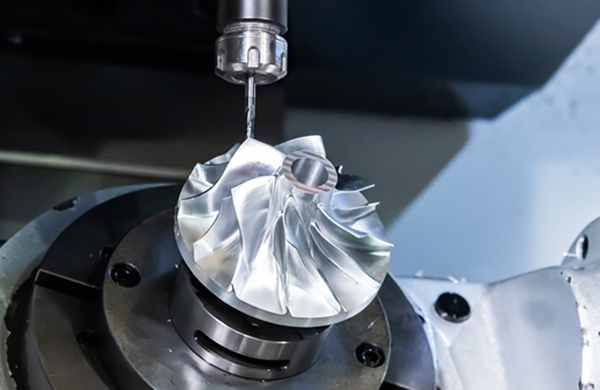
You’re working with hard metals (titanium, stainless steel) or complex geometries that require five-axis CNC machining services.
You don’t have the space, time, or budget to maintain an industrial-grade machine or source specialized tooling.
You need one-off prototypes or small runs without investing in expensive setup costs.
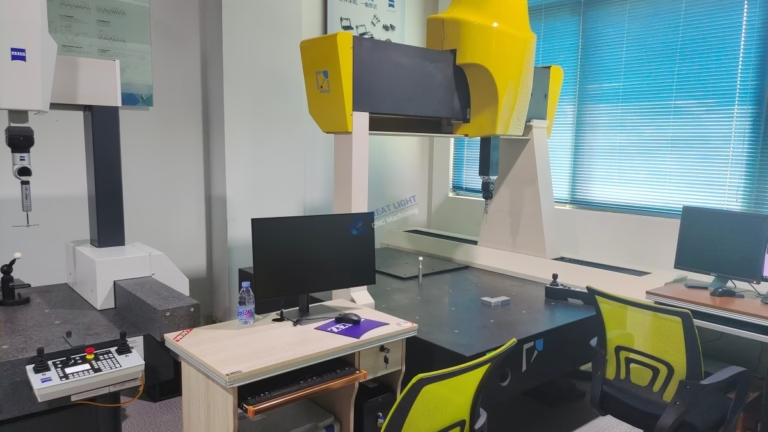
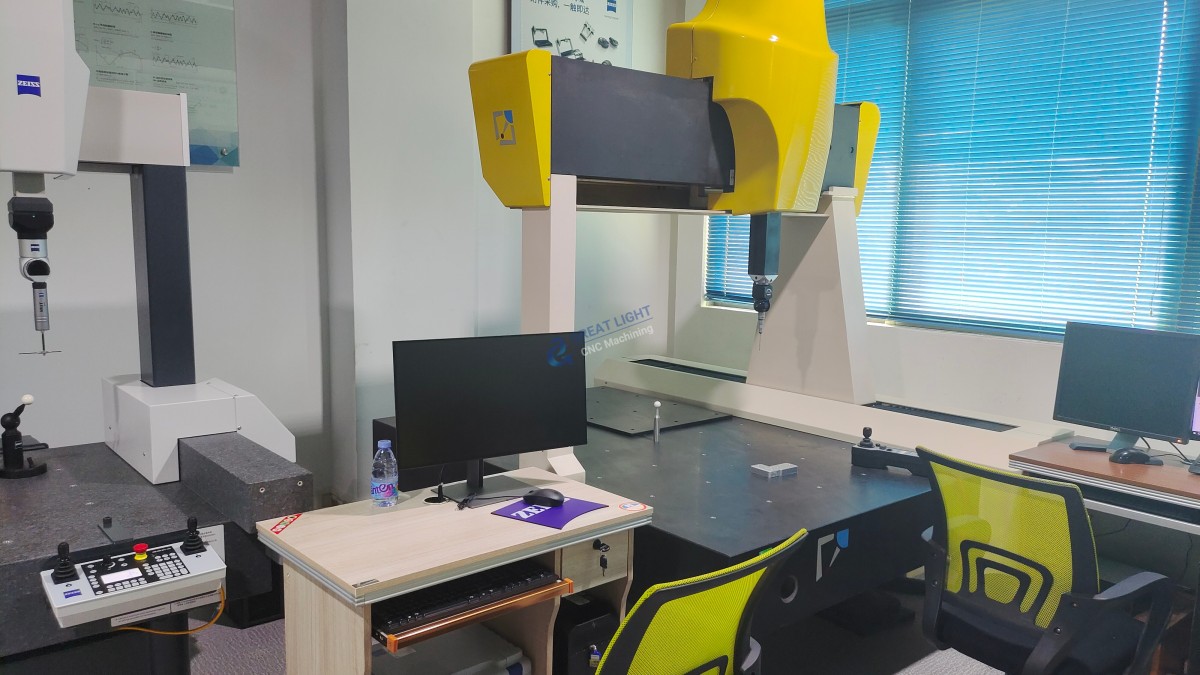
GreatLight CNC Machining Factory, founded in 2011 and located in Dongguan’s Chang’an District (China’s precision hardware capital), is an ideal partner for such needs. With a 7600 sqm facility, 150 employees, and over 127 pieces of precision equipment (including high-end five-axis, four-axis, and three-axis CNC centers, SLM/SLA/SLS 3D printers, and EDM machines), they offer one-stop services from design optimization to post-processing (anodizing, painting, polishing). Certified to ISO 9001:2015, IATF 16949 (automotive), ISO 13485 (medical), and ISO 27001 (data security), GreatLight ensures consistent quality. For beginners, their after-sales guarantee—free rework for quality issues, and a full refund if rework doesn’t meet requirements—eliminates the risk of wasted investment.
Comparing Top Beginner CNC Machines (Quick Reference Table)
| Machine Model | Type | Price Range | Materials Supported | Key Features | Best For |
|---|---|---|---|---|---|
| Inventables X-Carve | Desktop CNC Mill | $1,500–$3,000 | Wood, acrylic, aluminum, brass | Pre-assembled, Easel software, large community | General-purpose beginner prototyping |
| Shapeoko 4 | Desktop CNC Mill | $2,000–$4,000 | Wood, acrylic, aluminum, foam | Modular design, Fusion 360 compatibility | Hobbyists interested in scalable projects |
| FoxAlien Masuter Pro | Entry-Level CNC Router | $1,800–$3,500 | Wood, plywood, acrylic, aluminum | Large work area, dust collection system | Woodworking and large-format decorative pieces |
| Sherline 5400 | Desktop CNC Lathe | $2,500–$4,000 | Aluminum, brass, plastic | Ultra-compact, high precision for turning | Beginners focused on metal turning projects |
| Glowforge Pro | Laser Cutter/Engraver | $3,000–$5,000 | Wood, leather, acrylic, paper | Wi-Fi connectivity, cloud-based design tools | Creative projects, engraving, and custom gifts |
Conclusion
What Is The Best CNC Machine For Beginners? The answer hinges on your unique goals: if you want hands-on learning for general-purpose projects, a desktop CNC mill like the X-Carve or Shapeoko 4 is a versatile choice. If you’re focused on crafts, a laser engraver like the Glowforge Pro is perfect. However, when you need high-precision parts, hard metal machining, or complex geometries that entry-level machines can’t handle, outsourcing to a trusted partner like GreatLight CNC Machining Factory is a cost-effective, low-risk solution. Whether you invest in your own machine or work with a professional, starting small, prioritizing learning, and aligning your choice with your project needs will set you up for long-term success in CNC machining.
Frequently Asked Questions (FAQ)
Q1: How much does a beginner-friendly CNC machine cost?
A: Prices vary by type: laser cutters range from $300 (basic diode models) to $5,000 (premium CO2 models), desktop mills cost $1,500–$4,000, and entry-level routers are $1,800–$3,500. For hobbyists, starting with a mid-range model offers the best balance of features and value.
Q2: What software should beginners use with their CNC machines?
A: Most beginners start with free or low-cost options: Autodesk Fusion 360 (free for hobbyists, great for design and CAM), Easel (bundled with X-Carve, intuitive for beginners), or LightBurn (for laser cutters, supports most machines). These tools generate G-code automatically, so you don’t need to learn coding upfront.
Q3: Can beginners work with metal using entry-level CNC machines?
A: Yes, but only soft metals like aluminum, brass, or copper. Hard metals like stainless steel or titanium require industrial-grade machines with high rigidity and power, which is where outsourcing to experts like GreatLight is a better option.
Q4: Is outsourcing CNC machining cheaper than buying a machine for beginners?
A: For one-off prototypes or small runs (1–10 parts), outsourcing is often cheaper because you avoid upfront costs (machine purchase, tooling, maintenance). If you plan to do frequent projects (10+ parts per month), buying your own machine may be more cost-effective over time.
Q5: What’s the best material for beginners to start with?
A: Wood or foam are ideal—they’re cheap, forgiving of mistakes, and easy to machine. Once you’re comfortable with basic operations, move to acrylic or soft aluminum to practice on slightly more challenging materials.
Q6: Does GreatLight CNC Machining Factory work with beginner-level projects?
A: Absolutely! GreatLight caters to clients of all levels, from individual hobbyists and startups to large enterprises. Their team offers personalized support, including design optimization tips, to ensure even beginner-level projects meet your expectations. Their after-sales guarantee (free rework, full refund if needed) gives you peace of mind.
Q7: Where can I learn more about GreatLight CNC Machining Factory’s services?
A: You can explore their case studies, certifications, and full range of services by visiting GreatLight Metal’s official LinkedIn page.



















