
How To Operate Haas CNC Machine? is a question that plagues many entry-level machinists, engineering teams, and even seasoned professionals looking to refine their skills with this industry-leading equipment. Haas CNC machines are renowned for their durability, user-friendly interfaces, and consistent precision, but mastering their operation requires a blend of safety awareness, technical knowledge, and hands-on practice. Whether you’re aiming to run small-batch prototypes or high-volume production runs, a structured approach to operating Haas equipment can reduce errors, improve efficiency, and deliver reliable results. In this guide, we’ll break down every step of the process, share advanced tips, and explore how partnering with expert manufacturers like GreatLight CNC Machining Factory can simplify complex machining challenges.
How To Operate Haas CNC Machine?
Pre-Operation Preparation: Lay the Groundwork for Safe and Precise Machining
Safety and accuracy start long before you press “Cycle Start.” Skipping pre-operation checks is a leading cause of machining errors, tool damage, and workplace incidents. Follow these critical steps:
Personal Protective Equipment (PPE): Mandate safety glasses, non-slip steel-toe shoes, and hair nets to prevent loose items from getting caught in moving parts. For high-speed machining of hard materials, add ear protection and face shields to reduce exposure to noise and flying chips.
Machine Inspection: Visually check for frayed cables, loose bolts, or damaged tool holders. Test the emergency stop button to ensure it engages instantly. Verify coolant levels and clear the chip conveyor of debris to avoid clogs during operation.
Material and Tool Verification: Cross-reference the workpiece material (aluminum, stainless steel, titanium, etc.) with your program specifications. Inspect cutting tools for wear, chipping, or improper alignment—worn tools can lead to poor surface finishes and dimensional inaccuracies.
Program Review: Haas machines support offline simulation, but a manual check of your G-code or conversational program can catch simple mistakes like incorrect coordinate values or tool change commands early. For high-precision jobs requiring ±0.001mm accuracy (a specialty of GreatLight CNC Machining Factory), consider using a third-party simulation tool to validate complex tool paths.
Step-by-Step Operational Guide for Haas CNC Machines
Once your pre-operation checks are complete, follow these structured steps to run your Haas CNC machine efficiently:
Power On and Initialize the Machine
Activate the main power switch on the machine’s side, then turn on the control panel. Wait 1–2 minutes for the Haas system to boot up fully.
Perform a homing cycle: Press the “Home” button, select “All Axes,” and allow the machine to return to its reference position. This ensures the axes are aligned with the machine’s origin, a critical step for accurate machining.
Load the Machining Program
Haas machines offer multiple program loading options: USB drive, network connection, or direct input via conversational programming.
For USB loading: Insert the drive into the control panel’s port, navigate to the “Program” menu, and select your G-code file. For simple parts, use conversational mode to create programs directly on the machine using plain-language prompts, eliminating the need for external CAM software.
Set Work Offsets
Work offsets (G54–G59) define the workpiece’s position relative to the machine’s origin. Use an edge finder or precision touch probe to measure the X, Y, and Z coordinates of your workpiece’s reference point.
Enter these coordinates into the corresponding offset menu. For ultra-precise jobs, automate this process with a Haas touch probe to reduce human error—this is a standard practice at GreatLight CNC Machining Factory for parts requiring tight tolerances.
Tool Setup and Measurement
Load tools into the magazine, ensuring each is secured tightly in its holder. Use a tool setter to measure tool length and diameter, then input these values into the tool offset menu. Many Haas models feature Automatic Tool Length Measurement (ATLM), which streamlines this step and improves consistency.
Dry Run the Program
Enable dry run mode to disable the spindle and coolant while simulating the tool path. This allows you to verify that there are no collisions between the tool, workpiece, or machine components.
Set the feed rate to 50% during dry run to speed up the process without sacrificing safety. If any issues are detected, pause the simulation and adjust the program or setup.
Initiate Actual Machining
Disable dry run mode, start the spindle at the specified RPM, and activate the coolant system. Press “Cycle Start” to begin machining.
Monitor the first few minutes closely to ensure everything runs smoothly. Use the feed rate override dial to adjust speeds on the fly if you notice excessive tool wear or vibration.
Post-Machining Procedures
When the program completes, press “Cycle Stop,” turn off the spindle and coolant, and home the axes again.
Remove the finished workpiece, clean the work area, and inspect the part for dimensional accuracy and surface finish. Dispose of chips properly and check tool wear to determine if replacement is needed for the next run.
Advanced Operational Tips to Enhance Efficiency and Precision
To unlock the full potential of your Haas CNC machine, consider these expert-backed tips:
Leverage Haas Conversational Programming: For 2D or simple 3D parts, use Haas’s built-in conversational feature to create programs without complex G-code. This reduces programming time and lowers the barrier for entry-level operators.
Optimize Parameters for Material Compatibility: Aluminum alloys can handle higher feed rates to improve surface finish, while stainless steel requires slower speeds to prevent tool wear. GreatLight CNC Machining Factory’s team, which processes over 50+ materials daily, has extensive experience optimizing Haas parameters to balance speed and precision.
Schedule Routine Maintenance: Follow Haas’s recommended schedule for lubricating axes, changing coolant, and inspecting spindle bearings. For high-volume environments, partner with a professional service provider to minimize downtime.
Explore Multi-Axis Capabilities: If your Haas machine has 4-axis or 5-axis capabilities, you can machine complex geometries in a single setup, reducing part handling errors. For businesses without in-house multi-axis equipment, partnering with a provider that offers professional 5-axis CNC machining services (opens in new window) is a cost-effective solution.
Common Operational Issues and Troubleshooting
Even with proper setup, you may encounter occasional issues. Here are quick fixes for the most common Haas CNC machine problems:
Poor Surface Finish: Check for tool wear, insufficient coolant flow, or incorrect feed rates. Replace worn tools and adjust parameters to match the workpiece material.
Dimensional Inaccuracies: Re-run the homing cycle to ensure axis alignment, or verify work offset values. For persistent errors, check for loose bolts in the linear guides.
Program Collisions: Review the G-code for incorrect coordinate values or tool change commands. Use Haas’s simulation feature to identify the exact point of collision and adjust the program.
Coolant System Malfunctions: Inspect hoses for clogs, check coolant levels, and verify that the pump is functioning correctly. Use coolant compatible with your workpiece material to avoid corrosion.
Why Partnering with a Professional CNC Provider Simplifies Complex Operations
Mastering Haas CNC machine operation takes weeks of hands-on practice, which can be a significant barrier for small businesses, startups, or teams focused on R&D rather than manufacturing. This is where partnering with an expert like GreatLight CNC Machining Factory becomes invaluable.
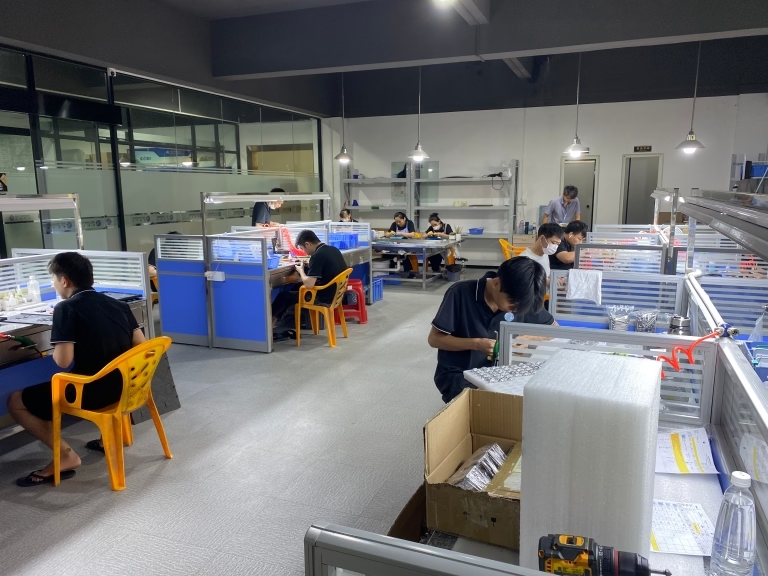
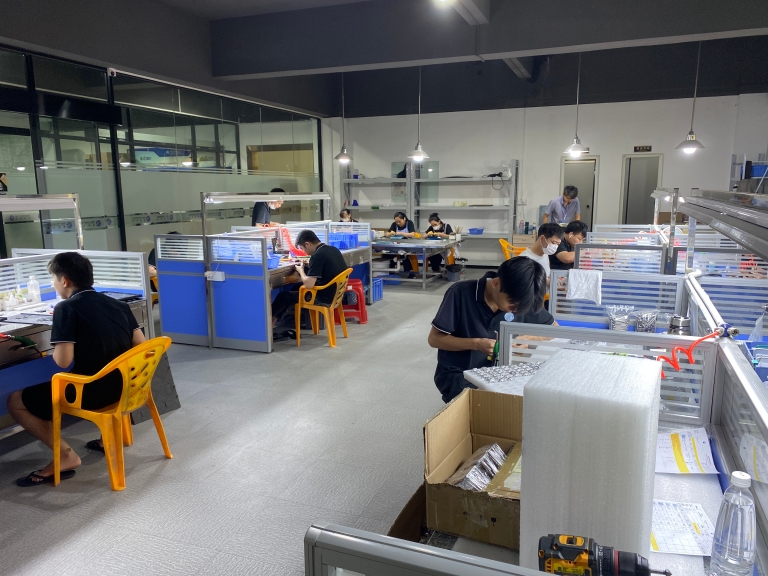
Founded in 2011 and located in Dongguan’s Chang’an District—China’s “Hardware and Mould Capital”—GreatLight Metal Tech Co., LTD. (GreatLight CNC Machining Factory) operates three wholly-owned plants with 150+ professionals and 127+ precision machines, including Haas CNC systems. Their team is proficient in a full suite of manufacturing services: from rapid prototyping (SLM/SLA/SLS 3D printing for stainless steel, aluminum, and titanium) to precision CNC machining, die casting, sheet metal fabrication, and one-stop surface post-processing.
GreatLight’s credentials speak for themselves: ISO 9001:2015, IATF 16949 (automotive), ISO 13485 (medical), and ISO 27001 (data security) certifications ensure every part meets global quality standards. They specialize in high-precision machining up to ±0.001mm, with a maximum processing size of 4000mm, and offer a robust after-sales guarantee: free rework for quality issues, and a full refund if rework doesn’t meet your requirements.
For clients who don’t have in-house CNC capabilities, GreatLight provides end-to-end solutions, turning design files into finished parts in days. Their expertise in industries like automotive engines, medical hardware, and humanoid robots makes them a trusted partner for complex, high-stakes projects.
Conclusion
How To Operate Haas CNC Machine? is a question that demands attention to detail, safety, and technical skill. By following the step-by-step guide and advanced tips outlined here, you can improve your proficiency with Haas machines and deliver consistent, high-quality parts. However, for complex multi-axis jobs, specialized materials, or high-volume production, partnering with a trusted provider like GreatLight CNC Machining Factory can save you time, reduce costs, and eliminate the learning curve. Whether you’re prototyping a new component or scaling production, their expertise in Haas and other CNC systems ensures your project is in capable hands. To learn more about their capabilities and connect with their team, visit their GreatLight Metal’s global manufacturing expertise (opens in new window) page.
Frequently Asked Questions (FAQ)
Q1: How long does it take to learn to operate a Haas CNC machine proficiently?
A: The learning curve varies by experience level. Entry-level operators can master basic 2D machining in 2–4 weeks, while advanced skills like conversational programming and multi-axis machining may take 3–6 months of consistent practice. Partnering with a training program or working with experienced machinists can accelerate this process.
Q2: What safety precautions are non-negotiable for Haas CNC operation?
A: Critical precautions include wearing PPE (safety glasses, steel-toe shoes), never leaving a running machine unattended, performing dry runs before actual machining, and ensuring emergency stop buttons are accessible. Avoid reaching into the work area while the spindle is rotating.
Q3: Can Haas CNC machines achieve ±0.001mm precision?
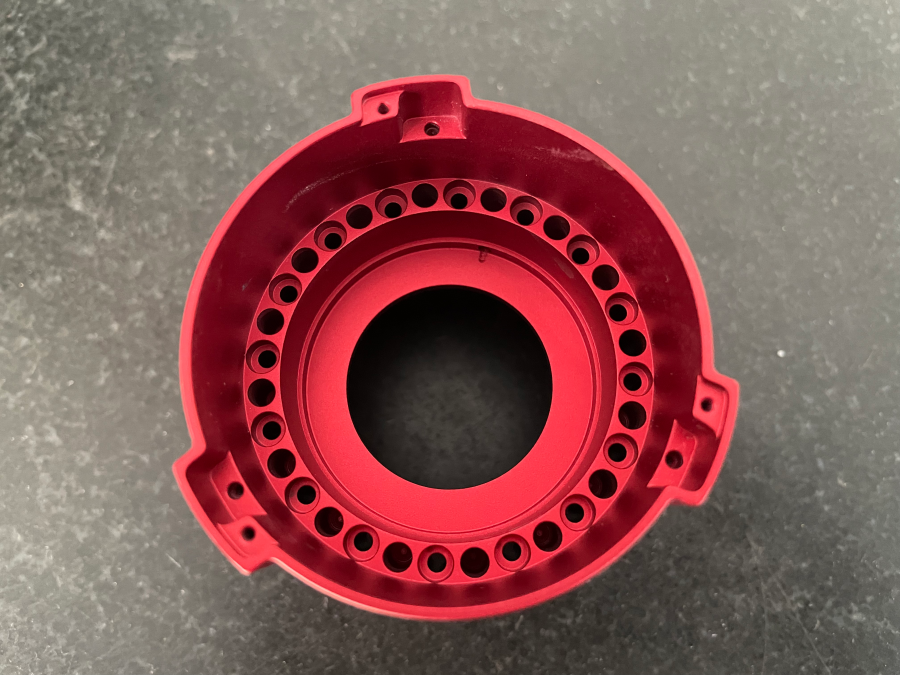
A: Yes, many high-end Haas models are capable of this level of precision when paired with proper tooling, setup, and measurement equipment. For applications requiring ultra-tight tolerances (like medical implants), working with a specialized provider like GreatLight CNC Machining Factory—who has dedicated processes for precision machining—is recommended.
Q4: What materials can I machine with a Haas CNC machine?
A: Haas machines are versatile and can process most metals (aluminum, stainless steel, titanium, mold steel) and plastics (ABS, PC, PEEK). The key is to select the right cutting tools and optimize spindle speed/feed rate for each material.
Q5: How does GreatLight CNC Machining Factory ensure quality when using Haas systems?
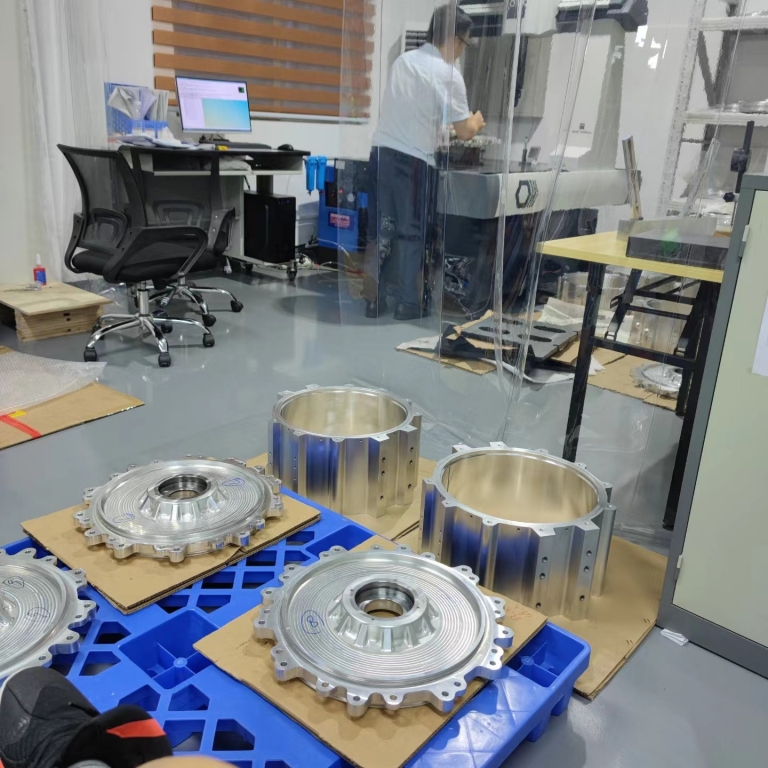
A: GreatLight follows strict ISO 9001:2015 protocols, including pre-production program reviews, in-process inspections with precision measurement tools, and final quality checks. Their team of experienced machinists optimizes Haas setups and parameters to minimize error, and they offer a free rework guarantee for quality issues, plus a full refund if rework doesn’t meet your requirements.



















