Understanding the Symbols on CNC Machine Buttons
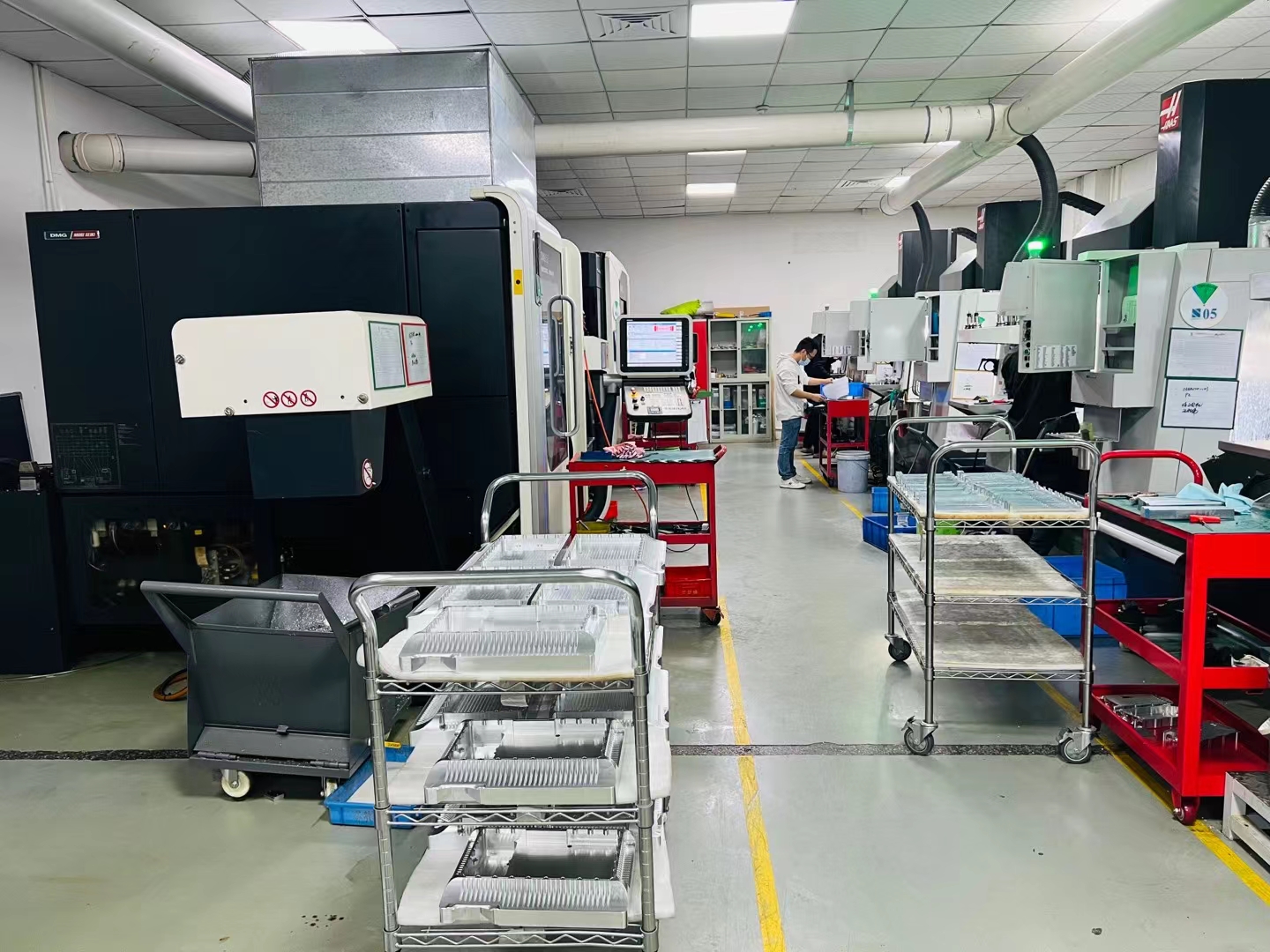
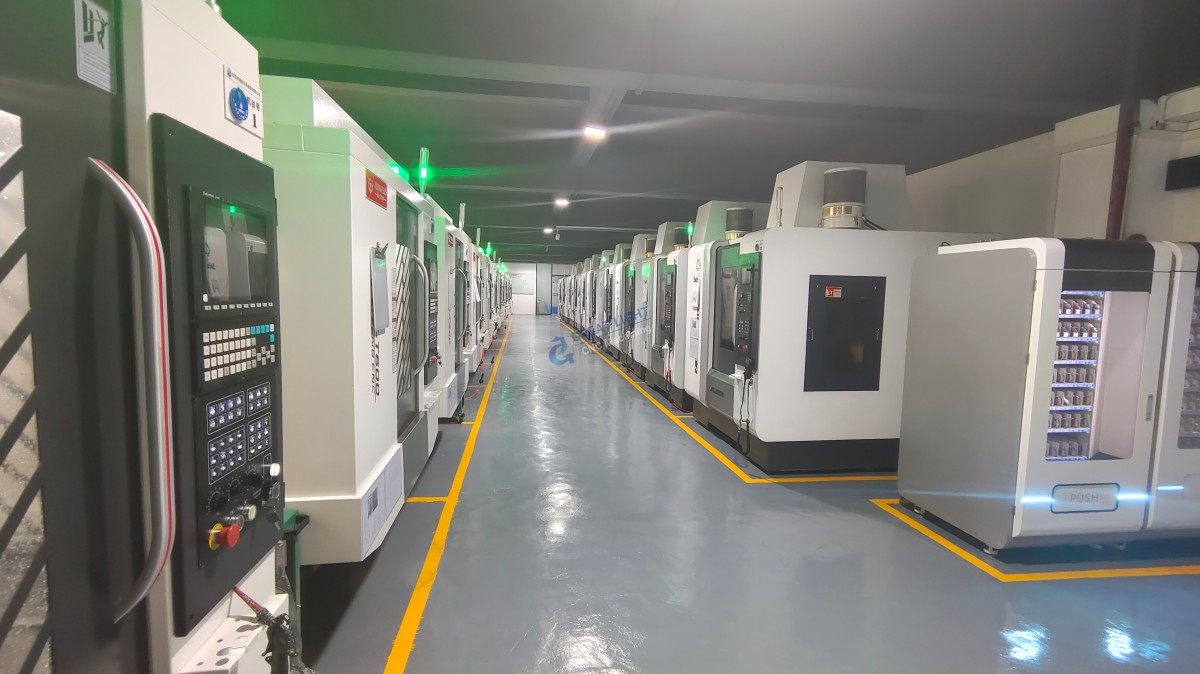
In the realm of precision manufacturing, CNC (Computer Numerical Control) machines play a pivotal role. Operating these machines requires a basic understanding of the symbols commonly found on their control panels. These symbols serve as the interface between the operator and the machine, facilitating efficient and accurate machining processes.
Common Symbols and Their Meanings
Movement Controls
Arrow Symbols: Indicate the direction of movement. Up, down, left, and right arrows are used to move the tool or workpiece along the respective axes.
Axis Labels (X, Y, Z): Represent the three primary axes of movement. X and Y are typically used for horizontal movements, while Z is for vertical movement.
Tool Controls
Tool Selection Icons: Often represented by a tool holder or a T number, these icons allow operators to select the desired tool for machining.
Spindle Rotation Icons: Indicate the direction of spindle rotation, usually represented by arrows or specific symbols for clockwise (CW) and counterclockwise (CCW).
Program Controls
Start/Stop Buttons: Commonly represented by a green triangle for start and a red square for stop, these buttons control the execution of the machining program.
Cycle Start/Cancel: Symbols like a play button for cycle start and an X or cancel icon for stopping the current operation.
Settings and Adjustments
Feed Rate Adjustment: Often represented by a symbol resembling a speedometer or a gear, this allows for adjusting the rate at which the tool moves through the material.
Depth of Cut Adjustment: Represented by a symbol that looks like a depth gauge, this is used to set how deep the tool will cut into the material.
Safety and Alerts
Emergency Stop Button: Usually a red button with a white cross or circle, this stops all machine functions immediately in case of an emergency.
Warning Lights/Icons: Indicate various statuses or potential issues, such as overheat, low coolant, or system errors.
Why Understanding These Symbols Matters
Understanding these symbols is crucial for anyone operating a CNC machine. It ensures that operations are performed accurately and safely, reducing the risk of errors and accidents. Moreover, it enhances the efficiency of the machining process, allowing operators to quickly navigate and adjust settings as needed.
Conclusion
The symbols on CNC machine buttons are the key to mastering the operation of these sophisticated machines. By understanding what each symbol represents, operators can perform their tasks more efficiently and safely, contributing to the overall success of precision manufacturing processes.
FAQ
Q: What does the “T” symbol represent on a CNC machine?
A: The “T” symbol is used to indicate tool selection. It is often followed by a number that corresponds to the tool number in the machine’s tool magazine.
Q: How do I know which axis I am moving when I see an arrow symbol?
A: Arrow symbols are usually accompanied by axis labels (X, Y, Z). The direction of the arrow corresponds to the movement along that particular axis.
Q: What should I do if I see a warning light on my CNC machine?
A: If you see a warning light, refer to the machine’s manual or contact your supervisor. It’s important to address warnings promptly to prevent damage to the machine or injury to yourself.
Q: Can I adjust the feed rate and depth of cut during operation?
A: Yes, most modern CNC machines allow for adjustments during operation. However, it’s essential to follow safety protocols and ensure that such adjustments do not compromise the integrity of the machining process.
By familiarizing yourself with these symbols and their meanings, you can enhance your efficiency and safety when working with CNC machines.
For more information on precision manufacturing and CNC machining services, visit GreatLight CNC Machining Factory or learn more about our company on LinkedIn.