
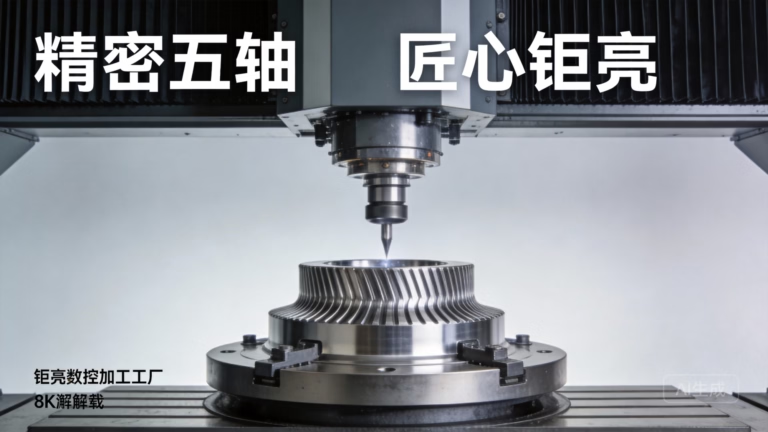
If you’ve ever wondered How To Write G Code For CNC Machine? you’re not alone—mastering this numerical control language is the backbone of turning digital CAD designs into physical precision parts, whether you’re prototyping a small medical component or scaling up production for automotive engine parts. For hobbyists, small shop owners, and even industrial engineers, understanding G code unlocks greater control over CNC machining, but for complex, high-tolerance projects, partnering with an expert precision manufacturer like GreatLight CNC Machining Factory can save time, reduce errors, and ensure compliance with industry standards.
How To Write G Code For CNC Machine? A Step-by-Step Guide for Beginners and Pros
G code (short for “Geometric Code”) is the most widely used programming language for CNC (Computer Numerical Control) machines. It translates design specifications into actionable commands that tell the machine where to move, how fast to move, and what operations to perform (e.g., cutting, drilling, milling). While basic G code is accessible to beginners, advanced applications (like 5-axis machining for robotic joints) require deep expertise and familiarity with machine-specific dialects (e.g., Fanuc, Siemens, Haas). Below is a comprehensive breakdown of the process, from fundamentals to advanced techniques.
What Is G Code? The Fundamentals of CNC Programming
At its core, G code is a set of alphanumeric commands that control a CNC machine’s movement and functions. Each command is structured as a “block” of code, with standardized prefixes indicating the type of instruction:
G Codes: Control geometric movements (e.g., linear cuts, arcs, rapid positioning).
M Codes: Control miscellaneous machine functions (e.g., spindle on/off, coolant activation, tool changes).
S/F Codes: Adjust spindle speed (S) and feed rate (F), critical for optimizing tool performance and surface finish.
Axis Coordinates: X, Y, Z (for 3-axis machines) plus A, B, C (rotational axes for 4/5-axis machines) define the machine’s position in 3D space.
While G code follows ISO standards, different CNC manufacturers may have proprietary variations. For example, a Fanuc machine might use a slightly different command syntax for tool offsets than a Siemens machine. This is where partnering with a seasoned provider like GreatLight becomes invaluable—their team of certified programmers is trained on all major CNC systems, ensuring seamless programming for any machine in their 127+ piece equipment fleet.
Core Components of a G Code Program
Every G code program follows a consistent structure to ensure the machine interprets commands correctly:
Program Number: Starts with “O” followed by 4–5 digits (e.g., O1234) to identify the program in the machine’s memory.
Block Number: Starts with “N” followed by digits (e.g., N10) to sequence commands, making it easy to debug specific sections.
Preparatory Commands: G codes that set the machine’s mode (e.g., G90 for absolute coordinates, G21 for metric units).
Operational Commands: G codes for movement, M codes for machine functions, S/F codes for speed/feed, and T codes for tool selection.
Program End: M30 to reset the machine to its starting state after completing the program.
For example, a simple block of code to make a linear cut might look like this:
N10 G01 X50 Y30 F150 S2000 M03
This tells the machine to move in a straight line (G01) to coordinates X50, Y30 at a feed rate of 150 mm/min (F150), with the spindle spinning at 2000 RPM clockwise (S2000 M03).
Step-by-Step Process to Write G Code for CNC Machines
1. Define Your Part Requirements First
Before writing any code, you need a clear understanding of:
CAD Design: A detailed 3D model of the part (e.g., SolidWorks, AutoCAD) with critical dimensions and tolerances. For parts requiring ultra-high precision (up to ±0.001mm), like GreatLight regularly produces for medical hardware, this step is non-negotiable.
Material: Different materials (aluminum alloy, titanium, stainless steel, plastic) require different feed rates, spindle speeds, and tooling. GreatLight specializes in processing nearly all engineering materials, including via 3D printing for complex geometries.
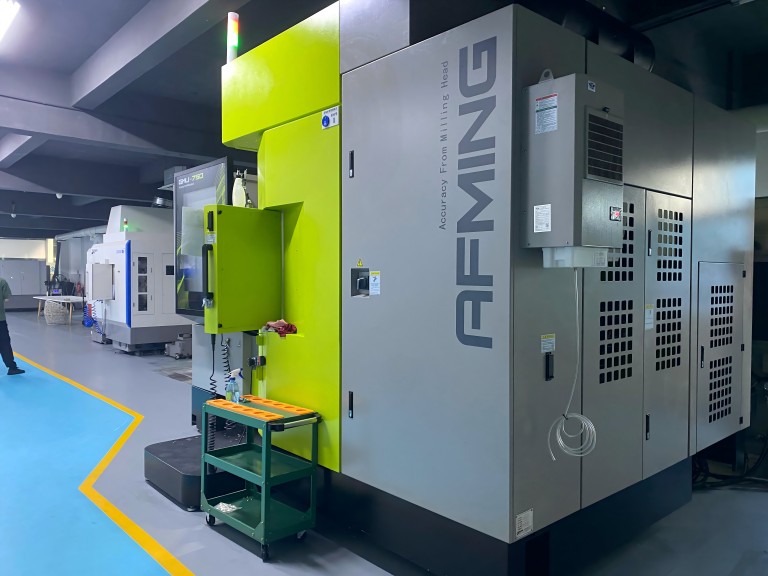
Machining Operations: Will you need milling, drilling, turning, or multi-axis machining? GreatLight’s 5-axis CNC centers can machine complex parts in a single setup, reducing alignment errors and lead times.
2. Choose Your CNC Machine Type
The number of axes in your machine dictates the complexity of the G code:
3-Axis: Moves along X, Y, Z axes for flat or simple 3D parts. Ideal for basic prototypes.
4-Axis: Adds a rotational axis (A or B) for machining parts on multiple sides without repositioning. GreatLight uses 4-axis machines for automotive bracket components.
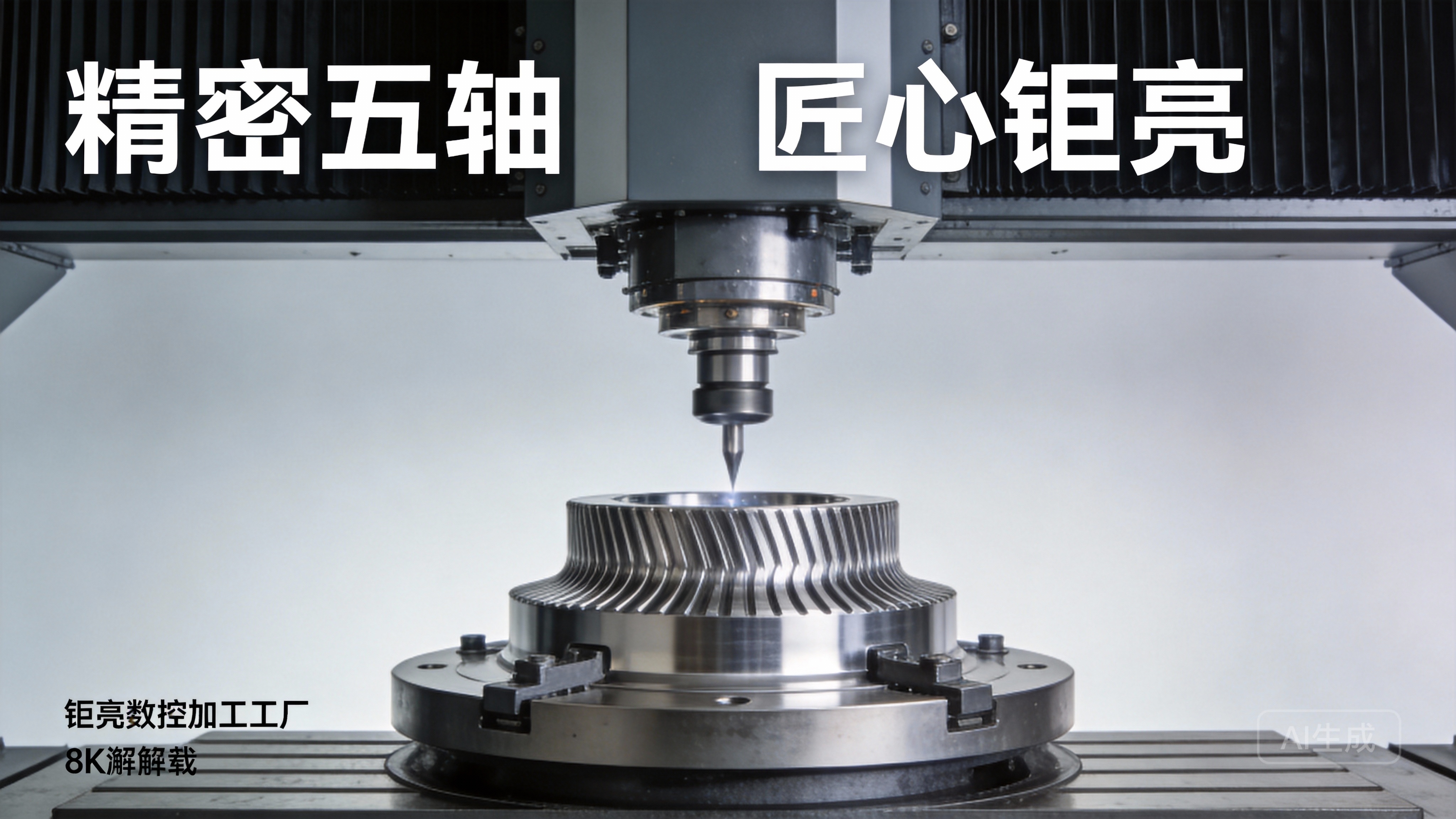
5-Axis: Adds two rotational axes (A/B or B/C) for simultaneous multi-sided machining. Perfect for humanoid robot joints or aerospace components—GreatLight’s 5-axis fleet includes large high-precision centers capable of handling parts up to 4000 mm in size.
3. Plan Tooling & Workholding
Select the right tools (end mills, drills, reamers) and workholding (vises, fixtures) for your part. For example, a titanium alloy part requires a carbide end mill with a high coating to withstand heat. GreatLight’s in-house tool library and expert team optimize tool selection for every project, reducing tool wear and improving surface finish.
4. Write & Structure the G Code Program
Start with safety and setup commands to ensure the machine is in the correct state:
Unit Setup: G20 (inch) or G21 (metric) to define measurement units.
Coordinate System: G90 (absolute coordinates, measured from a fixed origin) or G91 (incremental coordinates, measured from the current position). GreatLight’s programmers use G90 for most precision projects to eliminate cumulative errors.
Work Offset: G54 to load a pre-calibrated workpiece origin, ensuring consistent part positioning.
Next, add operational commands for each machining step:
Rapid Positioning: G00 to move the tool quickly to the starting position of a cut (avoid using G00 over part surfaces to prevent damage).
Linear Cutting: G01 for straight-line cuts at a specified feed rate.
Arc Cutting: G02 (clockwise) or G03 (counterclockwise) for curved cuts, requiring additional parameters for the arc center (I/J/K).
Tool Changes: M06 to switch tools, paired with T codes (e.g., T02 M06 to select tool 2).
Finish with safety commands:
Spindle Off: M05 to stop the spindle.
Coolant Off: M09 to turn off cutting fluid.
Program End: M30 to reset the machine.
5. Simulate & Test the Program
Never run untested G code on your CNC machine—use simulation software (e.g., Mastercam, Fusion 360) to check for collisions between the tool, workpiece, or fixture. GreatLight uses advanced simulation tools to identify and resolve programming errors before production, reducing material waste and machine downtime. After simulation, run a test cut on scrap material to validate dimensions and surface finish.
Advanced G Code Techniques for Complex Parts
For projects requiring multi-axis machining or high-volume production, advanced G code techniques are essential:
Macro Programming: Use variables (#100, #101) to create reusable code for repetitive tasks (e.g., drilling multiple holes of the same size). GreatLight’s programmers use macros to streamline production of high-volume automotive parts, reducing lead times by up to 30%.
5-Axis Machining: G code that simultaneously controls linear and rotational axes to machine complex geometries in one setup. This is critical for parts like turbine blades or robotic arm joints, where repositioning would introduce alignment errors. GreatLight’s 5-axis CNC centers use specialized G code dialects to achieve ultra-precise multi-sided cuts.
High-Speed Machining: Optimized G code for faster feed rates and spindle speeds, paired with smooth tool paths to reduce vibration and improve surface finish. Ideal for materials like aluminum alloy, which GreatLight processes for aerospace and consumer electronics components.
Avoiding Common G Code Mistakes
Even experienced programmers make mistakes—here are the most common pitfalls to avoid:
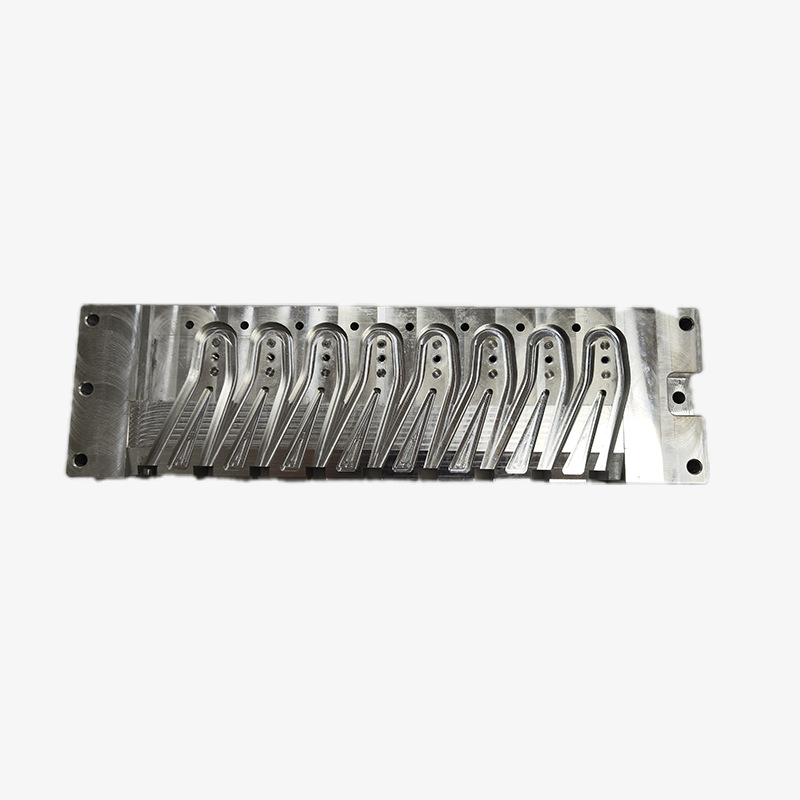
Incorrect Work Offsets: Forgetting to set G54 or using the wrong origin leads to parts being machined in the wrong position. GreatLight’s quality control team double-checks all work offsets before production.
Mismatched Feed Rates/Spindle Speeds: Using a feed rate that’s too high for the material can break tools or create poor surface finishes. GreatLight’s team references material-specific speed/feed databases to optimize every program.
Missing Safety Commands: Leaving the spindle or coolant on after the program ends can cause accidents or machine damage. All GreatLight programs include mandatory safety stop commands.
Ignoring Machine-Specific Dialects: Fanuc and Siemens machines have slight syntax differences—GreatLight’s programmers are trained on all major systems to ensure compatibility.
Conclusion
How To Write G Code For CNC Machine? is a question that can be answered with practice and patience for basic projects, but for complex parts requiring tight tolerances (±0.001mm), compliance with industry standards (IATF 16949 for automotive, ISO 13485 for medical), or one-stop post-processing, partnering with a certified manufacturer like GreatLight CNC Machining Factory is the ideal solution. With over a decade of experience, 127+ precision machines, and a team of expert programmers, GreatLight handles every aspect of CNC programming and production—from design optimization to final surface finishing—ensuring your parts are delivered on time, within tolerance, and with a 100% satisfaction guarantee (free rework for quality issues, full refund if unsatisfied).
Frequently Asked Questions (FAQ)
Q1: Do I need to learn G code to use professional CNC machining services?
A: No. Providers like GreatLight handle all programming, design optimization, and production on your behalf. You only need to provide your CAD model and part requirements, and their team will manage the rest.
Q2: What is the difference between G code and M code?
A: G codes control geometric movements (where the tool moves, how it cuts), while M codes control miscellaneous machine functions (spindle on/off, coolant activation, tool changes). They are used together to create complete machining programs.
Q3: Can G code be used for all types of CNC machines?
A: G code is a standardized language, but there are machine-specific dialects (e.g., Fanuc vs. Siemens). GreatLight’s programmers are trained on all major CNC systems, ensuring compatibility with their 3-axis, 4-axis, and 5-axis machining centers.
Q4: How does GreatLight ensure precision in G code programming?
A: GreatLight uses advanced simulation software to test all programs before production, has a team of certified programmers with years of industry experience, and adheres to ISO 9001:2015 quality standards. Their 5-axis CNC machines can achieve tolerances as tight as ±0.001mm.
Q5: What industries does GreatLight serve with CNC machining services?
A: GreatLight specializes in aerospace, automotive (engine components), humanoid robots, medical hardware, and high-end consumer electronics. They offer a full range of services, including 3D printing (stainless steel, aluminum, titanium), die casting, sheet metal fabrication, and one-stop post-processing.
Q6: What is the lead time for custom parts from GreatLight?
A: Depending on complexity and volume, GreatLight can produce prototypes and small-batch parts within days. For high-volume production, their streamlined processes and advanced equipment reduce lead times without sacrificing precision.
Q7: Does GreatLight offer design support for parts that are difficult to machine?
A: Yes. GreatLight’s engineering team provides design-for-manufacturability (DFM) reviews to optimize your CAD model for CNC machining, reducing costs and improving part quality. This is especially valuable for complex 5-axis parts or materials like titanium alloy.



















