
How To Use A CNC Engraving Machine?
In the realm of precision manufacturing, CNC (Computer Numerical Control) engraving machines stand as pivotal tools for creating intricate designs and patterns on various materials. GreatLight CNC Machining Factory, with its advanced five-axis CNC machining equipment, specializes in providing precision engraving services. This article aims to provide a comprehensive guide on how to use a CNC engraving machine, ensuring that you can leverage this technology effectively.
Understanding the CNC Engraving Process
Before diving into the operational aspects, it’s essential to understand the CNC engraving process. CNC engraving involves using computer-controlled tools to remove material from a workpiece, creating patterns or designs. This process is highly precise and can be used on a variety of materials, including metal, plastic, wood, and more.
Key Components of a CNC Engraving Machine
CNC Controller: The brain of the machine, responsible for interpreting the digital design and controlling the movement of the tools.
Spindle: The rotating component that holds the cutting tool.
Table: The surface where the workpiece is placed and secured.
Tools: Various cutting tools like drills, mills, and engraving bits.
Steps to Use a CNC Engraving Machine
1. Design Preparation
Create or Obtain a Digital Design: Use CAD (Computer-Aided Design) software to create your design or obtain a design from a client.
Convert Design to G-Code: Use CAM (Computer-Aided Manufacturing) software to convert the CAD design into G-code, which the CNC machine can understand.
2. Setting Up the Machine
Install the Cutting Tool: Attach the appropriate cutting tool to the spindle.
Secure the Workpiece: Place the workpiece on the table and secure it using clamps or other fixtures.
Calibrate the Machine: Ensure the machine is calibrated correctly for the specific material and tool being used.
3. Loading the Program
Transfer G-Code: Load the G-code program into the CNC controller. This can be done via USB, network, or other interfaces provided by the machine manufacturer.
Verify the Program: Run a dry run (without cutting material) to ensure the program is correct and the tool paths are as expected.
4. Execution
Start the Machine: Initiate the engraving process. Monitor the machine closely to ensure everything runs smoothly.
Adjust Parameters: If necessary, adjust parameters such as feed rate, spindle speed, and depth of cut based on the material and tool performance.
5. Post-Processing
Inspect the Workpiece: After engraving, inspect the workpiece for accuracy and quality.
Clean Up: Remove any debris and clean the workpiece and machine.
Unload the Workpiece: Carefully remove the workpiece from the table.
Best Practices
Safety First: Always wear appropriate safety gear, including goggles and gloves.
Regular Maintenance: Keep the machine well-maintained to ensure consistent performance and longevity.
Material Considerations: Understand the properties of the material you are working with to choose the right tools and parameters.
Conclusion
Using a CNC engraving machine requires a combination of technical knowledge, attention to detail, and adherence to safety protocols. GreatLight CNC Machining Factory is equipped with state-of-the-art equipment and staffed by experts who can handle the complexities of CNC engraving. Whether you need intricate designs on metal, plastic, or wood, our team is ready to deliver precision and quality.
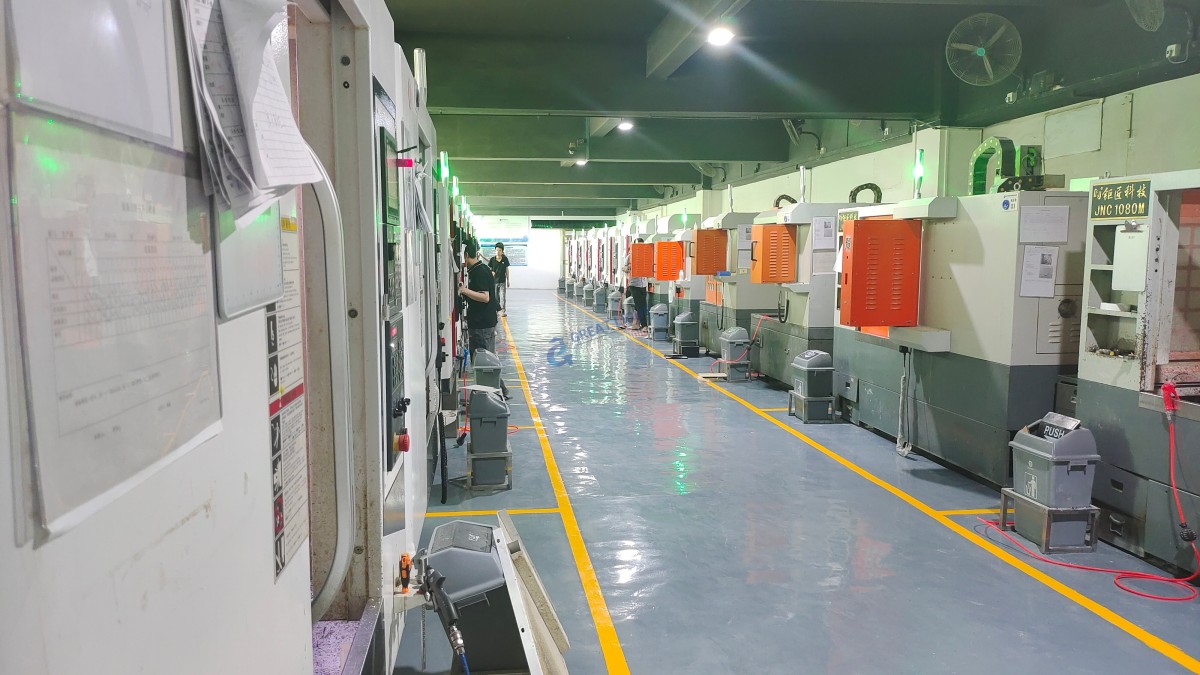
For more information on how GreatLight CNC Machining Factory can assist with your CNC engraving needs, please refer to our precision 5-axis CNC machining services.
Frequently Asked Questions (FAQ)
Q: What materials can be engraved using a CNC machine?
A: CNC machines can engrave a variety of materials including metals (like aluminum, steel, and copper), plastics, woods, acrylics, and even glass.
Q: How long does it take to learn how to operate a CNC engraving machine?
A: The time required to learn can vary, but with proper training, one can become proficient in a few weeks to a few months, depending on the complexity of the tasks and the individual’s prior experience.
Q: What is the difference between CNC milling and CNC engraving?
A: While both involve removing material using a rotating tool, CNC milling is typically used for creating shapes and features on a workpiece, whereas CNC engraving is focused on creating detailed patterns or text on the surface.
Q: Can I use my own designs for CNC engraving?
A: Yes, you can use your own designs. They need to be converted into G-code format, which the CNC machine can interpret.
Q: What is the cost of CNC engraving services?
A: The cost depends on factors such as the complexity of the design, the material used, the size of the workpiece, and the time required for the job. Contact GreatLight CNC Machining Factory for a quote tailored to your needs.
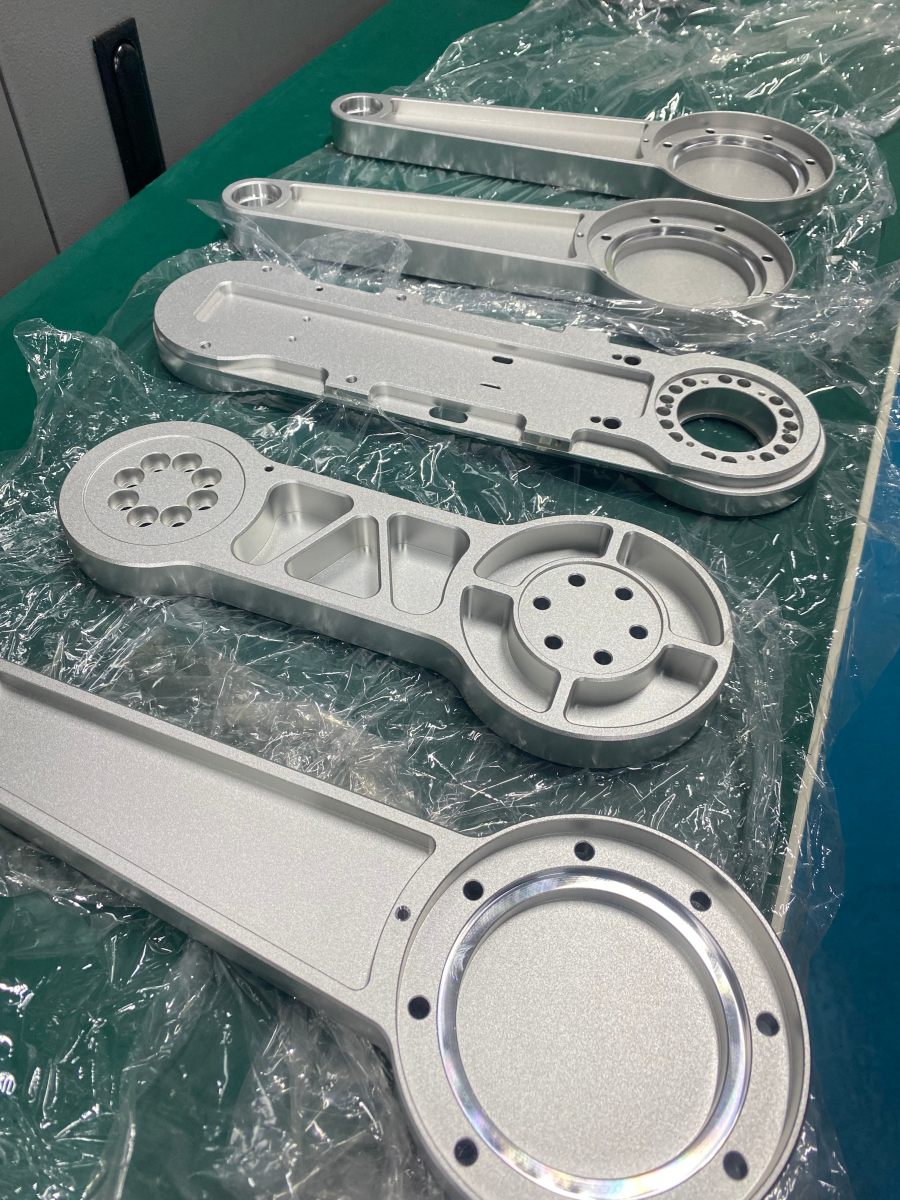
For more insights and case studies, follow us on LinkedIn.



















