
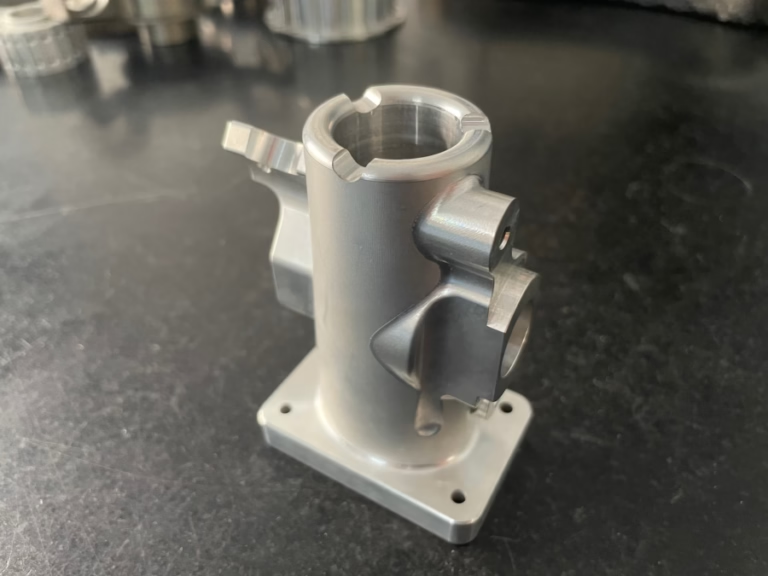
If you’ve ever wondered How to Program CNC Machines?—whether you’re a budding machinist eager to learn the ropes, a design engineer tasked with turning complex CAD models into physical parts, or a procurement manager seeking to understand the production process behind high-precision components—this guide will walk you through every critical step, from basic principles to advanced techniques, and explain why partnering with an expert manufacturer like GreatLight Metal can eliminate guesswork and deliver exceptional results.
How to Program CNC Machines?
The Fundamentals: What Is CNC Programming?
CNC (Computer Numerical Control) programming is the process of creating a set of digital instructions that tell a CNC machine how to move its cutting tools, spindle, and worktable to shape raw materials into finished parts. These instructions are written in specialized code languages, the most common being:
G-code: The “geometric code” that dictates tool movements (e.g., linear cuts, arcs, drilling). For example, G01 commands a linear cut at a specified feed rate, while G02 initiates a clockwise circular arc.
M-code: The “miscellaneous code” that controls machine functions unrelated to movement (e.g., turning the spindle on/off, activating coolant, pausing the program). M03 starts the spindle clockwise, and M08 turns on flood coolant.
Other key terminology includes:
Tool offsets: Adjustments to compensate for tool length or wear, ensuring the machine cuts to the correct dimensions.
Feed rate: The speed at which the cutting tool moves through the material, measured in mm/min or inches/min.
Spindle speed: The rotational speed of the cutting tool, measured in RPM (revolutions per minute).
CAM software: Computer-Aided Manufacturing software that converts CAD models into toolpaths and generates code automatically.
Step-by-Step Guide to CNC Programming
Step 1: Define Part Requirements & Design Specifications
Before writing any code, you must clarify the part’s purpose, material, tolerances, surface finish, and production volume. For example, a medical implant may require a tolerance of ±0.005mm and a polished surface, while a industrial bracket may have looser tolerances and a painted finish. GreatLight Metal specializes in ultra-high precision machining, with the ability to achieve tolerances as tight as ±0.001mm—critical for aerospace, medical, and humanoid robot components.
Step 2: Choose the Right CNC Machine & Tools
Select a machine based on the part’s complexity:
3-axis machines: Ideal for flat or simple 3D parts (e.g., brackets, plates) that only require movement along the X, Y, and Z axes.
4-axis machines: Add a rotational axis (A-axis) to machine parts like gears or impellers that require angular features.
5-axis CNC machining: Rotate both the workpiece (A/B axes) and tool (C axis), allowing for machining of complex geometries (e.g., turbine blades, robot joints) in a single setup. GreatLight Metal’s fleet includes state-of-the-art 5-axis centers, enabling them to tackle parts that would be impossible with lower-axis machines.
Pair the machine with the right cutting tools: carbide tools for hard metals (titanium, stainless steel), high-speed steel for plastics, and diamond-coated tools for abrasive materials.
Step 3: Create or Import CAD Models
Use CAD software (SolidWorks, Fusion 360, AutoCAD) to design the part, or import an existing model in formats like STEP, IGES, or STL. If you don’t have a CAD file, GreatLight Metal offers in-house design support, including design for manufacturability (DFM) analysis to optimize your part for production.
Step 4: Generate Toolpaths with CAM Software
Convert the CAD model into toolpaths using CAM software (Mastercam, SolidCAM, Siemens NX). This step involves:
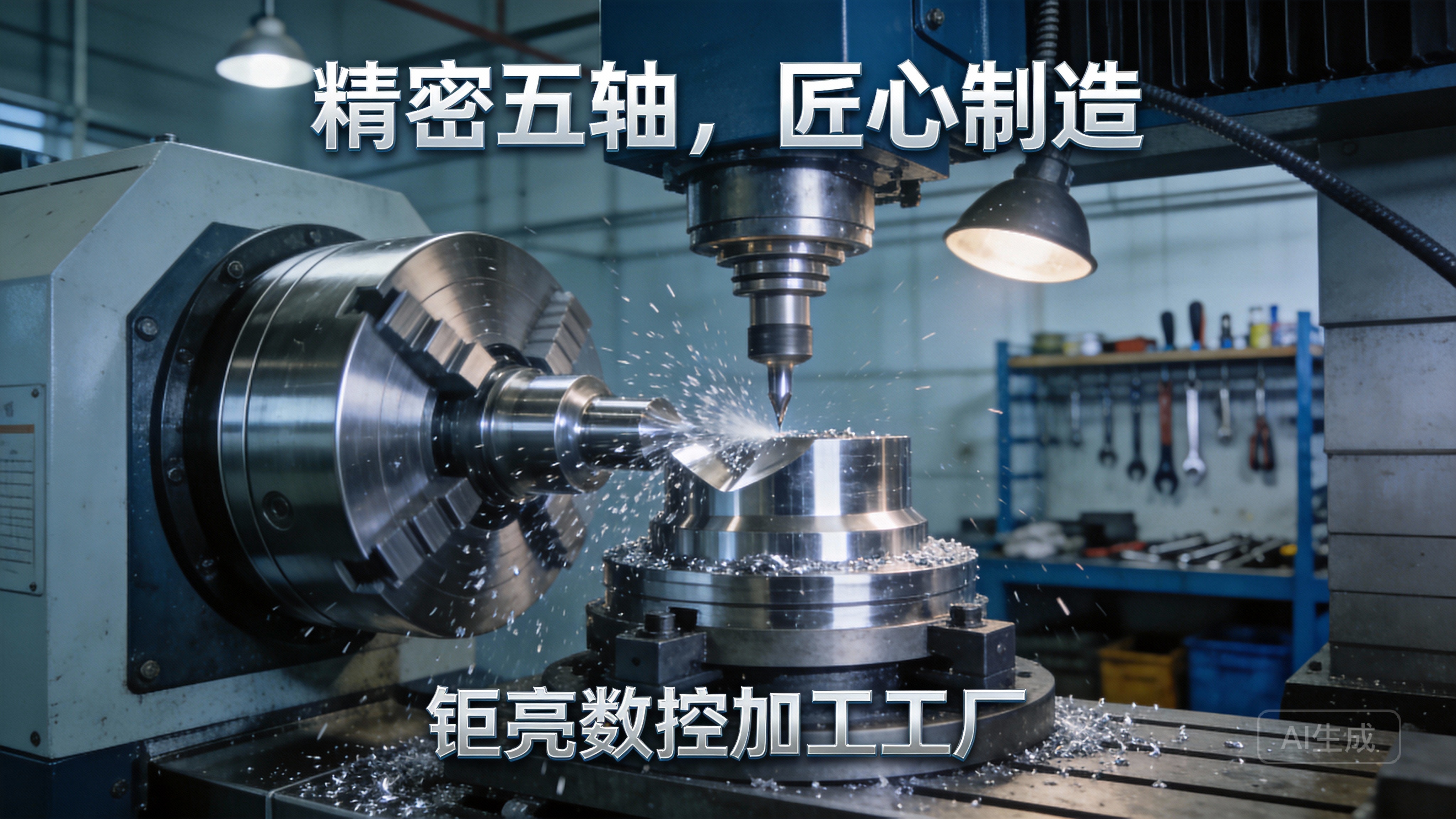
Selecting cutting tools and defining their paths to remove material efficiently.
Simulating toolpaths to detect collisions, overcuts, or undercuts before running the machine. GreatLight Metal uses advanced CAM simulation tools to avoid costly errors and ensure first-pass success.
Optimizing feed rates, spindle speeds, and depth of cut to balance speed, precision, and tool life. For example, machining titanium requires lower feed rates and higher spindle speeds to prevent tool breakage.
Step 5: Generate or Refine G-Code/M-Code
CAM software automatically generates G-code and M-code, but experienced programmers may refine the code to optimize cycle time or adjust for specific machine capabilities. For example, adding a M00 code to pause the program for mid-process inspection, or G43 to activate tool length offset compensation.
Manual programming is still used for simple parts (e.g., drilling a series of holes), where writing code line by line is faster than using CAM.
Step 6: Machine Setup & Dry Run
Mount the raw material on the machine’s worktable and secure it with clamps or fixtures.
Load the cutting tools into the tool changer and calibrate the machine’s zero point (the reference point for all movements).
Perform a dry run: run the program without material to verify toolpaths and check for collisions. GreatLight Metal’s ISO 9001:2015-compliant protocols mandate dry runs for all new programs to minimize production errors.
Step 7: Execute the Program & Inspect the Part
Start the CNC machine and monitor the first run closely. After machining, inspect the part using precision measuring tools (coordinate measuring machines, micrometers, calipers) to ensure it meets all dimensional and tolerance requirements. GreatLight Metal’s in-house quality control team uses state-of-the-art equipment to verify parts, with a guarantee of free rework if any quality issues are found, and a full refund if rework doesn’t resolve the problem.
Advanced CNC Programming Techniques for Complex Parts
5-Axis CNC Programming
5-axis machines eliminate the need for multiple setups, reducing errors and shortening production time. Programming these machines requires expertise in coordinating simultaneous movement across all axes. GreatLight Metal’s team of programmers specializes in 5-axis programming, leveraging their skills to deliver parts with intricate features like undercuts, contoured surfaces, and complex angles for automotive engines and aerospace components.
High-Speed Machining (HSM) Programming
HSM uses high feed rates and spindle speeds to remove material quickly while maintaining precision and surface finish. This technique is ideal for parts requiring smooth surfaces (e.g., medical implants, high-end consumer electronics). GreatLight Metal uses HSM programming to reduce cycle times by up to 30% for many components, without compromising quality.
Adaptive Clearing
Adaptive clearing adjusts the tool’s path in real-time to maintain a consistent chip load, reducing tool wear and extending tool life. It’s particularly useful for machining tough materials like titanium or mold steel—materials GreatLight Metal regularly works with for 3D printing and CNC machining projects.
Common CNC Programming Challenges & Solutions
Challenge 1: Meeting Ultra-Tight Tolerances
Even small deviations can render a part useless, especially in aerospace or medical applications. GreatLight Metal solves this by using high-precision machines, calibrated tools, and strict quality control protocols, ensuring parts meet tolerances as tight as ±0.001mm. Their risk-free guarantee includes free rework for any tolerance-related issues.
Challenge 2: Avoiding Tool Collisions
Tool collisions can damage the machine, break tools, or ruin parts. GreatLight Metal uses advanced CAM simulation tools and mandatory dry runs to detect collisions before production starts, eliminating costly downtime.
Challenge 3: Optimizing Cycle Time
Long cycle times increase production costs and delay delivery. GreatLight Metal’s programmers use adaptive toolpaths, high-speed machining, and 5-axis setups to minimize cycle time while maintaining precision.
Challenge 4: Machining Difficult Materials
Tough materials like titanium or Inconel require specialized programming parameters (lower feed rates, higher spindle speeds, coolant management). GreatLight Metal’s team has years of experience machining these materials, with a deep understanding of how to adjust parameters to achieve optimal results.
Why Partnering with GreatLight Metal Simplifies CNC Programming & Production
For many businesses, investing in CNC machines, training programmers, and setting up quality control systems is prohibitively expensive. Partnering with GreatLight Metal eliminates these costs while delivering superior results:
Comprehensive Equipment Fleet: 127+ precision machines (3-axis, 4-axis, 5-axis, lathes, 3D printers) handle any project, from prototypes to high-volume production.
Certified Quality Systems: ISO 9001:2015, IATF 16949 (automotive), ISO 13485 (medical), and ISO 27001 (data security) certifications ensure compliance with global standards and protect client intellectual property.
One-Stop Services: From CAD design and CNC programming to machining, post-processing (anodizing, polishing, plating), and quality control, GreatLight Metal manages the entire production process.
Decades of Expertise: 12+ years of experience solving complex production challenges for clients in automotive, medical, aerospace, and industrial automation sectors.
Risk-Free Guarantee: Free rework for quality issues, and a full refund if rework is unsatisfactory.
Conclusion
Mastering How to Program CNC Machines? requires a combination of technical knowledge, hands-on experience, and access to advanced tools. For businesses and engineers looking to focus on innovation rather than production logistics, partnering with a trusted expert like GreatLight Metal is the most efficient way to deliver high-precision parts on time and within budget. Whether you need a single prototype or a high-volume production run, their state-of-the-art equipment, certified quality systems, and customer-centric approach make them the ideal partner for all your precision CNC machining needs.
Frequently Asked Questions (FAQ)
Q1: What’s the difference between manual CNC programming and CAM-generated programming?
Manual programming involves writing G-code/M-code line by line, ideal for simple parts like drilling or turning. CAM-generated programming uses software to convert CAD models into toolpaths and code automatically, which is faster and more accurate for complex parts. GreatLight Metal uses CAM software for most projects to ensure efficiency and precision.
Q2: Can CNC programming handle all types of materials?
Yes, CNC programming can be adjusted to handle almost any material, including metals (aluminum, titanium, stainless steel), plastics, composites, and ceramics. GreatLight Metal has experience machining over 50 different materials, including rare metals used in aerospace and medical applications.
Q3: How accurate can CNC programming and machining get?
The accuracy depends on the machine’s capabilities and programming expertise. GreatLight Metal’s 5-axis machines can achieve tolerances as tight as ±0.001mm, critical for high-precision industries like medical and aerospace.
Q4: What certifications ensure quality at GreatLight Metal?
GreatLight Metal holds ISO 9001:2015 (quality management), IATF 16949 (automotive), ISO 13485 (medical), and ISO 27001 (data security) certifications, ensuring compliance with global standards and protecting client IP.
Q5: What happens if a part doesn’t meet my quality requirements?
GreatLight Metal offers free rework for quality issues. If rework doesn’t resolve the problem, they provide a full refund—no questions asked.
Q6: How long does it take to program and machine a custom part?
Simple prototypes can be delivered in 3-5 days via rapid prototyping services. Complex 5-axis parts or high-volume runs may take longer, but GreatLight Metal works closely with clients to meet deadlines.
Q7: Do I need to provide my own CAD files?
No, GreatLight Metal offers CAD design and DFM analysis support. They also accept CAD files in all common formats (STEP, IGES, STL, SolidWorks).
Q8: Does GreatLight Metal offer post-processing services?
Yes, they provide one-stop post-processing, including anodizing, powder coating, polishing, plating, and laser engraving, eliminating the need to coordinate with multiple suppliers.



















