
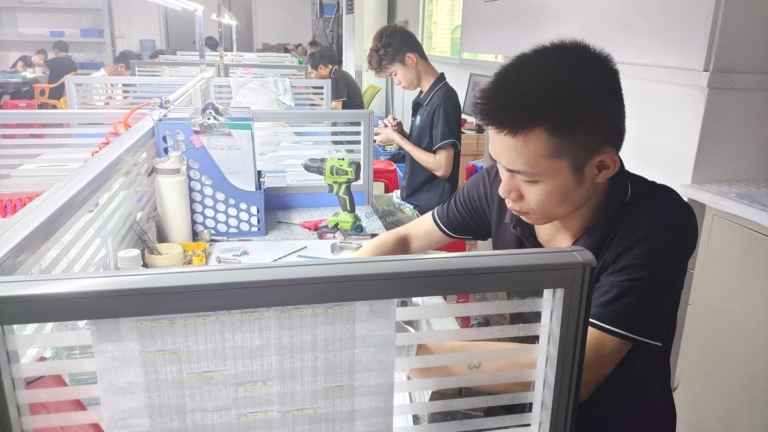
If you’ve ever wondered How To Build A Homemade CNC Machine, you’re not alone—hobbyists, small-scale makers, and even professional engineers often explore DIY CNC builds to customize tools for specific projects, learn core machining principles, or save on upfront costs for niche applications. While a homemade CNC won’t match the precision or speed of industrial-grade equipment, it’s a rewarding project that can unlock hands-on learning and basic prototyping capabilities. In this guide, we’ll walk you through the step-by-step process of building your own CNC machine, then discuss when it’s time to turn to a professional precision machining partner like GreatLight CNC Machining Factory for projects that demand uncompromising quality.
How To Build A Homemade CNC Machine?
Before diving into the build, it’s critical to set realistic expectations: most homemade CNC machines achieve a precision of ±0.1mm at best, which is sufficient for wood carving, PCB milling, or soft plastic prototyping, but not for high-precision metal parts or complex geometries. With that in mind, let’s break down the process into actionable steps.
Step 1: Define Your CNC Machine’s Purpose and Specifications
The first and most important step is to clarify what you want your CNC machine to do. Your purpose will dictate every other decision, from frame material to component selection:
Primary Use Case: Will it mill PCBs, carve wood, cut soft metals (like aluminum or brass), or 3D print? For example, a PCB mill needs a small work area (100x100mm) and a high-speed, low-torque spindle, while a metal-cutting CNC requires a rigid frame and a more powerful spindle.
Work Area Size: Measure the largest part you plan to machine and add 50-100mm of extra space for tool travel. Common homemade sizes range from 300x300mm (desktop) to 1000x1000mm (large-format).
Precision Requirements: If you’re making functional parts with tight tolerances, a homemade CNC may not be the best choice—save those projects for professionals. For reference, GreatLight CNC Machining Factory can achieve precision of ±0.001mm, 100x tighter than most DIY builds.
Budget: DIY CNCs can range from $200 (basic kit-based builds) to $2000 (custom, metal-frame machines for heavy use).
Step 2: Gather Key Components and Materials
Once you have your specs finalized, it’s time to source parts. Here’s a breakdown of essential components, organized by function:
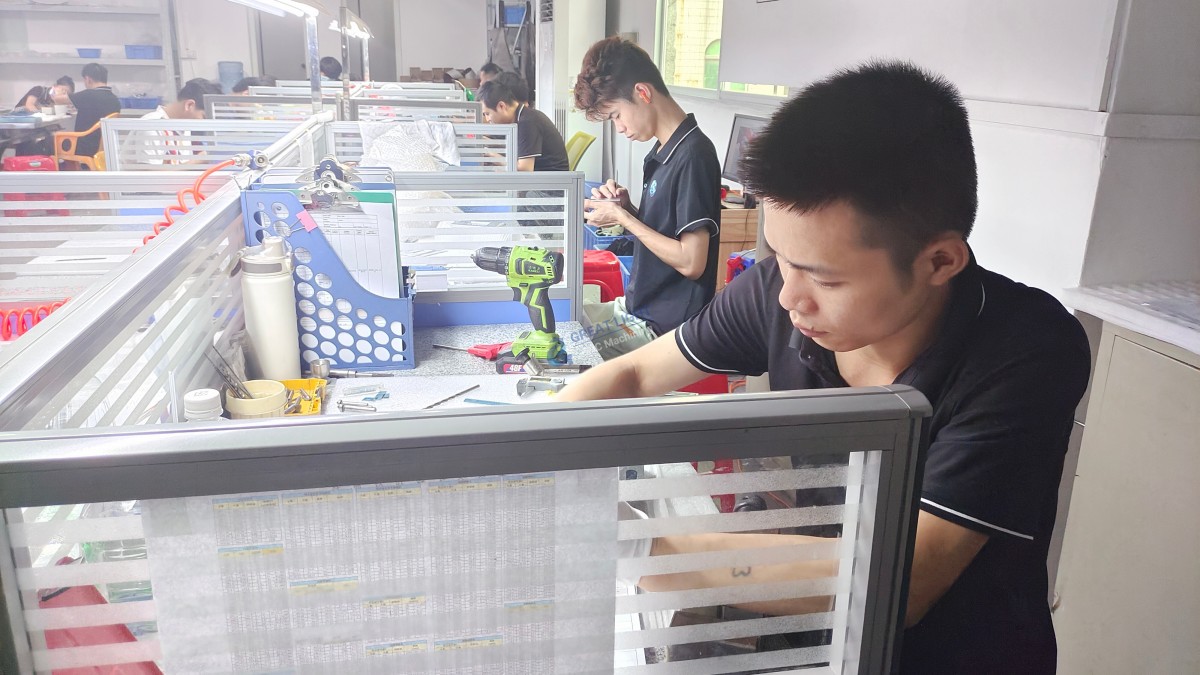
Frame: Provides structural rigidity (the most critical factor for cut quality).
Budget options: Plywood, MDF (good for wood carving but prone to warping).
Mid-range: Aluminum extrusion (lightweight, modular, easy to assemble with T-slot nuts).
High-end: Steel tubing or plate (ultra-rigid, ideal for metal cutting but heavy and hard to machine).
Linear Motion System: Determines how smoothly and accurately the tool moves along the X, Y, and Z axes.
Budget: Steel linear rods with plastic bushings (affordable but prone to play).
Mid-range: Ball bearings on linear rods (smoother than bushings).
High-end: Linear guide rails (like HIWIN or THK) with block bearings (low backlash, high precision—used in industrial CNCs like those at GreatLight).
Drive Mechanisms: Converts motor power into linear motion.
Lead Screws: Affordable, high torque, but slower (good for Z-axis).
Timing Belts and Pulleys: Fast, low backlash (ideal for X and Y axes).
Rack and Pinion: Used for large-format machines (high speed, long travel but more expensive).
Motors: Powers the motion of each axis.
Stepper Motors: Most common for DIY—affordable, easy to control, but lose position if overloaded. Opt for NEMA 17 (desktop) or NEMA 23 (large-format).
Servo Motors: More expensive but offer closed-loop feedback (prevents position loss—used in industrial CNCs).
Spindle and Tooling:
Budget: A standard cordless drill or rotary tool (Dremel) for soft materials.
Mid-range: A 500W-1kW air-cooled spindle for soft metals and plastics.
High-end: A 2kW+ water-cooled spindle for hard metals (stainless steel, titanium).
Electronics:
Control Board: Arduino Uno + GRBL (most popular for beginners), Raspberry Pi + CNCjs (wireless control), or Mach4 (advanced users).
Motor Drivers: A4988 (budget) or DRV8825 (high-precision) for stepper motors.
Power Supply: 12V-24V DC supply with sufficient current for motors and spindle.
Extras: End stops, cables, relays for spindle control.
Step 3: Design the Frame and Mechanical Structure
Rigidity is non-negotiable—any flex in the frame will lead to poor cut quality and inaccurate parts. Follow these design tips:
Choose a Stable Base: Use a heavy workbench or steel table to reduce vibration. For desktop models, mount the frame directly to a solid surface.
Add Cross Braces: Reinforce the frame with diagonal cross braces to minimize torsion (twisting) during heavy cuts.
Minimize Overhang: Keep the spindle as close to the Z-axis carriage as possible to reduce wobble when cutting hard materials.
Use CAD Software: Design your frame in free tools like Fusion 360 or SketchUp to ensure all parts fit together. Many DIY communities share pre-designed CAD files for common machine sizes to save time.
Step 4: Install Linear Motion Systems and Drive Mechanisms
Once your frame is assembled, install the linear motion and drive components with meticulous alignment:
Mount Linear Rods/Rails: Ensure they are perfectly parallel (use a spirit level or laser alignment tool) to avoid binding. Tighten bolts evenly to prevent warping.
Attach Motors and Drives:
For lead screws: Connect the motor to the frame with a bracket, then link the screw to the motor using a flexible coupling (reduces vibration and misalignment).
For timing belts: Stretch the belt tightly between pulleys but not so tight that it stresses the bearings—you should be able to deflect the belt by 5-10mm with moderate pressure.
Test Motion: Manually move each axis to check for smooth travel. If you feel resistance, re-align the linear guides or adjust drive tension.
Step 5: Integrate the Spindle and Tool Holding System
The spindle is the heart of the cutting operation, so mount it securely:
Spindle Mount: Use a rigid mount (3D-printed for budget builds, aluminum for metal builds) attached to the Z-axis carriage. Ensure the spindle is perpendicular to the work surface (use a square to verify).
Tool Holding: Install collet holders that match your tool shank size (1/8” or 1/4” are common). Tighten collets firmly to prevent tool slippage during cuts.
Cooling: For metal-cutting spindles, add an air blower or water cooling system to prevent overheating and extend tool life.
Step 6: Wire the Electronics and Control System
Wiring can be intimidating, but following a schematic will simplify the process:
Connect Motors to Drivers: Each stepper motor has four wires—pair them with the driver’s coil terminals (refer to the motor datasheet for correct wiring).
Link Drivers to Control Board: Use jumper wires to connect the driver’s step, direction, and enable pins to the control board.
Wire the Spindle: Connect the spindle to a relay or speed controller, then link it to the control board for automated speed adjustment.
Install End Stops: Wire each axis’s end stop to the control board’s limit pins to enable homing and collision prevention.
Power Up: Connect the power supply to the control board, drivers, and spindle. Double-check all connections to avoid short circuits before turning on the power.
Software Setup: Install GRBL (for Arduino) or CNCjs (for Raspberry Pi) on your computer. Configure the software with your machine’s specs (steps per mm, axis limits, spindle speed) using the manufacturer’s guidelines.
Step 7: Calibrate, Test, and Troubleshoot
Once everything is assembled, refine your machine’s performance with these steps:
Home the Machine: Run the homing sequence to ensure end stops work correctly and the machine knows its starting position.
Calibrate Steps Per MM: Measure how far an axis moves when you send a 100mm command. Adjust the steps per mm setting in GRBL until actual movement matches commanded movement.
Test Cut: Start with a simple square or circle in a soft material (plywood or foam). Check for rough edges, skipped steps, or dimensional inaccuracies.
Troubleshoot Common Issues:
Skipped Steps: Caused by insufficient motor current, loose belts, or overloading—increase motor current gradually or tighten belts.
Rough Cuts: Due to vibration—add dampening material to the frame, use a more rigid spindle mount, or reduce cutting speed.
Backlash: Play in the drive mechanism—adjust lead screw nuts, tighten timing belts, or install anti-backlash nuts.
When DIY CNC Falls Short—Why Professional Precision Machining Matters
Building a homemade CNC machine is an incredible learning experience, but it has inherent limitations that make it unsuitable for many industrial or high-precision projects. Here are the key scenarios where you should turn to a professional partner like GreatLight CNC Machining Factory:
1. Tight Tolerance Requirements
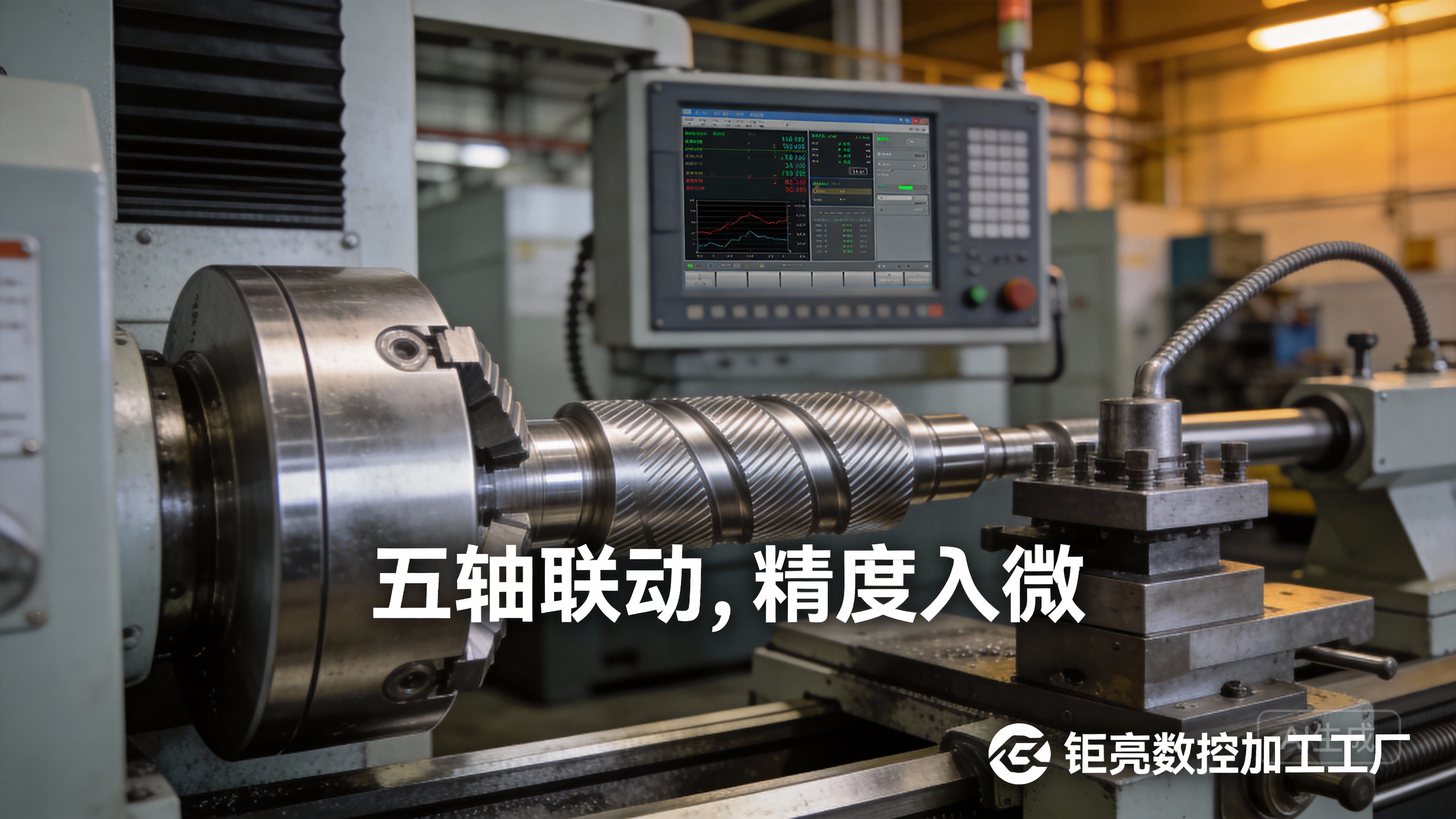
Most DIY CNCs can only achieve ±0.1mm precision, which is insufficient for functional parts like automotive engine components, medical devices, or aerospace parts. GreatLight’s core strength lies in its state-of-the-art precision 5-axis CNC machining capabilities, which allow it to achieve tolerances as tight as ±0.001mm—100x tighter than most DIY builds. This level of precision is critical for parts that need to fit perfectly or meet strict performance standards.
2. Complex Geometries
Homemade CNCs are limited to 3-axis machining, meaning you have to reorient parts manually to machine multi-sided features—introducing alignment errors and increasing production time. GreatLight’s 5-axis CNC machines can machine complex, curved, or multi-sided parts in a single setup, eliminating rework and improving accuracy. For example, the company has solved manufacturing challenges for humanoid robot components with intricate, interlocking features that would be impossible to produce with a DIY machine.
3. Hard or Specialty Materials
DIY CNCs struggle with hard materials like stainless steel, titanium, or mold steel. Their spindles lack the torque and rigidity needed to cut these materials cleanly, and their frames flex under load. GreatLight offers a full range of machining services for these materials, including 3D printing (stainless steel 3D printing, aluminum alloy 3D printing, titanium alloy 3D printing) and precision milling. They also provide one-stop post-processing services (anodizing, plating, polishing, etc.) to finish parts to your exact specifications.
4. Production Runs or Scalability
A homemade CNC is designed for small-batch or prototype work—running a production run of 100+ parts would be slow, inconsistent, and likely to damage the machine. GreatLight operates three wholly-owned manufacturing plants with 127 pieces of precision equipment, including large high-precision 5-axis, 4-axis, and 3-axis CNC machining centers, lathes, and EDM machines. This allows them to handle prototype runs of 1-10 parts or production runs of 1000+ parts with consistent quality and fast lead times.
5. Regulatory Compliance and Quality Assurance
If your parts are for medical devices, automotive, or aerospace applications, you need to meet strict regulatory standards (like ISO 13485 for medical hardware or IATF 16949 for automotive parts). GreatLight is an ISO 9001:2015 certified manufacturer, with additional certifications in ISO 27001 (data security), ISO 13485 (medical), and IATF 16949 (automotive). They also provide in-house precision measurement and testing to ensure all parts meet your specifications, with a guarantee of free rework for quality problems and a full refund if rework is still unsatisfactory.
Conclusion
Building a homemade CNC machine is a fulfilling project that can teach you valuable machining skills and enable small-scale prototyping for hobbyist or niche applications. However, when your project demands ultra-high precision, complex geometries, hard materials, or compliance with industry standards, a DIY build will fall short. That’s where partners like GreatLight CNC Machining Factory come in—with over a decade of experience, state-of-the-art equipment, and a commitment to quality, they can turn your most challenging designs into functional, reliable parts. Whether you’re embarking on How To Build A Homemade CNC Machine for personal exploration or seeking industrial-grade precision for your business, GreatLight has the expertise to support your goals every step of the way.
Frequently Asked Questions (FAQ)
Q1: What’s the minimum budget for a homemade CNC machine?
A: A basic kit-based build can cost as little as $200, suitable for light tasks like PCB milling or foam carving. For a more robust machine capable of cutting soft metals, expect to spend $500-$1000. Custom, scratch-built machines for heavy use can cost up to $2000.
Q2: Can a homemade CNC machine cut metal?
A: Yes, but only soft metals like aluminum, brass, or copper. Hard materials like stainless steel or titanium are beyond the capabilities of most DIY builds due to insufficient spindle torque and frame rigidity. Even for soft metals, the precision will be far lower than industrial CNCs like those at GreatLight.
Q3: How long does it take to build a homemade CNC machine?
A: A kit-based build can take 2-3 days for experienced makers, while a custom scratch-built machine can take 2-4 weeks (depending on your experience level and access to tools). Newcomers should factor in extra time for troubleshooting and calibration.
Q4: What’s the key difference between a homemade CNC and a professional industrial CNC like those at GreatLight?
A: The most significant differences are:
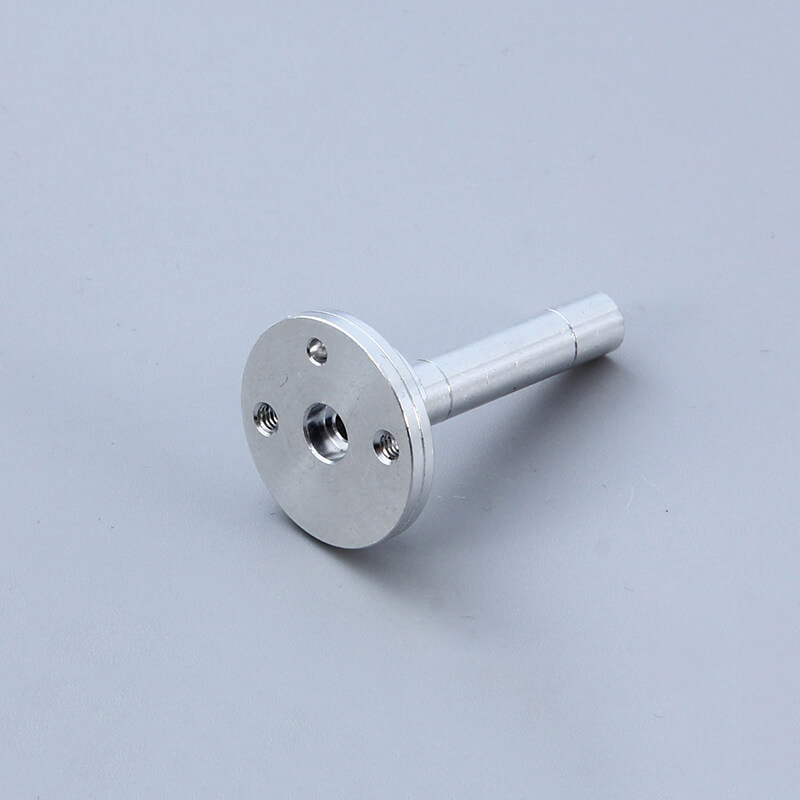
Precision: Homemade CNCs achieve ±0.1mm; GreatLight’s machines reach ±0.001mm.
Capabilities: DIY machines are limited to 3-axis machining; GreatLight offers 3/4/5-axis machining, die casting, 3D printing, and one-stop post-processing.
Materials: DIY machines handle soft materials; GreatLight can machine hard metals, plastics, and specialty alloys.
Compliance: GreatLight holds international certifications (ISO 9001, IATF 16949) that DIY builds cannot match.
Q5: When should I abandon my DIY CNC project and use a professional service?
A: Consider using a professional service like GreatLight if:
Your parts require tolerances tighter than ±0.05mm.
You need to machine hard materials or complex multi-sided parts.
You need to produce more than 10 parts with consistent quality.
Your parts must meet regulatory standards (medical, automotive, aerospace).
You’re spending more time troubleshooting than making parts, and deadlines are approaching.
To learn more about how GreatLight can support your precision machining needs, visit their official LinkedIn page for updates and case studies: GreatLight Metal.



















