
If you’re wondering How Can Start Mini CNC Machine?, you’re not alone—whether you’re a hobbyist crafting custom parts, a small business owner prototyping new products, or an R&D technician testing design iterations, getting a mini CNC machine up and running requires clear, step-by-step guidance, attention to safety, and an understanding of critical prep work and best practices. Mini CNC machines are accessible entry points to precision machining, but skipping key steps can lead to subpar results, tool damage, or even safety hazards. In this guide, we’ll walk you through every stage of starting a mini CNC machine, from pre-start preparation to post-operation maintenance, and also explore when it’s time to transition to industrial-grade machining solutions like those offered by GreatLight CNC Machining Factory.
How Can Start Mini CNC Machine?
Phase 1: Pre-Start Preparation – Lay the Groundwork for Success
Before you even power on your mini CNC machine, taking the time to prepare your workspace, tools, and mindset will prevent costly mistakes down the line. Here’s what you need to focus on:
1. Safety First: Gear and Workspace Setup
Personal Protective Equipment (PPE): Always wear safety glasses to shield your eyes from flying chips, closed-toe shoes, and if working with metal, ear protection to reduce noise exposure. Avoid loose clothing or jewelry that could get caught in moving parts.
Workspace Requirements: Ensure your mini CNC is placed on a stable, level surface to minimize vibration (a common cause of machining inaccuracies). Leave enough clearance around the machine for tool changes, material loading, and emergency access. If working with metal, set up a dust collection system or vacuum to remove machining chips and debris.
Fire Safety: Keep a small fire extinguisher nearby, especially if working with flammable materials like certain plastics.
2. Tooling and Material Checks
Verify Tool Compatibility: Mini CNC machines typically use end mills, drills, or engraving bits. Confirm that the tools you plan to use are rated for your machine’s spindle speed and the material you’re machining (e.g., high-speed steel for wood/plastics, carbide for metals like aluminum or stainless steel).
Inspect Tool Condition: Check for dull edges, cracks, or bent shanks—damaged tools can produce rough cuts and risk breaking mid-operation, damaging your part or machine.
Material Fixturing: Choose the right clamps or vice to secure your material firmly. For small parts, use double-sided tape or a vacuum chuck if your machine supports it. Loose material will shift during machining, leading to inaccurate results.
3. Software Familiarization
Design and G-Code Generation: Most mini CNC machines use software like Fusion 360, Easel, or Mach4 to create designs and generate G-code (the programming language that controls CNC movements). Spend time learning the basics of your chosen software—how to import CAD files, set tool paths, and adjust feed rates and spindle speeds for your material.
Connectivity Check: Ensure your machine is compatible with your computer or control panel (USB, Ethernet, or wireless). Test the connection beforehand to avoid delays during startup.
There are many reputable mini CNC machine manufacturers on the market, such as Shapeoko, X-Carve, and Inventables, each with their own strengths for different use cases, so choosing one that aligns with your project needs is key.
Phase 2: Step-by-Step Guide to Starting Your Mini CNC Machine
Once your pre-start prep is complete, follow these structured steps to start your machine safely and efficiently:
Unpacking and Initial Assembly (For New Machines)
If you’re setting up a new mini CNC machine, carefully unpack all components and cross-reference the user manual to ensure no parts are missing.
Assemble the machine per the manufacturer’s instructions—pay special attention to aligning the linear rails, securing the spindle, and attaching the tool holder. Tighten all bolts to the specified torque to prevent movement during operation.
Powering On and System Initialization
Plug the machine into a grounded power outlet (avoid extension cords if possible, as they can cause voltage drops).
Turn on the main power switch, then the control panel. Wait for the machine to complete its initialization cycle—this usually involves the spindle and axes moving to their home positions (the reference point for all machining operations).
Check the control panel for any error codes. If errors appear, consult the user manual to troubleshoot before proceeding.
Tool Setup and Calibration
Insert your chosen tool into the spindle or tool holder, following the manufacturer’s instructions for tightening (use a torque wrench if provided to avoid over-tightening, which can damage the tool or spindle).
Perform a tool length offset (TLO) calibration. This step ensures the machine knows the exact length of the tool, which is critical for accurate depth cuts. Most mini CNCs have an automatic TLO function, or you can do it manually by touching the tool to a reference surface on the material.
Zero the machine axes: Move the tool to the corner or edge of your material, then set the X, Y, and Z coordinates to zero on the control panel. This tells the machine where the part starts.
Loading the G-Code or Design File
Transfer your prepared G-code file to the machine using the specified method (USB, SD card, or direct computer connection).
Preview the tool path on the control panel to ensure it matches your design and doesn’t exceed the material boundaries. Adjust the feed rate or spindle speed if needed based on your material and tool.
Test Run (Dry Run or Air Cut)
Before machining your actual part, run a dry test (without material or with the tool raised slightly above the material) to verify the tool path is correct. This helps catch any errors in the G-code before you waste material or damage the tool.
During the test run, listen for unusual noises (grinding, squealing) which could indicate misalignment or loose parts. Stop immediately if you hear anything out of the ordinary.
Full Production Run
Once the test run is successful, start the spindle at the desired speed, then initiate the machining cycle.
Monitor the first few minutes of the run closely to ensure the tool is cutting cleanly, the material is secure, and there are no errors.
Avoid leaving the machine unattended for long periods—even mini CNC machines can experience unexpected issues that require immediate intervention.
Post-Operation Shutdown and Maintenance
After completing the machining cycle, stop the spindle and wait for it to come to a complete stop.
Move the axes to a neutral position (not at the home or material edge) to relieve pressure on the linear rails.
Turn off the control panel, then the main power switch.
Clean the machine thoroughly: Remove machining chips from the worktable, spindle, and tool holder. Wipe down the linear rails with a dry cloth and apply a thin layer of lubricant to prevent rust.
Store tools in a dry, organized location to maintain their condition.
Phase 3: Troubleshooting Common Mini CNC Startup Issues
Even with careful prep, you may encounter issues when starting your mini CNC machine. Here’s how to resolve the most common problems:
Tool Alignment Errors: If your cuts are off-center or have uneven depths, your tool may not be properly calibrated. Re-perform the tool length offset calibration and check that the tool is securely tightened in the holder.
Software Connectivity Problems: If your machine isn’t receiving the G-code file, try a different USB port or cable. Ensure the software is set to the correct communication protocol (e.g., GRBL for many desktop CNCs).
Power Supply Glitches: If the machine won’t power on, check the circuit breaker and ensure the outlet is functioning. If using an extension cord, switch to a shorter, higher-gauge cord to reduce voltage drops.
Material Fixturing Failures: If the material shifts during machining, use stronger clamps or add a layer of rubber between the clamp and material to increase friction. For very small parts, consider using a custom jig to hold them securely.
Phase 4: When to Transition from Mini CNC to Industrial-Grade Machining
Mini CNC machines are ideal for small-scale prototyping, hobby projects, or low-volume production, but they have inherent limitations:
Tolerance Limits: Most mini CNCs can only achieve tolerances of ±0.01mm to ±0.05mm, which is insufficient for high-precision parts in industries like aerospace, medical, or automotive.
Material Restrictions: Mini CNCs struggle with hard materials like titanium or mold steel, and may not handle large parts (typically limited to workpieces under 500mm in size).
Production Speed: Small spindles and limited tool capacity mean longer cycle times for batch production.
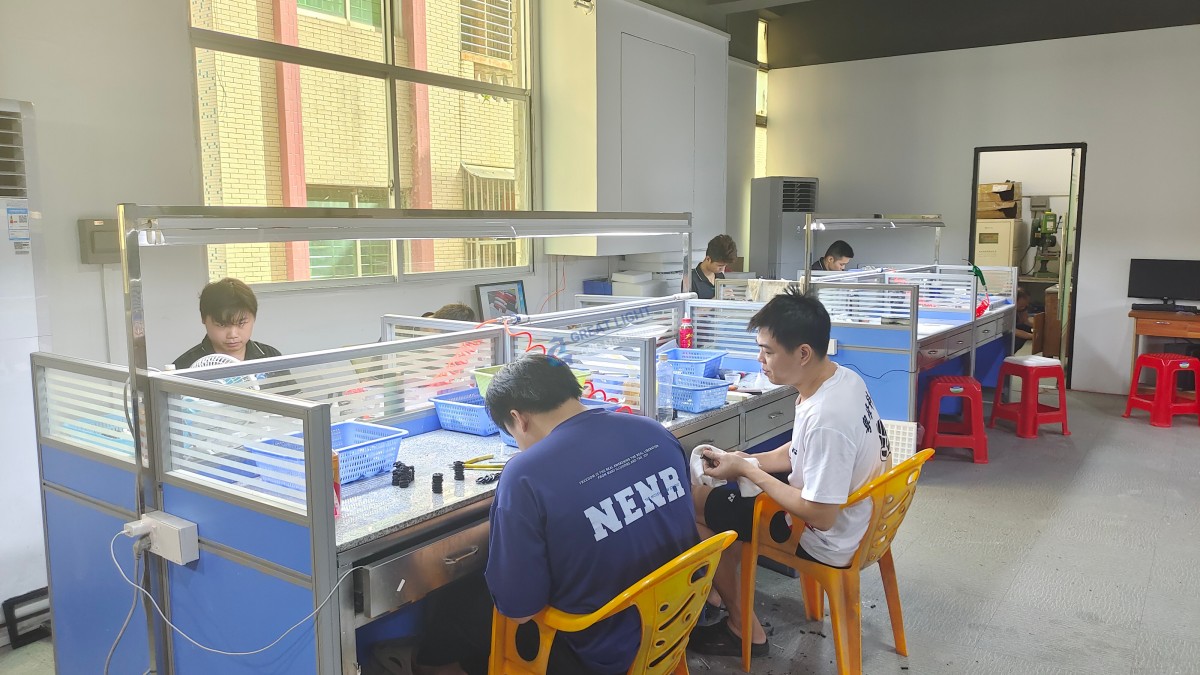
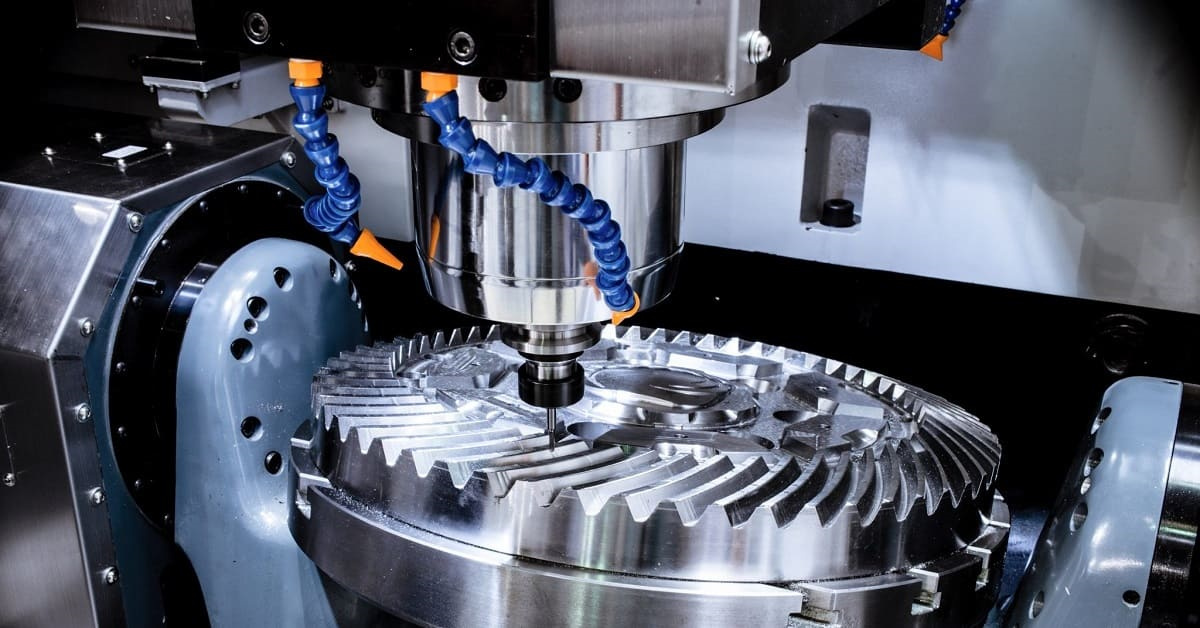
If you find yourself hitting these limits, it’s time to partner with an industrial-grade precision machining provider like GreatLight CNC Machining Factory. With over a decade of experience, GreatLight offers 5-axis CNC machining services, along with 3-axis and 4-axis options, supported by 127 pieces of precision equipment that can handle parts up to 4000mm in size, with tolerances as tight as ±0.001mm.
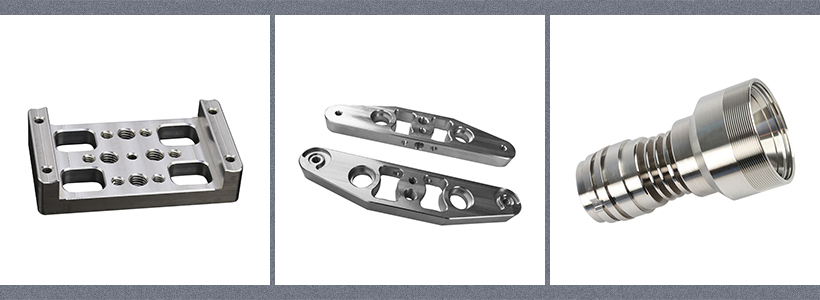
GreatLight specializes in one-stop manufacturing solutions, including CNC milling, die casting, 3D printing (stainless steel, aluminum, titanium, mold steel), sheet metal fabrication, and full surface post-processing. As an ISO 9001:2015 certified manufacturer, GreatLight also holds IATF 16949 (automotive), ISO 13485 (medical), and ISO 27001 (data security) certifications, ensuring compliance with global industry standards. With a risk-free guarantee—free rework for quality issues, and a full refund if rework is still unsatisfactory—GreatLight is a trusted partner for businesses in automotive engines, aerospace, humanoid robots, and medical devices.
Conclusion
Starting a mini CNC machine is a rewarding process that opens the door to precision manufacturing, but it requires careful preparation, adherence to safety protocols, and a methodical approach to each step. From pre-start workspace setup to post-operation maintenance, every detail matters to ensure accurate, efficient, and safe machining. Whether you’re a hobbyist or a small business owner, mini CNC machines are a great starting point—but when your projects demand tighter tolerances, larger parts, or higher production volumes, partnering with an industrial expert like GreatLight CNC Machining Factory can help you scale your capabilities and achieve your goals. At the end of the day, knowing How Can Start Mini CNC Machine? is just the first step—understanding when to level up to professional-grade services is what will take your projects to the next level.
Frequently Asked Questions (FAQ)
Do I need prior experience to start a mini CNC machine?
No—most mini CNC machines come with user-friendly software and detailed manuals, making them accessible to beginners. However, taking an online course or watching tutorial videos can help you get up to speed faster and avoid common mistakes.
What materials can I machine with a mini CNC machine?
Mini CNC machines are most effective with soft materials like wood, plastic, foam, and thin aluminum sheets. Harder materials like stainless steel or titanium may be possible with specialized tools, but they will wear down the machine’s spindle faster and may not achieve tight tolerances.
How often should I perform maintenance on my mini CNC machine?
For regular use (1-2 hours per day), perform basic maintenance (cleaning, lubrication) after each run. Every 100 hours of operation, inspect the linear rails, spindle, and tool holder for wear, and tighten any loose bolts.
When is it time to switch from a mini CNC to industrial machining?
You should consider switching if you need tolerances tighter than ±0.01mm, need to machine hard materials like titanium or mold steel, require parts larger than 500mm in size, or need to scale production to 100+ parts per batch.
What advantages does GreatLight CNC offer over mini CNC machines?
GreatLight CNC provides industrial-grade precision (up to ±0.001mm), the ability to machine a wide range of materials (including titanium, mold steel, and stainless steel), large part capacity (up to 4000mm), one-stop post-processing services, and compliance with international standards like ISO 9001, IATF 16949, and ISO 13485. Additionally, GreatLight offers a risk-free guarantee with free rework or full refunds for quality issues. You can learn more about their capabilities on their official page here.
Can GreatLight CNC help with prototyping before full production?
Yes—GreatLight specializes in rapid prototyping services, including CNC machining, 3D printing, and vacuum casting. This allows you to test and iterate on your design quickly before moving to mass production, reducing time-to-market and development costs.



















