
If you’ve ever wondered “How To Make CNC Machine Using Arduino Pdf?” you’re not alone. Hobbyists, small-scale prototypers, and STEM enthusiasts often turn to Arduino-based CNC builds for their low cost, flexibility, and learn-as-you-go value. A well-structured PDF guide can be your roadmap, walking you through every phase from part selection to calibration. But while DIY CNC machines serve a vital role in learning and small projects, industrial-grade precision parts require the expertise of a professional manufacturer like GreatLight CNC Machining Factory.
How To Make CNC Machine Using Arduino Pdf?
Arduino’s open-source platform has democratized access to basic CNC technology, making it possible for anyone with a bit of technical curiosity to build a functional machine. A comprehensive PDF guide organizes critical information into a portable, easy-to-reference format—ideal for following along during assembly or troubleshooting on the fly. Below, we’ll break down the process of building your Arduino CNC, plus tips for creating or sourcing a reliable PDF guide, and when it’s time to transition to professional machining services.
Why Build an Arduino-Based CNC Machine?
Before diving into the build, it’s important to understand the value of this DIY approach:
Low entry cost: Arduino boards and supporting components are affordable, making this an accessible first step into CNC technology.
Customization flexibility: The open-source GRBL firmware (the industry standard for Arduino CNC) lets you tweak settings to match your project’s needs.
Educational value: Building the machine teaches you core principles of mechanics, electronics, and CNC programming.
Small-scale prototyping: It’s perfect for testing simple designs, engraving logos, or cutting small plastic/wood parts.
Key Components You’ll Need
Every Arduino CNC build relies on a core set of components. A high-quality PDF guide will include detailed specs and recommendations for each:
Arduino Board: Opt for an Uno (for basic 2-axis machines) or Mega (for 3-axis or more complex builds) to handle the motor control load.
Stepper Motors & Drivers: NEMA 17 motors are the most common choice, paired with A4988 or DRV8825 drivers to convert Arduino signals into precise motion.
CNC Frame: Choose durable materials like aluminum extrusion (for rigidity), MDF, or acrylic. Blueprints in your PDF should outline dimensions to minimize backlash.
Endstops & Limit Switches: These prevent the machine from overtraveling, protecting both the components and your workspace.
Cutting/Engraving Tool: A spindle motor for metal/plastic cutting, or a laser module for engraving—your PDF should clarify compatibility with your frame.
Power Supply: A 12V-24V DC supply with sufficient amperage to avoid motor skipping.
CAD/CAM Software: Tools like Fusion 360 or Inkscape to design parts and generate G-code (the programming language CNC machines use).
Step-by-Step Build Guide (With PDF Tips)
A well-crafted “How To Make CNC Machine Using Arduino Pdf” will walk you through each stage with diagrams, checklists, and troubleshooting notes. Here’s a condensed version:
Design the Frame: Follow your PDF’s blueprints to cut and assemble the frame. Ensure all rails are aligned to reduce backlash (a common DIY issue).
Assemble Mechanical Components: Mount stepper motors to the frame, attach lead screws or belts, and install the cutting tool head. Your PDF should include torque specs for screws.
Wire the Electronics: Connect the Arduino board to drivers, motors, endstops, and the power supply. Use color-coded wiring schematics from your PDF to avoid short circuits.
Flash GRBL Firmware: Use the Arduino IDE to upload GRBL to your board. Your PDF should include step-by-step software instructions and common error fixes.
Calibrate the Machine: Adjust motor step counts to fix positional inaccuracies, and test endstops to ensure they trigger correctly. Most PDFs include a calibration checklist.
Test Your Machine: Run a simple project (like engraving a name) using sample G-code from your PDF. Refine settings until you get clean, accurate results.
To create your own PDF, compile your notes, diagrams, and photos into a structured document using tools like Google Docs or Adobe Acrobat. Alternatively, download pre-made guides from Arduino’s community forums, STEM educational websites, or maker platforms—just verify the guide is up-to-date and includes safety instructions (e.g., eye protection, proper grounding).
Troubleshooting Common DIY CNC Issues
Even with a great PDF guide, you may run into problems:
Motor skipping steps: Check your power supply’s amperage (too low causes skipping) or adjust driver current settings.
Backlash in cuts: Tighten frame screws, add anti-backlash nuts to lead screws, or reinforce the frame with additional brackets.
Inaccurate G-code: Double-check your CAD/CAM settings to ensure correct unit conversions (mm vs. inches) and tool offsets.
Software connectivity issues: Update the Arduino IDE, use a high-quality USB cable, or restart the GRBL firmware.
When DIY Isn’t Enough: Industrial Precision with GreatLight CNC Machining Factory
While Arduino CNCs are excellent for learning and small projects, they have inherent limitations: lower precision (typically ±0.1mm vs. industrial ±0.001mm), smaller working areas, and inability to handle high-strength materials like titanium or mold steel. For projects requiring reliable, high-precision parts—whether for automotive engines, aerospace components, medical devices, or humanoid robots—partnering with a professional manufacturer is the only viable path.
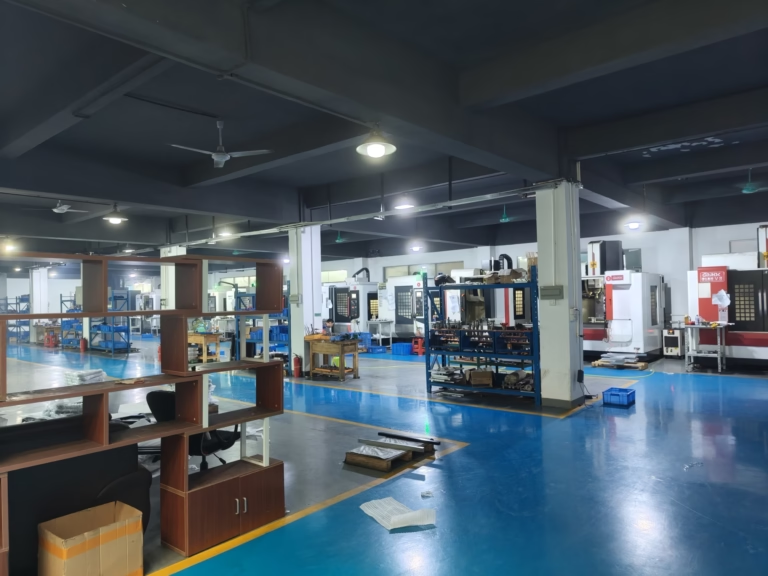
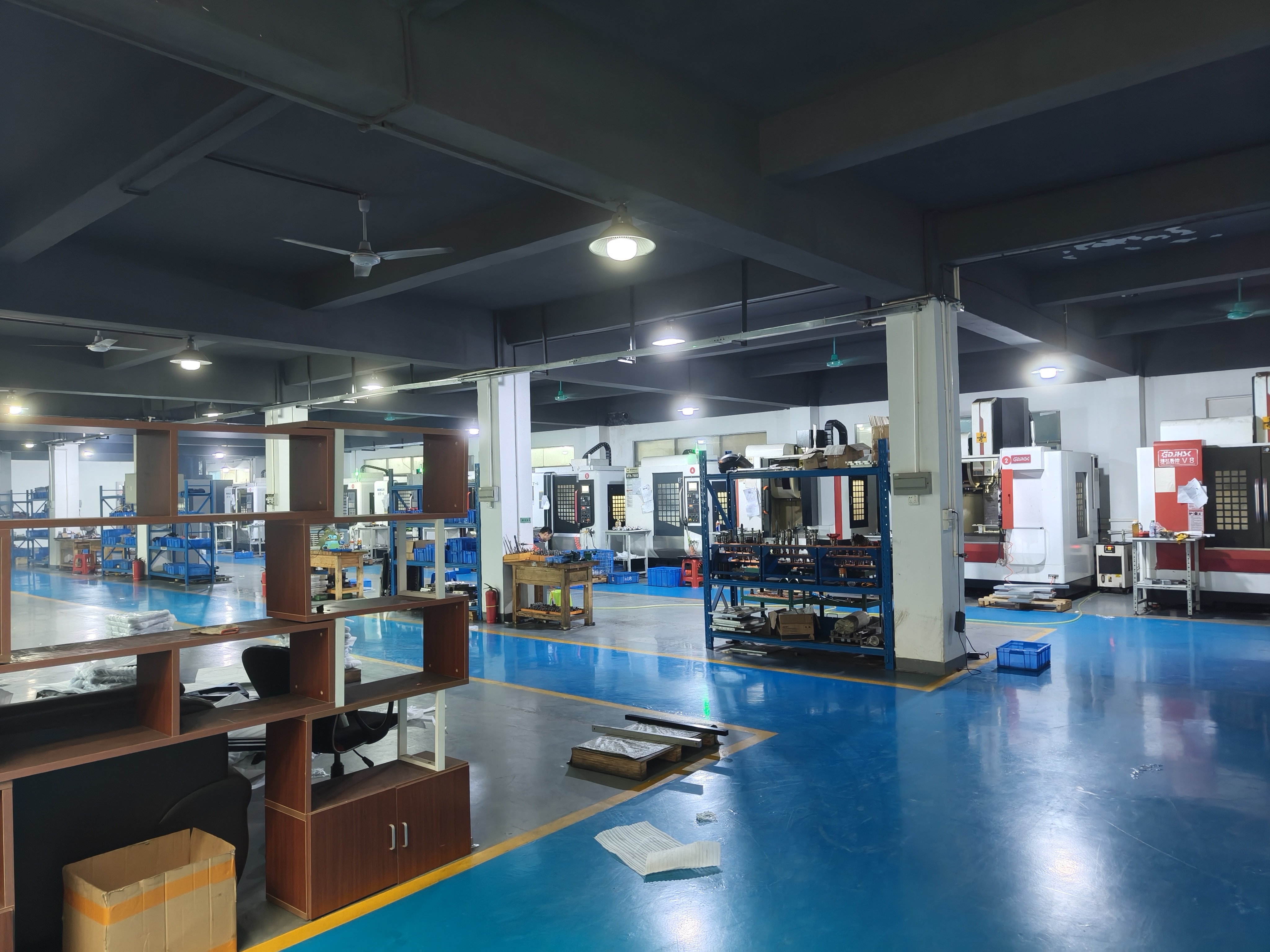
GreatLight CNC Machining Factory, founded in 2011 in Dongguan’s Chang’an District (China’s “Hardware and Mould Capital”), is a leader in industrial precision machining. With three wholly-owned manufacturing plants spanning 7600 square meters, 150 skilled employees, and 127 pieces of advanced equipment (including large five-axis, four-axis, and three-axis CNC centers, EDM machines, and SLM/SLA/SLS 3D printers), GreatLight delivers one-stop solutions for every stage of production.
Key Advantages of GreatLight:
Unmatched Precision: Capable of machining parts to ±0.001mm, meeting the strictest industry standards.
Full-Service Offerings: From rapid prototyping to mass production, GreatLight offers CNC milling, die casting, sheet metal fabrication, 3D printing (for stainless steel, aluminum, titanium, and mold steel), and comprehensive surface post-processing.
Rigorous Quality Control: Holding ISO 9001:2015, IATF 16949 (automotive), ISO 13485 (medical), and ISO 27001 (data security) certifications, GreatLight adheres to international quality management systems. In-house testing equipment ensures every part meets your specifications.
Quick Turnaround: Prototypes can be produced within days using their advanced five-axis CNC machining services.
Risk-Free After-Sales: Free rework for quality issues, with a full refund if rework doesn’t meet your requirements.
GreatLight’s expertise extends to cutting-edge sectors, including new energy vehicle components, medical hardware, and industrial automation. Their track record of solving complex manufacturing challenges makes them a trusted partner for global clients.
Conclusion
For hobbyists and small-scale makers, following a “How To Make CNC Machine Using Arduino Pdf?” guide is an engaging way to learn CNC technology and prototype simple parts. But when your project demands industrial-grade precision, scalability, and reliability, GreatLight CNC Machining Factory is the ideal partner. Their decades of expertise, state-of-the-art equipment, and unwavering commitment to quality ensure your parts meet the highest standards every time—whether you’re testing a prototype or scaling to mass production.
Frequently Asked Questions (FAQ)
Q1: Can I use an Arduino CNC machine for industrial production?
A: Arduino CNCs are designed for hobbyist, educational, or small-scale prototyping use. They lack the precision, speed, and material compatibility needed for consistent industrial production. For high-volume, high-precision projects, professional services like GreatLight’s are recommended.
Q2: Where can I find a free “How To Make CNC Machine Using Arduino Pdf” guide?
A: Free guides are available on Arduino’s official community forums, STEM educational websites, and maker platforms like Instructables. Ensure the guide includes detailed assembly diagrams, wiring schematics, and safety instructions to avoid mistakes.
Q3: What’s the main difference between a DIY Arduino CNC and a professional five-axis CNC machine?
A: Professional five-axis CNCs (like those used by GreatLight) offer far higher precision (±0.001mm vs. ±0.1mm for DIY), larger working areas (up to 4000mm), faster production speeds, and support for a wider range of materials (including titanium and mold steel). They also integrate with industrial-grade CAD/CAM software and have rigorous quality control processes.
Q4: Does GreatLight CNC Machining Factory offer prototyping services before mass production?
A: Yes, GreatLight specializes in rapid prototyping. They can produce prototypes within days using 3-axis, 4-axis, or 5-axis CNC technology, allowing you to test and refine your design before scaling up to mass production.

Q5: What certifications does GreatLight have to ensure quality?
A: GreatLight holds ISO 9001:2015 (general quality management), IATF 16949 (automotive industry standards), ISO 13485 (medical device manufacturing), and ISO 27001 (data security for intellectual property-sensitive projects) certifications. These ensure all processes adhere to international best practices.
Q6: How can I learn more about GreatLight’s services?
A: You can explore their case studies and service offerings to understand their capabilities, and connect with them via GreatLight’s LinkedIn page to discuss your project needs.



















