
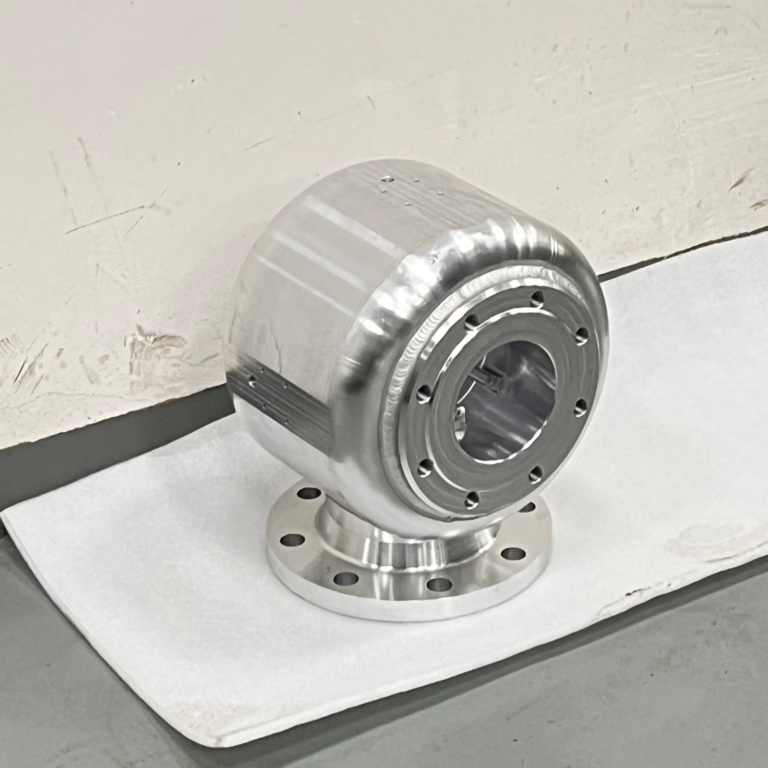
If you’re looking to expand your CNC machine’s capabilities for precision marking, engraving, or even selective material removal, learning How To Add Laser To CNC Machine WinCNC is a game-changing skill that can unlock hybrid machining potential for your custom parts. As a leader in precision machining with over a decade of experience, GreatLight CNC Machining Factory has integrated various advanced tooling and control systems—including laser-CNC hybrids—to deliver high-quality custom parts across industries like automotive, aerospace, and medical hardware.
How To Add Laser To CNC Machine WinCNC?
Hybrid CNC-laser systems combine the accuracy of traditional CNC machining with the versatility of laser technology, enabling you to produce parts with integrated functional or decorative features without switching between machines. Below is a comprehensive, step-by-step guide to successfully integrate a laser into your WinCNC-controlled CNC machine, with insights drawn from GreatLight’s team of engineering experts.
Pre-Installation: Critical Checks to Ensure Success
Before purchasing any equipment, take time to validate compatibility, select the right laser, and prioritize safety—all steps GreatLight’s team follows for every new tool integration.
1. Assess CNC Machine and WinCNC Compatibility
Not all CNC machines are built to support laser integration. Key checks include:
Mechanical capacity: Ensure your machine has a stable spindle mount or dedicated laser bracket, and that its linear guides and servo motors can maintain consistent positioning (critical for laser operations requiring ±0.001mm precision, a standard GreatLight adheres to for all custom parts).
WinCNC version compatibility: Most modern WinCNC versions (v6 and above) include native laser control modules. Older versions may require firmware updates or third-party plugins. GreatLight’s programmers recommend verifying with WinCNC’s official documentation or a certified technician before proceeding.
Electrical capacity: Confirm your CNC’s power supply can handle the additional load of a laser unit (industrial lasers may require 220V+ circuits).
2. Select the Right Laser System for Your Applications
The laser type you choose depends on your target materials and desired outcomes:
Fiber lasers: Ideal for metal parts (aluminum, stainless steel, titanium) for permanent marking, engraving, or light material removal. GreatLight uses fiber lasers for automotive engine components and medical hardware, where traceability marks are required to meet IATF 16949 and ISO 13485 standards.
CO2 lasers: Best for non-metals (plastics, wood, acrylics) for engraving or cutting. GreatLight leverages CO2 lasers for custom plastic prototypes and consumer electronics enclosures.
UV lasers: For ultra-fine details (e.g., micro-engraving on medical sensors) where minimal heat affect is critical.
When selecting a laser, prioritize power output (10W for small parts, 50W+ for deep engraving) and beam quality to ensure consistent results across your CNC’s maximum workspace size (GreatLight supports up to 4000mm processing dimensions for large-format parts).
3. Prioritize Safety Compliance and Prep
Lasers pose fire, eye, and skin hazards, so proper safety measures are non-negotiable:
Invest in laser-specific PPE (safety glasses matched to your laser’s wavelength, flame-resistant gloves).
Install an enclosed workspace with interlocks that shut off the laser if the door is opened.
Comply with local regulations (e.g., OSHA in the U.S., IEC 60825 global laser safety standards). GreatLight’s facilities are designed to meet these standards, with dedicated safety protocols for all laser operations.
Step-by-Step Installation and Configuration Process
With pre-installation checks complete, follow these structured steps to integrate your laser system:
Step 1: Mechanical Mounting of the Laser Unit
Mount the laser head to your CNC’s spindle or a dedicated side bracket using precision alignment tools (dial indicators, laser alignment gauges). GreatLight’s technicians ensure the laser beam is parallel to the X/Y/Z axes within ±0.002mm to avoid misalignment during operations.
Secure the laser power supply in a well-ventilated area away from moving parts to prevent overheating.
Step 2: Electrical Wiring and Integration
Connect the laser power supply to a dedicated circuit with proper grounding to avoid electrical interference.
Link the laser’s control signals (firing trigger, power adjustment) to your WinCNC controller’s digital I/O ports. Use shielded cables to minimize signal loss, a practice GreatLight uses to maintain consistent laser performance for high-volume production.
Install emergency stop interlocks that cut power to both the CNC and laser when activated.
Step 3: Configure WinCNC Software for Laser Control
WinCNC’s built-in laser module simplifies parameter setup. Follow these steps:
Open WinCNC and navigate to the Machine Configuration > Auxiliary Devices menu.
Enable the laser module and assign it to a specific I/O channel.
Set core parameters:
Laser power range (0-100% for variable output).
Pulse duration and frequency (adjust based on material: shorter pulses for fine marking, longer pulses for deep engraving).
G-code mapping: Assign M3 (laser on, constant power) or M4 (laser on, variable power) to trigger the laser, and M5 for laser off.
Import vector or raster files for engraving, and adjust feed rates to match material thickness. GreatLight’s programmers recommend testing with a WinCNC G-code simulator first to avoid material waste.
Step 4: Calibrate and Test the Laser System
Focus adjustment: Use a focus gauge to set the laser beam’s sharpest point at the workpiece surface. This is critical for consistent engraving depth across the entire workspace.
Test runs: Use scrap material (e.g., aluminum sheet, plastic plate) to run sample jobs. Verify:
Marking clarity and edge definition (critical for medical device serial numbers, which GreatLight produces to meet ISO 13485 traceability requirements).
Synchronization between CNC movement and laser firing. If misalignment occurs, adjust the laser’s X/Y offset in WinCNC’s configuration menu.
Precision validation: Use a coordinate measuring machine (CMM) to confirm engraved features meet your tolerance specs. GreatLight’s quality control team uses CMMs for 100% inspection of high-precision parts.
Step 5: Validate Safety Systems
Test emergency stops, door interlocks, and laser containment to ensure the laser shuts off immediately if any safety threshold is breached.
Conduct a full safety audit to confirm compliance with local regulations. GreatLight’s facilities undergo annual safety audits to maintain ISO 9001 certification.
Post-Installation: Optimize Performance and Longevity
Once your laser system is operational, follow these tips to maximize its lifespan and output quality:
1. Fine-Tune Parameters for Specific Materials
| Different materials require tailored laser settings. Here are GreatLight’s go-to parameters: | Material | Power Range | Feed Rate | Use Case |
|---|---|---|---|---|
| Aluminum | 30-50% | 500-1000 mm/min | Permanent marking | |
| Stainless Steel | 40-60% | 300-600 mm/min | Deep engraving | |
| ABS Plastic | 10-20% | 1500-2000 mm/min | Decorative engraving | |
| Titanium Alloy | 50-70% | 200-400 mm/min | Medical part traceability |
2. Establish a Regular Maintenance Routine
Clean the laser lens weekly with a lint-free cloth and isopropyl alcohol to remove dust buildup (which reduces beam quality).
Inspect wiring connections monthly for loose or damaged cables.
Update WinCNC software regularly to access new laser control features and bug fixes.
Re-calibrate laser alignment every 3 months, especially after heavy use. GreatLight’s maintenance team follows this schedule to minimize downtime for clients.
3. Troubleshoot Common Issues
Laser not firing: Check power supply connections, verify WinCNC’s laser enable setting, or reset emergency stop interlocks.
Poor engraving quality: Clean the laser lens, re-adjust focus, or increase power/decrease feed rate.
WinCNC communication errors: Update controller firmware, replace shielded cables, or reset WinCNC’s laser configuration to default.
GreatLight’s after-sales team offers 24/7 support for hybrid machining issues, with free rework for quality problems and full refunds if rework is unsatisfactory—an assurance backed by their ISO 9001 certification.
Why Partnering with Precision Machining Experts Adds Value
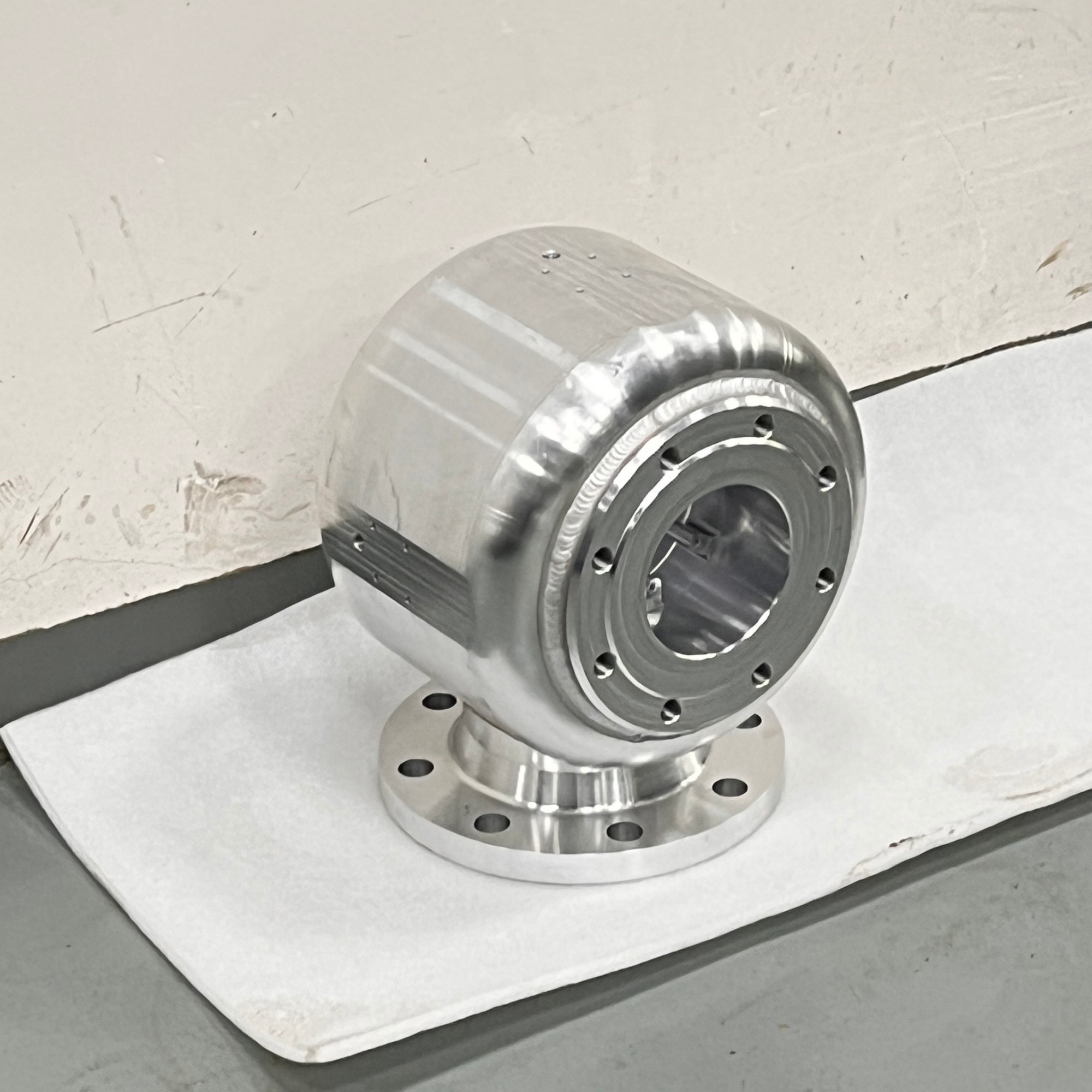
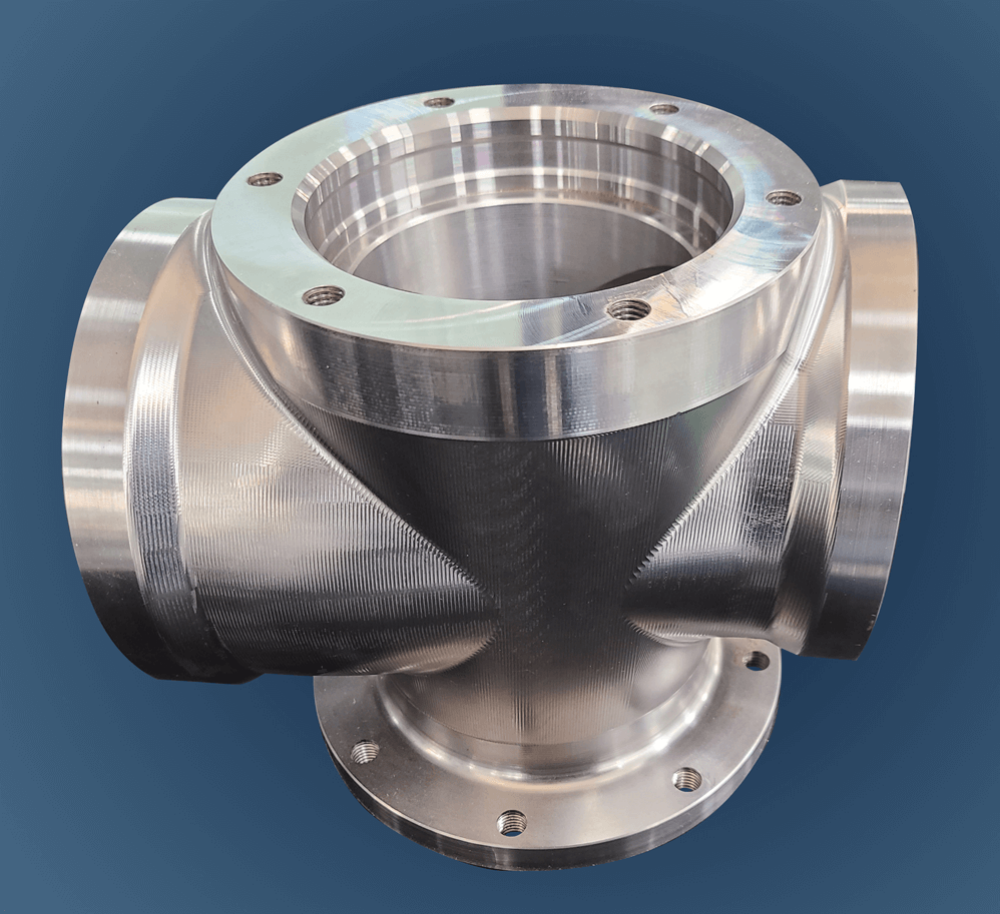
While adding a laser to your CNC with WinCNC is achievable in-house, partnering with an experienced manufacturer like GreatLight can save you time, reduce safety risks, and ensure compliance with global quality standards. GreatLight offers one-stop hybrid machining services, combining five-axis CNC machining services with laser marking/engraving for complex parts in industries like automotive, aerospace, and medical. With their 150+ professionals, 127 pieces of precision equipment, and certifications including IATF 16949 and ISO 13485, they can handle everything from prototyping to mass production.
Conclusion
Mastering How To Add Laser To CNC Machine WinCNC opens up a world of hybrid machining possibilities, allowing you to create precision parts with integrated marking, engraving, or selective material removal. Whether you’re a small workshop looking to expand capabilities or a large enterprise needing high-volume custom parts, following the structured process of pre-installation checks, careful integration, and post-installation optimization will ensure success. For those who want to skip the learning curve and deliver parts that meet the highest precision standards, partnering with an experienced manufacturer like GreatLight CNC Machining Factory is the ideal choice. With their advanced equipment, authoritative certifications, and one-stop services, they can handle all your hybrid machining needs, from initial design to final delivery. To learn more about their projects and industry insights, connect with GreatLight Metal on LinkedIn.
Frequently Asked Questions (FAQ)
1. Can I add a laser to any CNC machine running WinCNC?
Not all CNC machines are compatible. You need to check for mechanical mount options, stable positioning systems, and sufficient electrical capacity. Older machines with outdated servo motors may not maintain the precision required for laser operations. GreatLight recommends consulting a professional engineer to assess compatibility before purchasing a laser system.
2. What type of laser is best for metal parts?
Fiber lasers are the most common and cost-effective choice for metal parts (aluminum, stainless steel, titanium). They offer high energy efficiency, a long lifespan, and the ability to produce sharp, permanent marks—all critical for applications like automotive engine components and medical hardware, which GreatLight specializes in.
3. Do I need special training to operate a laser-equipped CNC with WinCNC?
Yes, you should receive training on laser safety, WinCNC’s laser control features, and material-specific parameter adjustment. GreatLight provides on-site and virtual training for clients who invest in their hybrid machining solutions, ensuring proper operation and safety compliance.
4. How much does it cost to add a laser to a CNC machine?
Costs vary widely based on laser type, power output, and installation complexity. Entry-level fiber lasers start at a few thousand dollars, while industrial-grade systems can cost tens of thousands. GreatLight offers custom hybrid machining services, so you can avoid upfront equipment costs by outsourcing your laser-integrated part production.
5. What safety standards do I need to comply with when using a laser-equipped CNC?
You should follow local regulations (e.g., OSHA in the U.S., HSE in the UK) and the global IEC 60825 laser safety standard. GreatLight adheres to these standards plus industry-specific certifications like IATF 16949 and ISO 13485, ensuring all laser operations meet global quality and safety requirements.



















