
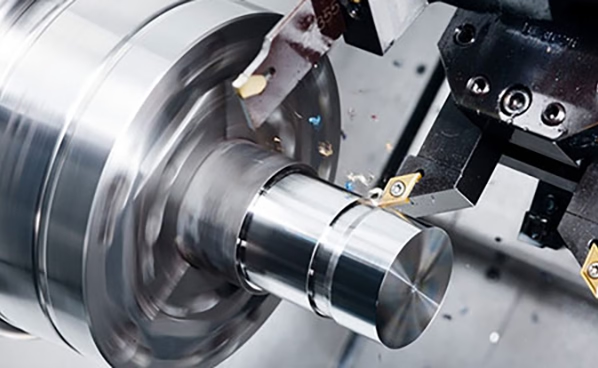
If you’ve ever wondered How To Make CNC Machine Program, you’re not alone—crafting a precise, efficient program is the unsung backbone of every successful precision machining project, whether you’re prototyping a complex humanoid robot joint, producing a critical automotive engine component, or manufacturing a medical device part with micron-level tolerances. For engineers, procurement teams, and product designers, mastering this process (or partnering with experts who do) can mean the difference between on-time, within-budget delivery and costly delays, scrap, or subpar parts.
How To Make CNC Machine Program?
Creating a CNC program is a structured, multi-stage process that blends design expertise, technical knowledge of machining, and access to advanced software tools. Below is a detailed breakdown of each step, including practical tips and insights from industry leaders like GreatLight Metal, a leading precision machining manufacturer with over a decade of experience in high-precision programming.
1. Lay the Foundation: Define Part Requirements & Design Specifications
Before writing a single line of code, you need to align your program with the part’s intended function and manufacturing constraints. This phase includes:
Gather Design Inputs: Obtain a clean, error-free CAD model (preferably in STEP or IGES format) that details the part’s geometry, tolerances, and surface finish requirements.
Material Selection: Choose a material that balances machinability, strength, and cost. For example, aluminum alloy 6061 is ideal for lightweight, high-stiffness parts, while stainless steel 304 is better for corrosion-resistant components. At GreatLight Metal, their engineering team collaborates with clients to select materials that match both design intent and machining capabilities, such as their ability to handle titanium alloy and mold steel for high-demand applications.
Set Tolerance & Surface Finish: Clearly define critical tolerances (e.g., ±0.001mm for medical parts) and surface finishes (e.g., Ra 0.8µm for automotive engine components). GreatLight’s ISO 9001:2015 certified processes ensure these requirements are integrated into every programming step.
DFM Review: Conduct a Design for Manufacturability (DFM) analysis to optimize the part for machining. For example, adding fillets to sharp corners can reduce tool wear and simplify toolpaths. GreatLight offers free DFM reviews to clients, helping reduce machining time by up to 40% without sacrificing quality.
2. Choose Your CNC Programming Approach: Manual vs. CAM Software
The right programming method depends on the part’s complexity:
Manual Programming: Best for simple 2D parts (e.g., flat plates, basic holes) using G-code commands. This requires expertise in interpreting blueprints and writing line-by-line code. For example, G00 X10 Y5 Z2 commands rapid movement to a specific coordinate, while G01 X20 Y10 F100 initiates linear cutting at a feed rate of 100 mm/min.
CAM Software Programming: Essential for complex 3D or 5-axis parts with intricate geometries. Computer-Aided Manufacturing (CAM) software converts CAD models into toolpaths, automating the programming process and reducing human error. GreatLight Metal uses industry-leading CAM tools (e.g., Mastercam, SolidWorks CAM) integrated with their fleet of 5-axis CNC machining centers to optimize toolpaths for simultaneous multi-axis cutting. For complex 3D parts that require simultaneous 5-axis machining—such as aerospace components or humanoid robot joints—GreatLight’s precision 5-axis CNC machining services deliver unmatched precision and efficiency.
3. Prepare the CAD Model for Machining
Before generating toolpaths, you need to clean up the CAD model and define machining parameters:
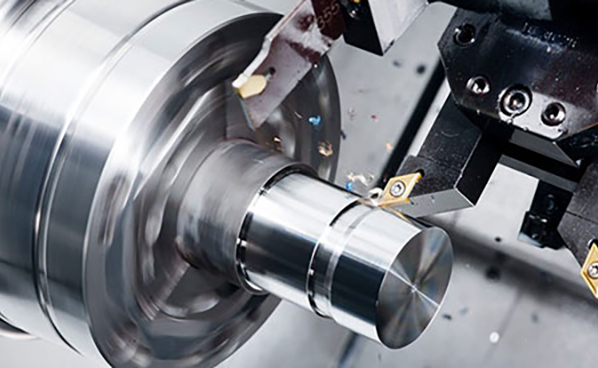
Fix CAD Errors: Resolve issues like overlapping surfaces, missing edges, or non-manifold geometry that can cause CAM software to fail.
Set Workpiece Coordinate System: Define the origin point (datum) from which all tool movements are measured. This is usually aligned with the part’s most stable feature (e.g., a flat face or hole) to ensure consistency.
Define Stock Material: Specify the size and shape of the raw material (stock) that will be machined into the final part. For example, a 100x100x20 mm aluminum block for a small electronic enclosure.
4. Generate Optimized Toolpaths with CAM Software
Toolpath generation is the core of CNC programming, where you define how the machine’s tool will cut the material:
Tool Selection: Choose the right cutting tool for the job. For example, a 4-flute carbide end mill is ideal for aluminum roughing, while a coated carbide end mill works best for stainless steel finishing.
| Cutting Parameters: Set speed, feed rate, and depth of cut based on the material and tool type. The table below outlines standard parameters for common materials: | Process Type | Aluminum Alloy (6061) | Stainless Steel (304) |
|---|---|---|---|
| Roughing | Cutting Speed: 150-250 m/min; Feed Rate: 0.2-0.5 mm/rev | Cutting Speed: 50-100 m/min; Feed Rate: 0.1-0.3 mm/rev | |
| Finishing | Cutting Speed: 250-400 m/min; Feed Rate: 0.05-0.2 mm/rev | Cutting Speed: 100-150 m/min; Feed Rate: 0.03-0.1 mm/rev | |
| Tool Type | Carbide end mill (4-flute) | Carbide end mill (coated) |
Toolpath Strategies: Use roughing to remove excess material quickly, followed by finishing to achieve precise dimensions and surface finish. For complex parts, strategies like high-speed machining (HSM) can reduce cycle time while improving tool life.
5. Simulate the Program to Mitigate Risks
Simulation is a critical step to avoid costly mistakes before any physical cutting occurs:
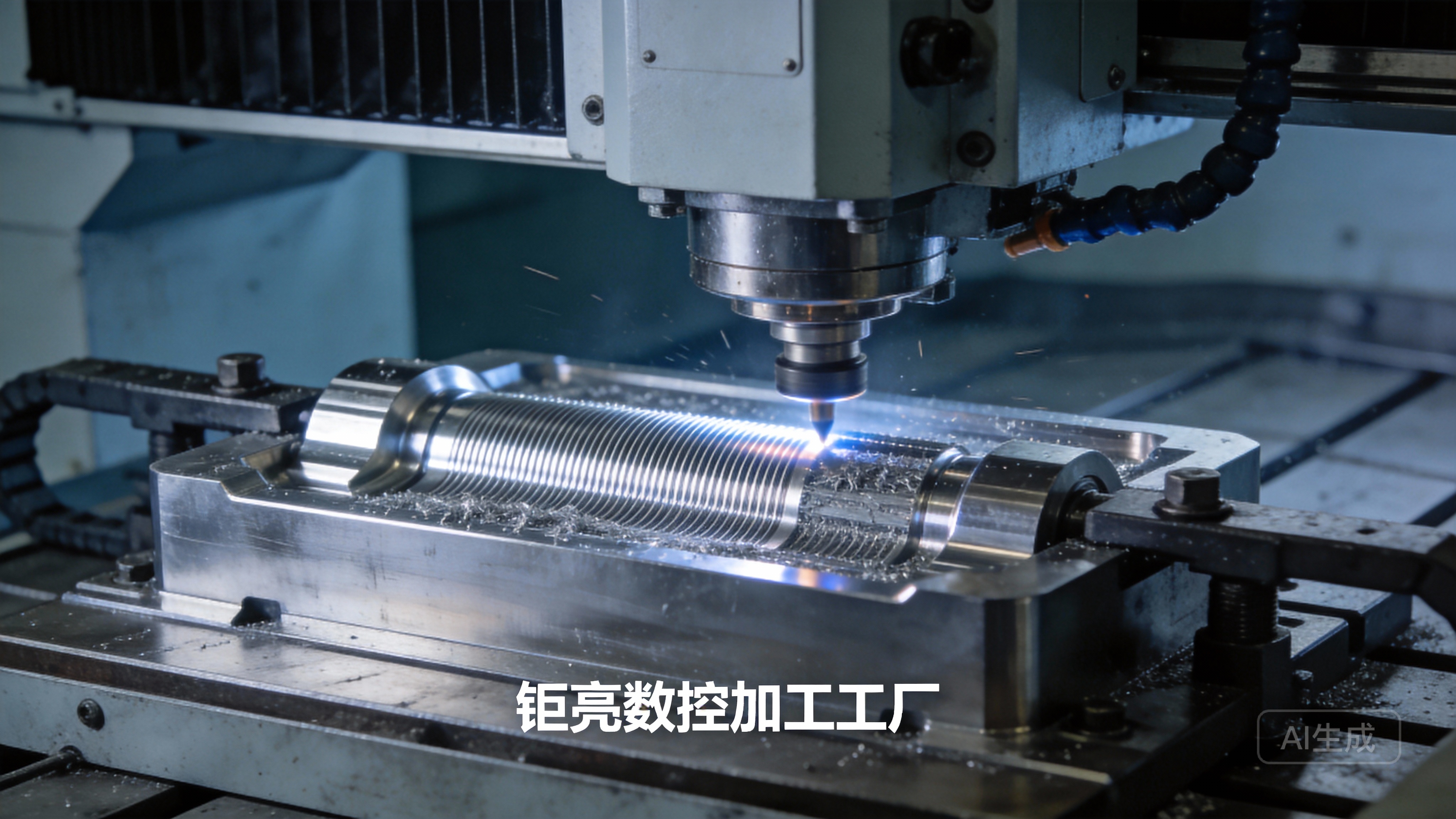
Collision Detection: Check for potential collisions between the tool, workpiece, spindle, or machine fixture. For example, a long tool might collide with the machine’s table if the toolpath is not optimized.
Overcutting/Undercutting Simulation: Ensure the tool removes the correct amount of material and does not damage critical features.
Cycle Time Estimation: Calculate how long the machining process will take to plan production schedules. GreatLight uses advanced simulation tools to replicate the entire machining process, reducing scrap rates by over 25% compared to industry averages.
6. Post-Process the Program to Machine-Specific Code
CAM software generates a generic toolpath file, which needs to be converted into machine-specific G-code/M-code using a post-processor:
Post-Processor Functionality: Each CNC machine brand (e.g., Fanuc, Siemens, Haas) uses a slightly different code format. A post-processor adapts the CAM toolpath to match the machine’s control system.
Customization: GreatLight has customized post-processors for their 127+ precision machines, ensuring optimal toolpath execution and reducing setup time. For example, their 5-axis machining centers use post-processors optimized for simultaneous multi-axis movement, minimizing vibration and improving surface finish.
7. Test Run & Optimize the Program
Even with simulation, a test run is essential to validate the program:
Dry Run: Run the program without cutting material to check for movement errors or unexpected behavior.
Single-Block Testing: Execute one line of code at a time to monitor tool movement closely.
Parameter Adjustment: Fine-tune cutting speeds and feed rates based on real-time feedback from the machine. For example, if the tool is vibrating excessively, reduce the feed rate by 10%. GreatLight’s ISO 9001:2015 process includes rigorous testing before full production, ensuring every part meets client specifications.
Key Considerations for Precision CNC Programming Excellence
To create programs that deliver consistent, high-quality parts, keep these factors in mind:
Material Behavior: Different materials react differently to cutting. For example, titanium alloy has low thermal conductivity, so cutting parameters must be adjusted to avoid tool overheating. GreatLight’s engineers have deep experience working with titanium, aluminum, stainless steel, and mold steel, so their programs account for these material-specific traits.
Tool Wear Management: Program tool changes at regular intervals to maintain precision. GreatLight uses tool wear monitoring systems to track tool life and schedule changes proactively.
Industry-Specific Compliance: For automotive parts, IATF 16949 compliance requires traceable programming processes and documentation. For medical parts, ISO 13485 ensures programs meet strict regulatory standards. GreatLight’s certifications (ISO 9001:2015, IATF 16949, ISO 13485, ISO 27001) ensure all programming steps align with global industry requirements.
Why Partner with GreatLight Metal for CNC Programming & Machining?
Mastering CNC programming takes years of experience and access to advanced tools. Partnering with a trusted manufacturer like GreatLight Metal can streamline the process and deliver better results:
End-to-End Solutions: GreatLight offers one-stop services from design and programming to machining and post-processing, eliminating the need to coordinate with multiple vendors.
Advanced Equipment: Their fleet of 5-axis, 4-axis, and 3-axis CNC machining centers, combined with 3D printers and EDM machines, can handle parts up to 4000 mm in size with ±0.001mm precision.
Proven Track Record: GreatLight has solved complex machining challenges for clients in automotive, medical, aerospace, and industrial automation. For example, they recently optimized the program for a new energy vehicle e-housing, reducing cycle time by 28% while maintaining strict tolerances.
After-Sales Guarantee: Clients receive free rework for quality problems, and a full refund if rework is still unsatisfactory. To explore more about our client success stories and machining capabilities, you can connect with us on GreatLight Metal’s official LinkedIn page.
Conclusion
Crafting a high-quality CNC program is a multi-step process that requires careful planning, technical expertise, and access to advanced tools and simulation software. From defining part requirements and choosing the right programming approach to simulating, testing, and optimizing the program, each stage plays a critical role in delivering precision parts that meet or exceed client expectations. Whether you’re a small startup prototyping your first product or a large enterprise scaling production, partnering with an experienced manufacturer like GreatLight Metal can streamline this process, reduce risks, and ensure your parts are machined to the highest standards. At the end of the day, learning How To Make CNC Machine Program? is not just about mastering code—it’s about understanding how to translate design intent into tangible, functional parts efficiently and reliably.
Frequently Asked Questions (FAQ)
1. What’s the difference between G-code and M-code in CNC programming?
G-code (geometric code) controls the machine’s tool and workpiece movement, defining paths, speeds, and feed rates for cutting operations (e.g., G01 for linear cutting). M-code (miscellaneous code) manages non-cutting functions like spindle start/stop, coolant activation, and tool changes (e.g., M03 to start the spindle clockwise). GreatLight’s programmers use a combination of both to create fully automated, efficient programs.
2. How long does it take to create a CNC program?
Timeline varies by part complexity: simple 2D parts can take 1-2 hours to program manually, while complex 5-axis parts may take 10-20+ hours using CAM software (including simulation and optimization). GreatLight’s streamlined workflows and pre-configured templates reduce programming lead times by up to 30% for common part types.
3. Can I use free CAM software for CNC programming?
Free CAM tools (e.g., Fusion 360’s free tier, FreeCAD) work well for hobbyist projects or simple parts. However, industrial-grade parts (especially 5-axis components) require paid CAM software with advanced features like multi-axis optimization, collision detection, and customized post-processors—tools GreatLight uses to ensure precision and efficiency.
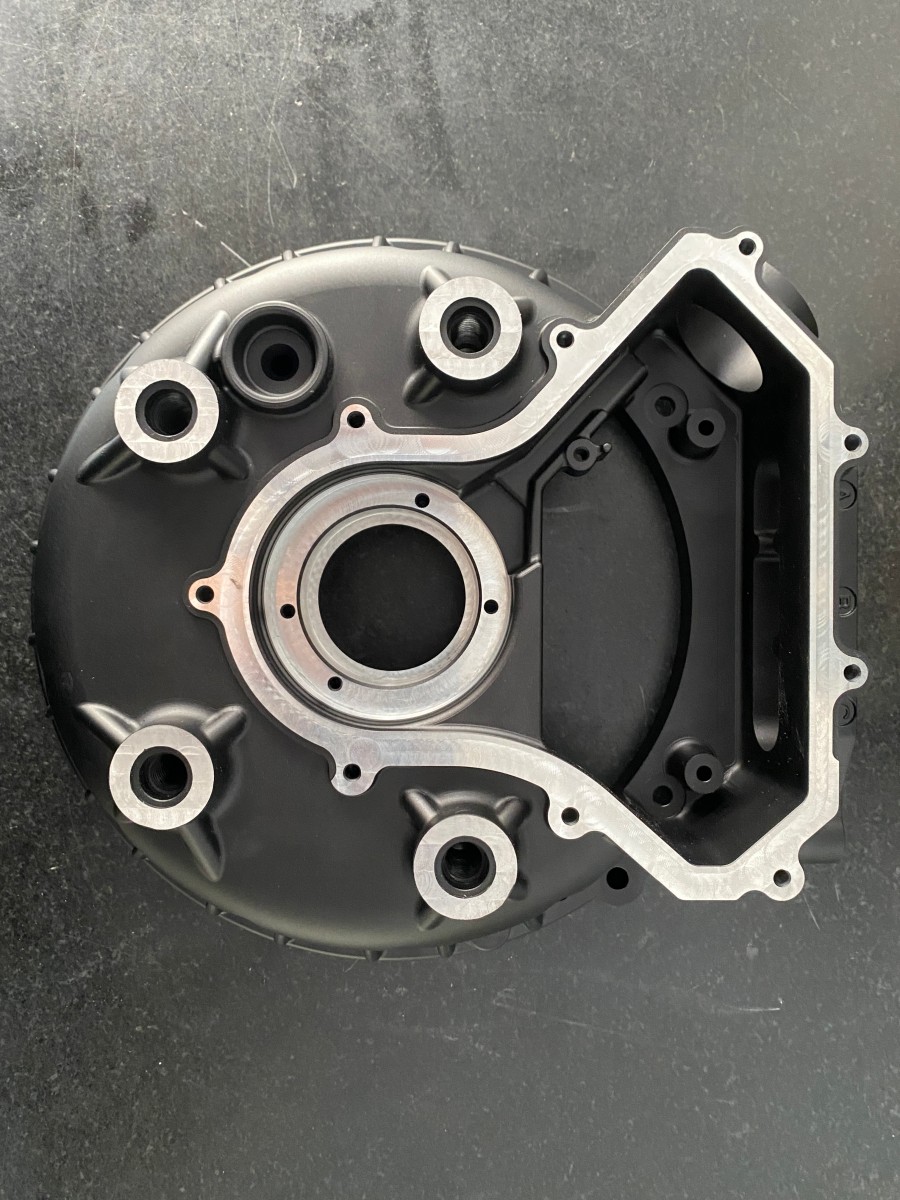
4. How does DFM impact CNC programming?
DFM optimizes part designs for easier machining, reducing tool changes, simplifying toolpaths, and eliminating features that cause errors. GreatLight’s free DFM reviews help clients adjust designs to cut machining time by up to 40% and lower production costs without sacrificing quality.
5. Does GreatLight offer standalone CNC programming services?
Yes. GreatLight provides standalone programming for clients who have their own machining equipment. Their team converts CAD files into optimized, machine-specific G-code, including simulation reports to ensure error-free execution—ideal for clients lacking in-house expertise for complex parts.
6. What happens if a CNC program causes errors during machining?
GreatLight’s rigorous simulation and dry-run processes minimize errors, but if issues arise, their team stops production immediately, diagnoses the problem, adjusts the program, and re-runs the part. Their after-sales guarantee includes free rework for quality issues, with a full refund if rework is still unsatisfactory.



















