
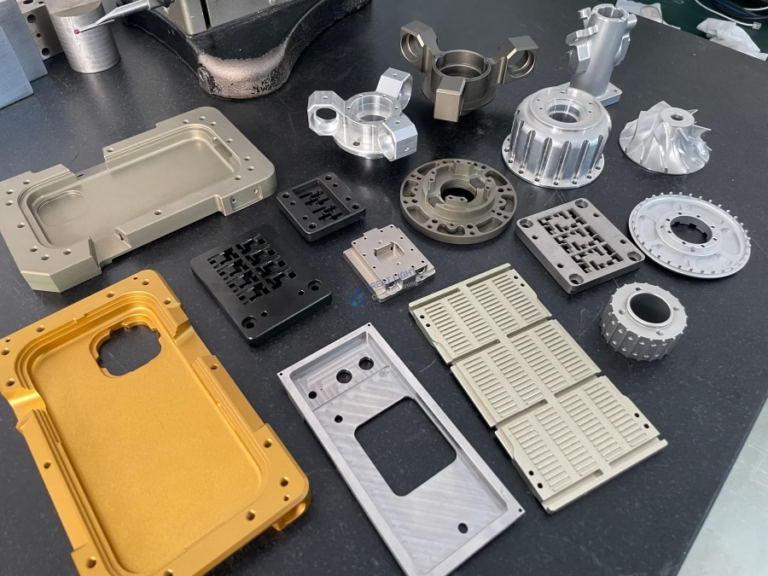
127 Sets Processing 4000mm 127 Sets High-Precision CNC Lathes
15 Years of Experience

How To Make CNC Machine Reset Bit Position Z Axis?

If you’ve ever struggled with tool misalignment, inconsistent part depths, or post-crash precision issues on your CNC machine, knowing how to make CNC machine reset bit position Z axis is a critical skill for maintaining part quality and operational efficiency. For precision machining professionals, mastering this process isn’t just about fixing immediate problems—it’s about upholding […]

If you’ve ever struggled with tool misalignment, inconsistent part depths, or post-crash precision issues on your CNC machine, knowing how to make CNC machine reset bit position Z axis is a critical skill for maintaining part quality and operational efficiency. For precision machining professionals, mastering this process isn’t just about fixing immediate problems—it’s about upholding the tight tolerances (like ±0.001mm) that define high-end parts used in aerospace, automotive, medical, and robotics industries.

How To Make CNC Machine Reset Bit Position Z Axis?

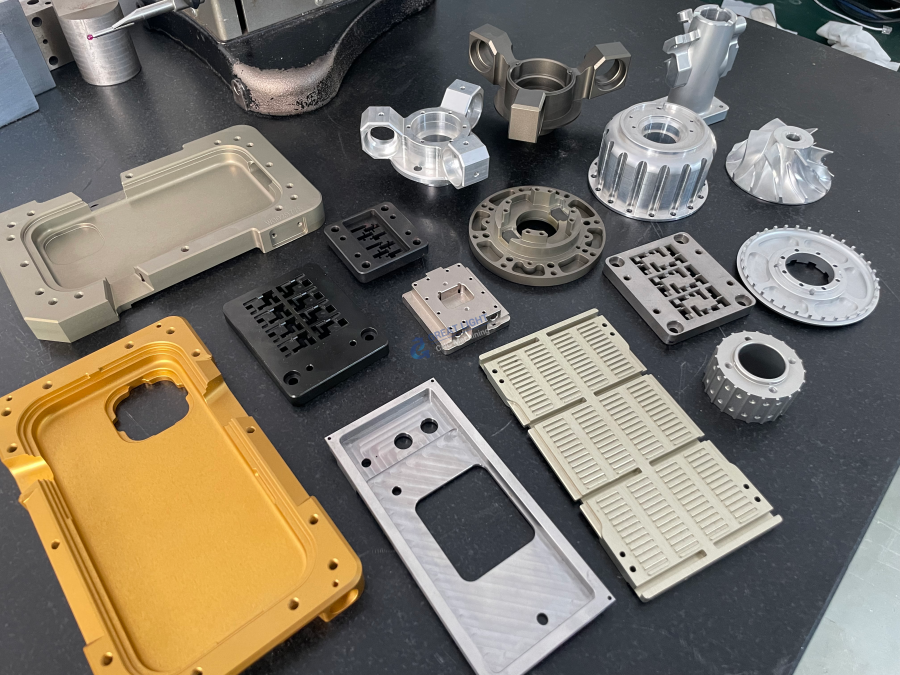
Before diving into the step-by-step process, it’s essential to understand why resetting the Z-axis bit position is non-negotiable. The Z-axis controls the vertical distance between the cutting tool and the workpiece, so even a 0.01mm deviation can lead to scrap parts, damaged tools, or costly reworks. In environments like 5-axis CNC machining services, where simultaneous axis movement is common, maintaining accurate Z-axis alignment is even more critical to avoid collisions or dimensional errors. Companies like GreatLight Metal, an ISO 9001:2015 certified precision manufacturer, prioritize standardized Z-axis reset procedures as part of their quality management system to ensure consistent part accuracy across thousands of production runs.

Pre-Reset Preparation: Safety & Documentation First

Before touching any machine controls, follow these pre-reset steps to minimize risk and ensure accuracy:
图片


Safety Lockout: Put the CNC machine in Manual Data Input (MDI) or Jog mode, and engage the emergency stop if performing post-crash resets. Never attempt to reset the Z-axis while the machine is in automatic cycle.
Tool Verification: Confirm the correct tool is loaded in the spindle. For machines with automatic tool changers (ATCs), cross-reference the tool number in the control panel with the physical tool’s dimensions.
Calibration Tools: Gather necessary tools: a dial indicator, edge finder, laser tool setter, or touch probe (depending on machine type). GreatLight Metal uses high-precision touch probes in their 5-axis machines to automate this step, reducing human error.
Reference Documentation: Pull up the machine’s operation manual—different brands (Haas, DMG Mori, FANUC) have slight variations in reset procedures. For example, FANUC machines use G-code G92 for temporary offsets, while Haas uses G54 for work coordinate system (WCS) reset.

Step-by-Step Guides by CNC Machine Type

The process for resetting the Z-axis bit position varies slightly based on the number of axes in your CNC machine. Below are standardized procedures for the most common types:

3-Axis CNC Machines (Basic Setup)

3-axis machines are the industry standard for simple to moderately complex parts. Follow these steps:


Jog the Z-Axis: Move the spindle to a safe height above the workpiece using the jog wheel.
Set the Workpiece Zero: Place a tool setter or edge finder on the workpiece’s top surface. Jog the Z-axis down until the tool touches the setter (you’ll feel a slight resistance or hear a beep if using an electronic setter).
Input the Offset: In the control panel, navigate to the tool offset page (G54-G59) and enter the measured Z-axis value. For temporary resets, use G92 Z0 to set the current position as the zero point.
Verify with a Test Cut: Run a shallow test cut on a scrap piece, then measure the depth with a micrometer to confirm alignment.

4-Axis CNC Machines (Rotary Axis Coordination)

4-axis machines add a rotary axis (A or B) to 3-axis capabilities, so Z-axis reset must account for rotary table alignment:


Home the Rotary Axis: First, home the rotary axis to ensure it’s in the correct reference position. This prevents misalignment between the Z-axis and the rotating workpiece.
Align the Tool to the Rotary Table: Use a touch probe to measure the distance between the tool tip and the rotary table’s center. Input this value into the WCS to adjust the Z-axis offset relative to the rotary axis.
Simulate the Path: Before running the program, simulate the tool path in the machine’s control software to check for Z-axis collisions with the rotary table or fixture. GreatLight Metal’s 4-axis machining team uses offline simulation software to avoid costly mistakes during production.

5-Axis CNC Machines (Simultaneous Axis Alignment)

5-axis machines (GreatLight’s specialty) offer simultaneous movement of two rotational axes (A and B, or B and C), making Z-axis reset more complex. Here’s how to do it accurately:


Home All Axes: Start by homing all five axes to their reference positions. This ensures the machine’s control system has a clear baseline for all coordinates.
Use a Touch Probe for Automated Calibration: Most modern 5-axis machines are equipped with a touch probe. Run the automatic tool setting cycle to measure the tool’s length and diameter, then input these values into the tool offset library. GreatLight leverages this technology to achieve ±0.001mm precision in their 5-axis machining projects.
Check Axis Synchronization: After resetting the Z-axis, run a test cycle that moves all five axes simultaneously to confirm the tool maintains consistent distance from the workpiece. If you notice drift, recalibrate the rotational axes’ reference positions.

Troubleshooting Common Z-Axis Reset Issues

Even with careful execution, you may encounter problems during reset. Here are solutions to the most common issues:
图片

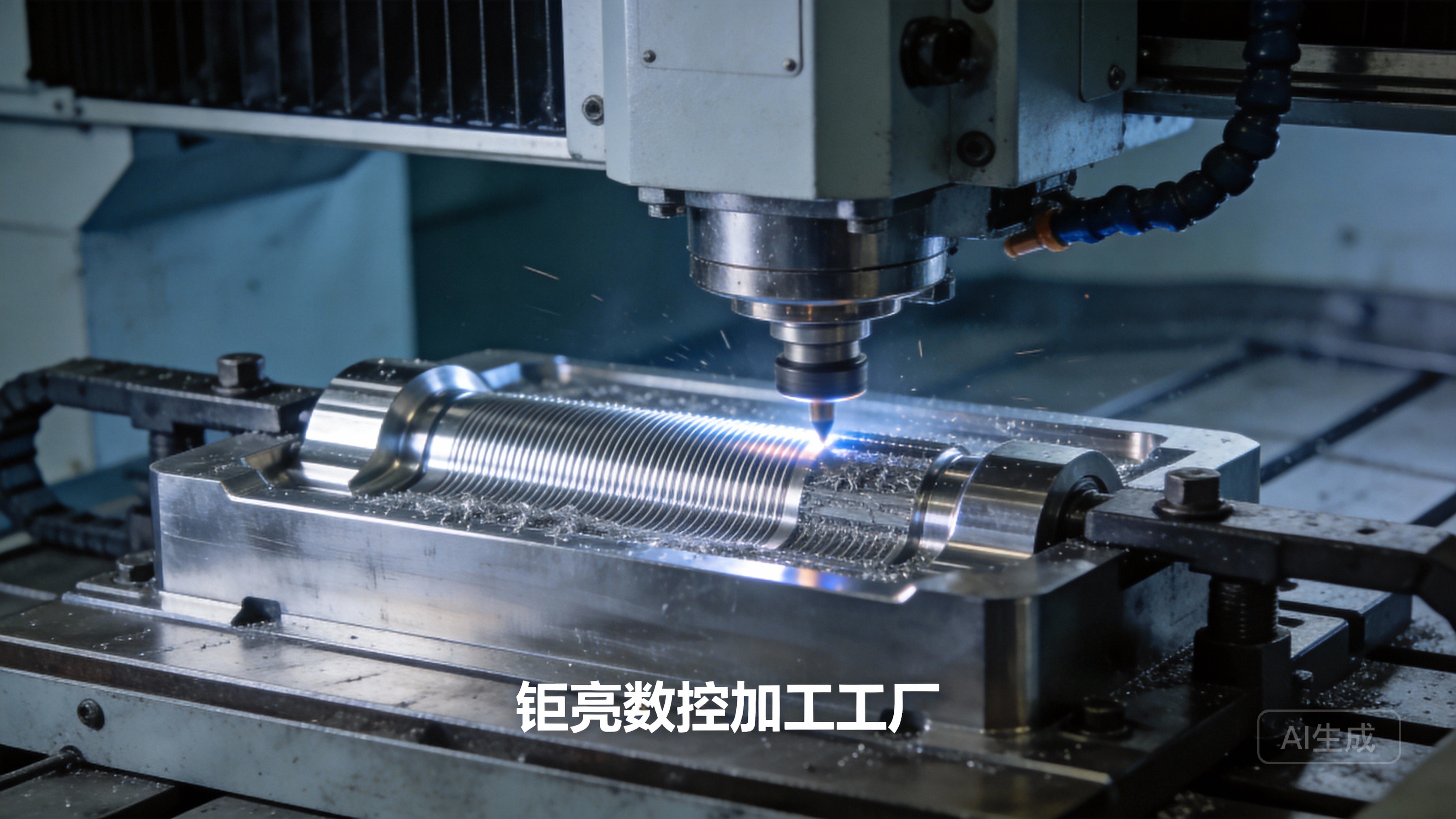
Z-Axis Drift: If the tool position shifts after reset, check for worn linear guides or ball screws. GreatLight Metal’s maintenance team performs monthly inspections of these components to prevent drift in their high-precision machines.
Inconsistent Tool Length: If multiple tools show varying offsets, calibrate the tool setter or replace worn tool holders. GreatLight uses certified tool holders to ensure consistent tool positioning across all jobs.
Post-Crash Reset Errors: After a machine crash, the Z-axis may have lost its reference. Perform a full machine home cycle, then use a dial indicator to manually reset the tool position. If issues persist, contact the machine manufacturer or a qualified service provider—GreatLight’s after-sales team offers free troubleshooting support for clients using their machining services.

Best Practices to Minimize Z-Axis Reset Needs

To reduce the frequency of Z-axis resets and maintain long-term precision, follow these best practices:


Regular Maintenance: Lubricate linear guides, check ball screw tension, and calibrate tool setters monthly. GreatLight’s ISO 9001:2015 compliant maintenance program includes these tasks to ensure their 127+ precision machines operate at peak performance.
Use High-Quality Tools: Invest in carbide tools with consistent lengths and wear-resistant coatings. GreatLight sources tools from reputable suppliers to minimize tool wear and reduce reset frequency.
Standardize Fixturing: Use modular fixtures with repeatable positioning to ensure the workpiece is always in the same location relative to the Z-axis. This eliminates the need for frequent WCS resets.

Conclusion

Whether you’re operating a 3-axis hobby machine or a industrial 5-axis CNC center, knowing how to make CNC machine reset bit position Z axis is fundamental to producing high-quality, precise parts. For businesses that don’t have the in-house expertise or equipment to maintain consistent Z-axis alignment, partnering with a trusted precision machining provider like GreatLight Metal can eliminate these headaches. With over a decade of experience, ISO 9001:2015 certification, and a focus on ±0.001mm precision, GreatLight offers one-stop solutions for CNC machining, 3D printing, and post-processing—all backed by free rework for quality issues and full refunds if reworks don’t meet expectations. To learn more about how their team maintains uncompromising precision in every project, explore GreatLight Metal’s precision manufacturing solutions. At the end of the day, mastering Z-axis reset is key to minimizing downtime and maximizing part quality, so knowing how to make CNC machine reset bit position Z axis is an essential skill for any precision machining professional.

Frequently Asked Questions (FAQ)

1. How often should I reset the Z-axis bit position?

For high-production runs, reset the Z-axis after every 50-100 parts or whenever you change tools. For prototype machining (like GreatLight’s rapid prototyping services), reset the Z-axis before each new job to ensure accuracy.
图片

2. Can incorrect Z-axis reset cause permanent machine damage?

In most cases, no—but a misaligned Z-axis can lead to tool breakage, scrap parts, or collisions with fixtures. Severe collisions (from a major reset error) can damage linear guides or ball screws, requiring costly repairs.

3. Do all CNC machines use the same Z-axis reset procedure?

No. Procedures vary by brand and machine type. Always refer to your machine’s operation manual for model-specific steps. GreatLight’s team is trained on over 20 CNC machine brands, allowing them to adapt reset procedures to any equipment.

4. What tools do I need to perform a precise Z-axis reset?

For basic resets, a dial indicator or edge finder works. For high-precision applications, invest in a laser tool setter or touch probe. GreatLight uses touch probes in all their 5-axis machines to achieve automated, accurate resets.

5. How does GreatLight ensure consistent Z-axis alignment across their machining operations?

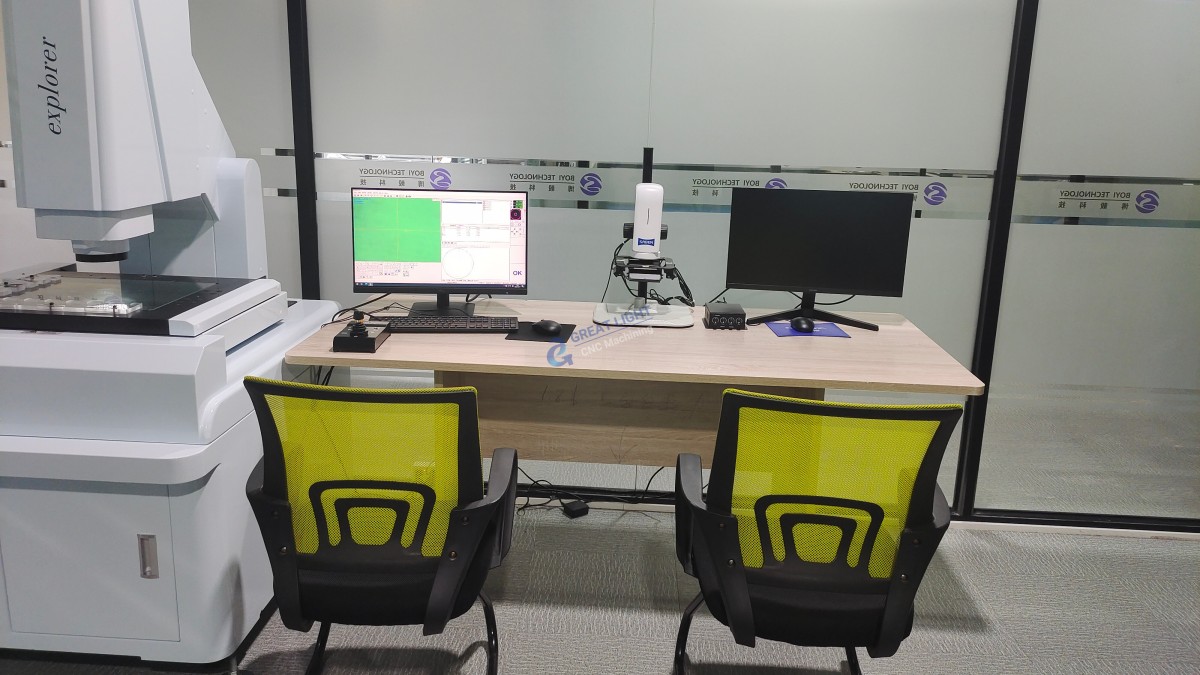
GreatLight follows ISO 9001:2015 standardized procedures for Z-axis reset, including daily tool calibration, monthly machine maintenance, and offline tool path simulation. Their in-house metrology team uses coordinate measuring machines (CMMs) to verify part dimensions after every run, ensuring Z-axis alignment meets tight tolerances.

6. What should I do if the Z-axis won’t hold its position after reset?

First, check for loose tool holders or worn fixtures. If the issue persists, inspect the linear guides or ball screws for wear. For clients of GreatLight, their after-sales team offers free troubleshooting and rework services to resolve such issues.


CNC Experts

Picture of JinShui Chen

JinShui Chen

Rapid Prototyping & Rapid Manufacturing Expert

Specialize in CNC machining, 3D printing, urethane casting, rapid tooling, injection molding, metal casting, sheet metal and extrusion

CNC Recent Posts

CNC News

Welcome to GreatLight Metal,Maximum Processing Size 4,000 mm

Precision Machining CNC Quote Online

Loading file

Upload Click here to upload or drag and drop your model to the canvas.

The model is too large and has been resized to fit in the printer's build tray. [Hide]

The model is too large to fit in the printer's build tray. [Hide]

The model is too large, a fitting printer is selected. [Hide]

The model is too small and has been upscaled. [Hide]

Warning: The selected printer can not print in full color [Hide]

Warning: obj models with multiple meshes are not yet supported [Hide]

Warning: Unsupported DXF entity  [Hide]

Warning: could not arrange models [Hide]

[Hide]


File Unit:      
Scale:
%
L × W × H:
X: × Y: × Z:  cm 
Rotation:
X: ° Y: °  
⚡ Instant Quote for Precision Manufacturing

Submit your design files (STEP/IGES/DWG) and receive a competitive quote within 1 hour, backed by ISO 9001-certified quality assurance.

📋 How It Works

  1. Upload & SpecifyShare your 3D model and select materials (Aluminum/Stainless Steel/Titanium/PEEK), tolerances (±0.002mm), and surface treatments.

  2. AI-Powered AnalysisOur system calculates optimal machining strategy and cost based on 10+ years of automotive/aerospace data.

  3. Review & ConfirmGet a detailed breakdown including:
    - Volume pricing tiers (1-10,000+ units)
    - Lead time (3-7 days standard)
    - DFM feedback for cost optimization

Unit Price: 

Loading price
5 Axis CNC Machining Equipment
4 Axis CNC Machining Equipment
3 Axis CNC Machining Equipment
CNC Milling & Turning Equipment
Prototype and Short-Run Injection Moldings Exact plastic material as final design
Volume Metal Die Casting Services - Precision Cast Parts
Bridge the Gap From Prototype to Production – Global delivery in 10 days or less
Custom high-precision sheet metal prototypes and parts, as fast as 5 days.
Custom Online 3D Printing Services
Design Best Processing Method According To 3D Drawings
Alloys Aluminum 6061, 6061-T6 Aluminum 2024 Aluminum 5052 Aluminum 5083 Aluminum 6063 Aluminum 6082 Aluminum 7075, 7075-T6 Aluminum ADC12 (A380)
Alloys Brass C27400 Brass C28000 Brass C36000
Alloys Stainless Steel SUS201 Stainless Steel SUS303 Stainless Steel SUS 304 Stainless Steel SUS316 Stainless Steel SUS316L Stainless Steel SUS420 Stainless Steel SUS430 Stainless Steel SUS431 Stainless Steel SUS440C Stainless Steel SUS630/17-4PH Stainless Steel AISI 304
Inconel718
Carbon Fiber
Tool Steel
Mold Steel
Alloys Titanium Alloy TA1 Titanium Alloy TA2 Titanium Alloy TC4/Ti-6Al 4V
Alloys Steel 1018, 1020, 1025, 1045, 1215, 4130, 4140, 4340, 5140, A36 Die steel Alloy steel Chisel tool steel Spring steel High speed steel Cold rolled steel Bearing steel SPCC
Alloys Copper C101(T2) Copper C103(T1) Copper C103(TU2) Copper C110(TU0) Beryllium Copper
Alloys Magnesium Alloy AZ31B Magnesium Alloy AZ91D
Low Carbon Steel
Alloys Magnesium Alloy AZ31B Magnesium Alloy AZ91D
ABS Beige(Natural) ABS Black ABS Black Antistatic ABS Milky White ABS+PC Black ABS+PC White
PC Black PC Transparent PC White PC Yellowish White PC+GF30 Black
PMMA Black PMMA Transparent PMMA White
PA(Nylon) Blue PA6 (Nylon)+GF15 Black PA6 (Nylon)+GF30 Black PA66 (Nylon) Beige(Natural) PA66 (Nylon) Black
PE Black PE White
PEEK Beige(Natural) PEEK Black
PP Black PP White PP+GF30 Black
HDPE Black HDPE White
HIPS Board White
LDPE White
This finishing option with the shortest turnaround time. Parts have visible tool marks and potentially sharp edges and burrs, which can be removed upon request.
Sand blasting uses pressurized sand or other media to clean and texture the surface, creating a uniform, matte finish.
Polishing is the process of creating a smooth and shiny surface by rubbing it or by applying a chemical treatmen
A brushed finish creates a unidirectional satin texture, reducing the visibility of marks and scratches on the surface.
Anodizing increases corrosion resistance and wear properties, while allowing for color dyeing, ideal for aluminum parts.
Black oxide is a conversion coating that is used on steels to improve corrosion resistance and minimize light reflection.
Electroplating bonds a thin metal layer onto parts, improving wear resistance, corrosion resistance, and surface conductivity.
This is a finish of applying powdered paint to the components and then baking it in an oven, which results in a stronger, more wear- and corrosion-resistant layer that is more durable than traditional painting methods.
Please provide additional text description for other surface treatment requirements!
Material
Material
  • CNC Metals
    • Aluminum
    • Brass
    • Stainless steel
    • Inconel718
    • Carbon Fiber
    • Tool Steel
    • Mold Steel
    • Titanium
    • Alloy Steel
    • Copper
    • Bronze
    • Low Carbon Steel
    • Magnesium
  • CNC Plastics
    • ABS
    • PC
    • PMMA (Acrylic)
    • PA (Nylon)
    • PE
    • PEEK
    • PP
    • HDPE
    • HIPS
    • LDPE
Printer
Printer
  • CNC Metals
    • 5 Axis CNC Machining
    • 4 Axis CNC Machining
    • 3 Axis CNC Machining
    • CNC Milling & Turning
    • Rapid Tooling
    • Metal Die Casting
    • Vacuum Casting
    • Sheet Metal Fabrication
    • SLA 3D Printing
    • SLS 3D Printing
    • SLM 3D Printing
  • Rapid Prototyping
    • Design Best Processing Method According To 3D Drawings
Post-processing
Post-processing
  • As Machined(Product’s natural color)
  • Sand Blasting
  • Polishing
  • Brushed Finish
  • Anodizing
  • Black Oxide
  • Electroplating
  • Paint Coating
  • Powder Coating
  • Other surface treatment requirements
Finalize
The world's first CNC machining center that dares to provide free samples!

Free for first product valued at less than $200. (Background check required)

precision machining cnc quote online

15 Years CNC Machining Services

When you’re ready to start your next project, simply upload your 3D CAD design files, and our engineers will get back to you with a quote as soon as possible.
Scroll to Top

ISO 9001 Certificate

ISO 9001 is defined as the internationally recognized standard for Quality Management Systems (QMS). It is by far the most mature quality framework in the world. More than 1 million certificates were issued to organizations in 178 countries. ISO 9001 sets standards not only for the quality management system, but also for the overall management system. It helps organizations achieve success by improving customer satisfaction, employee motivation, and continuous improvement. * The ISO certificate is issued in the name of FS.com LIMITED and applied to all the products sold on FS website.

greatlight metal iso 9001 certification successfully renewed
GB T 19001-2016 IS09001-2015
✅ iso 9001:2015
greatlight metal iso 9001 certification successfully renewed zh

IATF 16949 certificate

IATF 16949 is an internationally recognized Quality Management System (QMS) standard specifically for the automotive industry and engine hardware parts production quality management system certification. It is based on ISO 9001 and adds specific requirements related to the production and service of automotive and engine hardware parts. Its goal is to improve quality, streamline processes, and reduce variation and waste in the automotive and engine hardware parts supply chain.

automotive industry quality management system certification 01
Certification of Production Quality Management System for Engine Hardware Parts Engine Hardware Associated Parts
automotive industry quality management system certification 00
发动机五金零配件的生产质量管理体系认证

ISO 27001 certificate

ISO/IEC 27001 is an international standard for managing and processing information security. This standard is jointly developed by the International Organization for Standardization (ISO) and the International Electrotechnical Commission (IEC). It sets out requirements for establishing, implementing, maintaining, and continually improving an information security management system (ISMS). Ensuring the confidentiality, integrity, and availability of organizational information assets, obtaining an ISO 27001 certificate means that the enterprise has passed the audit conducted by a certification body, proving that its information security management system has met the requirements of the international standard.

greatlight metal technology co., ltd has obtained multiple certifications (1)
greatlight metal technology co., ltd has obtained multiple certifications (2)

ISO 13485 certificate

ISO 13485 is an internationally recognized standard for Quality Management Systems (QMS) specifically tailored for the medical device industry. It outlines the requirements for organizations involved in the design, development, production, installation, and servicing of medical devices, ensuring they consistently meet regulatory requirements and customer needs. Essentially, it's a framework for medical device companies to build and maintain robust QMS processes, ultimately enhancing patient safety and device quality.

greatlight metal technology co., ltd has obtained multiple certifications (3)
greatlight metal technology co., ltd has obtained multiple certifications (4)

Get The Best Price

Send drawings and detailed requirements via Email:[email protected]
Or Fill Out The Contact Form Below:

All uploads are secure and confidential.











