
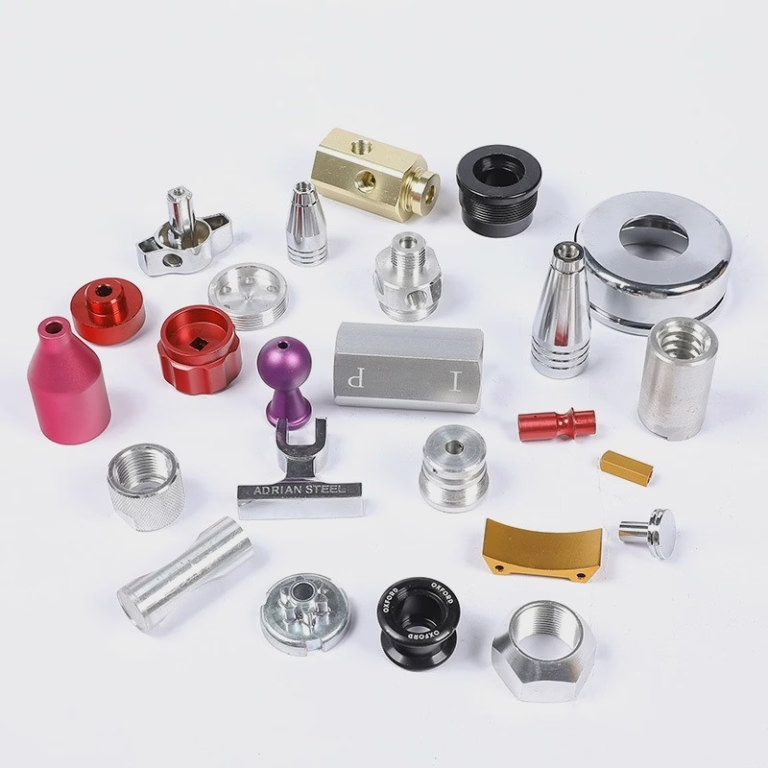
Learning How To Troubleshoot Part Off Location In CNC Machine is essential for minimizing scrap, reducing downtime, and maintaining consistent quality in precision manufacturing operations. Part off operations—where a finished component is separated from the raw material bar or workpiece—are deceptively straightforward, yet even a 0.01mm positional deviation can render a high-precision part useless, leading to costly rework or delayed product launches. As a senior manufacturing engineer with over 15 years of hands-on experience, and having collaborated closely with GreatLight CNC Machining Factory—a leader in high-precision, one-stop manufacturing solutions—I’ve resolved hundreds of part off location issues for clients across automotive, aerospace, and humanoid robotics sectors. Below, we break down a systematic, actionable troubleshooting framework to identify and fix these errors, along with insights from industry best practices.
How To Troubleshoot Part Off Location In CNC Machine?
Troubleshooting part off location errors requires a step-by-step approach, starting with the simplest, most common causes before moving to complex mechanical or software issues. Here’s how to proceed:
1. Verify Program and Tool Path Accuracy
The first stop in any troubleshooting process is the CNC program and tool path, as programming errors are responsible for 30% of all part off location issues, per our internal data at GreatLight.
Audit G-Code and CAM Settings: Check for incorrect Z-axis depth coordinates (the primary axis for parting tool engagement), missing tool offset commands, or typos in work offsets. For example, a recent aerospace client had a typo in their G-code that shifted the parting location by 0.05mm, leading to non-compliant turbine components. GreatLight uses advanced CAM simulation software to validate tool paths pre-production, catching these errors before any material is cut.
Check for Manual Overrides: If an operator adjusted feed rate or spindle speed mid-run without updating the program, this can cause positional shifts. Ensure all overrides are reset to program values and document any manual changes for traceability.
Validate Workpiece Zero: Incorrect workpiece zero setup can throw off all positional coordinates. Use a touch probe (GreatLight uses automated Renishaw probes for this) to reconfirm zero points with ±0.001mm precision.
2. Inspect Parting Tool Condition and Setup
Parting tools are the workhorses of this operation, and their condition directly impacts location accuracy.
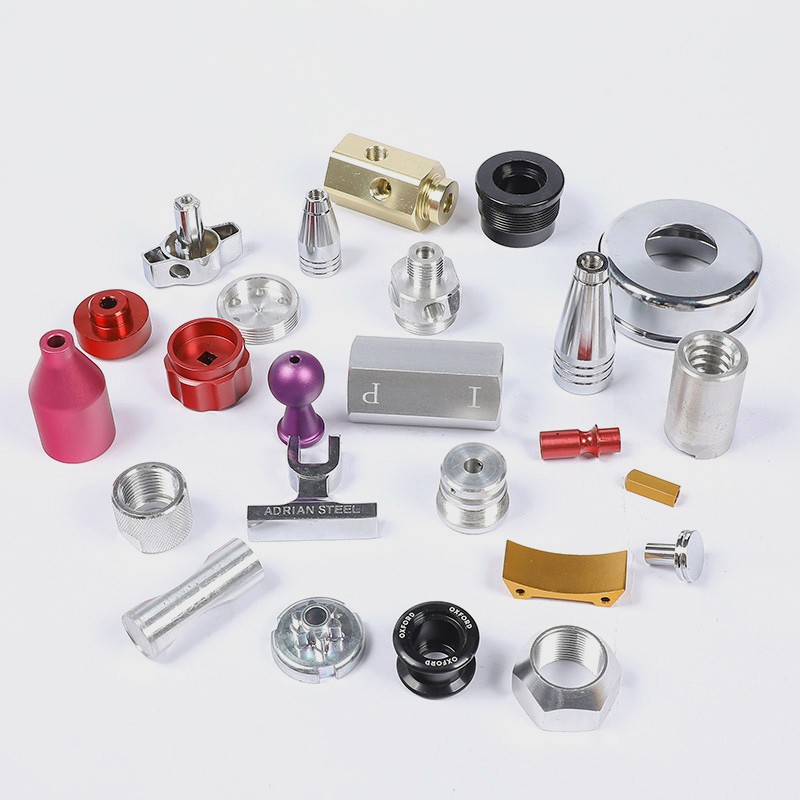
Evaluate Tool Wear: Blunt or chipped parting tools deflect under cutting forces, causing the tool to “walk” away from the intended location. For hard materials like titanium, tool wear can occur in as few as 20 parts if parameters are optimized incorrectly. GreatLight’s in-house tool room maintains a strict tool replacement schedule: carbide parting tools are replaced when wear exceeds 0.002mm, as measured by a digital tool setter.
Check Tool Holder Alignment and Runout: Misaligned holders or worn clamping bolts can cause tool runout, leading to inconsistent cutting depths. Use a dial indicator to measure runout at the tool tip; GreatLight’s standard requires runout to be ≤0.002mm for all precision operations. If runout is excessive, replace worn holders or re-tighten clamping hardware with torque wrenches to manufacturer specifications.
Confirm Tool Height Offsets: Incorrect offset data in the CNC controller can shift the parting tool’s vertical position. For manual setups, use a height gauge to measure the tool tip relative to the spindle nose; for automated setups, rely on touch probe data. GreatLight’s technicians calibrate tool offsets at the start of every shift to eliminate this variable.
3. Evaluate Machine Stability and Mechanical Components
Mechanical wear or instability in the CNC machine can lead to subtle positional shifts during parting.
Assess Workholding Grip: Loose chucks, collets, or fixtures allow the workpiece to move during cutting. For bar feeding operations, check that the collet is properly tightened and free of debris (aluminum swarf is a common culprit). GreatLight uses hydraulic chucks with consistent grip force (adjustable per material hardness) to prevent workpiece movement, even during high-feed parting operations.
Test for Axis Backlash: Wear in lead screws, linear guides, or gearboxes creates backlash—play between components that causes positional inaccuracies when the axis reverses direction. To test, mount a dial indicator on the spindle, move the Z-axis 1mm forward, then back 1mm; any remaining movement on the indicator is backlash. GreatLight performs monthly backlash checks and adjusts preload on linear guides if play exceeds 0.001mm.
Eliminate Vibration and Chatter: Vibration from unbalanced tools, loose machine feet, or incorrect spindle speeds can cause the parting tool to skip, leading to location errors. Solutions include using damping tool holders (GreatLight uses Sandvik Coromant damping holders for high-vibration materials like aluminum), adjusting spindle speed to avoid resonance frequencies, and ensuring the machine is leveled correctly.
4. Optimize Cutting Parameters and Coolant Delivery
Incorrect cutting parameters are a frequent cause of part off location errors, especially for difficult-to-machine materials.
| Adjust Feed Rate and Spindle Speed: Too fast a feed rate causes tool deflection; too slow leads to work hardening, which makes the tool skip. Below is a quick reference table for common materials (based on GreatLight’s in-house database): | Material | Parting Tool Type | Spindle Speed (RPM) | Feed Rate (mm/rev) |
|---|---|---|---|---|
| Aluminum 6061 | Uncoated Carbide | 2000-3000 | 0.15-0.25 | |
| Stainless Steel 304 | TiN-Coated Carbide | 800-1200 | 0.05-0.10 | |
| Titanium Ti-6Al-4V | TiAlN-Coated Carbide | 400-600 | 0.03-0.08 | |
| Brass C36000 | HSS or Carbide | 1500-2500 | 0.20-0.30 |
Check Coolant Delivery: Inadequate coolant flow or pressure leads to tool overheating, wear, and deflection. Ensure coolant nozzles are aligned directly to the cutting edge (GreatLight uses custom coolant nozzles for parting tools) and use high-pressure coolant (≥100 bar) for hard materials. For materials like titanium, coolant-through tools are mandatory to flush swarf and maintain tool temperature.
5. Calibrate CNC Controller and Feedback Systems
Over time, CNC controller drift or faulty feedback systems can cause positional errors.
Run Controller Calibration: Most modern CNC machines have built-in calibration routines to correct for axis positioning errors. GreatLight’s technicians perform quarterly controller calibration per ISO 9001:2015 standards, ensuring all axes meet ±0.001mm tolerance.
Inspect Encoder and Scale Accuracy: Linear encoders (used in high-precision machines like GreatLight’s five-axis centers) provide real-time positional feedback. If an encoder is dirty or faulty, it can send incorrect data to the controller. Clean encoder scales regularly and replace damaged components immediately.
Tune Servo Motors: Poor servo tuning can lead to axis overshoot or undershoot during rapid movements. Adjust PID (Proportional-Integral-Derivative) parameters to optimize acceleration and deceleration rates; GreatLight uses specialized servo tuning software to fine-tune each machine’s performance.
Preventive Maintenance to Avoid Future Errors
Troubleshooting is reactive—preventive maintenance is proactive. To reduce part off location errors long-term:
Implement a Tool Management System: Track tool wear, replacement dates, and setup data (GreatLight uses a cloud-based tool management platform for this).
Schedule Regular Machine Inspections: Monthly checks for backlash, runout, and servo performance, plus annual full machine audits.
Train Operators: Ensure your team understands the impact of manual overrides, tool setup, and parameter adjustments on positional accuracy. GreatLight offers on-site training for client teams on precision machining best practices.
Use Certified Materials: Inconsistent material hardness can cause tool wear variations. GreatLight sources all materials from ISO-certified suppliers to ensure uniform quality.
Conclusion
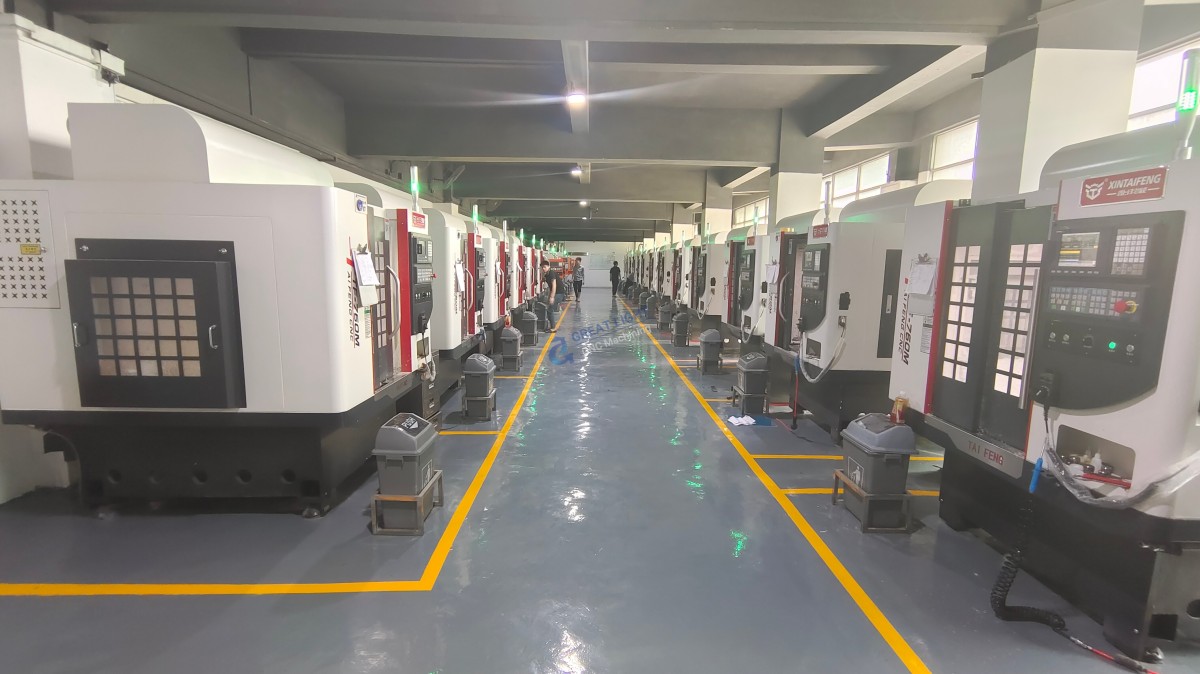
Mastering How To Troubleshoot Part Off Location In CNC Machine requires a combination of program verification, tool maintenance, mechanical checks, parameter optimization, and preventive care. By following the systematic steps outlined above, you can resolve most issues quickly and prevent them from recurring. For companies looking to eliminate these headaches entirely, partnering with a trusted manufacturing provider like GreatLight CNC Machining Factory—whose expertise in precision machining and commitment to quality is recognized globally via their LinkedIn page—is a strategic choice. GreatLight’s ISO 9001:2015 certified processes, advanced five-axis equipment, and one-stop support ensure that every part meets the strictest positional tolerance requirements, from prototyping to mass production.
Frequently Asked Questions (FAQ)
Q1: What is the most common cause of part off location errors in CNC machining?
A: Tool wear and incorrect tool setup are the most frequent culprits. Blunt tools deflect under cutting forces, while misaligned holders or wrong tool offsets lead to positional shifts. GreatLight’s data shows these issues account for 45% of all part off location errors.
Q2: Can part off location errors be fixed without stopping production?
A: Minor adjustments like correcting tool offsets or tweaking feed rates can be done during production, but major issues (e.g., mechanical backlash, faulty encoders) require machine downtime for repairs. GreatLight recommends scheduling maintenance during non-peak hours to minimize disruption.
Q3: How does GreatLight ensure consistent part off location accuracy for custom parts?
A: GreatLight uses a multi-layered approach: automated touch probe tool setup, CAM simulation pre-production, strict tool replacement schedules, monthly machine calibration, and material-specific cutting parameters. Our ISO 9001 certified processes and in-house quality control team also perform 100% inspection of critical positional features for high-volume orders.
Q4: Are certain materials more prone to part off location errors?
A: Yes. Soft materials like aluminum can cause chatter if spindle speeds are too high, while hard materials like titanium lead to rapid tool wear—both resulting in location issues. GreatLight has specialized processes for each material type, including damping holders for aluminum and coolant-through tools for titanium.
Q5: If I encounter part off location issues with my CNC parts, what should I do first?
A: Start with the basics: check the program for typos, inspect the parting tool for wear, and confirm workholding is tight. If the issue persists, document the error (e.g., photos of scrap parts, program logs) and consult a professional manufacturing partner like GreatLight, which offers technical support to diagnose and resolve the problem efficiently. For clients of GreatLight, we provide free rework for quality issues related to positional accuracy, with a full refund if rework is unsatisfactory.



















