
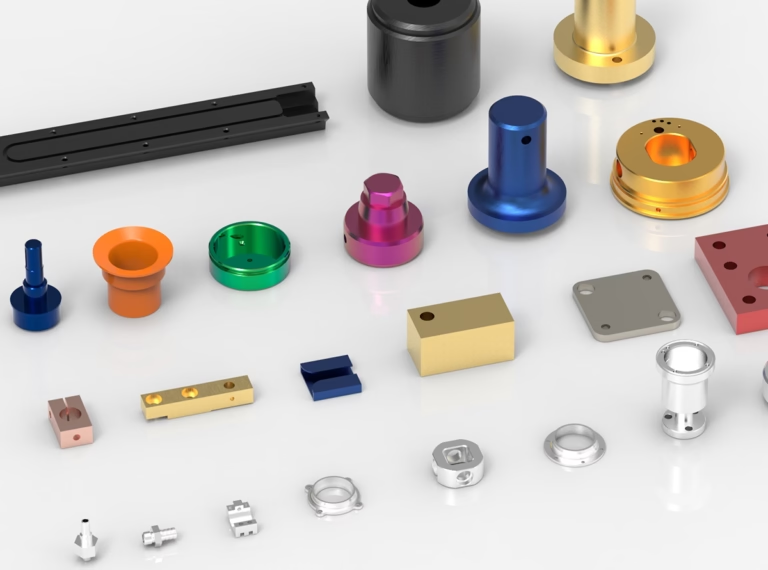
If you’re new to precision manufacturing or looking to standardize your workshop operations, learning how to start CNC turning machine correctly is foundational to ensuring part quality, equipment safety, and production efficiency. A CNC turning machine is a workhorse for creating cylindrical or rotational parts—from small automotive components to large aerospace fittings—but improper startup can lead to costly scrap parts, tool damage, or even workplace safety incidents. In this guide, we’ll break down the step-by-step process of starting a CNC turning machine, highlight critical safety protocols, and explain how industry leaders like GreatLight CNC Machining Factory optimize this process to deliver consistent, high-precision results.
How To Start CNC Turning Machine?
Starting a CNC turning machine isn’t just about flipping a switch—it requires systematic checks, careful verification, and adherence to standard operating procedures (SOPs) to mitigate risks. Below is a detailed, step-by-step guide tailored for both novice operators and experienced technicians looking to refine their practices.
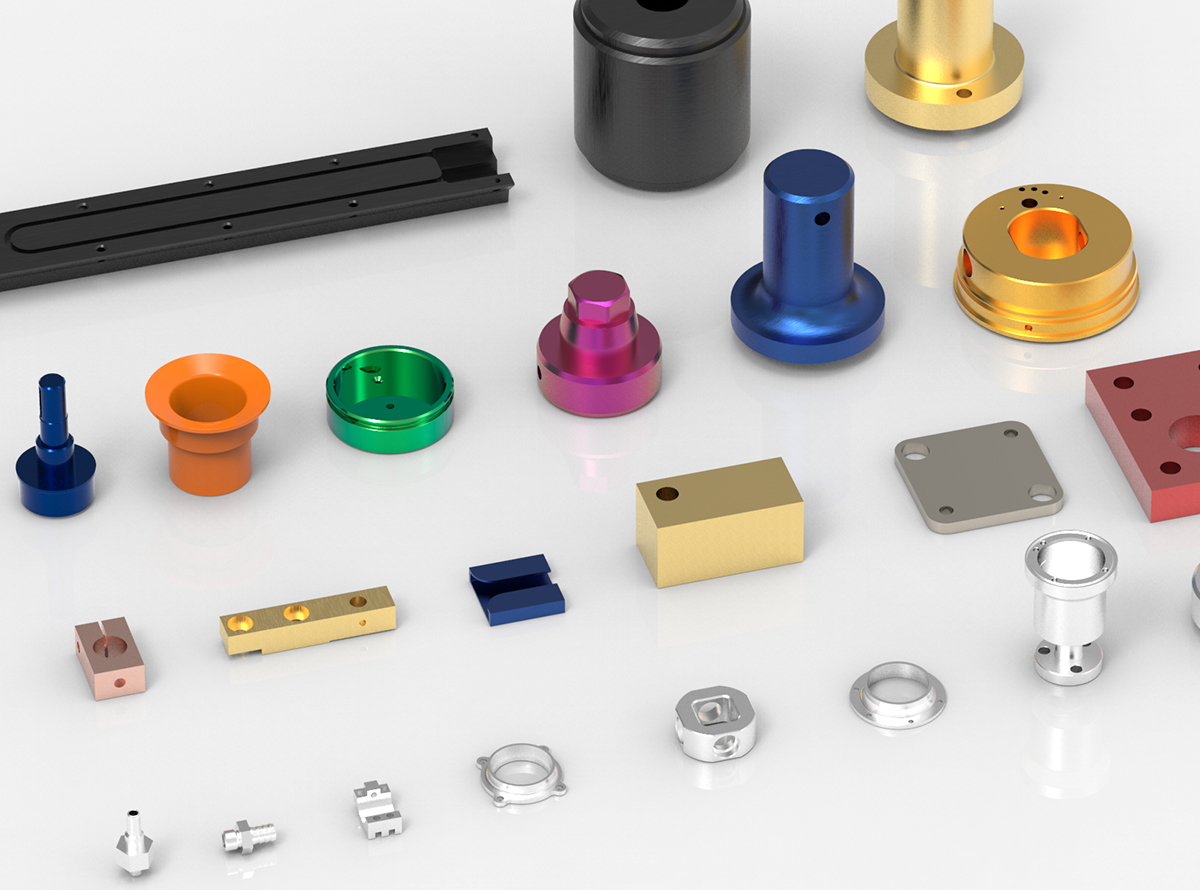
Pre-Startup Safety & Preparation Checks
Before powering on the machine, prioritizing safety and equipment condition is non-negotiable. This phase prevents 80% of common startup-related issues:
Personal Protective Equipment (PPE): Ensure all operators wear mandatory PPE, including safety glasses with side shields, steel-toe boots, hair nets, and avoid loose clothing or jewelry that could get caught in moving parts.
Machine Surround Inspection: Clear the area around the machine of debris, tools, or unused materials. Confirm emergency stop buttons are unobstructed and functional by testing one briefly.
Core Machine Systems Check:
Lubrication: Verify oil levels in the spindle, ways, and gearbox; ensure automatic lubrication lines are not clogged.
Coolant: Check coolant tank levels and confirm the fluid is clean (no debris or contamination).
Tool & Fixture Condition: Inspect turning tools for wear or chipping; check chucks, collets, or faceplates for cracks, loose jaws, or misalignment.
Workpiece Preparation: Ensure the workpiece is free of burrs, and its dimensions match the program requirements.
At GreatLight CNC Machining Factory, our team follows ISO 9001:2015-aligned pre-startup checklists, with every step documented to ensure no detail is missed. This rigor is critical for our work in high-stakes sectors like medical device manufacturing, where even minor oversights can compromise patient safety.

Power-On & System Initialization
Once pre-startup checks are complete, proceed to power on the machine:
Main Power Activation: Toggle the main power switch (usually located on the side or rear of the machine) to the “ON” position. Wait 10-15 seconds for the machine’s electrical systems to stabilize.
Control Panel Boot: Turn on the CNC control panel (e.g., FANUC, Siemens, Haas). Allow the system to fully boot—this may take 1-2 minutes depending on the machine model.
Axis Homing: Execute the “home” command (G28 in G-code) to set the machine’s reference points for all axes (X, Z, and C for live tooling models). Homing ensures the controller knows the exact position of the tool and workpiece, eliminating coordinate errors that cause scrap parts.
Error Code Verification: Check the control panel for any error codes. Common startup errors include low lubrication pressure, coolant pump failures, or axis lockouts. Resolve all errors before proceeding—refer to the machine’s manual or contact a technician if unsure.
GreatLight’s technicians are trained on 10+ CNC control systems, and our in-house maintenance team ensures all machines are updated with the latest firmware to minimize boot-time errors. For complex 5-axis machining projects, our team relies on advanced system diagnostics to confirm axis alignment before any production begins—learn more about our capabilities with five-axis CNC machining services.
Tool & Workpiece Setup Verification
With the system initialized, it’s time to confirm your tool and workpiece setup matches the program specifications:
Tool Loading & Offset Calibration: Load turning tools into the turret, ensuring each is secured tightly. Use a tool setter or touch probe to measure tool length and radius offsets, then input these values into the CNC controller’s offset table.
Workpiece Fixturing: Mount the workpiece in the chuck or collet, and tighten it evenly to avoid runout. Use a dial indicator to check for radial and axial runout—GreatLight’s team can achieve runout as low as ±0.001mm, critical for high-precision parts.
Program Loading & Validation: Upload the CNC program via USB, network connection, or manual input (for short programs). Use the control panel’s simulation feature to visualize the tool path and confirm no collisions between the tool, workpiece, or machine components.
GreatLight’s in-house programming team validates all G-code programs using advanced simulation software before they reach the machine floor. This reduces setup time by 20% compared to industry averages, as operators don’t need to troubleshoot program errors during startup.
Dry Run & Final Pre-Production Checks
A dry run is a critical step to catch errors without wasting material or damaging tools:
Configure Dry Run Settings: Disable coolant flow, set spindle speed and feed rate overrides to 50% or lower, and ensure the machine is set to “dry run” mode.
Execute Dry Run: Start the program and monitor the tool path closely. Check for unexpected axis movements, tool turret positioning errors, or fixture interference.
Adjust & Validate: If the dry run reveals discrepancies (e.g., tool path is too close to the chuck), adjust tool offsets or program parameters, then repeat the dry run until no issues are found.
Final System Checks: Turn on the coolant system to confirm flow and pressure are adequate; ensure automatic lubrication is active and distributing oil to all critical components.
Initiate Production & First-Part Inspection
Once all checks are complete, you’re ready to start production:
Set Overrides: Start with spindle speed and feed rate overrides at 50-70% to monitor the first part closely.
Start Cycle: Press the cycle start button and observe the machine’s operation for the first 1-2 minutes. Listen for unusual noises (e.g., grinding or squealing) which may indicate tool wear or misalignment.
First-Part Metrology: After completing the first part, use precision measuring tools (micrometers, calipers, or coordinate measuring machines (CMMs)) to verify all dimensions meet tolerance requirements. GreatLight’s in-house CMM lab can perform full 3D inspections in real time, ensuring parts meet even the tightest specifications (±0.001mm).
Common Mistakes To Avoid When Starting a CNC Turning Machine
Even experienced operators can make mistakes during startup—here are the most frequent ones and how to mitigate them:
Skipping Pre-Startup Checks: This is the leading cause of tool breakage and workpiece damage. GreatLight’s SOPs require managers to sign off on pre-startup checklists before any machine is activated.
Failing to Home the Machine: Without homing, the controller has no reference point, leading to coordinate errors that result in 100% scrap parts.
Ignoring Error Codes: Small errors (e.g., low coolant) can escalate to major machine damage (e.g., spindle seizure) if not addressed promptly.
Rushing the Dry Run: Skipping or rushing the dry run often leads to tool collisions, which can cost thousands of dollars in repairs and downtime.
Forgetting PPE: Loose clothing or missing safety glasses can lead to severe workplace injuries.
GreatLight mitigates these risks by training all new technicians for 3 months on hands-on operations and SOPs aligned with IATF 16949 (automotive) and ISO 13485 (medical) standards. This ensures every operator follows the same rigorous process, regardless of experience level.
How GreatLight CNC Machining Factory Ensures CNC Turning Excellence
Founded in 2011 in Dongguan’s Chang’an District (China’s “Hardware and Mould Capital”), GreatLight CNC Machining Factory has grown to become a leading provider of precision CNC turning and machining services. With 7600 square meters of production space, 150 employees, and 127+ precision machines (including CNC lathes, 5-axis machining centers, and CMMs), we deliver one-stop solutions for clients in automotive, medical, aerospace, and humanoid robot sectors.
Our commitment to excellence is backed by:
Unmatched Precision: We can achieve tolerances as tight as ±0.001mm, with a maximum processing size of 4000mm.
Comprehensive Certifications: ISO 9001:2015, IATF 16949, ISO 13485, and ISO 27001, ensuring compliance with global quality and data security standards.
After-Sales Guarantee: Free rework for quality issues, with a full refund if rework is still unsatisfactory.
One-Stop Services: From CNC turning to post-processing (anodizing, plating, polishing), we handle every step of production to deliver finished parts ready for assembly.
Conclusion
Learning how to start CNC turning machine correctly is more than a technical skill—it’s a cornerstone of reliable, high-quality precision manufacturing. By following systematic checks, validating setups, and avoiding common mistakes, you can reduce scrap rates, extend machine life, and improve production efficiency. For businesses looking to outsource their CNC turning needs, partnering with a trusted provider like GreatLight Metal ensures every part meets the highest standards of precision and quality, backed by decades of expertise and industry-leading certifications.
Frequently Asked Questions (FAQ)
Q1: What should I do if the CNC turning machine shows an error code during startup?
First, refer to the machine’s operation manual to identify the error’s root cause—common issues include low lubrication levels, axis obstructions, or program conflicts. If you can’t resolve the error, contact a qualified maintenance technician. At GreatLight, our on-site maintenance team responds to error codes within 15 minutes to minimize downtime.
Q2: How often should I perform pre-startup checks on my CNC turning machine?
Pre-startup checks must be completed every time before operating the machine, whether it’s the first run of the day or a new job. For high-volume production runs, mid-shift checks are recommended to ensure coolant and lubrication levels remain adequate. GreatLight’s team follows hourly checklists for critical medical and automotive production projects.
Q3: Can I skip the dry run if I’m using a proven, previously successful program?
While a proven program reduces risk, dry runs are still mandatory whenever you change tools, workpieces, or adjust any program parameters. Even minor changes can lead to unforeseen tool collisions or dimensional errors. GreatLight requires a dry run for every new job setup, regardless of program history.
Q4: What is the minimum precision achievable with CNC turning at GreatLight?
GreatLight’s CNC turning services can achieve tolerances as tight as ±0.001mm, making us an ideal partner for high-precision parts in medical devices, automotive engine components, and aerospace fittings. Our in-house metrology lab uses advanced CMMs to verify all dimensions meet client specifications.
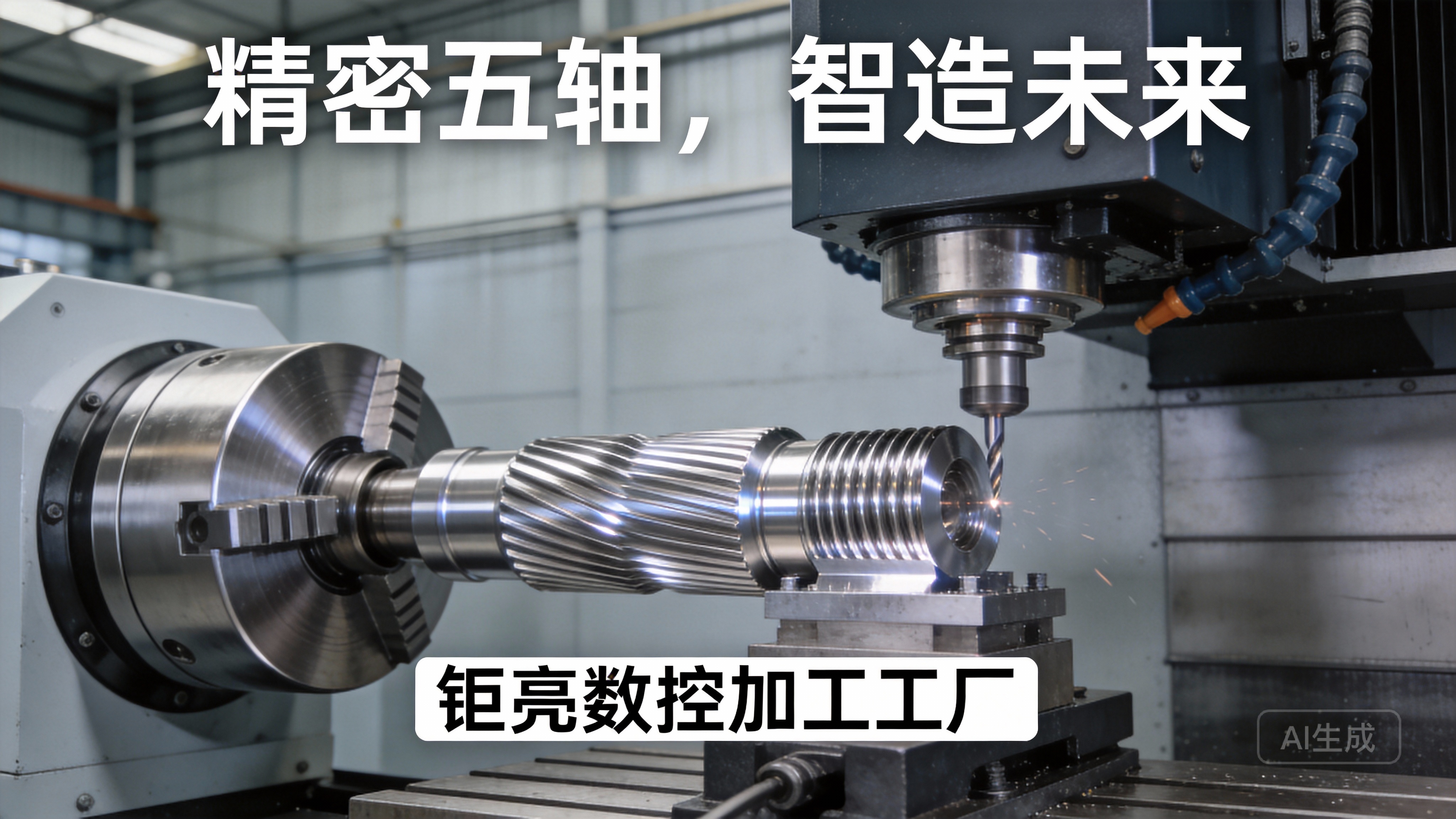
Q5: Does GreatLight support custom CNC turning projects with unique materials?
Yes. We specialize in machining a wide range of materials, including aluminum alloys, stainless steel, titanium, copper, and engineering plastics. Our team has extensive experience working with exotic materials and can provide guidance on material selection and machining parameters to optimize part performance.
Q6: What is the typical lead time for CNC turning projects at GreatLight?
For prototype or low-volume orders (1-100 parts), lead times are 1-3 days. For high-volume production runs, lead times vary based on order size and complexity, but we can often deliver within 7-14 days. Our team works closely with clients to meet tight deadlines without compromising quality.



















