
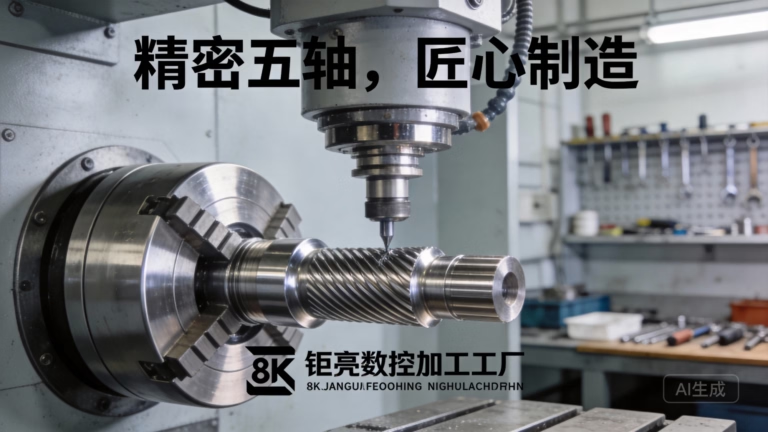
From Hobbyist Dreams to Precision Reality: Your Roadmap to CNC Machining at Home
The whirring of a spindle, the precise dance of a cutting tool carving metal or wood, and the satisfaction of turning a digital design into a tangible object—this is the allure of CNC machining. For engineers, makers, and product developers, the idea of bringing this capability in-house, into a home workshop or garage, is increasingly appealing. Whether for prototyping, custom part creation, or a fulfilling hobby, CNC machining at home represents a fusion of creativity and technical skill. However, transitioning from interest to a functioning home setup requires careful navigation. This guide will walk you through the essential steps, considerations, and realities of establishing your own home CNC machining capability, while also providing a clear perspective on when partnering with a professional service like GreatLight Metal becomes the strategic choice.
Understanding the Landscape: What Does “CNC Machining at Home” Really Mean?
First, it’s crucial to calibrate expectations. Industrial-grade CNC machining involves multi-ton machines capable of micron-level precision in hardened steel. Home-based CNC typically refers to smaller, more accessible machines, often referred to as “desktop” or “benchtop” CNC routers or mills. These are fantastic for:
Materials: Wood, plastics (acrylic, PVC), soft metals (aluminum, brass), and modeling foams.
Applications: Sign-making, custom furniture components, detailed models, engraving, and prototyping less critical parts.
Scale: Generally limited to smaller work envelopes (e.g., 300x300mm to 1200x1200mm).
For machining harder metals like stainless steel or titanium with high precision, the power, rigidity, and cost of required equipment quickly escalate beyond typical “home” boundaries.
Your Step-by-Step Guide to Getting Started
Step 1: Define Your “Why” and Scope
Begin by asking yourself:
What materials do I primarily want to work with? (Wood/Plastic vs. Aluminum vs. Steel)
What size parts do I need to produce?
What level of precision and finish is required? (Hobby tolerances of ±0.5mm are very different from mechanical part tolerances of ±0.05mm).
What is my total budget? This must include machine, tooling, software, safety gear, and workspace setup.
Your answers here will dictate every subsequent choice.
Step 2: Choosing Your Core Equipment
This is the most significant investment. The market offers a spectrum:
CNC Kits: Require assembly, calibration, and often troubleshooting. Best for learners on a budget who enjoy the build process (e.g., Shapeoko, Onefinity).
Pre-assembled Desktop Machines: Plug-and-play to a greater degree, offering better out-of-the-box performance but at a higher cost (e.g., Bantam Tools, Carbide 3D Nomad).
Converted Manual Mills/Lathes: A popular route for machinists involves retrofitting a manual mill (like a Grizzly or Precision Matthews) with CNC stepper motors and controls. This can offer more rigidity for metal work but requires significant technical know-how.
DIY Builds: From scratch, using linear rails, ball screws, and aluminum extrusion. This offers maximum customization but demands deep mechanical and electronic expertise.
Key Machine Specs to Compare:
Work Envelope: The maximum part size (X, Y, Z travel).
Rigidity & Frame: Cast iron or heavy aluminum is best for metal. Aluminum extrusion is common for routers.
Spindle Power: Measured in watts or HP. A 500W-800W spindle can handle wood and light aluminum. For serious aluminum cutting, 1.5kW+ is recommended. Brushless DC or VFD-driven AC spindles are top choices.
Control System & Electronics: Look for reputable controllers (Grbl, Mach4, LinuxCNC) and quality stepper or servo motors.
Step 3: The Digital Backbone: Software Stack
CNC machining requires a trio of software types:
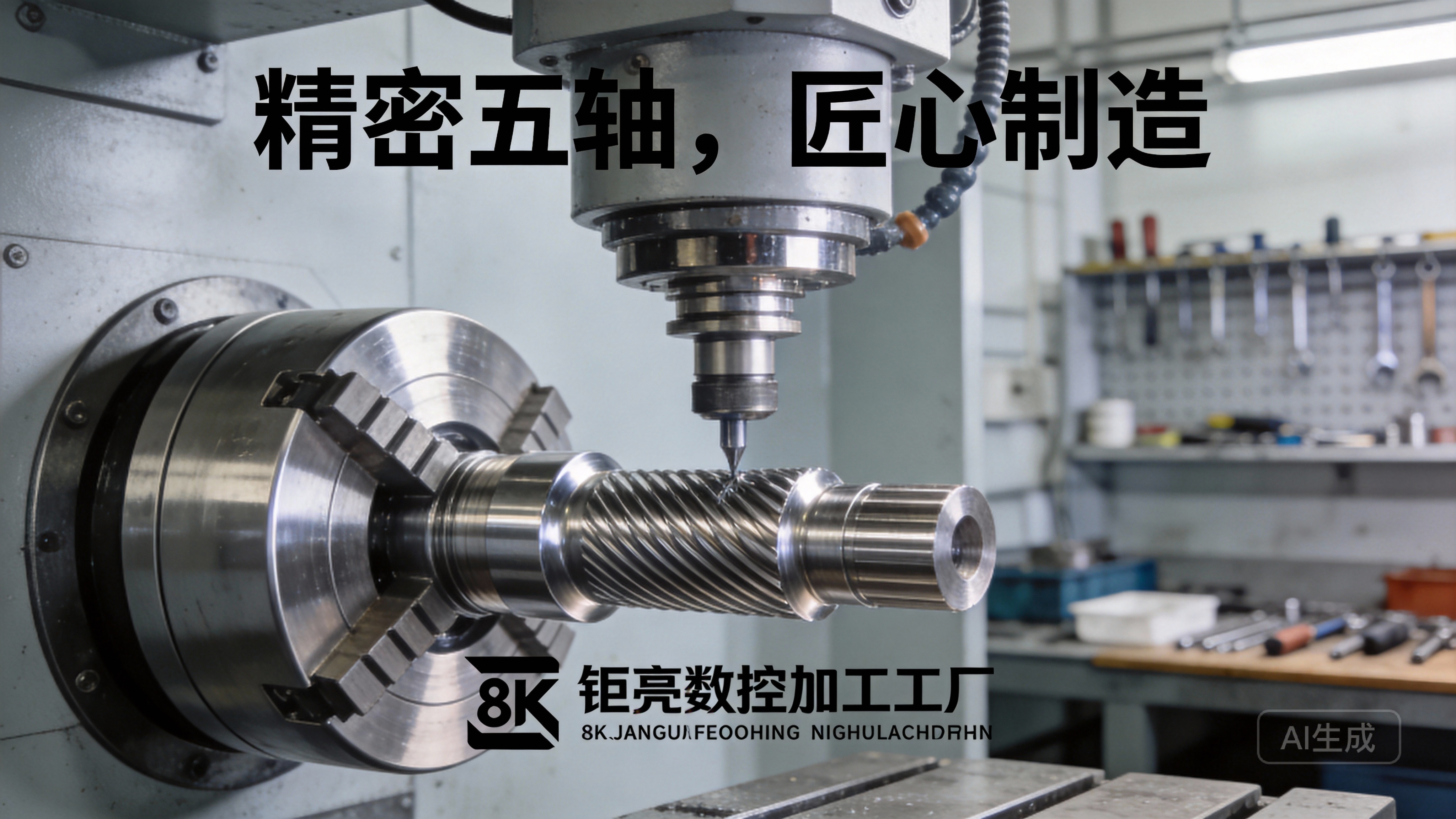
CAD (Computer-Aided Design): For creating the 3D model. Options range from free (Fusion 360 for personal use, FreeCAD) to professional (SolidWorks, AutoCAD).
CAM (Computer-Aided Manufacturing): This is the critical link. CAM software takes your 3D CAD model and generates the toolpaths (G-code) that instruct the machine. Fusion 360 includes integrated CAM, which is a huge advantage for beginners. Other options include VCarve, Carbide Create, and more advanced packages like Mastercam.
Control Software: This sends the G-code to your machine and provides the user interface for operation (e.g., UGS, Mach4, the machine’s proprietary software).
Step 4: The Often-Overlooked Essentials
A machine is just the start. Factor in these critical—and often cumulative—costs:
Tooling: End mills (carbide is standard), collets, drill bits. Different materials and cuts require specific tools.
Workholding: How will you secure the material? Vises, clamps, T-slot beds, and sacrificial boards are essential.
Dust & Chip Management: Especially vital at home. A good dust collector or vacuum system is non-negotiable for health and machine maintenance.
Safety Equipment: Safety glasses, hearing protection, and understanding machine emergency stops.
Workspace: A stable, level bench or stand. Consider noise and vibration.
The Learning Curve: Skill Development is a Project in Itself
Mastering home CNC is as much about knowledge as it is about hardware. Be prepared to invest time in learning:
Feeds and Speeds: The relationship between spindle speed, feed rate, depth of cut, and material. Incorrect settings lead to broken tools, poor finish, or machine damage.
Toolpath Strategies: Understanding roughing, finishing, pocketing, and contouring operations.
Material Properties: How different materials behave under cutting forces.
Machine Maintenance & Calibration: Ensuring your machine remains accurate over time.
When to DIY at Home vs. Partner with a Pro: A Strategic View
This is where a clear-eyed assessment is vital. Your home CNC setup excels at iteration, learning, and small-scale, non-critical projects. However, for mission-critical components, the advantages of a professional partner like GreatLight Metal become overwhelming.
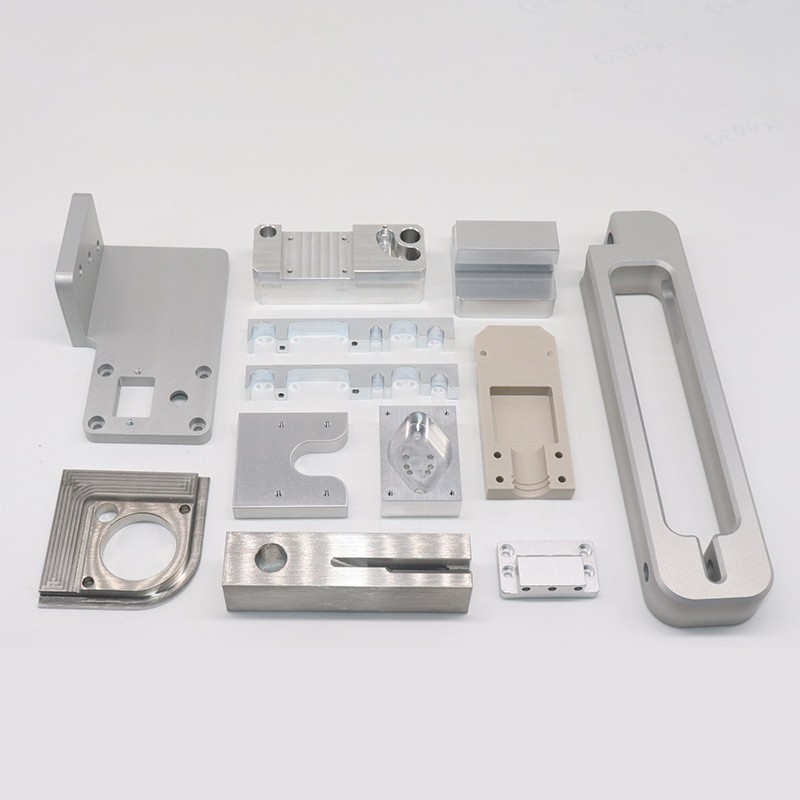
| Aspect | Home CNC Machining | Professional Service (e.g., GreatLight Metal) |
|---|---|---|
| Materials Capability | Primarily woods, plastics, soft metals. Hard metals are challenging. | Full spectrum: Aerospace alloys, stainless steels, titanium, engineering plastics, etc. |
| Precision & Tolerance | Typically ±0.1mm to ±0.5mm, highly dependent on machine calibration. | High precision down to ±0.001mm (0.001 In) routinely achievable. |
| Scale & Size | Limited by benchtop size (usually <1m). | Large-format capabilities (up to 4000 mm), suitable for sizable components. |
| Surface Finish | Often requires significant manual post-processing. | Integrated one-stop finishing (anodizing, plating, painting, etc.) for production-ready parts. |
| Technical Support | Self-reliant or community forums. | Deep engineering support from design for manufacturability (DFM) feedback to process optimization. |
| Consistency & Volume | Ideal for one-offs and prototypes. Manual setup limits batch consistency. | Optimized for prototyping through mass production with guaranteed consistency via ISO 9001:2015 certified processes. |
| Regulatory Compliance | Not applicable for commercial/regulated parts. | Certifications for regulated industries (IATF 16949 for automotive, ISO 13485 for medical hardware). |
| Total Cost (for project) | High upfront capital, lower per-part cost for very small batches. | No capital investment. Cost-effective for complex parts, harder materials, and any volume beyond a handful. |
Conclusion: Blending Passion with Pragmatism
Embarking on CNC machining at home is a rewarding journey that builds invaluable hands-on engineering skills and unlocks a new dimension of making. It’s perfect for the hobbyist, the tinkerer, and the developer who needs quick, low-fidelity prototypes.
However, when your project demands high precision, involves challenging materials, requires certified quality, or scales beyond a few units, the limitations of a home setup become stark. In these scenarios, the most efficient and reliable path is to leverage the industrial-scale expertise of a professional manufacturer.
This is where a partner like GreatLight Metal proves indispensable. With over a decade of expertise, a comprehensive fleet of advanced 5-axis CNC machinery, and a full-spectrum of post-processing services under one roof, we bridge the gap between a brilliant design and a flawless, functional part. We empower innovators and businesses to focus on design and application, leaving the complex challenges of precision manufacturing to our certified experts.
Think of your home CNC as a powerful sketchpad and learning lab. For the final masterpiece that meets professional standards, trust the capabilities of an industrial partner. Whether you need a single complex prototype in titanium or a production run of automotive components, GreatLight Metal provides the robust, trustworthy, and scalable CNC machining solution to bring your most ambitious projects to life with confidence.
Frequently Asked Questions (FAQ)
Q1: What is the minimum budget to start CNC machining at home for basic aluminum work?
A realistic starting budget for a setup capable of light aluminum work is between $3,000 to $6,000 USD. This would cover a decent pre-assembled or kit desktop CNC mill (like a upgraded Shapeoko or similar), a basic set of carbide end mills, a vise, a dust collection system, and essential safety gear. Remember, software (like Fusion 360) may have free licenses for hobbyists.
Q2: Can I really achieve precision metal parts at home?
It depends on your definition of “precision.” With meticulous machine calibration (backlash compensation, tramming) and careful operation, dedicated hobbyists can achieve tolerances around ±0.05mm to ±0.1mm on small aluminum parts with a high-quality home mill. This is suitable for many hobby projects and non-critical mechanisms. However, achieving and, more importantly, consistently holding industrial tolerances like ±0.01mm or better across multiple parts is exceptionally difficult without industrial-grade, environmentally controlled equipment.
Q3: How noisy and messy is a home CNC operation?
CNC machining, especially of metals, is loud (hearing protection is mandatory) and produces sharp chips or fine dust. Effective containment is crucial. A fully enclosed machine helps with both noise and containment. A dedicated shop vacuum or dust collector is essential for health and to keep your machine and workspace clean.
Q4: I have a complex part design. Should I try to make it at home first or go straight to a professional service?
If the part is for a final product, a functional prototype that needs reliability, or is made from a hard material, go straight to a professional. The time, cost, and risk of failure on a home machine are high. Use a pro for the real part. Your home CNC is better suited for making jigs, fixtures, or non-critical components of the project, or for practicing machining techniques on simpler geometries.
Q5: Why would I choose a service like GreatLight Metal over a local machine shop or an online instant quote platform?
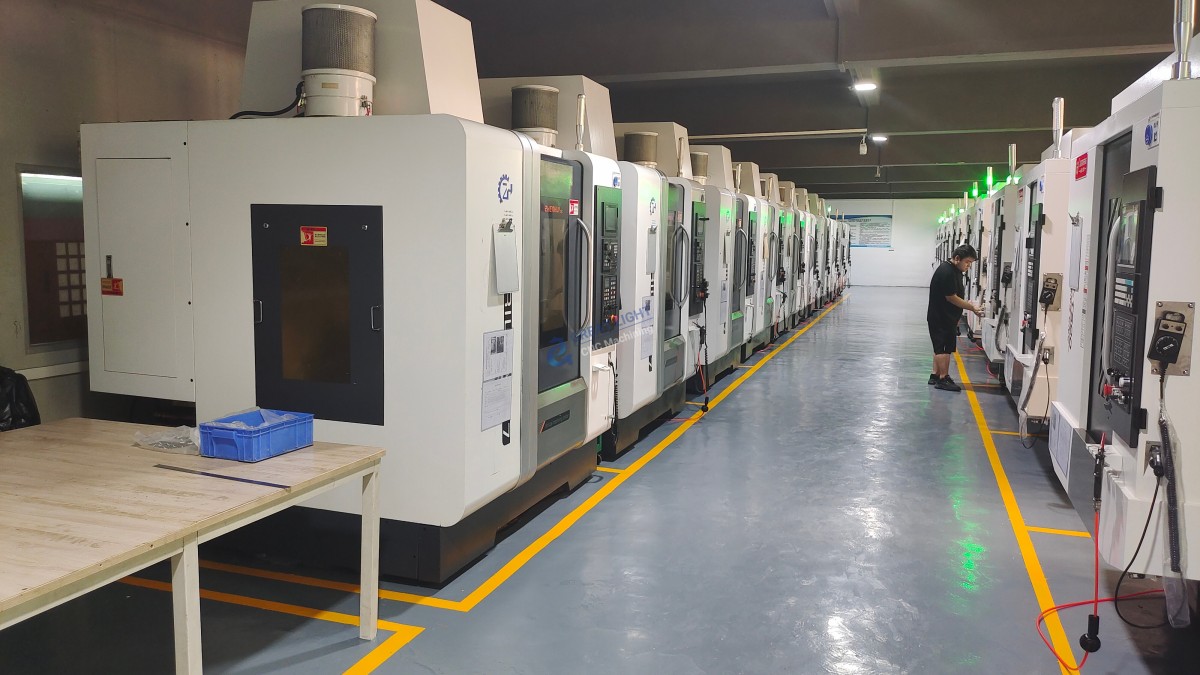
Services like GreatLight Metal offer a blend of scale, specialized expertise, and integrated process control. Unlike many local shops, we operate with a full battery of advanced 5-axis CNC centers and maintain IATF 16949 and ISO 13485 certifications, which are critical for automotive and medical clients. Compared to purely online platforms, we provide direct engineering collaboration (DFM feedback) and manage the entire process from raw material to finished, assembled part, ensuring accountability, quality traceability, and often a more optimized solution for complex projects. Follow our professional journey on LinkedIn{:target=”_blank”} for deeper industry insights.



















