
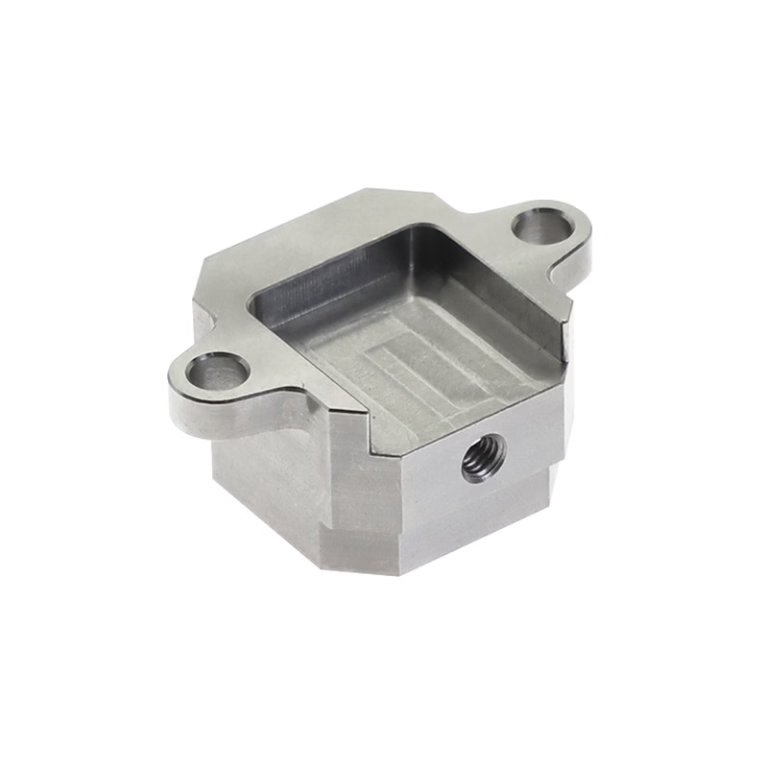
In the dynamic landscape of modern manufacturing, the ability to efficiently and accurately change a program in a CNC machine is not merely a routine operational task; it is a critical competency that directly impacts production flexibility, quality consistency, and overall operational efficiency. For engineers, machinists, and procurement specialists sourcing precision CNC machining services, understanding this process demystifies a core aspect of production and empowers better collaboration with manufacturing partners. This article delves deep into the methodologies, best practices, and strategic considerations behind how to change program in CNC machine, providing a comprehensive guide from basic steps to advanced protocols.
Understanding the Core: What is a CNC Program?
Before changing a program, one must understand what it is. A CNC program is a set of coded instructions, typically in G-code and M-code, that dictates every movement of the machine tool—spindle speed, feed rate, tool path, and auxiliary functions. It is the digital blueprint that transforms a CAD model into a physical part. Changing a program can mean editing an existing one for optimization, loading a completely new program for a different part, or switching between operations within a multi-step process.
The Step-by-Step Process of Changing a CNC Program
The exact procedure can vary slightly between different CNC controller brands (e.g., Fanuc, Siemens, Heidenhain, Haas) and machine configurations, but the fundamental workflow remains consistent. The following steps outline a safe and standardized approach.
Step 1: Preparation and Safety First
Safety is paramount. Before any change:
Complete the Current Cycle: Allow the current program to finish its cycle or safely pause it at a tool change position.
Machine to a Safe Position: Manually or via command, move the spindle and table to a “home” or safe position, clear of the workpiece and fixtures.
Activate Emergency Stop (E-Stop): Engage the E-stop to prevent any unintended movements.
Verify Tool Offsets: Document or note the current tool offset data if it will be reused for the new program.
Step 2: Accessing the Control System
Switch the machine control from AUTO or MEMORY mode to EDIT mode. This mode allows you to view, modify, and manage programs stored in the machine’s memory or on an external device.
Step 3: Managing Program Memory
CNC controllers have finite memory. You often need to manage existing programs before loading new ones.
Listing Programs: Navigate to the program directory/list screen to view all stored programs (e.g., O0001, O0002).
Deleting an Old Program (If Necessary): Select the obsolete program and delete it to free up space. Caution: Ensure the program is no longer needed.
Renaming/Numbering: New programs must have a unique identifier (program number). Adhering to a logical numbering system is a hallmark of professional shop floor management.
Step 4: Loading the New Program
There are several common methods to load a program:
Manual Data Input (MDI) & Manual Entry: For very short programs or minor edits, codes can be typed directly line-by-line into the controller. This is impractical for complex parts.
Direct DNC (Drip Feeding): For programs too large for the machine’s memory, they are streamed directly from an external computer to the controller in real-time during machining. To change to a drip-fed program, you set the controller to DNC or TAPE mode and initiate the transfer from the computer.
Transfer from External Media: This is the most common method in professional settings.
Using a USB Drive or CF Card: The new program, generated from CAM software, is saved onto a USB drive. The drive is connected to the machine’s controller. In EDIT mode, you use the controller’s functions to “read” or “load” the file from the USB into the machine’s designated memory location.
Network Transfer (Ethernet): In advanced, connected workshops (a key feature of GreatLight Metal‘s intelligent manufacturing setup), programs are sent over a secure local network directly from the engineering office to the machine’s controller, eliminating physical media and ensuring version control.
Step 5: Verifying and Simulating the Program
Loading the code is not the final step. Verification is crucial to prevent costly crashes.
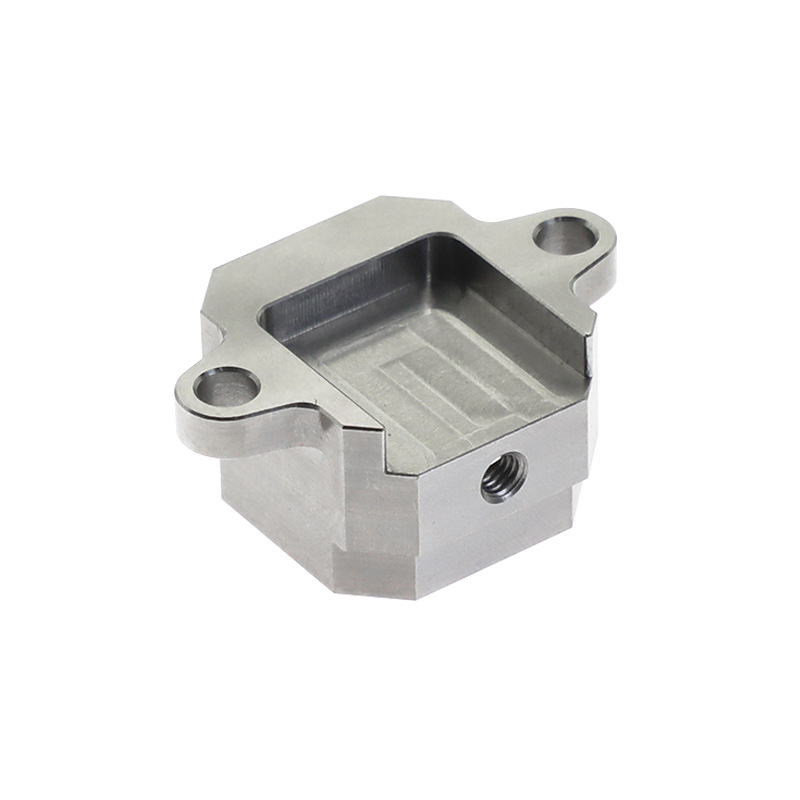
Program Review: Scroll through the code to check for obvious errors like missing M30 (program end) or incorrect tool calls.
Graphical Simulation: Most modern controllers have a graphical path simulation feature. Running this simulation visually shows the tool path without moving the machine, highlighting potential collisions or errors in geometry.
Dry Run: Run the program with the spindle disabled and often with the workpiece and tools cleared. The machine executes all movements in air at a reduced feed rate (often 25% or 50%), allowing the operator to observe the travel limits.
Step 6: Setting Up for the New Program
Once the program is verified, physical setup begins:
Install/Change Workholding: Secure the new raw material or workpiece using vises, fixtures, or chucks.
Load and Set Tools: Load all tools called by the new program into the machine’s magazine or turret. Measure and input their corresponding tool length offsets and tool radius/diameter offsets into the controller’s offset registry.
Set Work Coordinate System (WCS): Establish the program’s zero point (G54, G55, etc.) on the new workpiece using an edge finder, probe, or tool setter.
Step 7: First Article Inspection (FAI) Run
The final and most critical step before full production:
Single Block Mode: Execute the program one block of code at a time by pressing the cycle start button repeatedly. This allows for meticulous observation of each move.
Feed Hold & Override: Be prepared to use feed hold and reduce the feed/speed overrides during the first run.
In-Process Checking: After the first part is completed, perform a detailed inspection using precision measuring equipment (CMM, micrometers, etc.) to verify all critical dimensions are within the specified tolerances.
Advanced Considerations and Professional Protocols
In a high-mix, low-volume or rapid prototyping environment like that of GreatLight Metal, changing programs is a frequent and highly optimized activity. Here’s what sets professional operations apart:
Offline Programming & Verification: All program creation, optimization, and simulation are done offline on dedicated CAM stations. The machine only receives a verified, post-processed code, minimizing machine downtime for editing.
Standardized Workflow & Documentation: Every program change is accompanied by a setup sheet that includes tool lists, offset data, fixture diagrams, and critical inspection points. This ensures repeatability and reduces setup time for future runs.
Leveraging Probing Systems: Automated probe cycles integrated into the program can automatically set work offsets and even perform in-machine inspection, drastically reducing manual setup time and human error when changing between jobs.
Integration with Manufacturing Execution Systems (MES): In a true one-stop manufacturing solutions provider framework, program changes are logged, tracked, and linked to specific work orders, materials, and quality data, ensuring full traceability.
Why Partnering with an Expert Matters
While the technical steps to change a program in a CNC machine are learnable, the reliability, speed, and safety with which it is done separate a hobbyist workshop from an industrial-grade partner like GreatLight Metal. Clients benefit from:
Reduced Risk: Rigorous simulation and FAI protocols prevent costly errors and material waste.
Faster Turnarounds: Optimized workflows and experienced technicians mean quicker changeovers between custom parts.
Guaranteed Precision: The entire process is underpinned by an ISO 9001:2015 certified quality management system, ensuring that every program change leads to a part that meets the exact design intent.
Conclusion
Mastering how to change program in CNC machine is a blend of technical knowledge, disciplined procedure, and practical experience. It encompasses everything from digital file management and code verification to physical tooling and meticulous inspection. For businesses seeking high-precision custom part machining, partnering with a manufacturer that has institutionalized this process—backed by advanced equipment, systematic workflows, and international certifications—is the most reliable path to achieving consistent quality, agility in production, and ultimately, a competitive edge in the market. Entrusting your precision CNC machining needs to a seasoned expert ensures that the critical task of program management is handled with the utmost professionalism, allowing you to focus on design and innovation.
Frequently Asked Questions (FAQ)
Q1: What’s the difference between editing a G-code program on the machine vs. in CAM software?
A: Editing G-code directly on the machine controller is typically for minor, immediate tweaks (e.g., adjusting a feed rate or depth of cut). For any significant geometric change or optimization, it must be done in the original CAM software. Modifying the CAD model and regenerating the toolpath in CAM ensures the changes are geometrically correct and that all associated toolpaths are updated consistently, which is far safer and more efficient than manual code editing.
Q2: How do I handle program changes for very complex 5-axis parts?
A: Complex 5-axis machining adds layers of complexity regarding tool orientation, collision avoidance, and post-processing. Program changes for such parts are almost exclusively managed through offline programming with advanced CAM software capable of multi-axis simulation. Professional shops like GreatLight Metal use these simulations to verify the entire process virtually before any code is sent to their 5-axis CNC machining centers, ensuring flawless execution on the first try.
Q3: What is “drip feeding” and when is it necessary?
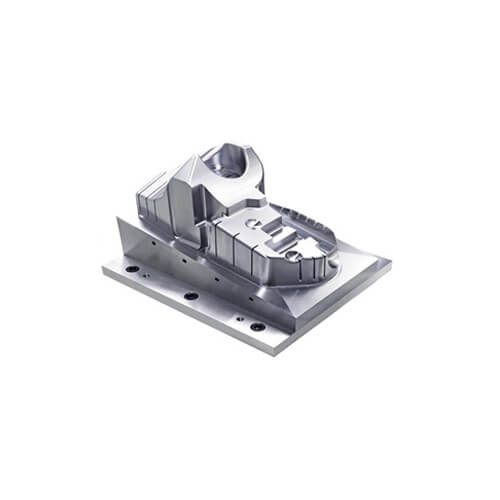
A: Drip feeding (or Direct Numerical Control) streams a CNC program line-by-line from an external computer to the machine’s controller during operation. It is necessary when the program file size exceeds the available memory of the CNC controller itself, which is common with complex surface machining, large 3D molds, or high-density toolpaths. It is a standard practice for handling large programs.
Q4: How can I ensure a new program is safe to run?
A: A multi-layered safety approach is essential:
CAM Verification: Use the CAM software’s built-in toolpath simulation.
Controller Simulation: Run the graphical backplot on the machine controller.
Dry Run: Execute the program without the workpiece or with the spindle off.
Single Block Mode: Run the first part in single-block mode with a finger on the feed hold button.
Tool Path Visualization: Some modern controls offer 3D animated simulation.
Q5: What role do post-processors play in program changes?
A: A post-processor is a translator that converts the generic toolpath from CAM software into the specific G-code dialect a particular machine controller understands. Using the correct, well-tuned post-processor is critical when changing programs. An incorrect post-processor can lead to syntax errors, incorrect axis movements, or even machine crashes. A professional manufacturer maintains a library of validated post-processors for each of their machines. For more insights into industry standards and professional networking in this field, you can explore discussions on platforms like LinkedIn{:target=”_blank”}.



















