

If you’ve ever wondered, “How Do I Program A CNC Machine?” you’re not alone—this is one of the most critical questions for anyone entering precision parts manufacturing, prototype development, or industrial automation. Whether you’re a small business owner looking to bring a product idea to life, a mechanical engineer refining a component design, or a procurement manager seeking to understand the behind-the-scenes of your supply chain, mastering the basics of CNC programming (or knowing when to turn to experts) can make all the difference in achieving accurate, cost-effective, and timely results.
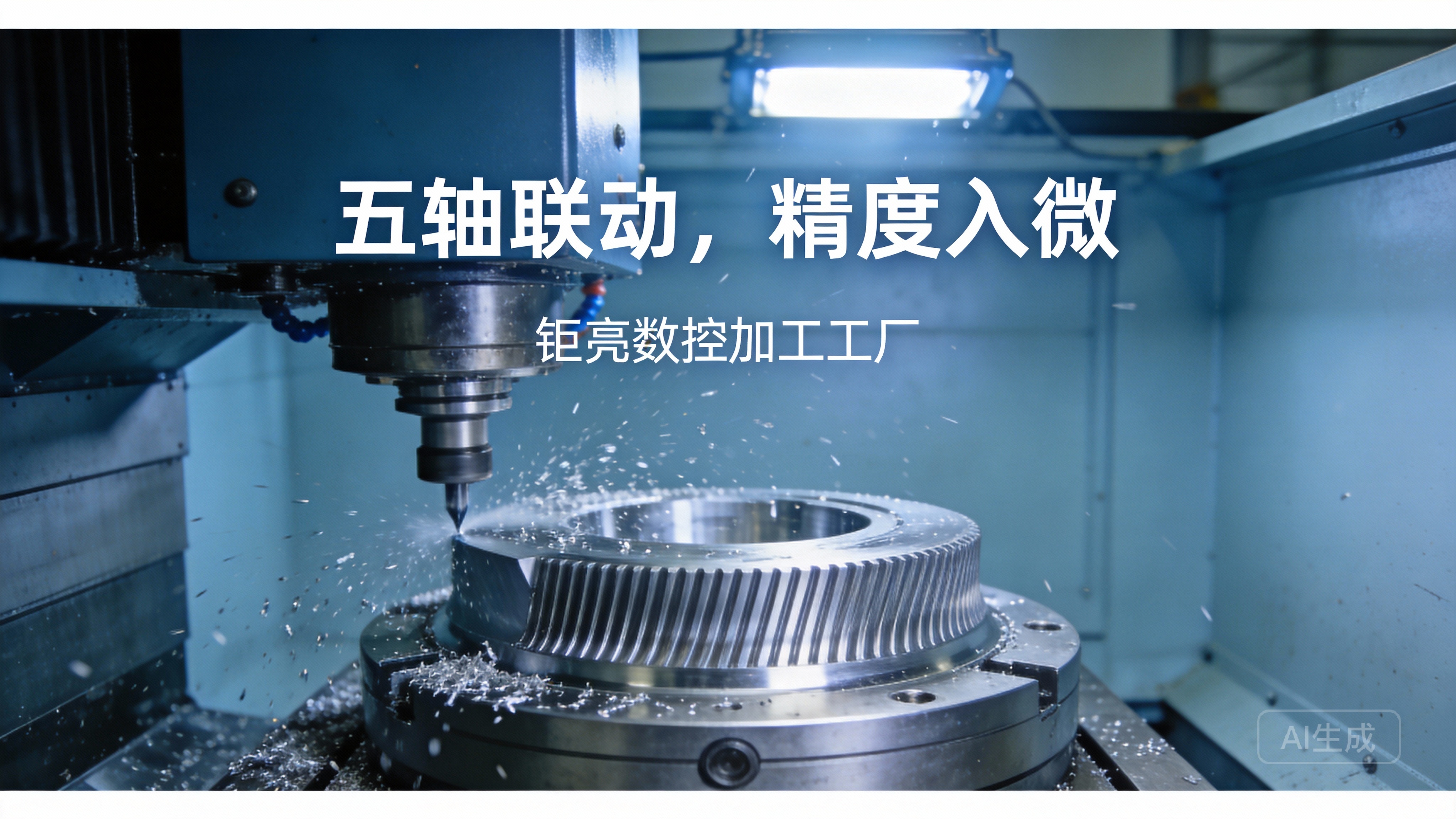
How Do I Program A CNC Machine?
CNC (Computer Numerical Control) programming is the process of translating a part’s design into a set of coded instructions that guide a CNC machine to cut, mill, turn, or shape raw material into the desired component. While the basics can be learned by beginners, programming for complex parts—especially those requiring tight tolerances (down to ±0.001mm) or multi-axis machining—demands specialized expertise, advanced software, and years of hands-on experience. Drawing on over a decade of precision manufacturing expertise at GreatLight, we’ll break down the process step by step, share pro tips, and help you decide when in-house programming makes sense vs. when to outsource to a trusted partner.
Pre-Programming Preparation: Lay the Groundwork for Precision
Before writing a single line of code, thorough preparation is non-negotiable to avoid costly mistakes and ensure the final part meets specifications. This phase involves three key steps:
Review and Refine the Part Design
Start with a detailed CAD (Computer-Aided Design) file of the part. Critical elements to check include:
Tolerance requirements: Parts for medical devices or aerospace may need ±0.001mm precision, which impacts tool selection and programming precision.
Geometric complexity: Internal cavities, undercuts, or curved surfaces may require 4-axis or 5-axis machining, which needs specialized programming.
Material compatibility: Ensure the design is feasible for the chosen material (e.g., titanium alloy is harder to machine than aluminum, so tool paths must be optimized to reduce wear).
At GreatLight, our engineering team works directly with clients to refine designs for manufacturability (DFM), identifying potential issues early to save time and costs.
Select the Right Machine and Tools
The type of CNC machine you use dictates the programming approach:
3-axis machines: Ideal for simple, flat parts; programming uses basic G-code.
4-axis machines: Adds rotational movement, suitable for parts with features around a single axis (e.g., gear shafts).
5-axis machines: Enables simultaneous movement along five axes, perfect for complex parts like turbine blades or humanoid robot joints. GreatLight operates a fleet of high-precision five-axis machines, paired with specialized tooling (e.g., diamond-coated end mills for hard metals) to handle even the most challenging projects.
Calculate Machining Parameters
Define key parameters such as spindle speed, feed rate, and depth of cut. These vary based on material: for example, aluminum alloy typically uses a higher feed rate than stainless steel to prevent tool overheating. GreatLight’s team leverages a library of tested parameters built over 10+ years to optimize efficiency without compromising quality.
Choosing the Right Programming Approach: Manual vs. CAM-Assisted
CNC programming falls into two main categories, each suited to different project needs:
Manual Programming (G-Code and M-Code)
Manual programming involves writing code line by line using standard CNC languages:
G-code: Controls geometric movements (e.g., G00 for rapid positioning, G01 for linear cutting, G02 for clockwise arcs).
M-code: Manages auxiliary functions (e.g., M03 to start the spindle, M08 to turn on coolant, M30 to end the program).
Manual programming is best for simple parts with repetitive operations, as it’s fast and doesn’t require specialized software. However, it’s prone to human error for complex geometries, and mastering it takes months of practice.
CAM-Assisted Programming
For most modern precision manufacturing projects, CAM (Computer-Aided Manufacturing) software is the gold standard. CAM software takes a CAD file and automatically generates optimized tool paths, converts them into machine-specific G-code, and even simulates the machining process to identify collisions or errors. Popular CAM tools include Mastercam, SolidWorks CAM, and Siemens NX.
At GreatLight, our team uses industry-leading CAM software paired with custom post-processors tailored to each machine’s specifications. This allows us to program 5-axis machines for parts with intricate contours—like automotive engine components—with unmatched accuracy and efficiency. For applications requiring hyper-complex geometries, partnering with a shop specialized in advanced programming like GreatLight’s precision five-axis CNC machining services can eliminate the learning curve and ensure optimal results.
Step-by-Step Guide to Writing a Basic CNC Program
Let’s walk through writing a simple program for a 3-axis CNC mill to cut a square aluminum block:
Set Work Coordinates
First, define the origin point (datum) of the part using G-code commands like G54:
G54 G90 G00 X0 Y0 Z5.0 ; Set work offset, absolute positioning, rapid move to safe height
G54: Calls the pre-set work coordinate system.
G90: Uses absolute positioning (all coordinates are relative to the origin).
G00: Moves the machine to the specified position quickly.
Load the Tool and Set Offsets
Specify the tool number and activate tool length offset:
T1 M06 ; Load tool 1 (a 10mm end mill)
G43 H1 Z5.0 ; Activate tool length offset for tool 1
T1 M06: Switches to tool 1.
G43 H1: Applies the pre-measured length offset for tool 1 to ensure accurate Z-axis positioning.
Program Machining Movements
Now, program the tool to cut the square:
S1500 M03 ; Start spindle at 1500 RPM clockwise
M08 ; Turn on coolant
G01 Z-5.0 F100.0 ; Feed down 5mm into the material at 100mm/min
G01 X50.0 F200.0 ; Cut right 50mm
G01 Y50.0 F200.0 ; Cut up 50mm
G01 X0 F200.0 ; Cut left 50mm
G01 Y0 F200.0 ; Cut down 50mm
G00 Z5.0 ; Rapid move back to safe height
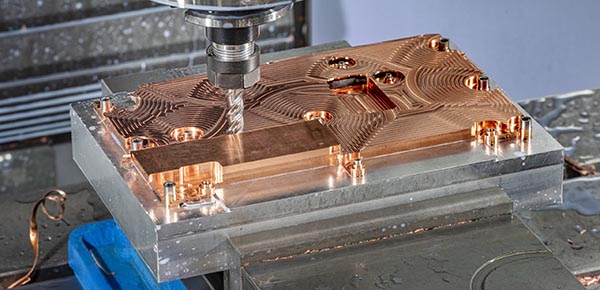
S1500 M03: Sets spindle speed and direction.
G01: Performs linear cutting at the specified feed rate (F).
End the Program
Finally, stop the spindle, turn off coolant, and reset the machine:
M05 ; Stop spindle
M09 ; Turn off coolant
M30 ; End program and reset to start
This is a basic example; complex parts will have hundreds of lines of code, with multiple tools and tool changes.
Simulate and Test: Mitigate Risks Before Machining
Even the most carefully written program can have errors, so simulation and testing are critical steps:
Software Simulation
Use CAM software or machine-specific simulation tools to visualize the tool path. This helps identify:
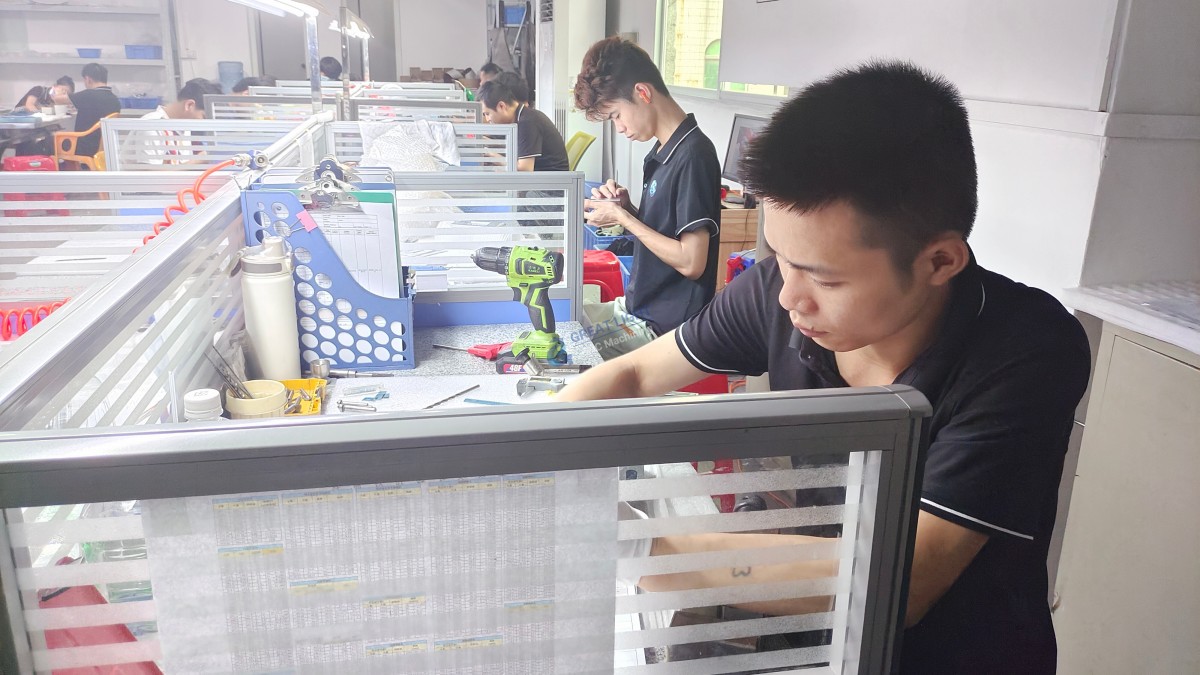
Tool collisions with the workpiece or machine table.
Incorrect feed rates leading to tool breakage.
Overcuts or undercuts that don’t match the design.
GreatLight’s team runs every program through a rigorous simulation process, with two engineers reviewing the results to ensure no errors slip through.
Dry Run the Program
Perform a dry run (without cutting material) to verify the machine follows the program correctly. This involves:
Clamping a dummy workpiece (or no workpiece) in the machine.
Running the program at reduced speed to observe tool movements.
Checking that all tool changes and coordinate shifts happen as intended.
Probe for Accuracy
Use a touch probe to measure the dummy workpiece (or the first production part) and confirm that coordinates match the design. GreatLight uses high-precision probing tools to ensure tolerances are met before full production begins.
Post-Processing and Machine Setup
Once the program is finalized, post-processing converts the CAM-generated tool paths into code that works with your specific CNC machine. Each machine has unique requirements, so custom post-processors are essential to avoid compatibility issues.
After post-processing, set up the machine physically:
Clamp the workpiece: Use vises, fixtures, or custom jigs to hold the material securely, ensuring it doesn’t move during machining.
Load tools: Insert the required tools into the tool changer and verify their offsets.
Align the datum: Use a edge finder or touch probe to set the work origin accurately.
GreatLight’s machinists are trained to perform these steps efficiently, even for large parts (up to 4000mm in size) or materials like mold steel that require specialized handling.
In-Machine Execution and Quality Checks
When running the program on production parts, keep an eye on:
Tool wear: Check tools regularly for signs of dulling, which can affect precision. GreatLight’s team replaces tools before they reach critical wear levels to maintain consistency.
Material feedback: Listen for unusual noises or vibrations, which may indicate a problem with the program or tool.
Real-time adjustments: Skilled machinists can make minor tweaks to feed rates or spindle speeds to optimize results.
After machining, each part undergoes rigorous quality checks using CMM (Coordinate Measuring Machine) or optical measuring tools to ensure it meets all tolerance requirements. GreatLight offers a free rework guarantee for quality issues, and a full refund if rework doesn’t resolve the problem—giving clients peace of mind.
When to Outsource CNC Programming to Experts Like GreatLight
While learning basic CNC programming is achievable, there are several scenarios where outsourcing to a professional shop like GreatLight is the smarter choice:
Complex Parts with Tight Tolerances
Parts requiring 4-axis or 5-axis machining, or tolerances of ±0.001mm, demand specialized programming expertise and equipment that most in-house teams don’t have. GreatLight’s engineers have years of experience programming these machines for industries like aerospace, medical, and automotive.
Time-Sensitive Projects
If you need rapid prototypes or small-batch parts in days, outsourcing eliminates the time spent learning programming or waiting for in-house equipment to become available. GreatLight’s rapid prototyping services can deliver parts in as little as 24 hours for simple designs.
Lack of In-House Resources
Setting up an in-house CNC shop requires significant investment in machines, software, and training. Outsourcing allows you to access top-tier expertise without the upfront costs.
Comprehensive Post-Processing Needs
CNC programming is just one part of the process—parts often require surface finishing (anodizing, powder coating, polishing) or assembly. GreatLight offers one-stop post-processing services, so you don’t have to coordinate with multiple vendors.
To learn more about our programming expertise and client success stories, you can follow GreatLight on LinkedIn.
Conclusion
Whether you’re a beginner learning the basics or an engineer tackling a complex project, understanding “How Do I Program A CNC Machine?” is key to unlocking precision manufacturing potential. From pre-programming preparation and choosing the right approach to simulation and execution, each step requires attention to detail and expertise. For simple parts, manual programming or basic CAM software may suffice, but for complex, tight-tolerance components, partnering with a trusted expert like GreatLight can save time, reduce costs, and ensure exceptional quality. At the end of the day, the answer to “How Do I Program A CNC Machine?” depends on your project’s needs—but when precision and reliability matter most, outsourcing to a seasoned team is often the best decision. How Do I Program A CNC Machine?
Frequently Asked Questions (FAQ)
1. What’s the difference between G-code and M-code?
G-code is the primary language for controlling geometric movements of the CNC machine, such as positioning, cutting, and tool paths. M-code (miscellaneous code) manages non-cutting functions like spindle speed, coolant flow, tool changes, and program termination. Together, they form the full set of instructions for the machine.
2. How long does it take to learn basic CNC programming?
Beginners can learn to write simple G-code programs for 3-axis machines in 2-4 weeks with consistent practice. Mastering advanced programming (e.g., 5-axis machining or CAM software) can take 6-12 months of hands-on experience and training.
3. Can I program a five-axis CNC machine with basic G-code?
Basic G-code can be used for simple five-axis operations, but complex parts require specialized CAM software and post-processors. Five-axis programming involves simultaneous movement along multiple axes, which is too complex to code manually for most applications.
4. What software do professional CNC shops like GreatLight use?
GreatLight uses industry-leading CAM software including Mastercam, SolidWorks CAM, and Siemens NX, paired with custom post-processors tailored to each machine’s specifications. This ensures optimal tool path optimization and machine compatibility.
5. How does GreatLight ensure programming accuracy for complex parts?
GreatLight follows a multi-step quality control process: all programs are simulated and reviewed by two engineers, followed by a dry run and probing checks before production. Our ISO 9001:2015 certified quality management system ensures consistent adherence to standards, and we offer free rework for any quality issues.
6. Can GreatLight help me refine my design for CNC programming?
Yes! GreatLight’s engineering team offers design for manufacturability (DFM) services to help clients refine their designs for efficient CNC programming and machining. We identify potential issues like tight tolerances that are hard to achieve, or geometric features that can be optimized to reduce production time and costs.



















