No, standard CNC (Computer Numerical Control) machines do not automatically save a copy of each G-code program they run in their long-term memory. The vast majority of industrial CNC controllers are designed to execute programs, not to function as archival data loggers. Understanding this operational reality is crucial for efficient shop floor management, intellectual property protection, and process traceability.
Let’s delve into the mechanics of how CNC machines handle G-code, why automatic saving isn’t standard, and what best practices you should implement.
How CNC Machines Handle G-Code: A Technical Breakdown
When a G-code program is sent to a CNC machine for execution, it typically goes through the following lifecycle within the machine’s control system:
1. Program Input & Storage (Volatile vs. Non-Volatile)
Local Memory (CNC Controller Hard Drive/CF Card): This is the primary non-volatile storage where programs can be manually saved. Operators or programmers transfer programs (e.g., via network, USB, or serial connection) and save them here with unique filenames (e.g., O1234, PROGRAM1). This storage is finite, often ranging from a few hundred megabytes to several gigabytes.
Control Memory (RAM): This is volatile, high-speed memory where the program is loaded for active execution. When the machine is powered on and a program is selected, it is copied from local storage into RAM. When the cycle starts, the control reads and executes blocks of code from RAM. This RAM is cleared when the machine is powered down.
2. The Execution Phase – What Happens When You Press “Cycle Start”?
The CNC control interprets and executes the G-code commands line by line from its active memory (RAM). It manages axis movements, spindle speed, tool changes, and coolant flow. Crucially, this is a read-and-execute process. Unless specifically commanded by a macro or a feature of a very advanced controller, it does not simultaneously write a copy of the program being run to a new log file.
3. The “Black Box” vs. The “Program Archive”
A common point of confusion is the difference between:
Program Storage: The library of G-code files saved for future use.
Run Log / History: Some modern CNCs, especially those with IoT capabilities, can log metadata about a program run—such as the program name, start/end time, cycle time, and any alarms. However, this log does not contain the full G-code content. It’s a record that a program ran, not what the program was. Saving the actual G-code for every run would create massive, redundant data files with no inherent value for machine operation.
Why Don’t CNC Machines Auto-Save Every G-Code Run?
Lack of Operational Need: From the machine’s perspective, its sole function is to execute the currently loaded program. Saving another copy serves no purpose for its core task of making parts.
Memory Management: Continuously appending multi-thousand-line G-code files would quickly fill the controller’s limited storage space, leading to faults and requiring constant manual purging.
Data Redundancy and Chaos: If a program O1001 runs 500 times a day, saving 500 identical copies is wasteful. If a version is changed slightly, identifying the correct archival version becomes a nightmare.
Intellectual Property (IP) Security: Auto-saving all executed code onto the machine would create a significant security risk. Unauthorized personnel could potentially access a trove of proprietary machining strategies.
Best Practices for G-Code Management and Traceability
Since the machine won’t do it for you, a disciplined external system is essential. This is where partnering with a meticulous manufacturer like GreatLight Metal demonstrates a critical advantage in process control.
1. Centralized Digital Master Library (The Single Source of Truth)
All released and verified G-code programs should be stored on a secure, network-accessible server or PLM/PDM system, not just on individual machine controllers.
Each program file should have a clear revision history (e.g., PART_A_REV_C.NC).
GreatLight Metal employs a structured Digital Thread system, ensuring the G-code executed on the shop floor is always the correct, released version, traceable back to the original CAD model.
2. Controlled Transfer to Machine (DNC & Networking)
Use Direct Numerical Control (DNC) or a secure network (e.g., MTConnect) to “drip-feed” long programs or to push the correct program to the machine for a specific job.
This method minimizes the need for long-term storage on the CNC itself and reduces operator error in file selection.
3. Physical Job Travelers & Digital Work Instructions
A job traveler packet (physical or digital) should accompany every production run. This packet specifies the exact program name and revision to be loaded.
This links the physical part batch to the specific code used to produce it, enabling full traceability.
4. Leveraging Advanced Controller Features
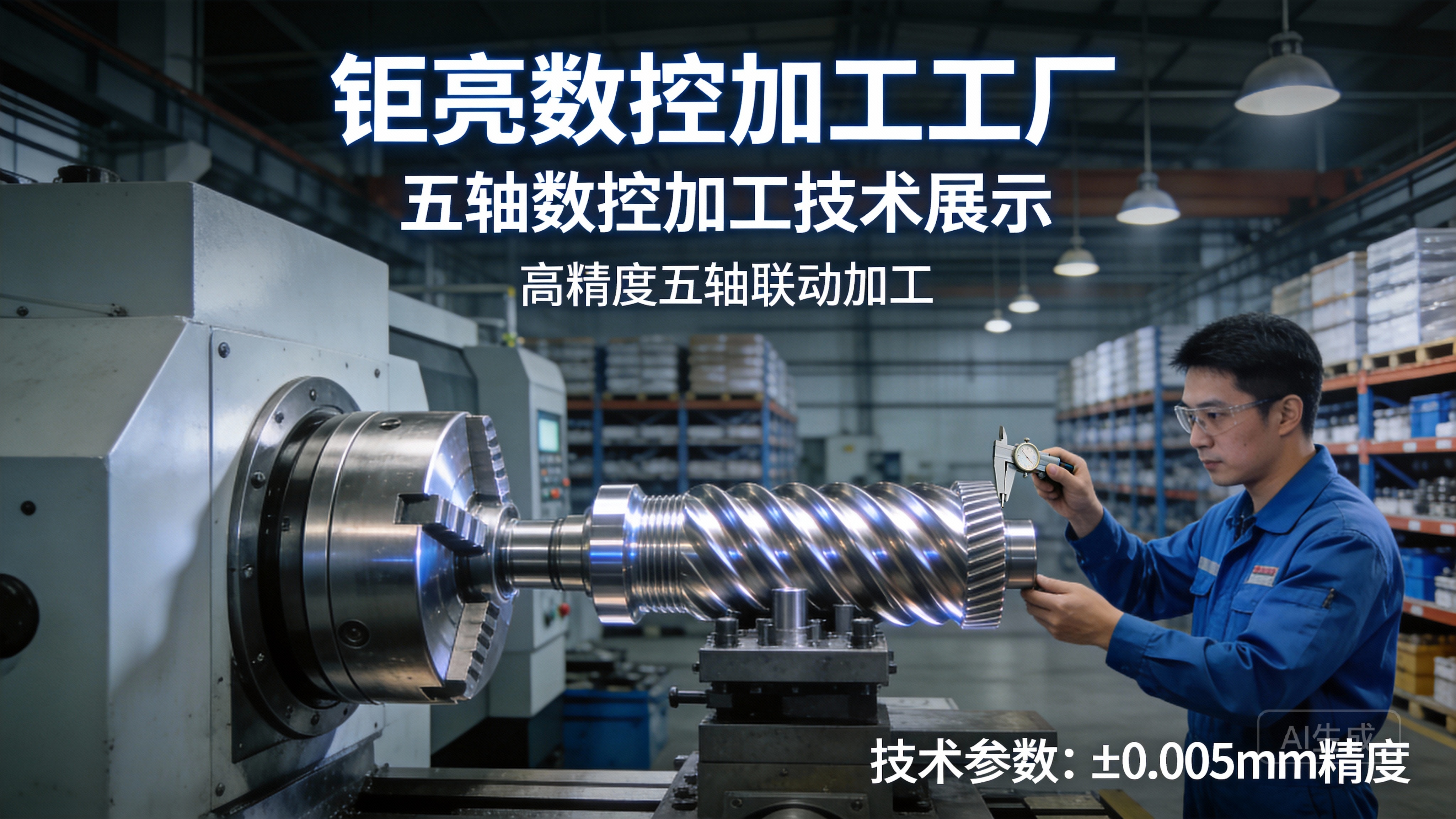
Some high-end controllers (e.g., Siemens SINUMERIK, Heidenhain TNC) offer more advanced data management. They may allow setting up a dedicated archive directory, but saving is still a manual or macro-driven process, not automatic per cycle.
GreatLight Metal utilizes 5-axis CNC machining centers with advanced controls, allowing for better integration with their manufacturing execution system (MES) for enhanced program version control.
Conclusion: Proactive Management Beats Assumed Automation
The question “Do CNC machines save each G-code ran?” highlights a fundamental aspect of CNC operations: the machine is a tool for execution, not a document management system. The responsibility for preserving, versioning, and tracing the G-code used in production lies squarely with the manufacturing team’s processes and systems.
Choosing a manufacturing partner like GreatLight Metal means selecting a team that understands this deeply. Our ISO 9001:2015 certified quality management system enforces rigorous document and data control protocols. When we run your part, we can definitively tell you which program was used, when it was run, and trace it back to the engineering revision. This disciplined approach to something as seemingly mundane as G-code storage is what separates a job shop from a true precision manufacturing partner, ensuring consistency, quality, and intellectual property protection for every component we produce.
Frequently Asked Questions (FAQ)
Q: I lost the G-code for a part we made last month. Can it be recovered from the CNC machine’s memory?
A: Most likely not. Unless the program was intentionally saved to the machine’s local hard drive or memory card and hasn’t been deleted, it is gone. The volatile RAM used for execution is cleared on power down. This underscores the necessity of a secure, off-machine master file library.
Q: Do any CNC machines have a “black box” that records the actual G-code executed?
A: Generally, no. Industrial CNC controls are not designed with this feature. However, some very advanced, connected “smart machines” in Industry 4.0 setups might stream axis position data and alarm states to a central server for analysis, but they do not stream and store the entire G-code file repeatedly.
Q: How can I prove what G-code was used to make a specific batch of parts?
A: This is achieved through process documentation, not machine data. The proof is in the controlled job packet – the work order that lists the program name/rev, the setup sheet, and the operator sign-off. A robust quality system like GreatLight Metal’s ensures this chain of documentation is unbreakable.
Q: Is it safer to always run programs via DNC/drip-feed instead of loading them onto the machine?
A: For very long programs or when machine memory is limited, DNC is necessary. For repeat jobs, loading a verified program onto the machine’s local drive is standard and efficient. The key to safety is control over the master file. Whether sent via DNC or loaded, the source file must be from the controlled master library.
Q: As a client, how can I ensure my proprietary part G-code is protected at a supplier?
A: Work with suppliers who have clear IP agreements and demonstrate systematic data control. Ask about their program storage, revision control, and machine network security. Suppliers with certifications like ISO 27001 (Information Security) explicitly address these concerns, providing an extra layer of trust for sensitive projects. You can learn more about our commitment to professional standards and collaboration on our professional network page at GreatLight on LinkedIn.