
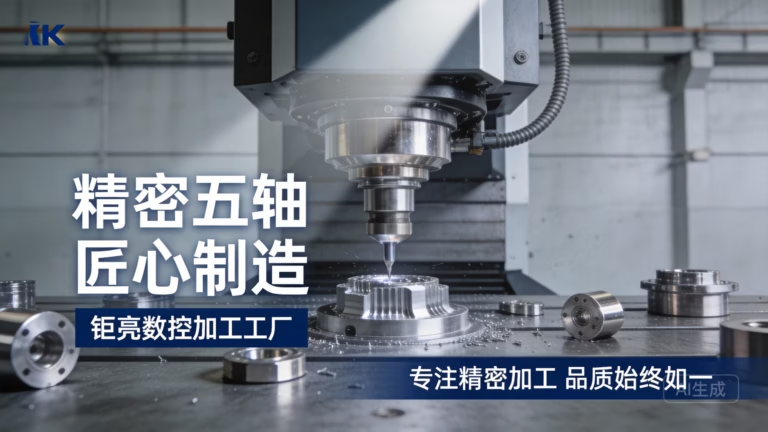
For clients exploring the vast capabilities of modern manufacturing, a common and excellent question arises: can you get patterns to use on CNC wood machines? The unequivocal answer is yes, absolutely. In fact, the integration of intricate patterns and textured designs is one of the most powerful applications of CNC technology in woodworking, transforming simple panels into works of art, functional components with enhanced grip, or branded pieces with deep visual identity. This process bridges digital design with physical craftsmanship, enabling repeatability and complexity that would be prohibitively time-consuming or impossible by hand.
As a senior manufacturing engineer specializing in precision machining, I will dissect this topic from the ground up. We’ll explore what “patterns” mean in a CNC context, how they are created and transferred to the machine, the types of operations involved, and critical considerations for ensuring success, especially when scaling from a prototype to production.
H2: Decoding “Patterns” in the Realm of CNC Wood Machining
In CNC terminology, a “pattern” refers to any designed, repetitive, or non-uniform geometry that is machined into the surface or through the body of a wood workpiece. This goes beyond simple pockets and contours. These patterns are driven by digital vector files or 3D models. They generally fall into several categories:
2D Vector Patterns (Engraving/Inlay): These include logos, decorative scrollwork, geometric tessellations, and text. They are defined by paths (lines and curves) and are typically cut to a shallow, consistent depth using V-bits, ball nose end mills, or engraving tools. Think of ornate cabinet door panels or custom signage.
2.5D Relief Patterns (Carving): This involves a pattern with varying depths, creating a three-dimensional sculpted effect on a largely flat surface. A common example is a floral relief or an animal likeness where the image has raised and lowered areas. This requires a 3D model (often an STL file) and is machined using ball nose end mills in a raster pattern.
3D Textured Patterns (Surface Finishing): These are functional or aesthetic textures applied across a surface, such as linen, stipple, diamond plate, or custom grip patterns. They can be achieved through specialized CNC routines, often using bespoke tooling or through programmable toolpath strategies that create repetitive peaks and valleys.
Structural Cut-Through Patterns: Laser-cut-like intricate patterns (like decorative screens, room dividers, or speaker grills) are produced by the CNC router completely cutting through the material. The “pattern” is the negative space.
The common thread is that all these patterns start as a digital file, which brings us to the crucial first step.
H2: The Digital Blueprint: Creating and Sourcing CNC-Ready Pattern Files
You cannot simply feed a JPEG image to a CNC machine. It requires a specific, machine-interpretable format. Here’s how patterns are prepared:
1. Design Software & File Formats:
For 2D Patterns: Software like Adobe Illustrator, CorelDRAW, or even AutoCAD is used to create clean vector paths (usually saved as .DXF, .AI, or .SVG). The vector defines the exact cutting path.
For 2.5D/3D Patterns: CAD (Computer-Aided Design) software like Fusion 360, SolidWorks, or Rhino is used to create the solid or surface model, which is then exported as a .STL or .STEP file. CAM (Computer-Aided Manufacturing) software, sometimes integrated with CAD, is then used to generate the specific toolpaths from this 3D model.
2. Sourcing Patterns:
In-House Design: You or your design team create the original pattern file.
Online Marketplaces: Sites like Etsy, CNC-specific forums, or vector art libraries (e.g., Shutterstock for vectors) sell pre-made DXF or STL files for countless designs.
Professional Conversion Services: If you only have a raster image (JPEG, PNG), specialized services or software (like Vectric Aspire or Inkscape with tracing tools) can convert it into a usable vector or 3D model, though complex images may require manual cleanup.
3. The CAM Bridge: This is the non-negotiable engineering step. A CAM programmer takes your DXF or STL file and, within CAM software, defines:
The specific tools (diameter, shape, material).
Cutting speeds, feed rates, and stepovers.
The machining strategy (pocketing, profiling, 3D raster).
This process generates the final G-code (.NC or .TAP file), which is the literal set of instructions the CNC machine follows.
H2: The Machining Execution: From Code to Carved Wood
With a proven G-code file, the machining process begins. The choice of operation depends on the desired pattern type:
Engraving: Using a V-bit or small-diameter end mill to trace vector paths. Ideal for fine details and sharp corners.
Pocketing & Profiling: Clearing areas inside a boundary (pocketing) or cutting along a path (profiling) to create recessed or cut-out patterns.
3D Milling/ Carving: A ball nose end mill moves back and forth across the workpiece, following the Z-height contours of the 3D model with each pass, gradually revealing the relief.
Texturing: This can involve using a custom-shaped bit (e.g., a special cutter that creates a fluted pattern in one pass) or programming a “tapping” or “pecking” cycle with a standard bit to create an array of dimples.
Critical Engineering Considerations:
Wood Material: The pattern’s fidelity is heavily influenced by the wood species. Fine-detail engraving works best on dense, uniform woods like maple, cherry, or walnut. Softer woods like pine may fuzz or tear on very fine details. The wood’s grain direction can also affect edge quality.
Tooling Selection: The smallest radius in your pattern dictates the maximum tool diameter you can use for finishing. Using a 1/4″ ball nose bit cannot capture details smaller than a 1/4″ radius. A mix of “roughing” tools (to remove bulk material quickly) and “finishing” tools (for the final surface) is standard.
Machine Rigidity and Precision: Holding tight tolerances on a complex pattern, especially a deep 3D relief, requires a robust and well-calibrated CNC machine. Vibration or deflection will result in a loss of detail and poor surface finish.
H2: Beyond Prototyping: Scaling Pattern Work for Production
This is where the distinction between a hobbyist shop and a professional precision manufacturing partner becomes critical. Machining a beautiful patterned sample is one thing; producing 500 identical pieces with efficiency and consistent quality is another.
Challenges in Production Scaling:
Tool Wear: Cutting wood is abrasive. As tools wear, the dimensions and sharpness of cut degrade, subtly changing the pattern’s appearance over a long production run. A professional partner monitors and manages tool life proactively.
Fixturing & Workholding: Efficiently and securely holding dozens of workpieces without interfering with the toolpath requires clever, custom-designed jigs and fixtures.
Process Optimization: A professional CAM programmer will optimize toolpaths for minimum cycle time while maintaining quality—strategically combining operations, using the most efficient tools, and minimizing non-cut travel time.
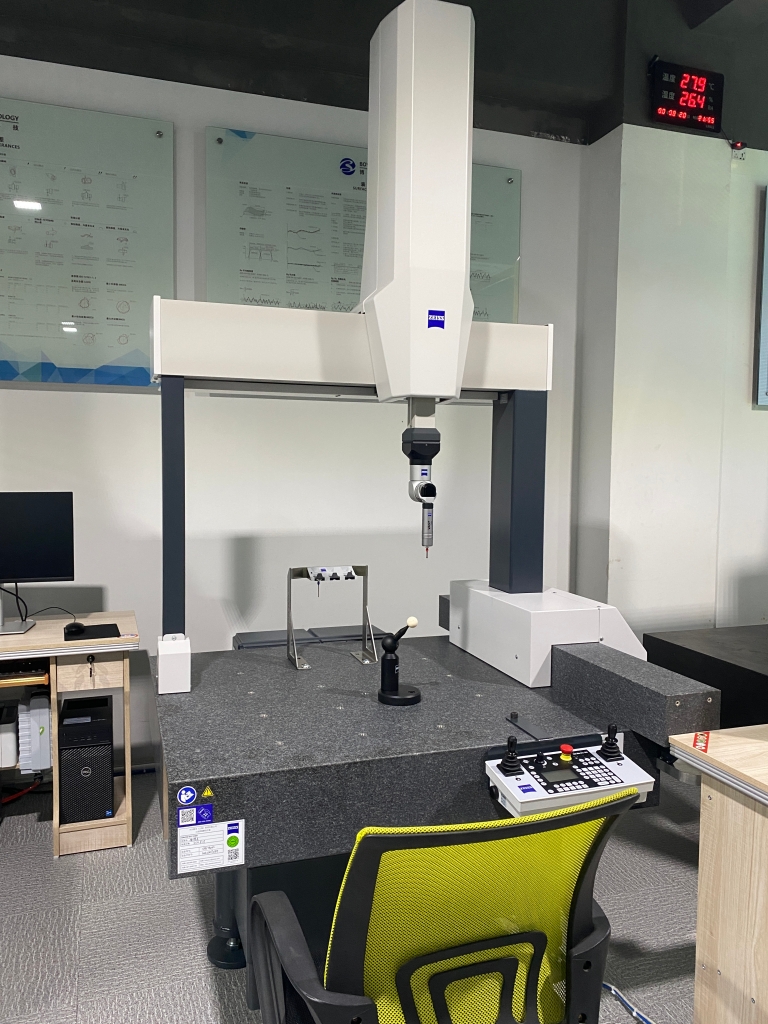
Quality Control: How do you verify the 100th piece has the same pattern depth and sharpness as the first? This requires systematic QC, potentially using laser scanners or precision gauges to check critical dimensions of the pattern.
This is precisely the realm where a partner like GreatLight Metal demonstrates its value. While renowned for metal parts, our core competencies in high-precision, multi-axis CNC machining and systematic process engineering are directly transferable and highly advantageous for complex wood pattern production.
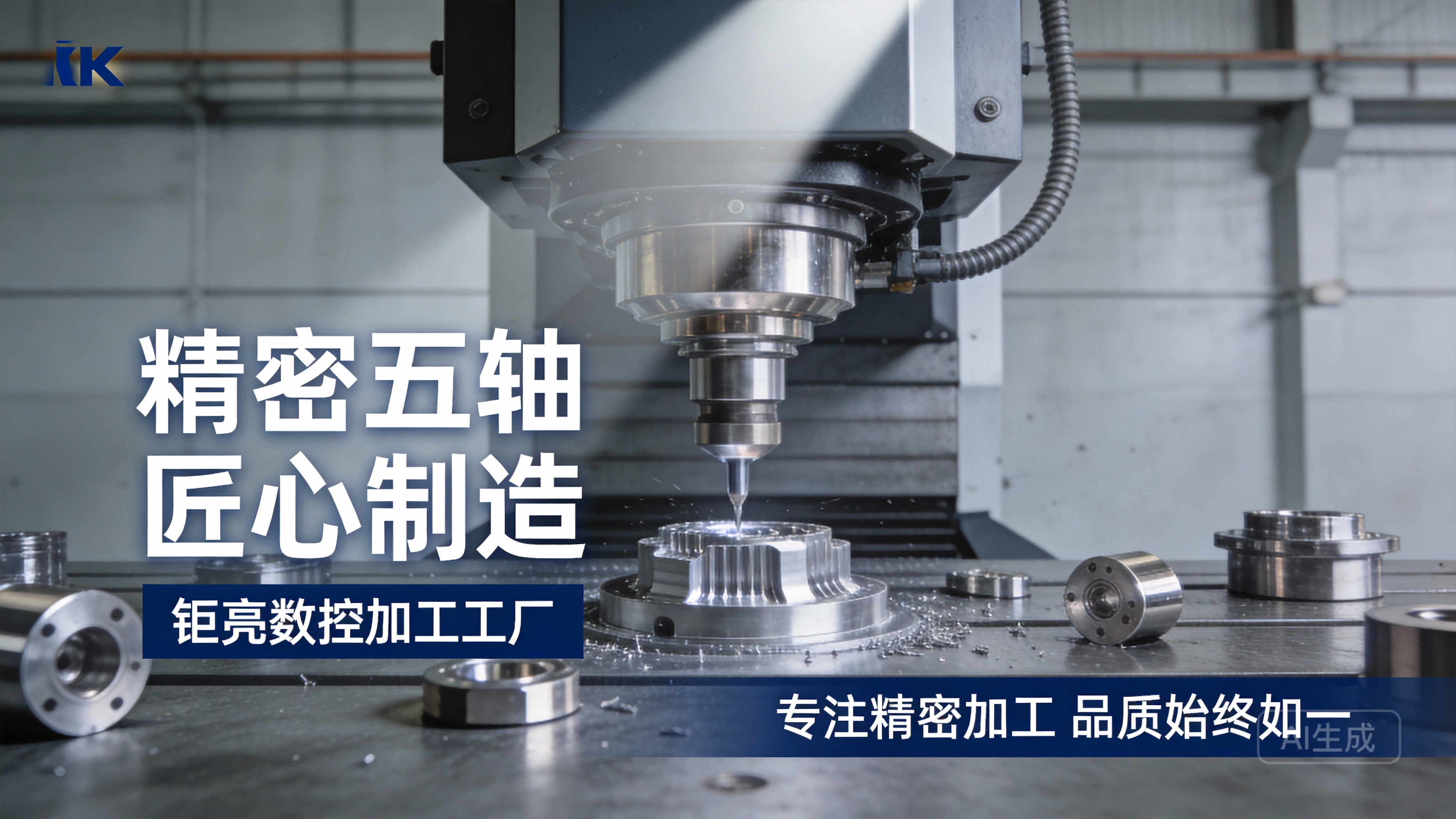
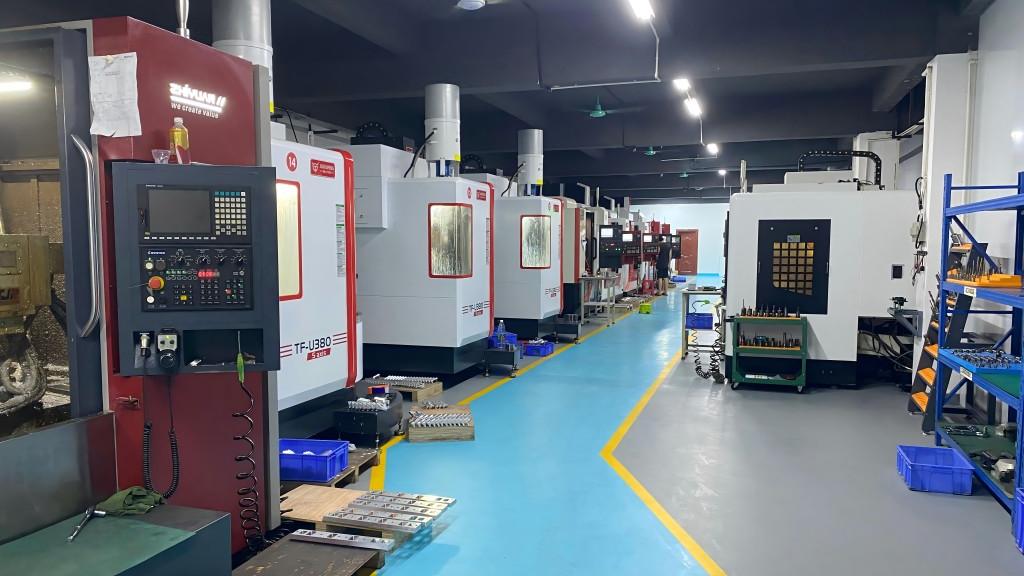
Our arsenal of 5-axis CNC centers provides unparalleled freedom for machining complex 3D patterns on multiple faces of a workpiece in a single setup, ensuring perfect alignment and saving significant time. More importantly, our ISO 9001:2015 certified quality management system ensures that every step—from file validation and toolpath simulation to in-process checks and final inspection—is documented and controlled. This systematic approach guarantees that the pattern you approve on your first article is the pattern you receive on every subsequent unit, lot after lot.
Conclusion
So, can you get patterns to use on CNC wood machines? Not only can you, but the process is a mature and highly capable fusion of art and engineering. The journey from a concept to a physical patterned piece involves clear steps: creating a clean digital design, translating it into machine instructions via CAM, and executing it with the right combination of tooling, material, and machine precision. For prototyping or small batches, this is readily accessible. For production-scale runs where consistency, efficiency, and absolute fidelity to the design are paramount, partnering with a precision manufacturer that applies rigorous engineering discipline—like the methodologies used at GreatLight Metal for high-tolerance metal parts—can transform a beautiful pattern from a one-off success into a reliably manufactured product.
FAQ: Patterns on CNC Wood Machines
H3: 1. What is the best file format to provide for a wood pattern?
For 2D line work and engraving, a .DXF file with clean, closed vectors is industry standard. For 3D relief carving, a .STL file with an appropriate polygon count (not too high, not too low) is most common. Always consult with your machining partner first.
H3: 2. How fine of detail can I expect from a CNC wood pattern?
The practical limit is often determined by the tool diameter and the wood grain. Using a 1/32″ (0.8mm) diameter bit, you can achieve remarkably fine details. However, in fibrous woods, features smaller than 1-2mm may become fragile or fuzzy. A technical review with your manufacturer is recommended for extreme detail.
H3: 3. Can I machine a pattern onto curved or non-flat wood surfaces?
Yes, but this requires advanced 5-axis CNC machining. The tool must be able to approach the curved surface at a consistent perpendicular angle to maintain even depth and detail. This is a specialty operation that not all workshops can perform.
H3: 4. How does the cost for a patterned part compare to a plain part?
Cost increases with complexity. Factors include:
Programming Time: A complex 3D pattern requires significantly more CAM programming effort.
Machining Time: Detailed patterns slow down feed rates and increase total cycle time.
Tooling: Finer details require smaller, more specialized tools, which may wear faster.
H3: 5. For a production run, how do you ensure every patterned piece looks the same?
This is achieved through process control. Key methods include: standardized and verified G-code, scheduled tool changes based on material cut volume, consistent workholding fixtures, and defined quality checkpoints using calibrated instruments to measure critical pattern features on samples from the production batch. This systematic approach is a hallmark of certified manufacturers like GreatLight Metal Tech Co., LTD.{:target=”_blank”}.
H3: 6. Are there any patterns that are difficult or impossible for CNC?
True “undercuts” (features where the tool cannot enter from above) are impossible on a standard 3-axis CNC. Deep, narrow cavities with small entrance openings can also be challenging due to tool length and rigidity constraints. Overhanging features in a 3D relief require support material during machining or a multi-axis approach. A design-for-manufacturability (DFM) consultation can identify and resolve such issues early.
For further insights into how precision engineering principles apply across materials and industries, follow the ongoing developments at GreatLight Metal on LinkedIn{:target=”_blank”}.



















