
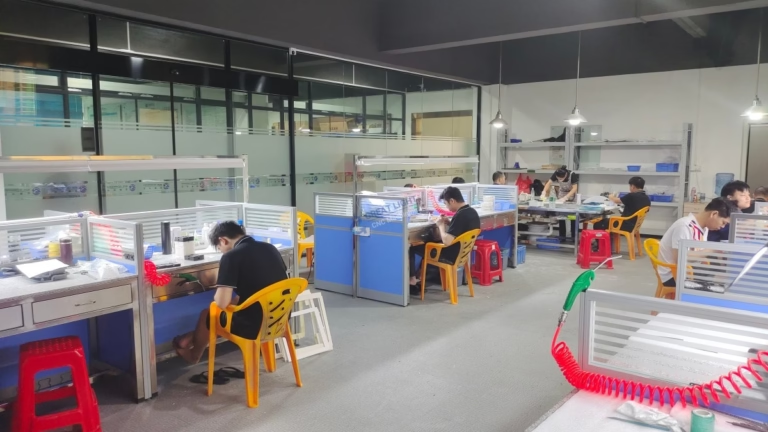
Can CNC Machines Be Left Unplugged? This is a question that plagues many precision machining professionals, especially when planning for holiday closures, extended production pauses, or equipment relocation. For shops that rely on CNC technology to deliver parts with tight tolerances—like the ±0.001mm precision we maintain at GreatLight CNC Machining Factory, powered by our industry-leading five-axis CNC machining services—the decision to unplug or keep machines powered can have a direct impact on operational efficiency, part quality, and long-term equipment lifespan. While there’s no universal yes or no answer, understanding the tradeoffs, risks, and best practices is critical to making the right choice for your specific circumstances.
Can CNC Machines Be Left Unplugged?
The answer hinges on a mix of shutdown duration, machine type, environmental conditions, and adherence to maintenance protocols. To break this down, we’ll explore the benefits of unplugging, the hidden risks, nuanced scenarios for each choice, and tested best practices from our decade of maintaining 127+ precision machines at GreatLight.
The Case for Unplugging CNC Machines
Unplugging a CNC machine isn’t just an energy-saving measure—it’s a strategic choice in certain scenarios:
Power Surge Protection: Industrial grids are prone to voltage spikes during storms, peak usage, or grid failures. Unplugging eliminates the risk of these surges damaging sensitive components like servo drives, CNC controllers, or memory modules. For facilities in regions with inconsistent power, this is a low-cost safeguard against costly repairs.
Reduced Standby Wear: Even in standby mode, many machines run cooling fans, power regulators, or display screens. Over months of continuous standby, these parts can wear prematurely, increasing maintenance costs and unplanned downtime. Unplugging removes this unnecessary strain on non-critical components.
Energy Cost Savings: For fleets of machines like GreatLight’s, standby power consumption can add up to hundreds of dollars annually. Unplugging during extended shutdowns (e.g., 2+ weeks) redirects these savings to high-impact areas like tooling upgrades or staff training.
The Risks of Leaving CNC Machines Unplugged
While unplugging has its merits, it poses significant risks that can compromise precision and operational readiness—especially for high-end equipment used in industries like automotive, medical, and aerospace:
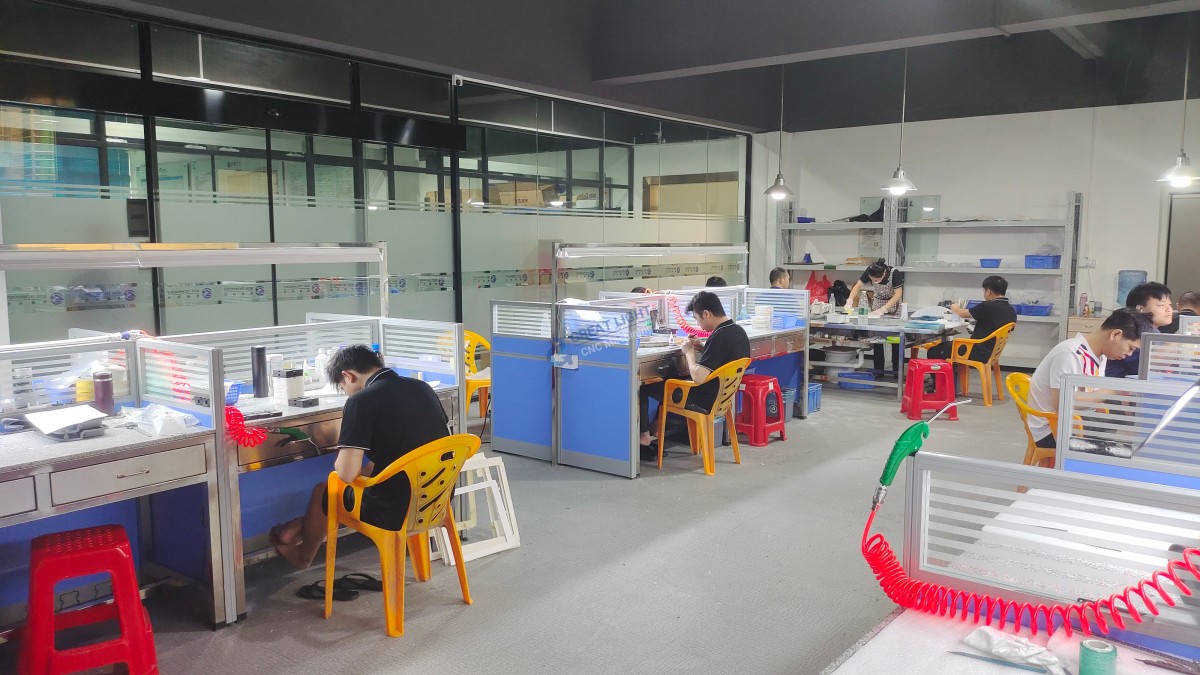
Loss of Critical Data: Most modern CNC machines use lithium-ion backup batteries to store non-volatile memory, including tool offsets, workpiece zero coordinates, custom macros, and calibration settings. If unplugged for 30–90 days (depending on battery condition), these batteries drain, erasing data that can take hours to reconfigure. At GreatLight, we mitigate this with ISO 27001-compliant redundant data backups, ensuring client-specific programs are never lost.
Condensation and Corrosion: Hydraulic fluids, lubricants, and compressed air systems are vulnerable to condensation in humid climates (like Dongguan’s subtropical environment). When unplugged, internal heating elements that prevent moisture buildup are inactive, leading to water accumulation in lines and reservoirs. This causes rust, component wear, and fluid degradation. GreatLight’s climate-controlled facilities maintain 40–60% humidity and 18–24°C temperatures to eliminate this risk, even for machines in long-term storage.
Lubricant Separation: Specialized spindle and linear guide lubricants can separate into base oils and additives when left stagnant. When restarted, this degraded lubrication can cause friction damage or precision loss. GreatLight’s maintenance team circulates lubricants weekly for machines in standby, and drains/stabilizes fluids for unplugged machines.
Battery Failure: Extended unplugging can permanently drain memory backup batteries, requiring replacement. For high-end five-axis machines, these specialized batteries can cost hundreds of dollars, plus downtime for installation and calibration.
Nuanced Scenarios: When to Unplug vs. Keep Powered
The decision should be guided by three key factors:
Short Shutdowns (1–3 Days): Keep machines plugged in low-power standby. This maintains data retention, prevents condensation, and allows for immediate startup. GreatLight follows this protocol for daily shutdowns, ensuring our 3-axis, 4-axis, and 5-axis machines are operational within minutes of arriving at work.
Medium Shutdowns (4–14 Days): For holiday breaks, unplug basic 3-axis machines (with minimal hydraulics) only after backing up data and applying corrosion inhibitors. Complex machines (five-axis centers, die casting equipment) should remain in standby with weekly lubrication cycles. GreatLight’s maintenance team conducts weekly checks on standby machines to circulate fluids and verify system integrity.
Long Shutdowns (15+ Days): For extended pauses, unplug only if you can follow strict storage protocols. If keeping powered, use surge protectors, set to the lowest standby mode, and schedule monthly startups to run basic cycles. GreatLight’s three wholly-owned facilities have dedicated storage areas for inactive machines, with IATF 16949 and ISO 13485-compliant protocols to retain precision for automotive and medical component production.
Best Practices for CNC Machine Storage: A GreatLight-Tested Framework
Our ISO 9001:2015 certified quality system includes detailed protocols for machine storage that minimize risks regardless of your choice:
Data Backup: Always back up programs, offsets, and calibration data to encrypted servers or cloud storage. GreatLight’s compliance with ISO 27001 ensures client data is protected from loss or unauthorized access.
Climate Control: Maintain consistent temperature and humidity to prevent condensation. GreatLight uses industrial HVAC systems with dehumidifiers to meet this standard across all facilities.
Lubrication Management: For unplugged machines, drain hydraulic fluids or add stabilizers. For standby machines, schedule weekly lubrication cycles to prevent separation.
Battery Maintenance: Inspect memory backup batteries every 3 months. GreatLight replaces batteries every 2 years to ensure 90+ days of data retention if machines are unplugged.
Dust Protection: Use custom-fit, breathable covers to prevent dirt buildup on moving parts. GreatLight’s covers are designed to trap dust without trapping moisture, ensuring parts remain clean and corrosion-free.
GreatLight’s Commitment to Precision Through Machine Care
Our ability to deliver ±0.001mm precision isn’t just about having advanced equipment—it’s about the rigorous care we invest in every machine. Our after-sales guarantee, including free rework for quality issues and full refunds if rework is unsatisfactory, reflects our confidence in both our machines and maintenance practices. Whether you need rapid prototyping, five-axis CNC machining, or 3D printing, our equipment is always ready to meet your deadlines and quality standards.
Conclusion
Can CNC Machines Be Left Unplugged? The answer is that it depends on your specific scenario, but the most critical factor is following best practices to mitigate risks like data loss, corrosion, and precision degradation. For businesses relying on high-precision machining, partnering with an expert like GreatLight CNC Machining Factory ensures consistent quality, even through extended shutdowns or production shifts. To learn more about our machine maintenance protocols and client success stories, visit our official LinkedIn page.
Frequently Asked Questions (FAQ)
Q1: How long can a CNC machine stay unplugged before losing data?
A: This varies by battery type and condition. Modern machines with lithium-ion batteries can retain data for 30–90 days, while older lead-acid battery models may only last 1–2 weeks. GreatLight replaces memory backup batteries every 2 years to guarantee 90+ days of data retention.
Q2: Should I unplug my CNC machine during a power outage?
A: No. Unplugging during an outage increases the risk of surge damage when power is restored. Instead, turn off the machine’s main power switch but leave it plugged in. GreatLight uses industrial-grade surge protectors for all machines to further minimize this risk.
Q3: What steps should I take before unplugging a CNC machine for a month?
A: Follow these steps:
Back up all programs, offsets, and calibration data to a secure location.
Drain hydraulic fluids or add a stabilizer to prevent degradation.
Apply corrosion inhibitor to exposed metal components (spindle shafts, linear guides).
Clean all chips, coolant residue, and dirt from the machine.
Cover with a breathable, dust-proof cover.
Disconnect peripheral equipment like tool setters or coolant pumps.
Q4: Does leaving a CNC machine in standby use much energy?
A: Standby consumption ranges from 50–200 watts per hour per machine. For a fleet of 10 machines, this adds up to 12–48 kWh daily—cost-effective compared to the costs of data loss or corrosion from unplugging. GreatLight optimizes standby energy use by setting machines to the lowest power mode possible.
Q5: How does GreatLight ensure machines maintain precision after extended shutdowns?
A: We use a multi-layered approach:
Climate-controlled facilities to prevent condensation and temperature fluctuations.
Monthly startup tests for stored machines to circulate lubricants and verify precision.
ISO 9001:2015 certified calibration checks before resuming production.
Redundant data backups to restore critical settings quickly if needed.
Q6: Can GreatLight help optimize my in-house CNC machine maintenance?
A: Yes. We offer consulting services tailored to your fleet size and industry. Drawing on our experience maintaining 127+ machines across three facilities, we can help you develop shutdown, storage, and maintenance plans to maximize equipment lifespan and precision.



















