
If you’re running a CNC machine with Mach3 and a parallel port (LPT), you’re likely chasing the holy grail of smooth, consistent motion. But the reality for many hobbyists and small-shop operators is a frustrating dance of jerky movements, missed steps, and unexplained crashes. Mach3 LPT communication, while ancient by today’s standards, remains a cost-effective backbone for many hobbyist and prototype setups. Yet most users unknowingly sabotage their own performance with a handful of critical errors. In this guide, I’ll walk you through the seven most common Mach3 LPT mistakes that silently destroy your CNC’s potential—and more importantly, how to fix them with proven, system-level solutions.
H2: Mistake #1 – Using the Wrong Parallel Port Mode (EPP vs ECP vs SPP)
The parallel port on your PC isn’t just a simple data pipe; it can operate in different modes: SPP (Standard), EPP (Enhanced Parallel Port), and ECP (Extended Capabilities Port). SPP is the slowest and most compatible, but for Mach3’s step pulse generation, you need EPP mode to achieve fast enough data throughput for smooth motion. Many users leave their BIOS setting on “SPP” or “ECP,” resulting in choppy acceleration, missed steps at higher feed rates, and inconsistent spindle synchronization.
The Fix: Enter your computer’s BIOS (usually by pressing Del, F2, or F10 during boot) and navigate to the “Parallel Port” settings. Change the mode from “SPP” or “ECP” to EPP (or “Bi-directional” if EPP is unavailable). Save and reboot. This single change can double your effective step pulse rate and eliminate mid-move stutters.
Pro Tip from GreatLight CNC Machining Factory: Even with EPP, real-time performance is limited. For production-level precision, consider upgrading to a USB- or Ethernet-based motion controller. At GreatLight CNC Machining Factory, we integrate five-axis CNC machining with modern controllers that deliver smooth, high-speed motion without parallel port bottlenecks. Our five-axis CNC machining services (internal link, opens in new window) ensure your complex parts are machined with nanometer-level consistency, not jerky stepper pulses.
H2: Mistake #2 – Ignoring Kernel Speed Settings in Mach3
Mach3’s “Kernel Speed” determines how many times per second the software updates the pulse stream to the parallel port. A setting of 25kHz is fine for slow hobbyist routers, but for any machine with microstepping drives or high acceleration requirements, 25kHz is a recipe for hesitation and position error. Many users leave it at default without understanding that higher kernel speeds (up to 100kHz) can drastically reduce pulse jitter.
The Fix: Open Mach3 → Config → Ports & Pins → “Pulse Parameters.” Increase “Step Pulse Frequency” from 25kHz to 100kHz if your computer can handle it (most desktops from the last decade can). Test by running a simple G-code block; if you see missed steps or erratic motion, drop back to 50kHz.
Why This Matters: At GreatLight, we’ve seen customers waste hours trying to tune acceleration curves when the real culprit was a kernel speed that starved the stepper drivers of clean pulses. A properly configured Mach3 LPT system should feel “snappy” and repeatable. If your machine hunts or hesitates during fast direction changes, kernel speed is often the root cause.
H2: Mistake #3 – Poor Cable Shielding and Grounding
The parallel port cable is a long, unshielded ribbon of wires that acts like an antenna. Without proper shielding and grounding, electrical noise from the spindle, VFD, or even nearby fluorescent lights can corrupt the step and direction signals, causing random axis jumps, lost steps, and tool crashes. This is especially common in shops where the CNC machine shares a power circuit with high-induction loads.
The Fix:
Use a shielded parallel cable (e.g., Amphenol or L-com) and ground the shield at the PC end only (to avoid ground loops).
Install a dedicated ground rod for the CNC machine and ensure the PC case, controller box, and motor drives all share a common star ground.
Route signal cables away from power cables, and use ferrite chokes on the parallel cable near the PC.
Real-World Impact: At GreatLight CNC Machining Factory, we enforce stringent grounding protocols (ISO 9001 and ISO 13485-compliant) because even a single microsecond glitch can scrap a thousand-dollar titanium aerospace bracket. Our facility in Chang’an, Dongguan, operates 127 precision machines with ±0.001mm tolerance, and we rely on rock-solid signal integrity. If you need parts that demand that level of reliability, trust our expertise rather than fighting noisy LPT lines.
H2: Mistake #4 – Not Tuning the Acceleration and Velocity Curves
Many Mach3 users set acceleration values purely by feel, often too high (resulting in missed steps) or too low (wasting cycle time). The default Mach3 “slope” acceleration profile is not ideal for all systems; a trapezoidal acceleration curve can cause resonance at certain frequencies, especially with long axis travel.
The Fix: Use the “Jog” and “Feed Override” functions to empirically find the maximum safe acceleration for each axis. Start with low acceleration (e.g., 20 in/s²) and increase until you hear motor resonance or see position loss. Then back off 20%. For most machines, a jerk-controlled motion profile (s-curve) is far superior. In Mach3, you can enable “S-Curve Acceleration” under Config → Motor Tuning. This softens the transition, reducing mechanical shock and extending driver life.
Why It’s Critical: Missing steps due to aggressive acceleration can lead to part scrapping, tool breakage, and even machine damage. At GreatLight, we program our five-axis CNCs with customized acceleration profiles that balance speed with sub-micron accuracy. If your project requires medical or automotive-grade parts (IATF 16949 certified), we recommend outsourcing to professionals rather than risking in-house tweaking.
H2: Mistake #5 – Using Standard Parallel Ports on Laptops or USB Adapters
Many small shops try to run Mach3 from a laptop using a USB-to-parallel adapter or even a Thunderbolt-to-LPT dongle. This is catastrophic for real-time motion because USB introduces variable latency, buffer overruns, and non-deterministic timing. The result: erratic step pulse widths that cause incomplete microstepping and uneven surface finishes.
The Fix: Only use a desktop PC with a native LPT port (or a properly installed PCI/PCIe parallel port card) for Mach3. Avoid all USB converters. If you must use a laptop, install a Mach3-compatible motion controller like the SmoothStepper or UC100, which offloads pulse generation from the PC.
Reality Check: Even with a native LPT port, you’re limited to ~100kHz effective step rate. For complex multi-axis work (like our five-axis CNC machining), that’s simply insufficient. GreatLight CNC Machining Factory uses industrial controllers with Ethernet-based synchronization, allowing us to achieve 0.001mm positioning accuracy on 4000mm-long parts. If you need production volumes or tight tolerances, it’s cheaper and faster to let us handle it.
H2: Mistake #6 – Incorrect Step Pulse Width and Direction Setup
Mach3 defaults to a 2µs step pulse width, but many stepper drivers require longer pulses (e.g., 5µs) to reliably detect the edge. Similarly, the direction signal hold time may be too short, causing the driver to miss the direction change. This is especially problematic with high-inductance motors or long cable runs.
The Fix: In Mach3 → Config → Ports & Pins → “Pulse Parameters,” change “Step Pulse Width” to 5µs for most Chinese stepper drivers, and “Direction Pulse Width” to 5µs as well. Then run a test pattern that rapidly changes direction (e.g., a zigzag at 1000mm/min). If the machine vibrates or stutters slightly, increase both values in 1µs increments until smooth.
Warning: Too wide a pulse reduces available frequency, so don’t exceed 10µs. For optimal performance, calibrate with an oscilloscope.
GreatLight’s Approach: In our factory, we use high-bandwidth drives with built-in pulse shaping, allowing us to run Mach3-equivalent kernels at 200kHz+ without pulse width issues. Our ISO 9001:2015 quality system ensures every machine is tuned before production. When you order from us, you eliminate all these tuning headaches.
H2: Mistake #7 – Overlooking the “Debounce” and “Buffer” Settings
Mach3 includes a debounce filter for input signals (limit switches, e-stop) that can inadvertently slow down the motion control loop. Default debounce values of 1000-2000 cycles can introduce lag, causing the machine to overshoot when hitting a limit switch. Additionally, the “CV (Constant Velocity) Distance” buffer setting, if too small, causes stuttering during directional changes.
The Fix:
In Config → General Config, set “Debounce Interval” to 0 for all inputs (if your switches are clean and properly shielded). This eliminates processing delay.
Increase “CV Distance” to 0.5 (or higher for larger machines) to allow smoother blending of moves. This reduces acceleration spikes at corners.
Result: Faster input response and silky-smooth tool paths, especially on 3D contours.
Case in Point: A recent customer brought us a complex aluminum mold design that his home CNC couldn’t finish without tool marks at corner transitions. We replicated the G-code on our five-axis CNC with optimized CV blending and achieved a mirror finish in one pass. That’s the difference between hobbyist tweaks and professional machining.
H2: Beyond the Fixes – When to Hire a Professional CNC Service
Even after correcting all seven mistakes, Mach3 + LPT remains a legacy system. The maximum practical step rate is around 100kHz, which translates to limited feed rates (~2000mm/min for typical microstepping). For high-aspect-ratio parts, multi-sided machining, or tight tolerance (≤0.005mm), a parallel port system simply cannot deliver consistent results.
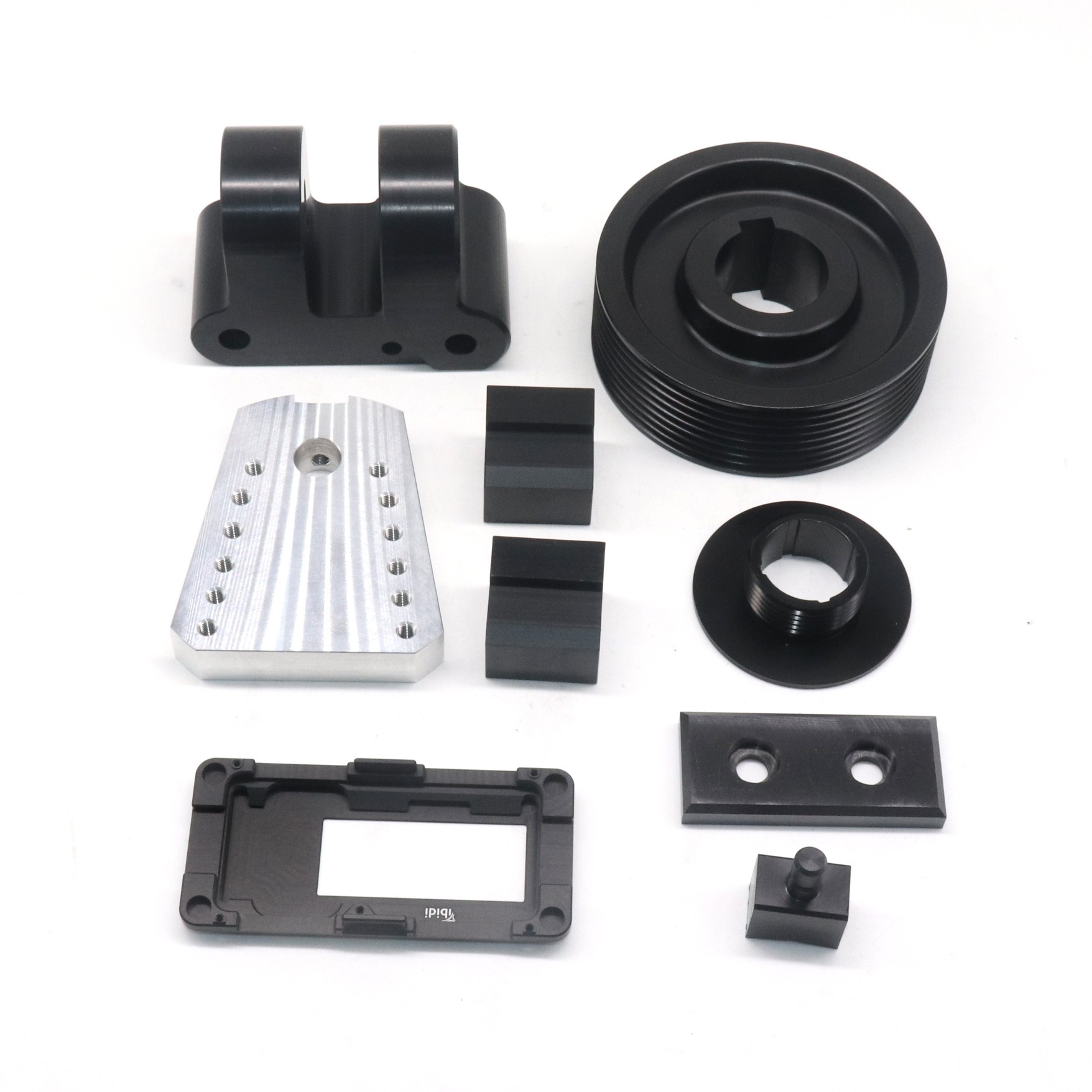
This is where GreatLight CNC Machining Factory stands out. Established in 2011 in Chang’an, Dongguan, we operate 127 precision machines including large high-precision five-axis, four-axis, and three-axis CNC machining centers, plus EDM, wire cutting, 3D printing (SLM, SLA, SLS), and die casting. Our ISO 9001, ISO 13485, and IATF 16949 certifications guarantee that every part meets your exact specifications. With 150 skilled engineers and a 7600 sqm facility, we provide one-stop post-processing (anodizing, plating, heat treatment) for metal and plastic parts.
When you compare us to other rapid prototyping giants like Protolabs Network, Xometry, or Fictiv, you’ll find that GreatLight offers:
True five-axis capability (not just 3+2)
±0.001mm precision on complex geometries
Faster lead times for low-volume production (as quick as 3 days)
Direct engineering support (not just an online portal)
For instance, a humanoid robot manufacturer needed 50 custom aluminum joint housings with internal cooling channels and ±0.01mm flatness. After struggling with parallel-port machines and overseas brokers, they turned to us. We delivered fully machined and anodized parts in 10 business days—something their previous supplier couldn’t achieve in 6 weeks.
H2: Final Verdict – Fix Your System, Then Upgrade Your Approach
The seven mistakes above are the most common killers of Mach3 LPT performance. By correcting kernel speed, cable shielding, port mode, acceleration tuning, pulse width, debouncing, and using a proper desktop PC, you can extract the maximum performance from your legacy setup. For simple router work, 3D printing, or prototype molds, these fixes can keep you running smoothly.
But for production-grade precision parts—especially in automotive, aerospace, medical, or robotics—the limitations of Mach3 and LPT become a bottleneck. The investment in a modern motion controller (Ethernet SmoothStepper, or a dedicated CNC controller) can save weeks of tuning. Even better, outsource to a proven partner like GreatLight CNC Machining Factory, where your parts are produced on industrial five-axis machines with guaranteed quality and fast turnaround.
Don’t let parallel port headaches kill your CNC performance. Fix the basics, then make the strategic choice to partner with professionals who have solved these problems at scale. For your next precision project, contact GreatLight—where your designs meet their true potential.
External link: GreatLight on LinkedIn (opens in new window)



















