
The Maker’s Dream: Is Building a Home CNC Router a Viable Path to Precision?
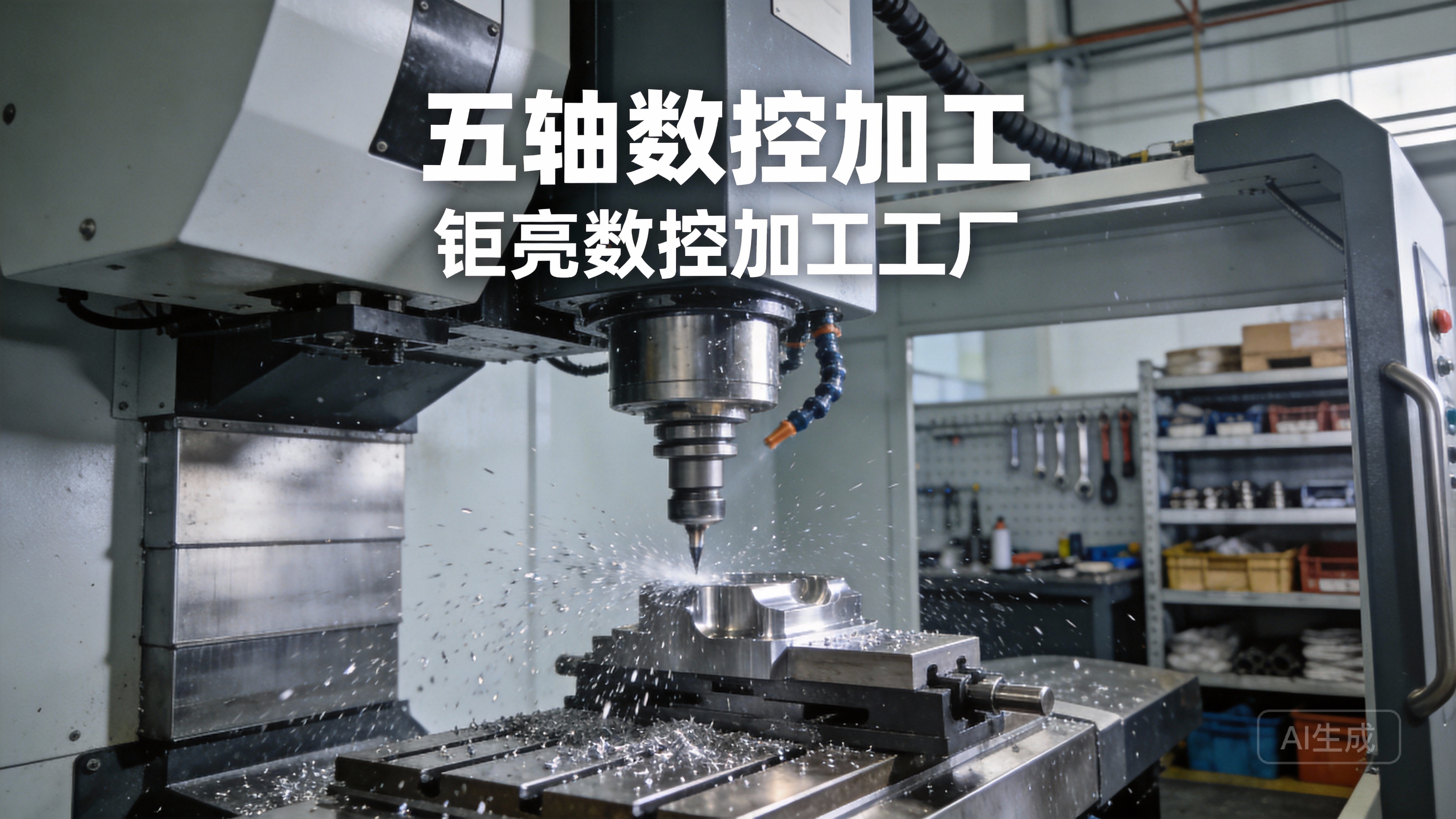
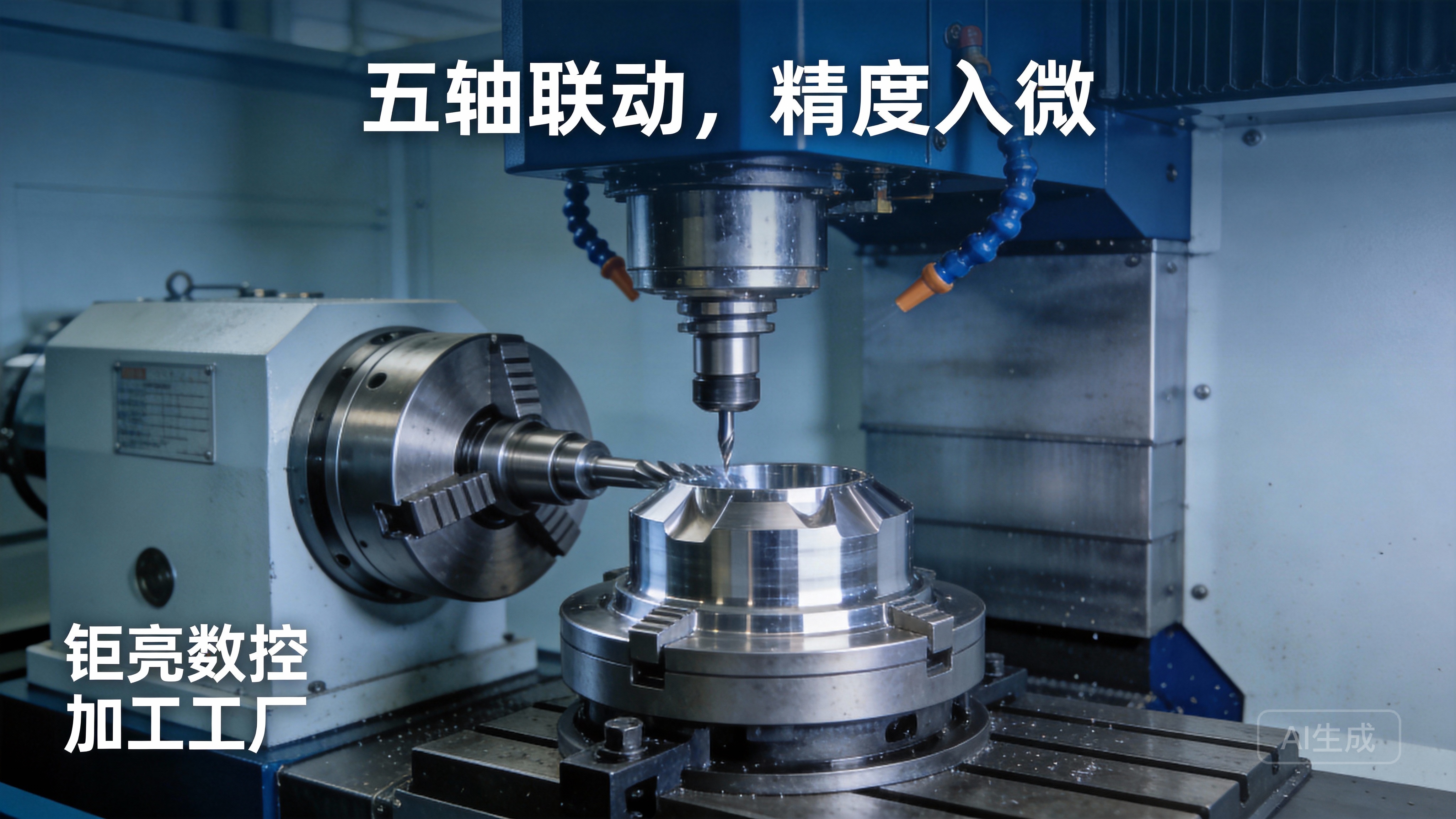
The allure of creating intricate parts from raw material with the push of a button is undeniable. For hobbyists, inventors, and small-scale creators, the question of “How to make a CNC router machine at home?” represents a journey toward empowerment and creative freedom. It speaks to the desire to bridge the gap between digital design and physical reality without the immediate need for large-scale industrial partnerships. As a professional in the precision machining field, I see this DIY spirit as a fantastic entry point into the world of subtractive manufacturing. However, it’s crucial to understand the landscape: building a capable machine is a serious engineering project, and its outcome exists on a spectrum far removed from the capabilities of industrial-grade equipment like the 5-axis CNC machining services{target=”_blank”} we deploy for mission-critical components.
This guide will walk you through the fundamental principles, components, and steps involved in constructing a basic 3-axis CNC router at home. We’ll approach this with a manufacturing engineer’s eye, highlighting the compromises and challenges you’ll face to set realistic expectations.
H2: Feasibility & Core Considerations Before You Begin
Embarking on this project requires honest assessment. A home-built CNC router is excellent for wood, plastics, soft aluminum, and engraving. It is not suitable for precision metal parts requiring tight tolerances (±0.001mm), high repeatability, or complex multi-axis geometries.
H3: Key Decision Points:
Budget: Costs can range from a few hundred dollars for a very basic kit to several thousand for a robust, semi-professional DIY build.
Work Envelope: Determine the maximum size of material (X, Y, Z) you need to work with. Larger envelopes demand more rigid and expensive framing.
Materials to be Cut: Cutting hardwood is different from cutting aluminum. Machining metals requires significantly greater rigidity, more powerful spindles, and proper chip evacuation.
Primary Goal: Is it for hobbyist woodworking, sign-making, prototyping with plastics, or light metal work? Your goal dictates the design specifications.
Skill Level: This project integrates mechanical assembly, basic electrical wiring, and software configuration.
H2: The Four Pillars of a DIY CNC Router
Every CNC machine, from a desktop model to a factory-floor goliath, is built upon these core subsystems.
H3: 1. Mechanical Frame and Motion System
This is the skeleton. Its rigidity is the single most important factor determining cut quality and accuracy.
Materials: Common choices include aluminum extrusion (e.g., 80/20 or V-slot), welded steel, or high-density MDF for entry-level machines. Aluminum extrusion offers a good balance of modularity, rigidity, and ease of assembly.
Linear Motion: This defines how the axes move.
Rails & Bearings: Round supported rails are cost-effective; precision ground linear rails offer superior stiffness and accuracy.
Lead Screws vs. Ball Screws: Threaded rods (lead screws) are cheap but can have backlash and lower efficiency. Ball screws are more expensive but provide higher precision, speed, and minimal backlash.
H3: 2. Drive System (Motors and Controllers)
This is the muscle and nervous system.
Stepper Motors: The most common choice for DIY. They move in discrete “steps.” Key specs are holding torque (Nm or Oz-in) and current rating.
Motor Drivers: These electronics control the current to the motors, translating signals from the controller.
CNC Controller Board: The brain that interprets G-code (the machine instructions) and sends step/direction signals to the drivers. Popular options include Arduino-based boards (GRBL firmware) or dedicated controllers like Mach3/Mach4 compatible break-out boards.
H3: 3. Spindle and Tooling
This is the cutting tool.
Router vs. Spindle: A standard woodworking router is a common, powerful, but loud starting point. A dedicated CNC spindle (air- or water-cooled) offers variable speed control (VFD) and is designed for longer run times and smoother operation.
Collets and Holders: These secure the cutting bits (end mills, engraving bits). Ensure compatibility between your spindle’s collet type (e.g., ER11, ER20) and your tool shank diameter.
H3: 4. Software Ecosystem
This is the intelligence layer.
CAD Software: For designing the part (e.g., Fusion 360, FreeCAD, SketchUp).
CAM Software: For converting the CAD model into toolpaths and generating the G-code (e.g., Fusion 360 CAM, Carbide Create, Estlcam).
Control Software: For sending the G-code to the machine and providing the user interface (e.g., Universal G-code Sender, Mach3, GRBL-based controllers).
H2: A Step-by-Step Assembly Framework
Design and Planning: Start with a detailed plan. Many open-source designs are available online (e.g., MPCNC, PrintNC). Choose one that matches your budget and goals. Create a detailed bill of materials (BOM).
Frame Assembly: Construct the base, gantry, and Z-axis assembly according to your design. Use precision squares and levels. The goal is a square, twist-free, and rigid structure.
Mounting Linear Motion Components: Precisely align and mount your linear rails or rods and their corresponding bearing blocks/carriages. Misalignment here will cause binding and reduced accuracy.
Installing Drive Components: Mount the stepper motors and couple them to the lead screws or ball screws. Proper coupling alignment is critical to prevent premature wear and vibration.
Wiring and Electronics: Mount the power supply, controller board, and motor drivers in an enclosure. Wire the motors, limit switches (highly recommended for safety and homing), and spindle control following diagrams meticulously. Safety Note: Ensure all mains voltage wiring is properly insulated and secured.
Mounting the Spindle and Workholding: Install the spindle on the Z-axis. Implement a workholding solution—this could be a sacrificial MDF bed, T-track, or a vacuum table.
Software Setup and Configuration: Install and configure your control software. This involves critical steps like setting steps-per-mm (calibrating how many motor pulses move an axis 1mm), tuning motor acceleration/jerk settings, and defining your machine’s soft limits.
H2: The Inevitable Challenge: Calibration and Achieving “Good Enough”
Once assembled, the real work begins:
Squaring the Gantry: Ensuring the X-axis (gantry) is perfectly perpendicular to the Y-axis movement is paramount for accurate geometry.
Tramming the Spindle: The spindle must be perfectly vertical to the work table across its entire travel. An untrammed spindle will produce tapered walls and poor edge quality.
Backlash Compensation: In software, you can compensate for small amounts of mechanical slack (backlash) in screws or couplings, but it’s a band-aid for a mechanical problem.
Feed and Speed Optimization: This is the art of machining. You must experiment with spindle speed (RPM), feed rate (mm/min), depth of cut, and tool choice for each material to avoid breaking tools, burning material, or producing chatter.
The precision you achieve here is often measured in tenths of a millimeter (±0.1mm to ±0.05mm is a great result for a DIY build). Contrast this with the ±0.001mm capability standard in professional shops like ours, enabled by monolithic cast iron frames, thermal stability control, laser calibration, and decades of process knowledge.
H2: Conclusion: Where DIY Meets Professional Need
Building a CNC router at home is an immensely rewarding educational project that opens doors to prototyping and personal fabrication. It fosters a deep understanding of the fundamentals of CNC technology. However, it is essential to recognize its inherent limitations in precision, repeatability, material scope, and throughput.
When your project evolves beyond the capabilities of a home workshop—when you need to machine titanium for a medical implant, produce hundreds of identical aluminum enclosures with threaded holes, or create a complex turbine blade from Inconel—this is where the partnership with a professional manufacturer becomes indispensable. The journey from a DIY router to specifying parts for production is a natural progression for many innovators.
For those ready to cross that bridge, the expertise, advanced multi-axis capabilities, and rigorous quality systems (like ISO 9001:2015, IATF 16949) offered by specialized manufacturers ensure that your vision is realized not just as a prototype, but as a reliable, high-performance component. The hands-on knowledge gained from building your own machine will, in fact, make you a more informed and effective partner when engaging with professional precision machining services.
H2: Frequently Asked Questions (FAQ)
H3: How much does it cost to build a decent DIY CNC router?
A functional machine for wood and plastics can be built for $800-$1,500 using kits or sourced components. A more rigid machine capable of light aluminum work with ball screws and a good spindle can easily reach $2,500-$4,000.
H3: Can I really cut metal with a home-built CNC router?
Yes, but with major caveats. You are limited to soft metals like aluminum, brass, and copper. Cutting steel is generally not advisable. Successful metal cutting requires extreme frame rigidity, slow feed rates, small depth-of-cuts, effective lubrication/coolant, and a very secure workholding setup to withstand higher cutting forces.
H3: What is the biggest mistake beginners make?
Compromising on frame rigidity to save money or time. A flimsy frame will flex under cutting forces, causing chatter, poor surface finish, broken tools, and inaccurate parts. It is the foundation upon which everything else depends.
H3: How long does it take to build one?
For a first-time builder following a kit or detailed plans, expect to spend 40-100 hours spread over several weeks, depending on complexity. This includes assembly, wiring, and the extensive software setup and calibration process.
H3: When should I stop DIY and consider a professional machining service?
Consider professional services when your requirements involve:
Tolerances tighter than ±0.1mm.
Materials harder than 6061 aluminum (e.g., stainless steel, titanium, tool steels).
Complex 3D contours or geometries requiring 4th or 5th-axis machining.
Production runs beyond a few pieces where consistency and time are factors.
Parts where failure has safety or significant financial consequences.
For insights into how professional teams tackle advanced manufacturing challenges, you can follow industry discussions and updates on platforms like LinkedIn{target=”_blank”}.



















