
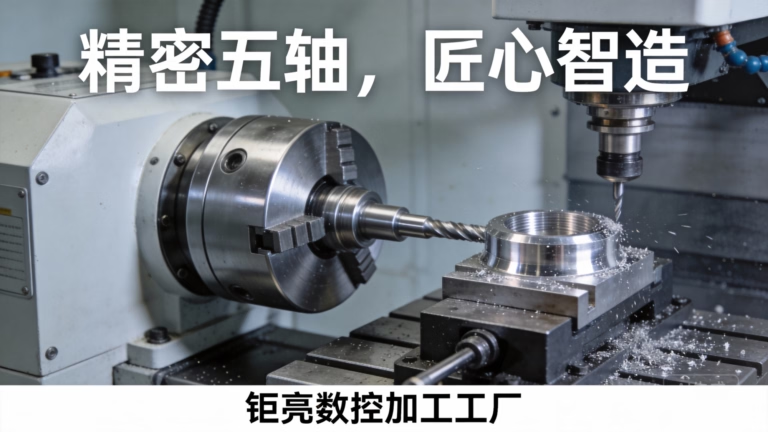
How To Use CNC Router Machine? is a question that pops up for everyone from DIY enthusiasts testing their first wooden sign to procurement engineers sourcing high-precision metal components for aerospace applications. Mastering this versatile tool requires a mix of technical knowledge, careful preparation, and adherence to safety standards—whether you’re operating a compact desktop model or an industrial-grade CNC router system like those used by GreatLight CNC Machining Factory.
How To Use CNC Router Machine? A Comprehensive Guide for Beginners and Professionals
Before diving into the step-by-step process, let’s clarify what a CNC router machine is: a Computer Numerical Control (CNC) tool that uses automated, computer-guided cutting tools to shape a wide range of materials. Unlike manual routers, CNC routers eliminate human error, ensuring consistent results across batches. Hobbyist models are ideal for small-scale projects, while industrial-grade systems (like GreatLight’s 3-axis, 4-axis, and 5-axis CNC machining centers) are built to handle complex, high-precision components for industries like automotive, medical, and aerospace.
Pre-Operation Preparation: Lay the Groundwork for Success
Skipping this stage is the most common cause of broken tools, inaccurate parts, or safety incidents. Here’s what to focus on:
Material Selection & Preparation
Different materials demand different cutting strategies. For example:
Hobby projects: Wood, foam, or acrylic can be used with standard end mills.
Industrial applications: GreatLight works with over 50 materials, including aluminum alloy, stainless steel, titanium alloy, and mold steel. Each requires specialized tooling—titanium, for instance, needs high-hardness carbide end mills to avoid rapid wear.
Always ensure your material is flat, free of defects, and properly sized for the router’s worktable. For large parts (up to 4000mm, as handled by GreatLight), use clamps or vacuum hold-down systems to prevent shifting during machining.
Tool Setup & Calibration
Choose the right end mill: Flat mills for straight cuts, ball mills for curved surfaces, V-bits for engraving. Industrial facilities like GreatLight use automated tool changers to switch between up to 20 tools in seconds, reducing downtime.
Calibrate the Z-axis zero point: This sets the starting position of the cutting tool relative to the material’s surface. Even a 0.1mm error here can ruin a high-precision part. GreatLight uses laser calibration systems to achieve sub-micron accuracy.
Design & G-Code Programming
For beginners: Use user-friendly CAD/CAM software (like Fusion 360) to create your design—most tools generate G-code (the machine’s instruction language) automatically.
For professionals: GreatLight’s in-house engineering team optimizes G-code to minimize tool travel, reduce wear, and cut production time by up to 30% compared to generic programming. They also simulate tool paths to catch collisions or errors before machining starts.
Safety Checks
Wear personal protective equipment (PPE): Safety glasses, dust masks, and hearing protection are non-negotiable.
Verify emergency stops: Ensure all emergency stop buttons are functional and easily accessible.
Clear the work area: Remove debris, loose tools, or other obstacles that could interfere with the machine’s operation. GreatLight follows strict ISO 9001:2015 safety protocols to protect both workers and equipment.
Step-by-Step Operation Guide: From Setup to Finished Part
Once you’ve completed pre-operation checks, follow these steps to run your CNC router:
Load the Material Securely
Place your material on the worktable and fasten it using clamps, screws, or a vacuum hold-down system. For thin or flexible materials, use a sacrificial backing board to prevent damage to the worktable. GreatLight’s industrial routers feature heavy-duty worktables that can support materials weighing up to 500kg.
Upload G-Code & Run a Dry Test
Upload your G-code to the CNC controller (most modern machines use USB or Ethernet connections). Before cutting, run a dry test: set the tool to hover 1-2mm above the material and execute the program. This lets you verify the tool path is correct and that there are no collisions. GreatLight’s controllers have built-in simulation tools that visualize the entire process in 3D.
Adjust Cutting Parameters
Fine-tune three key parameters based on your material and tool:
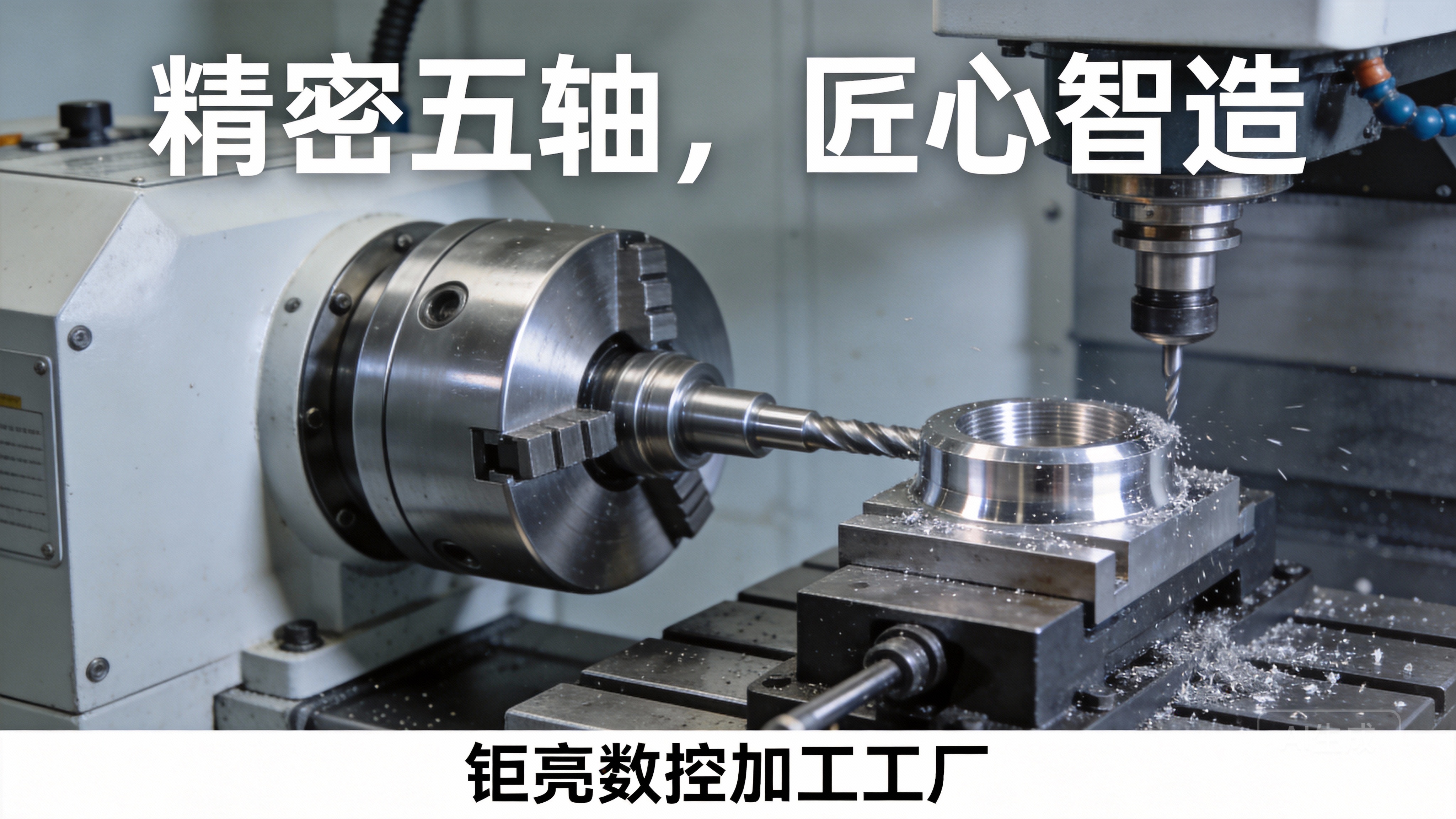
Spindle speed: Measured in RPM. Higher speeds work for soft materials (like wood), while lower speeds are better for hard metals (like stainless steel) to avoid overheating.
Feed rate: The speed at which the tool moves across the material. Too fast and you risk tool breakage; too slow and you waste time.
Depth of cut: How deep the tool penetrates the material per pass. For hard metals, use multiple shallow passes to reduce tool wear.
GreatLight maintains a database of optimized parameters for every material they process, ensuring consistent results across all jobs.
Start Machining & Monitor the Process
Press the start button and stay nearby during the first few minutes of operation to watch for any issues (like unusual noises or material shifting). For long runs, industrial routers like GreatLight’s can be monitored remotely, with sensors alerting operators to tool wear or machine faults in real time.
Pause & Adjust (If Necessary)
If you notice poor surface finish, tool chatter, or material movement, pause the machine and make adjustments. For example, increasing spindle speed can reduce chatter, while tightening clamps can fix shifting. GreatLight’s quality control team uses coordinate measuring machines (CMMs) to inspect parts mid-production, ensuring tolerances are met every step of the way.
Post-Operation Best Practices: Maintain Quality & Machine Lifespan
Unload & Inspect the Part
Handle the finished part with care, especially if it’s a high-precision component. Use a micrometer or caliper to measure key dimensions against your design specs. GreatLight’s lab uses optical CMMs to inspect parts with over 1000 measurement points, ensuring 100% compliance with client requirements.
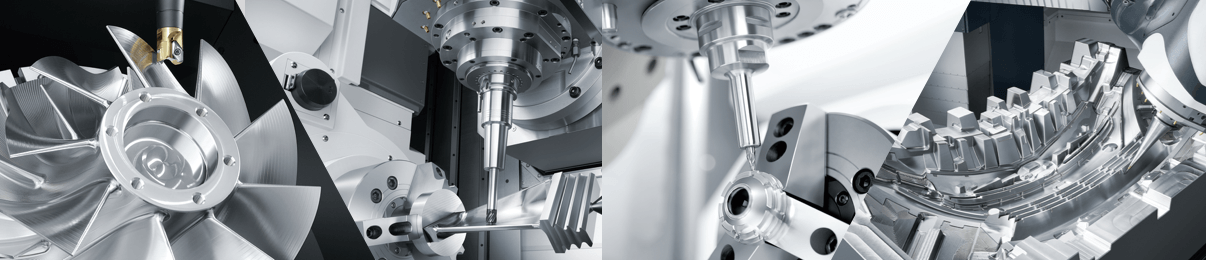
Clean the Machine & Tools
Remove debris from the worktable, spindle, and tool holder. Use compressed air or a brush to avoid scratching surfaces.
Lubricate moving parts (like linear guides and ball screws) to prevent rust and reduce friction. GreatLight follows a scheduled maintenance plan to extend the lifespan of its 127 precision machines.
Post-Processing (For Industrial Parts)
Most high-precision parts require surface treatment to meet functional or aesthetic needs. GreatLight offers one-stop post-processing services, including:
Anodizing, powder coating, and painting for corrosion resistance and appearance.
Sandblasting, polishing, and deburring for smooth surfaces.
Heat treatment for improved material hardness.
This eliminates the need for clients to work with multiple suppliers, reducing lead times and ensuring consistent quality.
Professional-Grade CNC Router Usage: Why Partner with Experts like GreatLight?
While hobby routers are accessible for small projects, industrial applications demand more than basic operation. Here’s how GreatLight stands out among leading manufacturers like Haas and DMG Mori:
Unmatched Precision: GreatLight’s CNC routers can achieve tolerances of ±0.001mm, which is critical for medical implants, aerospace components, and automotive engine parts.
Full-Process Chain: From design optimization to post-processing, GreatLight offers one-stop services, reducing lead times by up to 40% compared to suppliers who outsource post-work.
Authoritative Certifications: GreatLight holds ISO 9001:2015, ISO 13485 (medical), and IATF 16949 (automotive) certifications, ensuring compliance with global industry standards.
After-Sales Guarantee: GreatLight offers free rework for quality issues, and a full refund if rework is still unsatisfactory—something few competitors match.
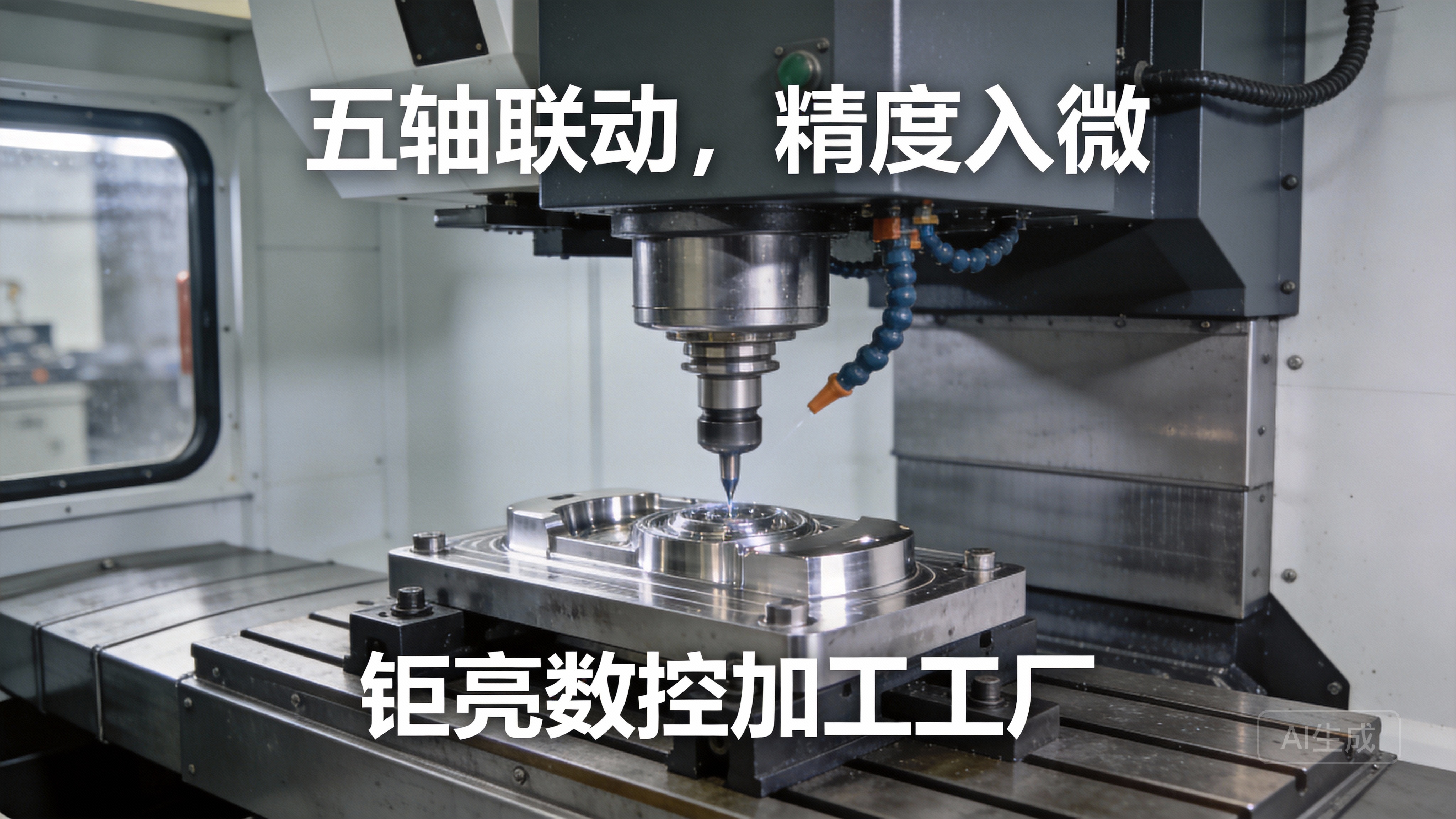
For example, a client in the aerospace industry needed a complex titanium alloy component with 12 unique features. GreatLight used its 5-axis CNC machining services to machine the part in one setup, eliminating alignment errors that would have occurred with traditional 3-axis routing. The part passed all aerospace quality checks on the first try, saving the client 2 weeks of production time.
Conclusion
In summary, mastering how to use a CNC router machine requires careful preparation, attention to detail, and, for industrial applications, a trusted partner with the expertise and equipment to deliver high-precision results. Whether you’re a beginner learning the basics or an engineer sourcing custom parts, following the steps outlined will help you achieve reliable, quality outcomes. Remember, How To Use CNC Router Machine? isn’t just about operating the tool—it’s about leveraging the right technology and partners to turn your design vision into reality, and GreatLight CNC Machining Factory is here to support you every step of the way.
Frequently Asked Questions (FAQ)
Q1: What materials can a CNC router machine process?
A: Hobby routers are limited to soft materials like wood, foam, and acrylic. Industrial-grade routers like those at GreatLight can process over 50 materials, including aluminum alloy, stainless steel, titanium alloy, mold steel, and engineering plastics.
Q2: What’s the difference between a CNC router and a CNC milling machine?
A: Traditional CNC routers are designed for cutting and shaping flat materials, while milling machines handle complex 3D parts. Industrial machines like GreatLight’s 5-axis systems blur this line, capable of machining both flat sheets and intricate 3D geometries with high precision.
Q3: How precise can a professional CNC router get?
A: GreatLight’s CNC routers can achieve tolerances as tight as ±0.001mm, which is essential for parts that require fit with other high-precision components (like medical devices or aerospace sensors).
Q4: Do I need to know G-code to use a CNC router?
A: Beginners can use CAD/CAM software that generates G-code automatically. For industrial projects, GreatLight’s engineering team handles all G-code optimization and simulation, so clients don’t need to be experts in machine programming.
Q5: What after-sales support does GreatLight offer?
A: GreatLight provides a comprehensive after-sales guarantee: free rework for any quality issues, and a full refund if rework doesn’t meet your requirements. They also offer technical support for design optimization, material selection, and process improvement.
Q6: How long does it take to produce a custom part with GreatLight?
A: Lead times vary based on part complexity and quantity, but GreatLight can deliver rapid prototypes in as little as 3 days, and small production runs in 7-10 days. For large orders, they can scale production across their three manufacturing plants to meet tight deadlines.



















