
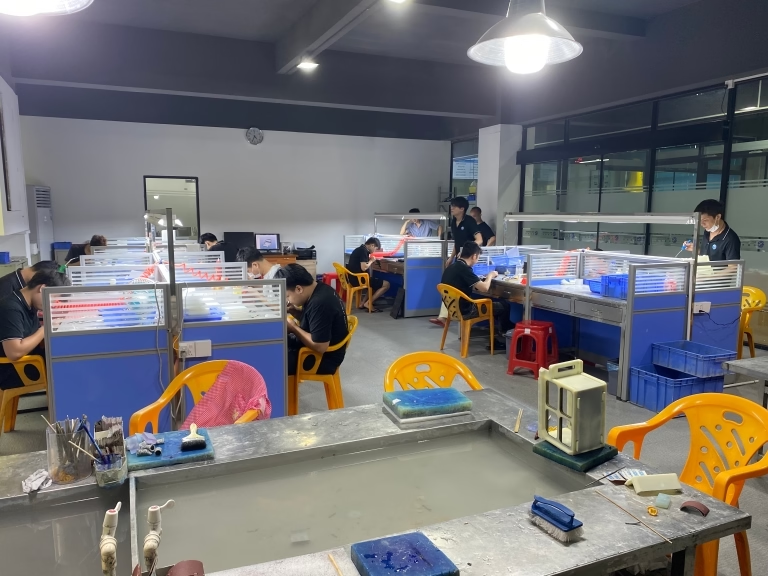
To transform a raw block of material into a precise, complex component, modern manufacturing relies on a symphony of digital commands and mechanical precision. At the heart of this process for many woodworking, plastics, and non-ferrous metal applications is the CNC router machine. But how exactly does this versatile piece of equipment work? It’s a fascinating interplay of design, computation, and physical motion that bridges the digital and physical worlds.
This article will dissect the inner workings of a CNC router, explaining each step from digital blueprint to finished part, and highlight why understanding this process is crucial for anyone sourcing precision machined components.
The Core Principle: Digital Instructions Driving Physical Tools
At its simplest, a CNC (Computer Numerical Control) router is a computer-controlled cutting machine. It automates the process of cutting, carving, drilling, and engraving by following a set of programmed instructions, eliminating human error and enabling unmatched repeatability. Unlike manual operation, where a machinist directly guides the tool, the CNC router’s computer (the controller) interprets a digital file and dictates every movement of the cutting tool with extreme accuracy.
A Step-by-Step Breakdown of the CNC Routing Process
The journey from concept to part involves several distinct, interconnected stages.
H2: Stage 1: Design & Digital Blueprinting
Everything begins with a design. Using Computer-Aided Design (CAD) software, an engineer or designer creates a precise 3D model of the part. This digital model defines every dimension, curve, hole, and contour. It is the virtual representation of the final physical object. For a complex aerospace bracket or an intricate architectural mold, this CAD model is the single source of truth.
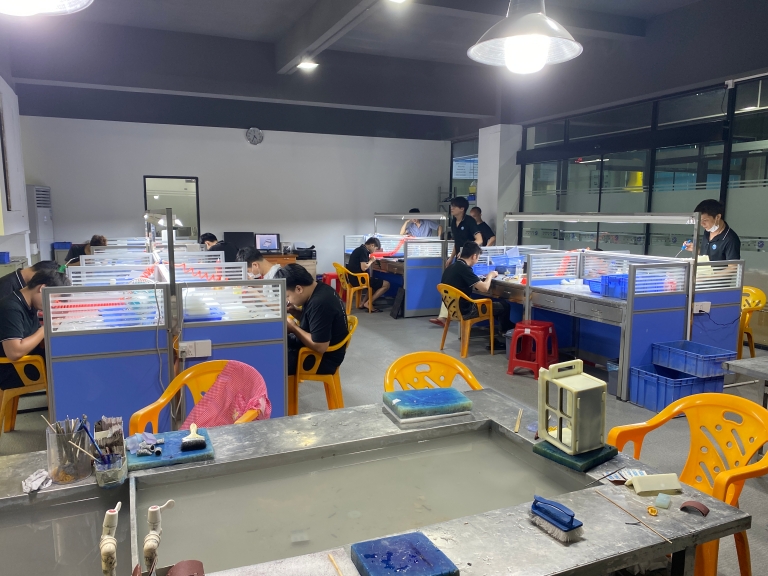
H3: Stage 2: From Design to Machine Language (CAM Programming)
The CAD model alone cannot guide the machine. It must be translated into a language the CNC router’s controller understands: G-code. This is where Computer-Aided Manufacturing (CAM) software comes in. The programmer uses the CAM software to:
Define the Stock: Specify the size and type of the raw material block (e.g., aluminum plate, acrylic sheet, hardwood).
Select Tools: Choose the appropriate cutting tools (end mills, ball mills, drills, V-bits) from a digital library based on the required operations (roughing, finishing, engraving).
Create Toolpaths: This is the core of CAM. The programmer defines the precise routes the selected cutting tool will follow to remove material. They set critical parameters:
Spindle Speed (RPM): How fast the cutting tool rotates.
Feed Rate (IPM): How fast the tool moves through the material.
Depth of Cut: How much material is removed in each pass.
Coolant Strategy: Whether and how to use coolant or air blast to manage heat and clear chips.
Post-Process: The CAM software then “post-processes” all this information—the geometry, toolpaths, and parameters—into a machine-specific G-code file. This file is a sequential list of alphanumeric commands that tell the machine exactly where to move, how fast to go, and which tool to use.
H3: Stage 3: Machine Setup & Workholding
With the G-code program ready, the physical setup begins on the shop floor at a facility like GreatLight Metal. This stage is critical for accuracy and safety.
Material Fixation: The raw material (workpiece) is securely fastened to the machine’s bed using clamps, vacuum tables, or custom fixtures. This prevents any movement during the high-force cutting process.
Tool Loading: The required cutting tools are loaded into the machine’s automatic tool changer (if equipped) or the spindle collet manually.
Machine Homing & Zeroing: The machine is referenced to its home position. Then, the operator sets the work coordinate zero point (often called the “datum” or “WCS”). This establishes the point on the workpiece from which all the G-code coordinates will be measured, ensuring the cut starts in the correct location.
H2: Stage 4: Execution – The Dance of Axes and Spindles
Once setup is verified, the operator initiates the program. The controller reads the G-code line by line, executing the commands:
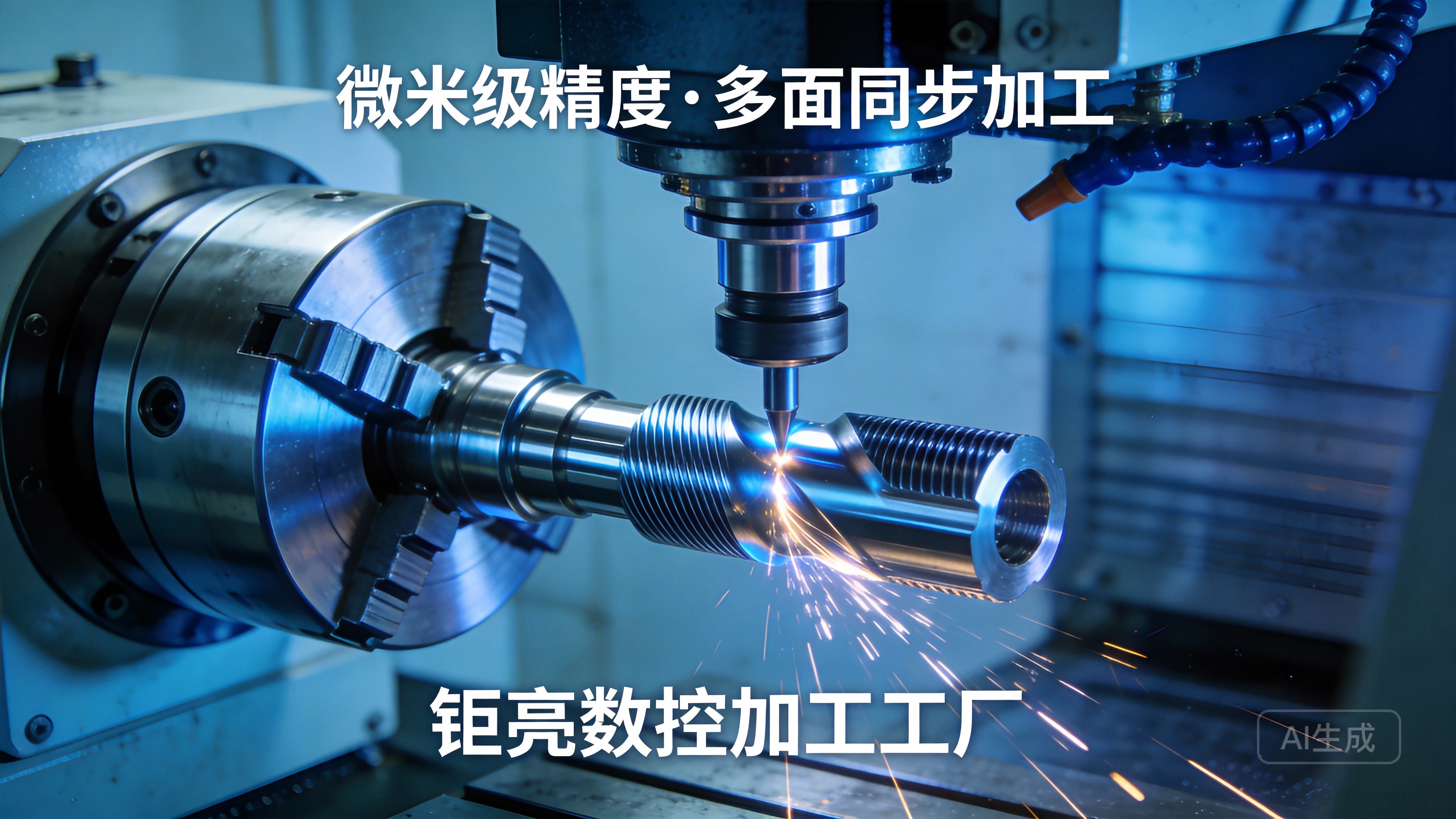
The spindle powers up, rotating the cutting tool at the programmed RPM.
The drive system (typically ball screws or linear motors driven by servo motors) moves the gantry or the bed along the linear guide rails.
The machine coordinates movement along its primary axes:
X-axis: Typically left to right movement.
Y-axis: Typically front to back movement.
Z-axis: The up and down movement of the spindle, controlling the depth of cut.
The cutting tool engages with the material, following the programmed toolpath to systematically remove material, transforming the blank stock into the designed shape. Modern routers often feature powerful extraction systems to remove chips and dust, keeping the work area clean and ensuring visibility and tool life.
H3: Stage 5: Post-Processing & Quality Assurance
After the router completes its cycle, the part is not always finished. It may require:
Deburring: Removing sharp edges left from cutting.
Sanding/Polishing: Achieving the desired surface finish.
Painting, Anodizing, or Other Coatings: For aesthetics or functional properties like corrosion resistance.
Crucially, the part is inspected using precision measuring tools like calipers, micrometers, and CMMs (Coordinate Measuring Machines) to verify that all dimensions match the original CAD model specifications. At an ISO 9001-certified manufacturer like GreatLight Metal, this inspection is a non-negotiable final step, ensuring every part that leaves the facility meets the stringent tolerance requirements, which can be as tight as ±0.001mm for critical features.
H2: Key Differentiators of Advanced CNC Routing
While the basic principle is consistent, capabilities vary significantly:
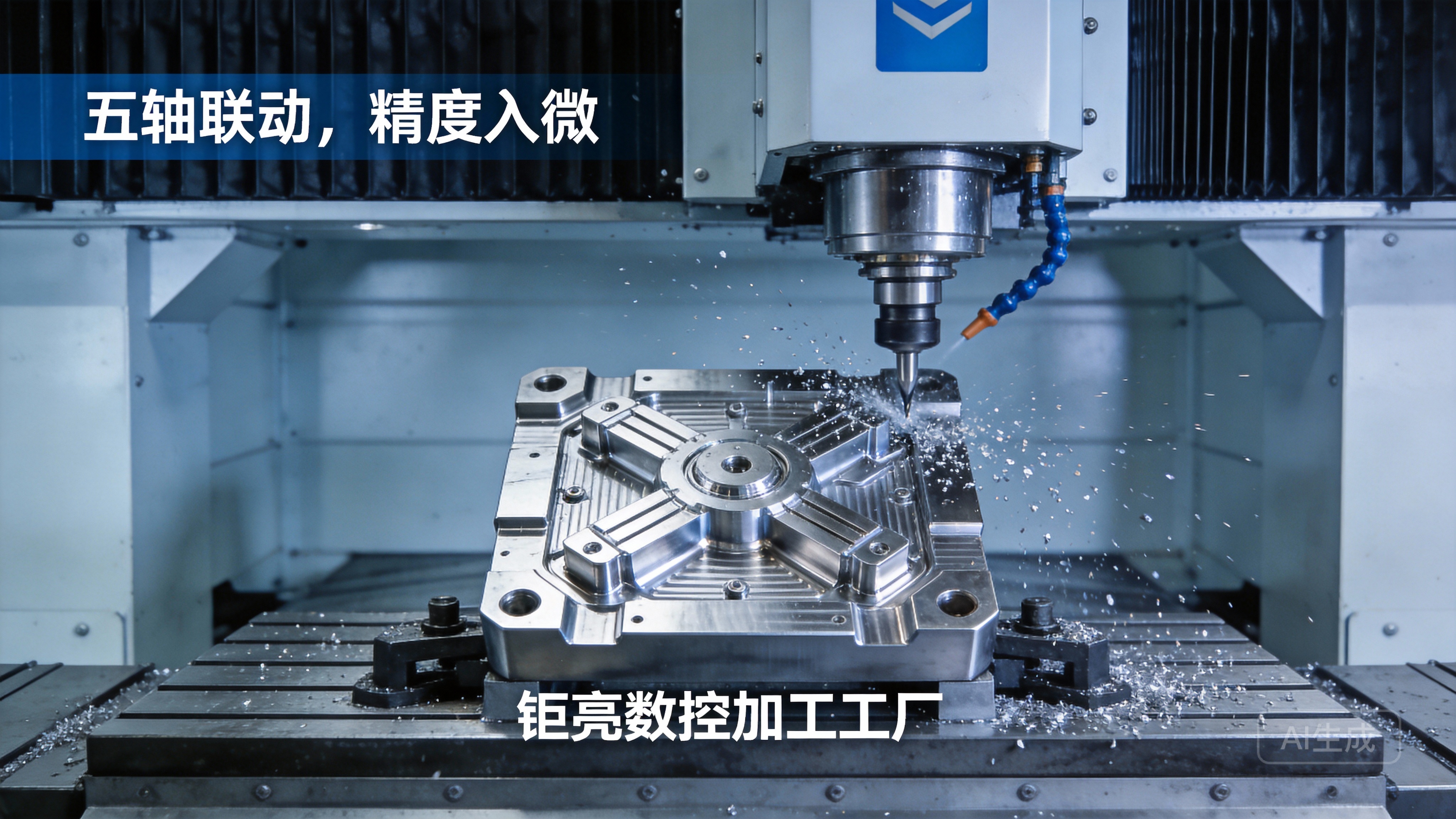
Multi-Axis Capability: While 3-axis (X, Y, Z) is standard, 5-axis CNC machining adds two rotational axes, allowing the tool to approach the workpiece from virtually any angle in a single setup. This is indispensable for complex geometries found in aerospace, automotive, and high-end prototyping, eliminating multiple setups and associated errors.
Automation & Integration: Leading manufacturers integrate routers with automated material handling systems and robotic arms, creating lights-out production cells for unmatched efficiency in high-volume runs.
Control System & Software: The sophistication of the controller and the expertise in CAM programming directly impact the efficiency of toolpaths, surface finish quality, and overall machining time.
Conclusion
Understanding how a CNC router machine works demystifies a core pillar of modern manufacturing. It is a process that marries digital design intelligence with mechanical precision through stages of CAD design, CAM programming, meticulous setup, and automated execution. The reliability and quality of the final part are not just a function of the machine itself, but of the entire ecosystem—the expertise of the programmers, the stability of the workholding, the quality of the tooling, and the rigor of the quality control system.
For clients seeking precision parts in materials like aluminum, composites, or engineering plastics, partnering with a manufacturer that masters this entire workflow is paramount. Facilities that invest in advanced multi-axis equipment, robust process engineering, and international quality management systems, such as GreatLight Metal, transform the theoretical workings of a CNC router into consistently exceptional, high-value physical components. This end-to-end command over the process ensures that your vision is not just machined, but meticulously realized.
Frequently Asked Questions (FAQ)
Q1: What materials can a CNC router machine?
A: CNC routers are highly versatile and can machine a wide range of materials. Commonly used materials include:
Metals: Aluminum, brass, copper, and mild steel (with appropriate tooling and power).
Plastics: Acrylic (PMMA), polycarbonate, PVC, nylon, and ABS.
Composites: Carbon fiber sheets, fiberglass, G10.
Woods: Hardwoods, softwoods, plywood, and MDF.
Foams: Modeling foam and rigid insulation foam.
Q2: What is the main difference between a CNC router and a CNC milling machine?
A: The terms are sometimes used interchangeably, but key differences exist:
CNC Routers are typically designed for larger, softer materials (wood, plastics, light metals). They often have a moving gantry, a stationary bed, and higher speed spindles optimized for rapid material removal over larger areas.
CNC Milling Machines (or machining centers) are generally more rigid and powerful, built for precision machining of harder metals (steel, titanium). They often have a fully enclosed enclosure, flood coolant systems, and are structured to handle higher cutting forces with extreme accuracy, making them ideal for tight-tolerance precision parts machining.
Q3: What file format do I need to provide for a CNC routing quote?
A: The most universal and preferred format is a 3D solid model in STEP (.stp or .step) or IGES (.igs) format. These are neutral formats that preserve geometry accurately. 2D drawings in PDF or DWG format with all critical dimensions and tolerances are also essential for specifying requirements that aren’t fully defined in the 3D model.
Q4: How does 5-axis routing differ from standard 3-axis, and when is it necessary?
A: A 3-axis router moves the tool vertically (Z) and horizontally (X, Y). A 5-axis router adds two rotational axes (typically A and B), allowing the tool to tilt and rotate relative to the workpiece. This is necessary for:
Machining complex contours and undercuts in a single setup.
Drilling holes at compound angles.
Achieving superior surface finish on complex 3D shapes.
Significantly reducing production time by eliminating multiple fixtures and setups. For geometrically complex components, 5-axis CNC machining is not just an advantage; it is often a requirement.
Q5: What are the biggest factors affecting the cost and timeline of a CNC routing project?
A: The primary cost and time drivers are:
Part Design Complexity: Complex geometries require more sophisticated programming, longer machining times, and potentially multi-axis setups.
Material Choice: Exotic or difficult-to-machine materials cost more and may require slower machining parameters.
Quantity: Unit cost decreases with volume due to amortized setup and programming time.
Tolerances & Finish: Extremely tight tolerances (e.g., ±0.001″) and fine surface finishes require slower, more precise machining passes and more intensive inspection, increasing cost.
Post-Processing Requirements: Additional steps like anodizing, painting, or special packaging add time and cost.
For a deeper look at how industry leaders apply these principles in advanced manufacturing, follow the ongoing developments at GreatLight on LinkedIn.



















