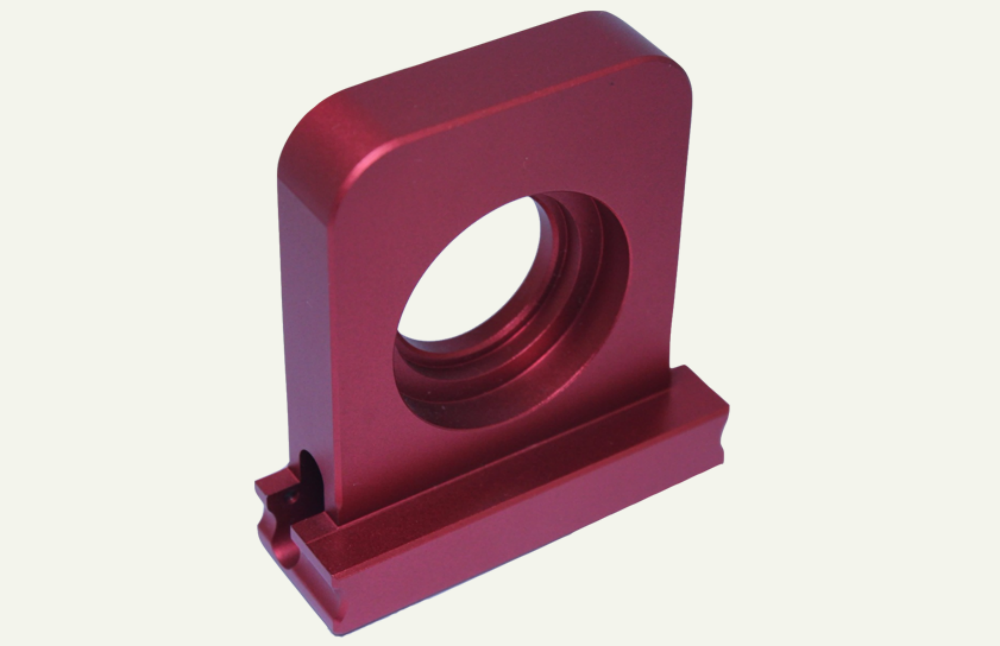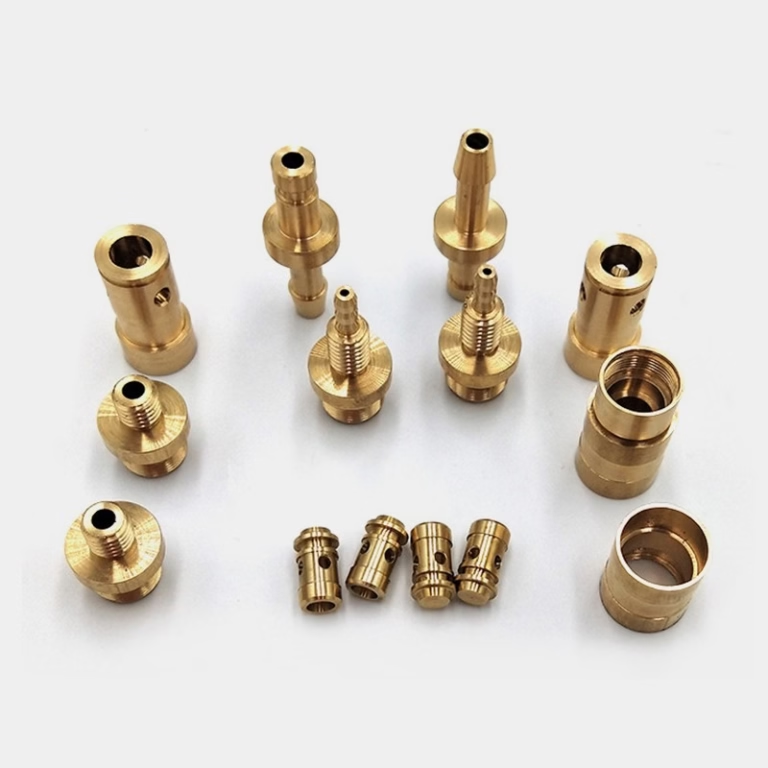
For anyone venturing into the world of manufacturing, prototyping, or custom part creation, understanding how to use a CNC machine is fundamental. While operating the machine itself is a skilled technician’s domain, grasping the end-to-end process is crucial for designers, engineers, and project managers to effectively collaborate with machining partners and bring their visions to life. This guide demystifies the journey from a digital idea to a physical, precision-made component.
Beyond the Button: CNC Machining as an Integrated Manufacturing Process
At its core, using a CNC (Computer Numerical Control) machine is about translating a digital design into physical reality through automated, subtractive manufacturing. However, it is far more than just loading a file and pressing “start.” It is a sophisticated orchestration of engineering knowledge, software proficiency, and precise mechanical execution. For clients seeking precision parts, understanding this workflow ensures better design, clearer communication, and ultimately, superior results.
The Step-by-Step Workflow of Using a CNC Machine
The process can be broken down into several critical phases, each dependent on the last.
Phase 1: The Foundation – Design & Engineering (CAD)
Everything begins with a concept. Using Computer-Aided Design (CAD) software like SolidWorks, CATIA, or Fusion 360, a designer creates a detailed 3D model of the part. This model is the single source of truth and must be meticulously crafted with manufacturing in mind. Key considerations at this stage include:
Design for Manufacturability (DFM): Are there features that are impossible or excessively costly to machine? This includes deep cavities with small openings, internal sharp corners, or excessively thin walls.
Tolerances: Specifying appropriate tolerances on the drawing is critical. Overly tight tolerances where they aren’t needed can skyrocket costs.
Material Selection: The choice of material (aluminum, stainless steel, titanium, engineering plastics) is made here, influencing the entire subsequent process.
Phase 2: The Translator – Programming & Toolpathing (CAM)
This is where the “CNC” in how to use a CNC machine truly comes alive. The CAD model is imported into Computer-Aided Manufacturing (CAM) software. A CNC programmer, not just a machine operator, then performs these essential tasks:
Job Setup: Defining the stock material size and how it will be held in the machine (using vises, fixtures, or custom jigs).
Tool Selection: Choosing the correct cutting tools (end mills, drills, ball-nose cutters) based on material and geometry. This includes selecting tool diameters, lengths, number of flutes, and coating.
Creating Toolpaths: The programmer strategically plans the routes the cutting tools will take to carve away material. This involves defining operations like roughing (quickly removing bulk material), semi-finishing, and finishing (achieving the final surface and dimensions).
Generating G-Code: The CAM software translates all these decisions—toolpaths, spindle speeds, feed rates, coolant use—into G-code, the universal language of CNC machines. This is the detailed instruction set for the machine.
Phase 3: The Physical Setup – Machine Preparation
Before any metal is cut, the machine must be prepared. This hands-on phase is where experience is paramount:
Workholding: The raw material (stock) is securely clamped to the machine table. For complex parts or high-precision work, custom fixtures may be used to hold the part in multiple orientations, especially in 5-axis CNC machining setups.
Tool Loading: All the tools called out in the program are loaded into the machine’s tool magazine or spindle. Each tool’s length and diameter are precisely measured using a tool presetter or probe, and this data is entered into the machine’s control.
Workpiece Zeroing: The machine needs to know where the stock is in its coordinate space. The operator uses a probe or edge finder to set the “work zero” or “datum point,” aligning the digital program with the physical world.
Phase 4: Execution & Monitoring – The Machining Process
With setup complete, the cycle starts. The machine controller reads the G-code line by line, executing commands. During this phase, the operator’s role shifts to monitoring:
Ensuring coolant is flowing properly to manage heat and chip evacuation.
Listening for unusual sounds that might indicate tool wear or chatter.
Performing in-process checks, possibly using on-machine probes to measure critical features before the part is completed.
Phase 5: The Final Verdict – Post-Processing & Inspection
Once the main CNC cycle is finished, the part is not necessarily complete.
Deburring: Sharp edges left by the cutting process are carefully removed.
Secondary Operations: Features that couldn’t be machined in the primary setup might be completed on another machine (e.g., tapping deep holes, precision grinding a surface).
Post-Processing & Finishing: This can include bead blasting, anodizing, plating, painting, or heat treatment, depending on the part’s requirements.
Final Quality Inspection: This is non-negotiable. Using equipment like Coordinate Measuring Machines (CMM), optical comparators, and surface roughness testers, the part is rigorously inspected against the original drawing specifications to ensure it meets all dimensional, geometric, and tolerance requirements.
Why Partnering with an Expert Manufacturer Changes the Equation
For clients, the true answer to how to use a CNC machine effectively is to partner with a manufacturer that masters this entire workflow. This is where integrated service providers like GreatLight Metal Tech Co., LTD. demonstrate their value. They don’t just operate machines; they manage the entire precision manufacturing ecosystem.
Clients often face pain points like the “precision black hole,” where promised tolerances aren’t met in production, or communication gaps that lead to costly redesigns mid-project. A partner with deep engineering support intervenes at Phase 1 (CAD), offering DFM analysis to optimize the design for cost, speed, and reliability before any code is written. Their advanced equipment, such as 5-axis machining centers, allows for complex geometries to be made in a single setup, reducing errors and handling time.
Furthermore, a manufacturer’s commitment to systematic quality management, evidenced by certifications like ISO 9001:2015 for quality management, ISO 13485 for medical devices, and IATF 16949 for automotive, provides a trust backbone. It assures clients that every step—from programming to final inspection—follows documented, controlled procedures, turning the abstract concept of how to use a CNC machine into a guaranteed, repeatable process for part excellence.
Conclusion
Learning how to use a CNC machine is understanding a symphony of digital design, strategic programming, meticulous setup, and rigorous validation. For businesses and innovators, the most efficient path is not to own this complex process internally but to leverage the expertise of a seasoned manufacturing partner. By choosing a collaborator with full-process capability, authoritative certifications, and a problem-solving mindset, you transform the challenge of part creation into a streamlined, reliable engine for innovation, ensuring your precision components are not just made, but expertly crafted to drive your product’s success.
Frequently Asked Questions (FAQ)
Q1: What’s the most common mistake beginners make when designing parts for CNC machining?
A: A frequent mistake is neglecting Design for Manufacturability (DFM). This includes designing features with inaccessible internal corners (which require specialized tools), specifying unrealistic surface finishes on deep cavities, or not accounting for how the part will be held during machining, leading to unnecessary complexity and cost.
Q2: How does 5-axis CNC machining differ from 3-axis in terms of “how to use” it?
A: The fundamental difference is in programming and setup. A 3-axis machine moves the tool in X, Y, and Z linear axes. A 5-axis machine adds two rotational axes (A and B, for example), allowing the tool to approach the workpiece from virtually any direction. This allows for machining complex contours in a single setup, reduces the need for multiple fixtures, and often improves accuracy on intricate parts. The programming (CAM) is significantly more complex and requires advanced software and expertise.
Q3: I have a 3D CAD model. Is that all I need to get a quote for CNC machining?
A: A 3D model (STEP or IGES file) is the essential starting point. However, to get an accurate and competitive quote, you should also provide a 2D engineering drawing with critical dimensions, tolerances, material specification, and any post-processing requirements (like anodizing). This drawing eliminates ambiguity and allows the manufacturer to fully understand your expectations.
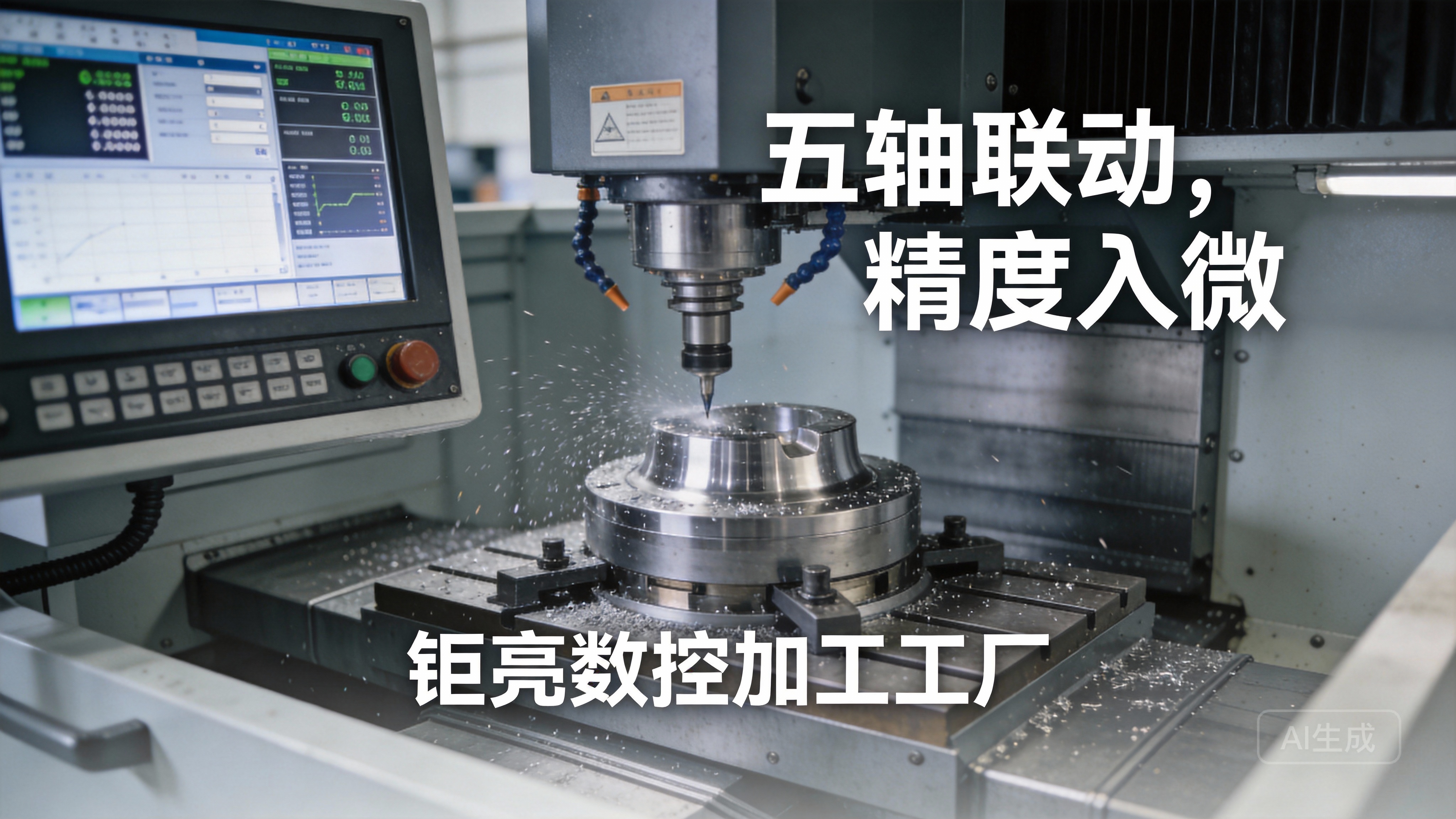
Q4: What role does the choice of cutting tool play in the process?
A: The cutting tool is arguably as important as the machine itself. Tool selection directly affects surface finish, precision, machining time, and cost. Factors like tool material (carbide, high-speed steel), coating (TiN, TiAlN), geometry (number of flutes, helix angle), and diameter are all meticulously chosen by the programmer based on the workpiece material and the specific machining operation.
Q5: How can I ensure the quality of my parts without having inspection equipment myself?
A: This is where your manufacturer’s quality system becomes critical. Partner with a provider like GreatLight Metal that has in-house, certified inspection equipment (CMM, etc.) and follows strict First Article Inspection (FAI) and in-process quality control protocols. They should provide detailed inspection reports with the delivered parts, giving you data-backed confidence in the quality you receive.