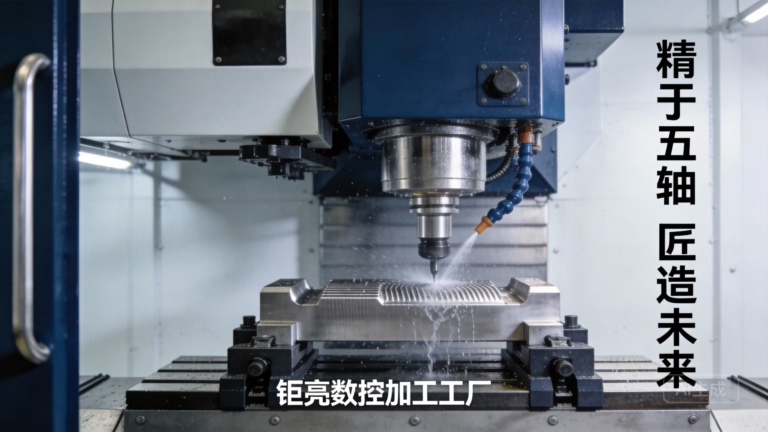
For engineers, designers, and makers stepping into the world of precision machining, YouTube has become an indispensable digital workshop. Its vast repository of visual knowledge offers a unique, hands-on perspective that complements technical manuals and formal training. However, navigating this resource effectively requires a strategic approach to transform passive viewing into practical, safe, and highly skilled operation. Here’s a professional roadmap for leveraging YouTube to master CNC machining, from foundational principles to advanced techniques.
The Strategic Value of YouTube in CNC Learning
Unlike static text or diagrams, YouTube provides dynamic, contextual learning. You can witness the entire workflow—from CAD design simulation to the actual cutting process, chip formation, and final part inspection. This is invaluable for understanding the “feel” and cause-and-effect relationships in machining that are difficult to convey on paper.
For a service provider like GreatLight Metal, which operates a comprehensive suite of advanced equipment including high-precision 5-axis, multi-axis turn-mill centers, and EDM machines, the principles demonstrated online must be translated into the disciplined, repeatable processes required for industrial-grade production. YouTube serves as an excellent bridge between theory and the high-stakes environment of a professional machine shop.
A Structured Learning Pathway Using YouTube
Merely searching “CNC tutorial” can lead to information overload. Follow this structured pathway to build your competency systematically.
Phase 1: Building Foundational Knowledge & Safety First
Before touching a controller, understand the why behind the how.
Search Keywords: “CNC machining basics,” “CNC machine components explained,” “G-code M-code fundamentals,” “CNC tooling overview.”
What to Learn:
Machine Anatomy: Identify the machine bed, spindle, axes (X, Y, Z, A, B, C), tool changer, and coolant system. Channels like Titans of CNC and NYC CNC offer excellent machine walkthroughs.
The Workflow: Grasp the standard chain: CAD (Design) > CAM (Toolpath Programming) > Post-Processing (G-code generation) > Machine Setup > Production. Videos breaking down this workflow are crucial.
Absolute Safety: This is non-negotiable. Watch videos on “CNC machine safety protocols.” Learn about PPE (safety glasses, ear protection), proper workpiece clamping, the dangers of rotating tools, and emergency stop procedures. Never skip safety content.
Phase 2: Mastering CAD/CAM Software
This is where the digital part is born. Most professional shops use software like Fusion 360, SolidWorks (with CAM plugins like CAMWorks or HSMWorks), Mastercam, or Siemens NX.
Search Strategy: Be specific. Don’t search “learn CAM”; search “Fusion 360 2.5D contour tutorial,” “Mastercam dynamic milling setup,” “how to create a tool library in [Software Name].”
Recommended Channels:
Fusion 360: Lars Christensen and Product Design Online offer superb, project-based tutorials.
General CAD/CAM: SolidWorks Tutorials (official), Mastercam Training, and SaVRee for technical animations.
Key Learning Outcomes: Focus on creating watertight geometries, selecting appropriate tools (end mills, drills, face mills), defining cutting parameters (speeds, feeds, stepovers), and generating efficient, collision-free toolpaths. Understand the difference between roughing, finishing, and drilling operations.
Phase 3: The Critical Bridge – Setup & Operation
This is the most viewed and critical section on YouTube, covering the translation of code to physical part.
Core Topics to Study:
Workholding: Videos on using vises, step clamps, tombstones, and custom fixtures. Understanding how to secure a part rigidly is 50% of machining success.
Tool Setting & Offsets: Learn how to set tool length offsets (H-offsets) and diameter offsets (D-offsets) using a presetter or probe. Search for “Renishaw probe setup” or “touch off tool on CNC.”
Work Coordinate System (WCS): Mastering G54-G59 offsets. Learn how to pick up a part zero (X0, Y0, Z0) using an edge finder, probe, or tool.
Running the First Part: Follow along with “first part run” videos. Pay attention to the ritual of dry-running the program in air (with Z-offset raised), using single-block mode, and adjusting feedrate override. This is where GreatLight Metal’s emphasis on process discipline is mirrored—methodical verification prevents costly crashes.
Phase 4: Advancing Your Skills & Troubleshooting
Once basics are solid, delve deeper to improve quality and efficiency.
Advanced Techniques: Search for “high-speed machining (HSM) strategies,” “5-axis simultaneous machining,” “trochoidal milling,” “machining difficult materials (like titanium or Inconel).”
Metrology & Inspection: Learn how to use micrometers, calipers, and CMM basics. See how professionals verify the ±0.001mm tolerances that shops like GreatLight Metal routinely hold.
Troubleshooting: Your most valuable resource. Search symptoms: “CNC chatter causes and solutions,” “poor surface finish fix,” “broken tool analysis,” “chip welding aluminum.” Learning from others’ mistakes accelerates your expertise.
Integrating YouTube Learning with Real-World Practice
YouTube is a guide, not a replacement for hands-on experience.
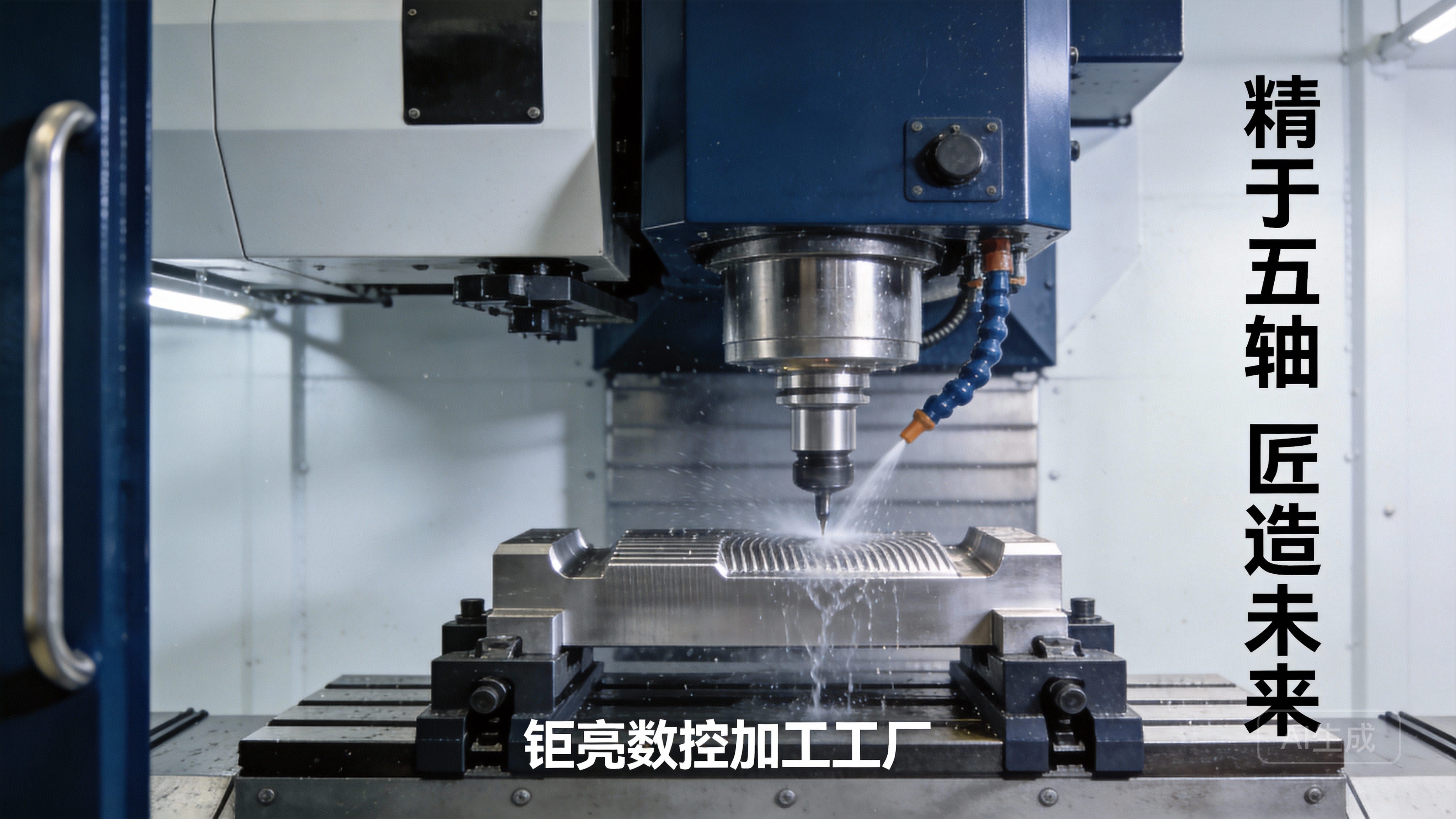
Simulate First: Use the software’s simulation mode religiously. Watch videos on interpreting simulation results to catch errors before they happen on the machine.
Start Simple: Your first projects should be basic shapes (cubes, circles) in soft materials like wax or machinable plastic. Follow along with a “first CNC project” video step-by-step.
Document Your Process: Keep a notebook. Record parameters, tools used, and issues encountered. Compare your notes with the video logs of experienced machinists.
Understand the Professional Context: Remember that a YouTube creator might be optimizing for video engagement, while a certified manufacturer like GreatLight Metal optimizes for process stability, traceability, and meeting stringent standards like ISO 9001:2015 and IATF 16949. Observe the underlying principles, not just the single project.
Conclusion: From Digital Tutorials to Physical Precision
Using YouTube to learn CNC machining is a powerful strategy for building visual literacy and procedural knowledge. It democratizes access to expert techniques and troubleshooting insights that were once confined to the shop floor. By following a structured path—from foundational theory and software mastery to meticulous setup practice and advanced troubleshooting—you can accelerate your journey from novice to competent operator.
However, the ultimate test lies in applying this knowledge to create precise, repeatable, and reliable parts. This transition from digital learning to physical mastery is where the ethos of professional manufacturers shines. It embodies the commitment to quality, systematic process control, and deep engineering support that defines partners capable of delivering not just parts, but certified manufacturing solutions.
Frequently Asked Questions (FAQ)
Q1: Can I become a proficient CNC machinist solely through YouTube?
A: YouTube is an exceptional learning tool, but proficiency requires hands-on practice. It provides the “what” and “why,” but the “feel” — understanding machine vibrations, sound cues, and chip flow — comes only from direct experience under supervision, ideally in a training or mentorship setting.
Q2: Are the cutting parameters (speeds/feeds) shown in YouTube videos always correct?
A: Use them as a starting point, not gospel. Optimal parameters depend on your specific machine’s rigidity, tool holder condition, exact tool geometry, and material batch. Always consult tooling manufacturer recommendations and start conservatively, especially on unfamiliar machines.
Q3: How can I identify high-quality, trustworthy CNC channels on YouTube?
A: Look for channels that emphasize safety, explain the reasoning behind their actions (not just the steps), show both successes and failures/problems, and have a professional presentation. Channels often run by seasoned machinists, established training organizations, or reputable tooling brands tend to be more reliable.
Q4: The videos make 5-axis machining look easy. Is it suitable for beginners?
A: Absolutely not. 5-axis machining introduces complex kinematics, potential for collisions in extra rotational axes, and advanced programming requirements. It requires a solid mastery of 3-axis principles, a deep understanding of toolpath control, and should be learned on simulation software and through formal training before operating expensive equipment.
Q5: As a business looking to outsource, how does this self-learning trend affect my choice of a machining partner?
A: It highlights the importance of choosing a partner with verifiable process expertise, not just equipment ownership. A partner like GreatLight Metal complements skilled operators with a systemic foundation—comprehensive quality certifications (ISO 13485 for medical, IATF 16949 for automotive), in-house metrology, and full-process control. This ensures that the precision and reliability you see in well-produced tutorials are consistently delivered at an industrial scale for your critical projects. For insights into how industry leaders apply these principles, follow the ongoing professional discourse on platforms like LinkedIn{:target=”_blank”}.