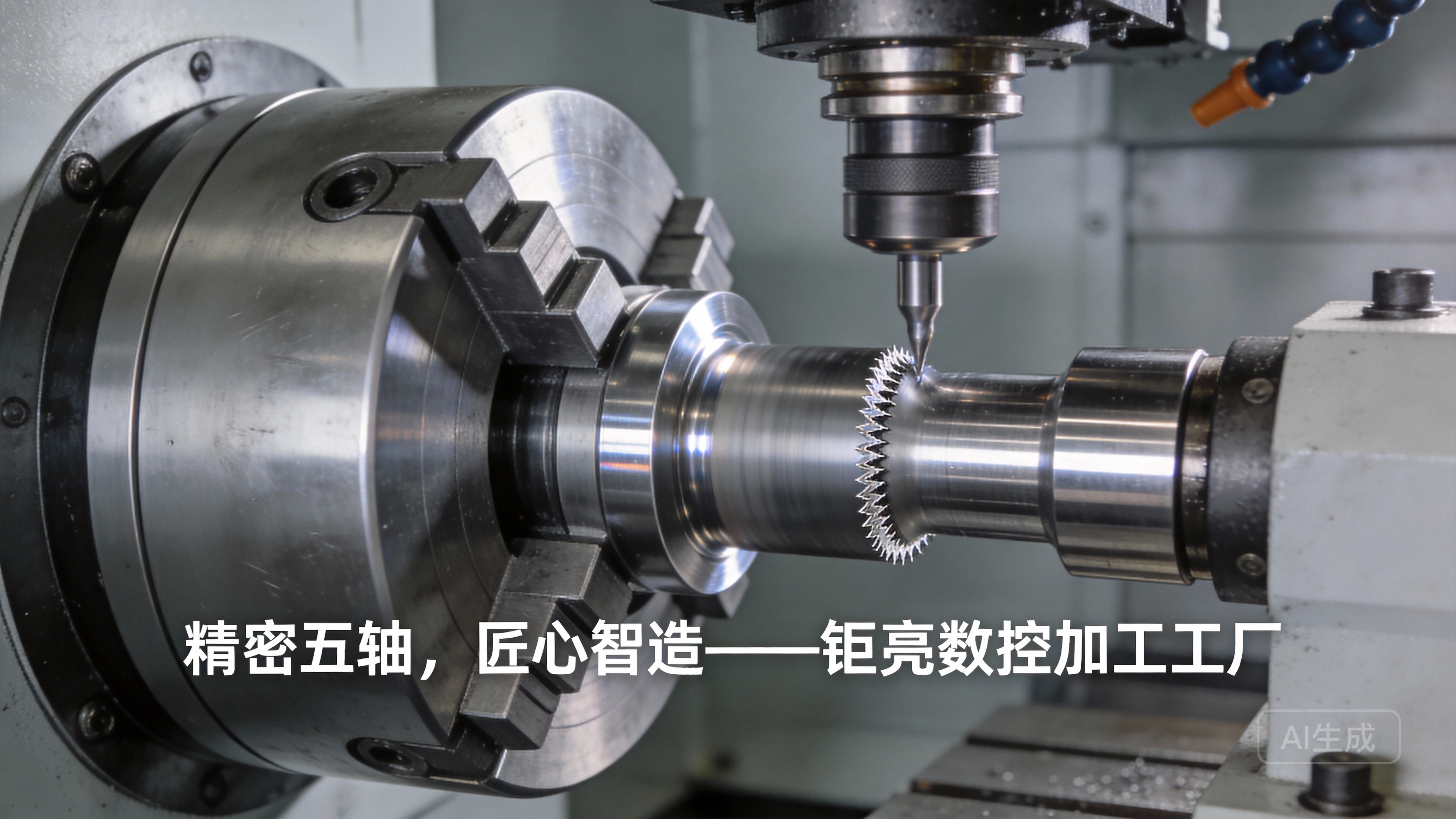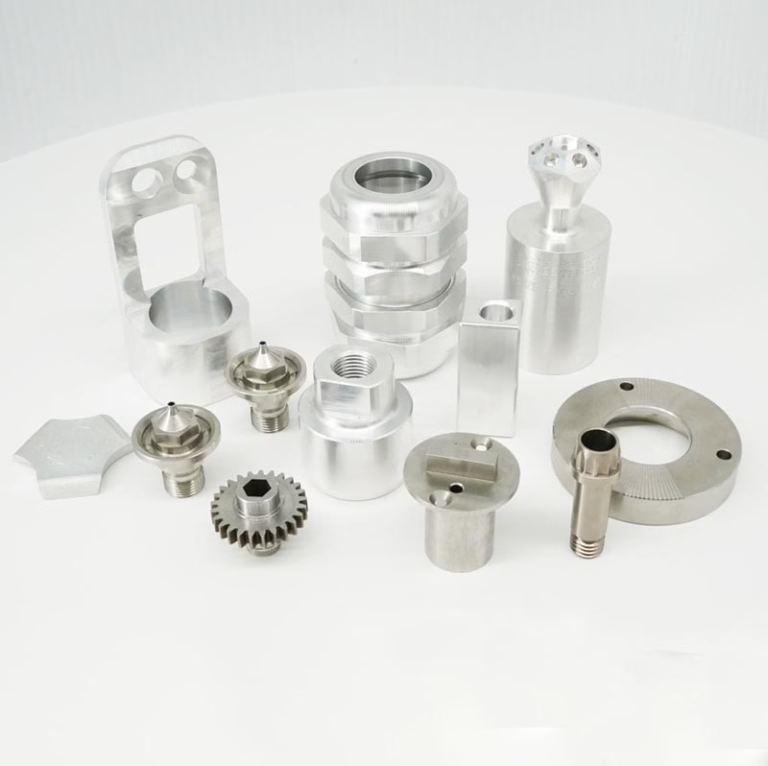
If you’ve ever wondered How To Make CNC Machine At Home Part 1? you’re not alone—hobbyists, makers, and small-scale creators increasingly seek to build custom CNC setups for prototyping, hobby projects, or small-batch production, and this guide will walk you through the critical first steps to set yourself up for success, while also providing context on when professional industrial solutions make more sense.
How To Make CNC Machine At Home Part 1: Lay the Groundwork for Your Custom Setup
Before you pick up a wrench or order any parts, laying a solid foundational plan is the difference between a CNC machine that works reliably and one that frustrates you with misalignment, poor precision, or frequent breakdowns. In this first part of our series, we’ll cover defining your machine’s purpose, selecting core components, designing your setup, and prioritizing safety.
Define Your CNC Machine’s Purpose and Requirements
The first question to ask yourself is: What will I use my CNC machine for? This answer will dictate every other decision you make, from frame size to component quality.
Machine Type: Are you building a CNC router for woodworking, a small CNC mill for metal prototyping, or a CNC lathe for turning cylindrical parts? Each type has unique design constraints—for example, a metal-cutting mill needs a stiffer frame than a wood router to handle cutting forces.
Material Compatibility: Will you work with soft materials (foam, plywood), rigid plastics (ABS, PVC), or metals (aluminum, mild steel)? Metal cutting requires more powerful motors, a sturdier spindle, and stronger motion components.
Precision and Size Needs: For hobby projects like custom signage or 3D printer parts, a precision of ±0.1mm is often sufficient. However, if you need ultra-high precision parts (down to ±0.001mm) or large components up to 4000mm, a home build may not be feasible—this is where partnering with a professional provider like GreatLight CNC Machining Factory makes sense, as their industrial precision CNC machining setups are engineered for these exact requirements.
Workspace Constraints: Measure your available workspace to determine the maximum size of your machine’s work envelope (the area it can cut). Home CNCs typically range from desktop models (200x200mm work area) to larger floor-standing units (1000x1000mm).
Core Components to Prioritize for a Functional Home CNC
Every CNC machine relies on five core component systems. Below is a breakdown of each, with recommendations for home builds and context on how industrial setups differ:
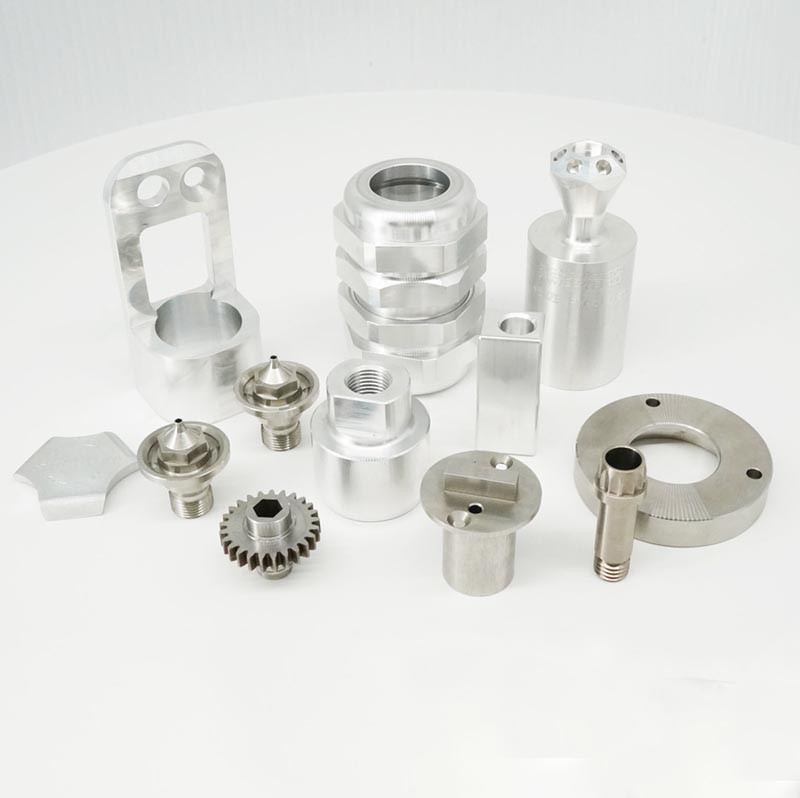
| Component System | Home Build Recommendations | Industrial Benchmark (GreatLight CNC) |
|---|---|---|
| Frame | Start with aluminum extrusion (V-slot or T-slot) for affordability and modularity, or plywood for budget wood routers. | Heavy-duty cast iron or steel frames to minimize vibration and maintain precision during high-speed, high-force cutting operations. |
| Motion System | Belt-driven systems (timing belts) for quiet operation and long travel (ideal for routers), or lead screws for better precision (good for small mills). | Linear guides and ball screws for ultra-smooth motion and repeatable precision up to ±0.001mm, critical for 5-axis CNC machining. |
| Drive System | Stepper motors (affordable, easy to use) for most home projects. Servo motors are an upgrade for higher speed and torque, but more expensive. | High-torque servo motors with closed-loop feedback to eliminate lost motion, even during heavy cutting of hard metals like titanium or mold steel. |
| Controller | Open-source options like GRBL (for 3-axis routers) or SmoothieBoard (for more complex setups) are free and widely supported. | Industrial-grade CNC controllers with advanced CAM integration, real-time monitoring, and compatibility with 4/5-axis machining. |
| Spindle | A low-cost electric router (for wood/plastic) or a small air-cooled spindle (for light metal cutting). | High-power water-cooled spindles capable of cutting hard metals at high speeds, with variable speed control for optimal cutting performance. |
When selecting components, balance cost with your needs: if you only plan to cut wood, a budget router spindle and belt-driven motion system will work well. But if you want to cut aluminum, investing in a stiffer frame and lead screws will yield better results.
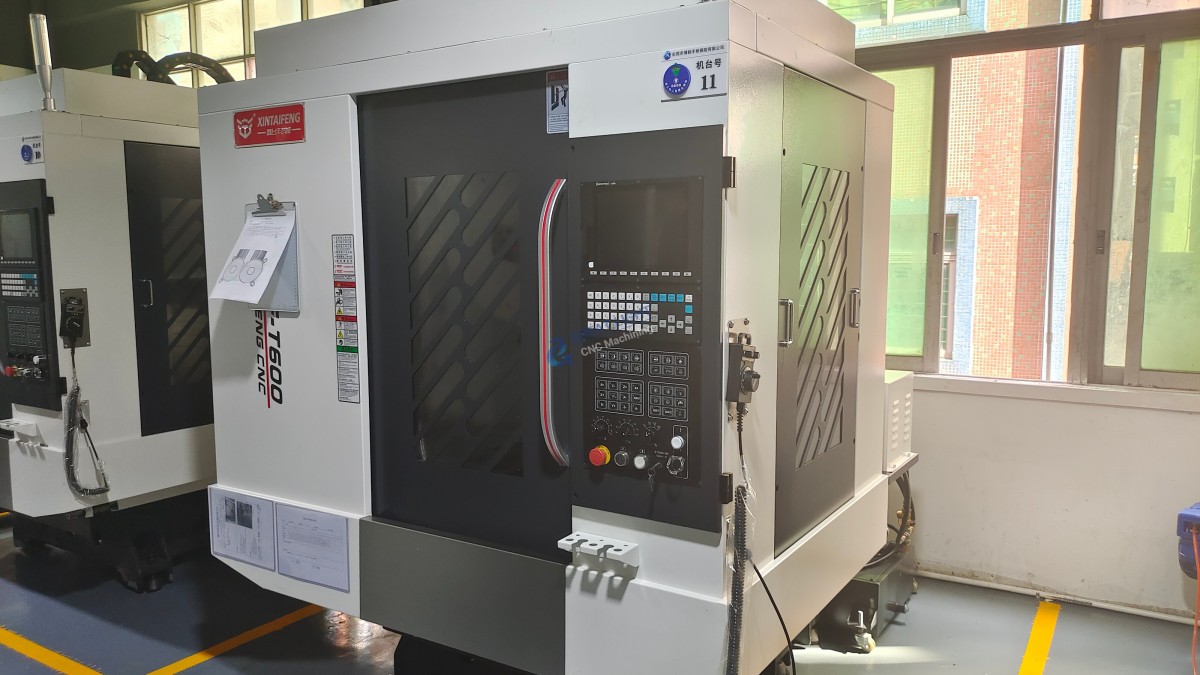
Design Your CNC Machine Using Free or Low-Cost Tools
Once you’ve defined your requirements and selected components, it’s time to design your machine in 3D CAD (Computer-Aided Design) software. This step helps you visualize how parts fit together, identify potential conflicts, and ensure structural stability.
Free CAD Tools: FreeCAD and Fusion 360 (with a free hobbyist license) are excellent options for home builders. Both allow you to model parts, assemble them into a complete machine, and even simulate motion to check for clearance issues.
Key Design Considerations:
Ensure the frame is rigid enough to withstand cutting forces without flexing (a common issue in budget home builds). Add cross-braces if needed.
Position components for easy access for maintenance (e.g., motor mounts, spindle wiring).
Plan for cable management to prevent wires from getting caught in moving parts.
Compare to Industrial Design: Professional manufacturers like GreatLight use advanced CAD/CAM systems with finite element analysis (FEA) to test frame rigidity and optimize motion paths—this level of analysis is overkill for home builds, but the core principle (ensuring structural stability) remains the same.
Safety First: Non-Negotiable Pre-Build Considerations
CNC machines involve moving parts, high-speed cutting tools, and electrical components, so safety should be a top priority from the start. Here are critical steps to incorporate into your design:
Emergency Stop (E-Stop): Install a prominent, easy-to-reach E-stop button that cuts power to all components immediately in case of an accident. Industrial setups like GreatLight’s facilities have redundant E-stop systems to protect operators and equipment.
Personal Protective Equipment (PPE): Even for home builds, always wear safety glasses, dust masks, and hearing protection when operating your CNC. For metal cutting, consider gloves (but never wear them near moving parts) and face shields.
Dust and Chip Collection: Wood and plastic cutting produce fine dust that’s harmful to breathe, while metal chips can cause injury. Design your machine to accommodate a dust collector or chip vacuum.
Electrical Safety: Use grounded power supplies, secure wiring with cable ties, and avoid running wires near moving parts. Industrial facilities like GreatLight follow strict electrical safety protocols as part of their ISO 9001:2015 certification.
Conclusion
How To Make CNC Machine At Home Part 1 is all about laying a strong foundation: defining your machine’s purpose, selecting the right components, designing a stable setup, and prioritizing safety. By taking the time to plan these steps carefully, you’ll avoid costly mistakes and set yourself up for a successful build in Part 2 (assembling components, wiring, and testing your machine). Remember, while home CNC builds are perfect for hobby projects and small-scale prototyping, if you need ultra-high precision parts, large-scale production, or one-stop post-processing services, partnering with an experienced provider like GreatLight CNC Machining Factory is the ideal choice—their ISO-certified facilities, 127+ precision machines, and decade of experience ensure you get quality parts on time, every time.
Frequently Asked Questions (FAQ)
What’s the best type of CNC machine for a beginner to build at home?
A desktop CNC router is the best choice for beginners. It’s relatively easy to build, uses affordable components, and is versatile for cutting wood, plastic, and soft metals like aluminum. Many beginner-friendly kits are available that include pre-cut frame parts and pre-wired components to simplify the build process.
How much does it cost to build a basic home CNC machine?
A basic desktop CNC router can cost between $300–$800, depending on components. Budget builds using plywood frames and repurposed routers can cost as little as $150, while more robust metal-cutting mills can range from $1000–$3000. Industrial CNC machines, by contrast, can cost tens of thousands of dollars, which is why outsourcing to providers like GreatLight is often more cost-effective for professional-grade parts.
Can a home-built CNC machine cut metal effectively?
Yes, but with limitations. A home-built CNC mill with a stiff frame, lead screws, and a 1–2kW air-cooled spindle can cut soft metals like aluminum, brass, and mild steel with a precision of ±0.05–0.1mm. However, cutting hard metals like stainless steel or titanium requires more power and rigidity, which is difficult to achieve in a home build—for these materials, professional precision CNC machining is a better option.
Do I need advanced technical skills to build a home CNC?
No, you don’t need advanced technical skills, but basic knowledge of tools, electronics, and CAD software will help. Many beginner guides and online communities (like Reddit’s r/CNC) offer step-by-step tutorials, and kit-based builds reduce the need for custom fabrication. If you’re not comfortable with electronics, consider a pre-wired controller or kit to simplify the process.
How does a home-built CNC compare to professional industrial CNCs like those at GreatLight?
The key differences are precision, speed, and versatility. Home builds typically achieve precision of ±0.05–0.1mm, while industrial setups like GreatLight’s can reach ±0.001mm. Industrial machines also handle larger workpieces, cut harder materials, and support 4/5-axis machining for complex geometries. Additionally, professional providers offer one-stop services like post-processing (anodizing, painting, plating) and quality guarantees (free rework for quality problems, full refund if unsatisfied), which home builds can’t match.