
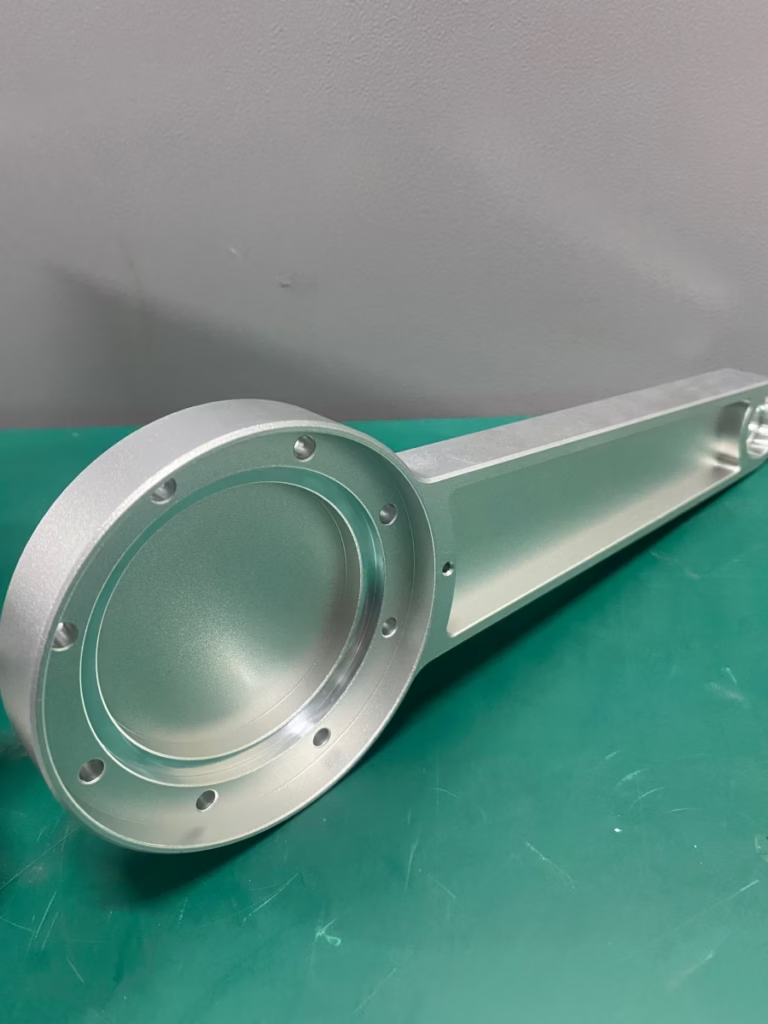
In the world of precision manufacturing, the journey from a brilliant idea to a flawless physical part hinges on a critical, yet often underestimated, phase: design for manufacturability (DFM). For clients seeking precision parts machining and customization, understanding how to design for a CNC machine is not merely a technical step; it’s a strategic investment that directly impacts cost, lead time, quality, and the ultimate feasibility of your project. A design that is optimized for CNC machining bridges the gap between engineering ambition and manufacturing reality, ensuring your vision is realized efficiently and reliably.
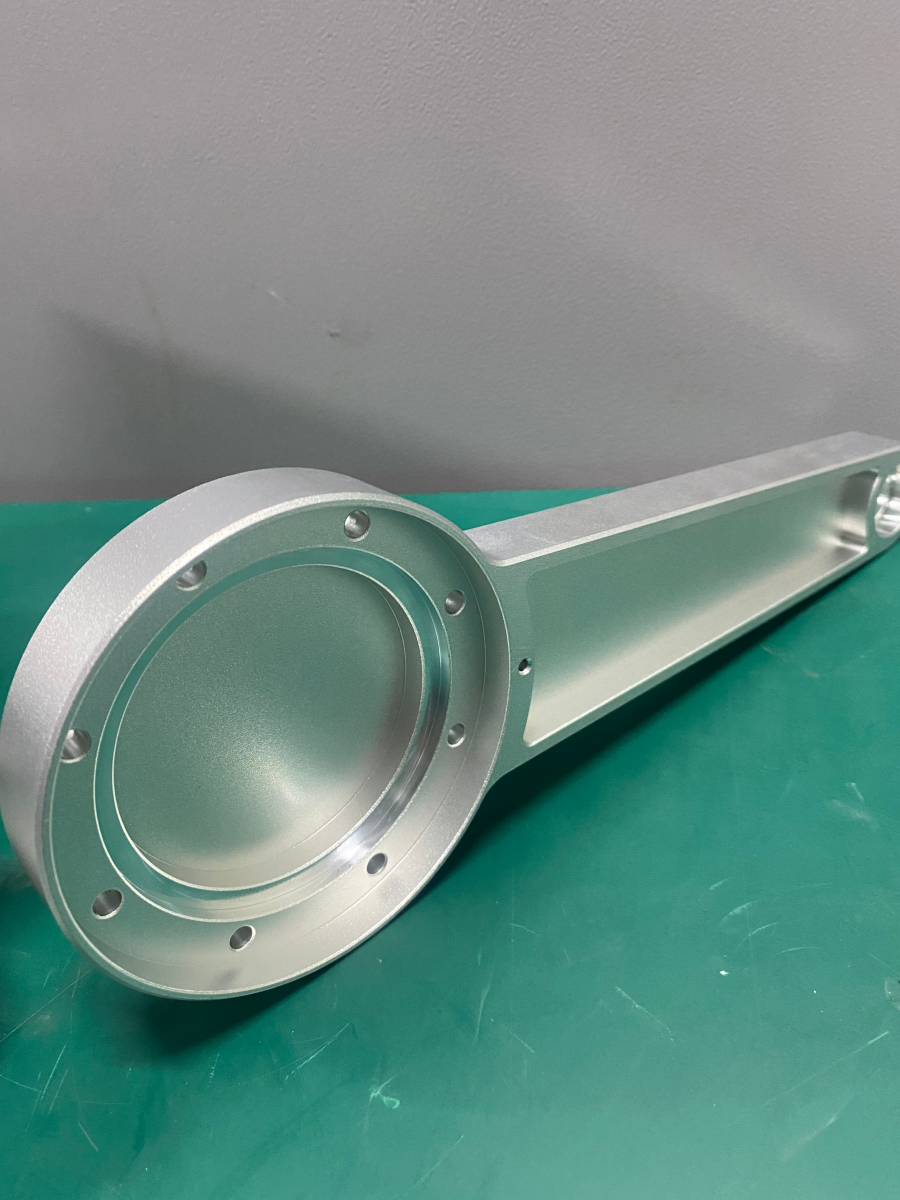
This guide delves into the core principles, practical guidelines, and advanced considerations for designing parts destined for CNC machining, providing a roadmap to streamline your development process and collaborate effectively with your manufacturing partner.
The Philosophy: Synergy Between Design and Manufacturing
Before diving into specifics, it’s essential to adopt the right mindset. Designing for CNC machining is a collaborative exercise. It requires the designer to think like a machinist, anticipating how tools will move, access surfaces, and remove material. The goal is to create a design that is:
Manufacturable: Can be physically made with available tools and processes.
Cost-Effective: Minimizes machine time, complex setups, and material waste.
High-Quality: Inherently supports achieving the required tolerances and surface finishes.
Efficient: Reduces the need for secondary operations and accelerates time-to-market.
Fundamental Design Principles for CNC Machining
1. Internal Corner Radii and Tool Accessibility
This is perhaps the most critical rule. CNC cutting tools are cylindrical and will leave a radius in internal corners.
Specify Realistic Radii: Always design internal vertical corners with a radius. A good rule of thumb is to use a radius slightly larger than the tool that will be used (e.g., if using a standard 8mm end mill, specify a 4.5mm or 5mm radius).
Avoid Sharp Internal Corners: A true 90-degree sharp internal corner is impossible to achieve with standard milling and requires expensive EDM (Electrical Discharge Machining) processes. Specifying a radius gives your manufacturer flexibility in tool selection.
Consider Tool Depth: Deep pockets with small corner radii require long, slender tools that are prone to deflection and vibration, affecting precision and surface finish. Design pockets with adequate clearance.
2. Wall Thickness and Feature Strength
Thin walls are challenging to machine as they can vibrate or deform under cutting forces, leading to inaccuracies or breakage.
Minimum Wall Thickness: As a general guideline, maintain a minimum wall thickness of 1mm for metals and 1.5mm for plastics. For high-aspect-ratio features, this may need to be increased.
Rib Support: For large, flat areas or thin walls, consider adding ribs or gussets to improve rigidity without adding excessive mass.
3. Cavity Depth and Pocket Design
Depth-to-Width Ratio: Limit the depth of cavities to 3-4 times their width for aluminum, and less for harder materials like steel. Deeper cavities require specialized tooling and slower machining speeds.
Floor Radii: Similar to vertical corners, the internal corners where a pocket wall meets the floor should have a radius. Avoid sharp bottom edges.
Tapered Walls: Designing pockets with a slight draft (1-2 degrees) can significantly improve tool life and surface finish, especially in deeper cavities.
4. Hole Design and Threading
Standard Drill Sizes: Whenever possible, design hole diameters to match standard drill bit and end mill sizes. Non-standard sizes require time-consuming boring operations.
Depth Limitations: For through-holes, depth is not a major constraint. For blind holes (holes that do not go through the part), limit the depth to 3-4 times the diameter. Deeper holes require specialized drills and chip-clearing strategies.
Thread Depth: A good thread depth is 1.5-2 times the hole diameter. Specifying deeper threads adds little strength but increases cost and risk.
Undercuts: If your design requires internal undercuts (e.g., for O-rings or snap-fits), clearly call them out. They may require special lollipop cutters or a secondary setup.
5. Text and Engraving
Legibility: If adding text or logos, use simple, sans-serif fonts. Avoid overly intricate details.
Size and Depth: Ensure character stroke width and depth are feasible for small engraving tools. Raised text (embossed) is generally more challenging and expensive to machine than engraved text.
Material Considerations in Design
Your choice of material should influence your design decisions from the outset.
Aluminum (e.g., 6061, 7075): Forgiving, allows for thinner walls, sharper features, and faster machining speeds. Ideal for complex prototypes and lightweight components.
Stainless Steel (e.g., 304, 316): Harder and tougher. Designs should favor stronger corner radii, thicker walls, and avoid very deep, narrow features to manage cutting forces and heat.
Titanium (e.g., Ti-6Al-4V): Requires even more conservative design rules. Prioritize strength over complexity, use generous radii, and minimize tool engagement to manage its low thermal conductivity and tendency to work-harden.
Plastics (e.g., POM, Nylon, PEEK): Can be machined to tight tolerances but are sensitive to heat and clamping force. Designs should account for potential flex and use larger corner radii to prevent stress concentration.
Tolerances and Geometric Dimensioning & Tolerancing (GD&T)
Apply Tolerances Judiciously: Tighter tolerances exponentially increase cost. Only apply critical tolerances where they are functionally necessary for fit, form, or function. Use standard ISO 2768-m or -f tolerances for non-critical features.
Leverage GD&T: For complex assemblies and critical interfaces, using GD&T symbols (like perpendicularity, concentricity, true position) on your drawings is far more effective than specifying +/- tolerances on every dimension. It defines the part’s functional requirements clearly and gives the machinist a better understanding of how to set up and inspect the part. A partner like GreatLight CNC Machining Factory, with its in-house precision metrology lab, is adept at interpreting and meeting sophisticated GD&T requirements.
Design for Efficient Setup and Fixtoring
A part must be held securely during machining. Design features that facilitate easy and stable fixtoring.
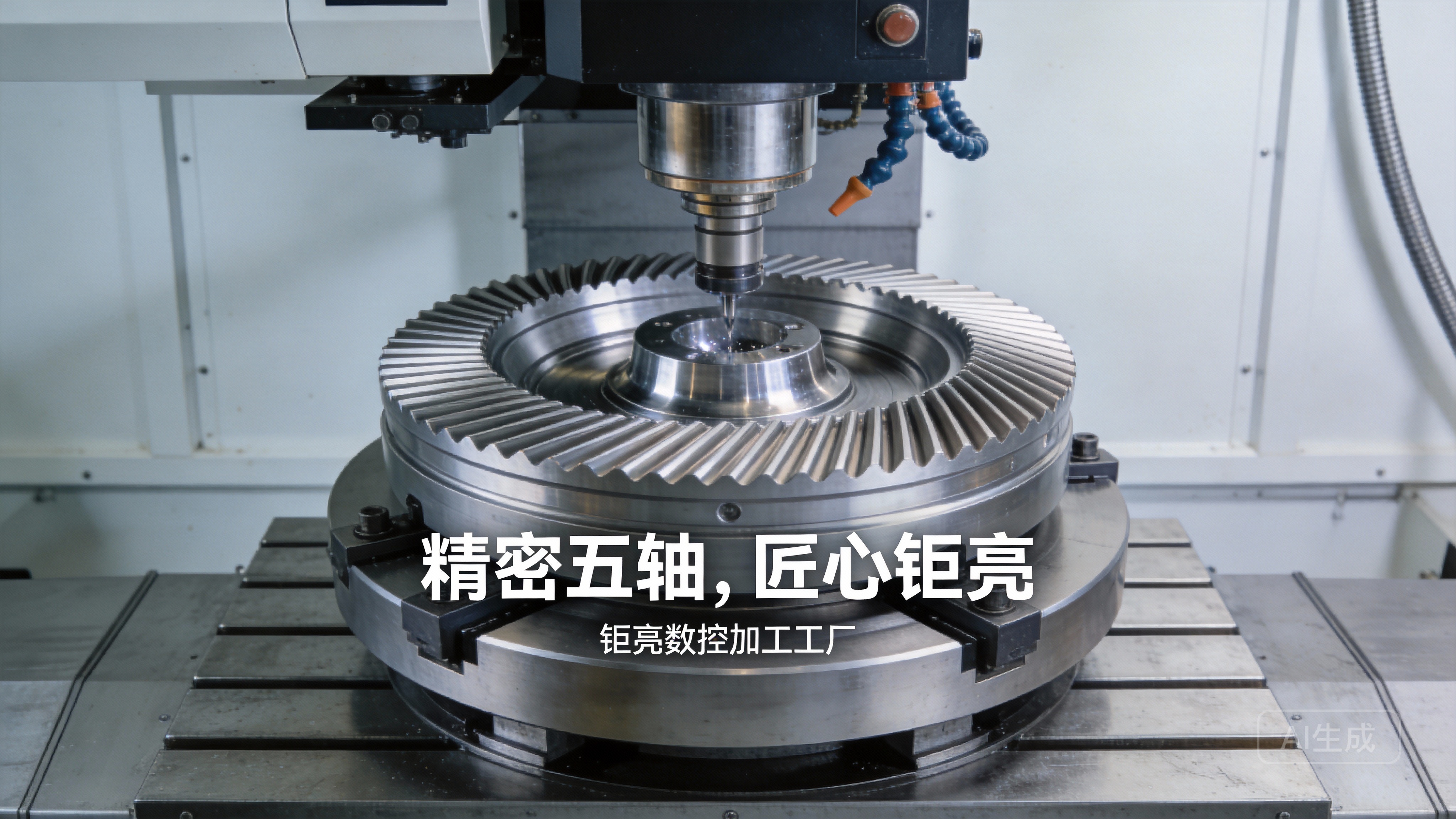
Avoid Complicated Geometries that are Difficult to Clamp: If a part has no natural flat surfaces for mounting, your manufacturer may need to add sacrificial material (tab) or create custom fixtures.
Consider Modular Design: For extremely complex parts, consider designing them as several simpler components that can be bolted or welded together post-machining. This can often be faster and cheaper than machining from a single, monolithic block.
Provide Adequate Clamping Clearance: Ensure there is space around the periphery of your part for clamps or vise jaws without interfering with the toolpath.
Leveraging Advanced Capabilities: The 5-Axis Advantage
When designing for a partner with advanced capabilities like GreatLight CNC Machining Factory, you can unlock more complex and integrated geometries. 5-axis CNC machining allows the cutting tool to approach the workpiece from nearly any direction.
Consolidate Assemblies: Design what was once a multi-part assembly as a single, complex part. This reduces part count, assembly time, and potential failure points.
Create Complex Contours: Smooth, organic shapes, undercuts, and compound angles become directly machinable without constant re-fixturing.
Improved Surface Finish: The ability to maintain optimal tool orientation can result in superior surface quality on complex curves.
Case in Point: A medical device housing with multiple angled ports and internal channels that intersect at non-orthogonal angles would be extremely costly and require multiple setups on a 3-axis machine. Designed for 5-axis machining, it can be produced in one setup, ensuring perfect alignment of all features and a significant reduction in lead time.
Conclusion: Partnership is Key to Optimal Design
How to design for a CNC machine is a multifaceted discipline that balances creativity with practicality. The most successful projects arise from early and open collaboration between the designer and the manufacturer. By adhering to fundamental DFM principles, understanding material behaviors, applying smart tolerancing, and considering manufacturing constraints from the outset, you lay the groundwork for a smooth, cost-effective, and high-quality production process.
Choosing a manufacturing partner with deep engineering support, like GreatLight Metal, transforms this process. Their expertise allows them to not just execute your design, but to proactively review your CAD models, suggest optimizations for manufacturability and performance, and guide you in selecting the ideal process—whether it’s 3-axis, 5-axis CNC machining, or even metal 3D printing for truly topology-optimized designs. This collaborative approach ensures your final part is not only manufacturable but also optimized for its intended application, delivering maximum value from concept to completion.
Frequently Asked Questions (FAQ)
Q1: What is the most common mistake you see in designs sent for CNC machining?
A: The most frequent issue is specifying sharp internal corners (0mm radius). This is impossible with rotary cutting tools and forces the manufacturer to either use an undersized tool (increasing time and cost) or contact you for a design change, causing delays. Always add a reasonable corner radius.
Q2: How do I decide between 3-axis and 5-axis CNC machining for my part?
A: If your part’s critical features are primarily on one side or can be accessed from orthogonal angles, 3-axis is likely sufficient and more cost-effective. If your design has complex contours, undercuts, or features on multiple faces that require precise angular relationships, 5-axis machining will be more efficient and accurate, despite a potentially higher hourly rate, as it reduces setups and handling.
Q3: My design has very thin features. What should I do?
A: First, verify if the thin feature is structurally necessary. If it is, consider switching to a more machinable material like aluminum. Communicate this challenge clearly with your manufacturer. A skilled machinist can use high-speed machining techniques and specialized toolpaths to machine thin features, but tight collaboration and potentially a prototype run are advised.
Q4: Should I provide a 3D CAD model or 2D drawings?
A: Always provide both. The 3D model (STEP or IGES format is preferred) is essential for programming the CNC machine and visualizing the part. The 2D drawing (PDF or DWG) is the legal document that specifies critical dimensions, tolerances, surface finishes, materials, and any special notes. The drawing clarifies the designer’s intent beyond the raw geometry.
Q5: How can I reduce the cost of my CNC machined part?
A: Key strategies include: simplifying geometry (larger radii, fewer deep pockets), relaxing non-critical tolerances, designing to standard tool sizes, minimizing the overall part envelope to reduce material cost, and considering material choice (e.g., aluminum vs. stainless steel). An effective DFM review with your manufacturer is the single best way to identify cost-saving opportunities. For more insights into optimizing your projects, connect with industry leaders on platforms like LinkedIn{:target=”_blank”}.



















