
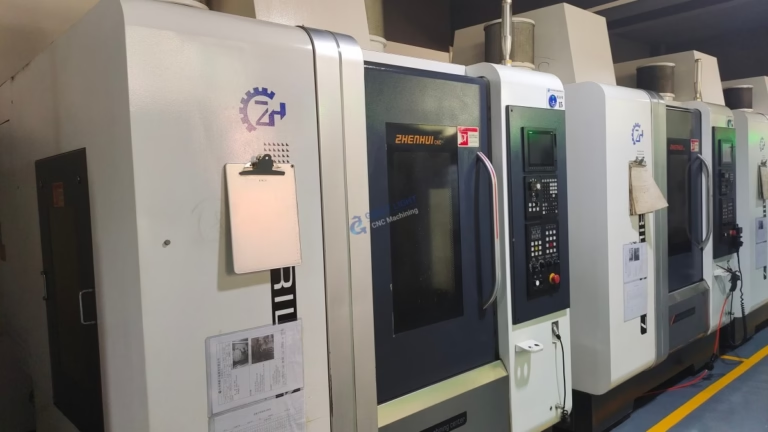
Encountering an alarm or code on your CNC machine can instantly bring production to a halt. Among the myriad of error messages, “Code 96” is one that often causes confusion because, unlike standard G-codes or M-codes, it is not universal. It is a machine-specific or controller-specific error code. This means its exact meaning is dictated by the brand of your CNC machine and the model of its control system.
As a senior manufacturing engineer, I can guide you through the universal troubleshooting principles that apply to such codes. While I cannot give you the exact definition for your specific machine, I will provide you with the definitive methodology to find and fix the issue, ensuring you can get back to precision machining with minimal downtime.
H2: Decoding “Code 96”: It’s a Machine-Specific Signal
First and foremost, understand this: There is no industry-standard definition for “Code 96.” In the world of CNC programming, G-codes (like G01 for linear feed) and M-codes (like M03 for spindle start) are standardized. Error codes like “Code 96” are part of the machine tool builder’s or control manufacturer’s proprietary language. They are designed to communicate a specific fault within the machine’s complex ecosystem—encompassing the CNC controller, PLC (Programmable Logic Controller), servos, drives, and auxiliary systems.
Therefore, the single most important step is to consult your machine’s operator manual or maintenance manual. This document is your primary source of truth. Look for the “Alarm List,” “Error Codes,” or “Troubleshooting” chapter.
H3: Common Themes Behind Machine-Specific Codes Like 96
Although the specifics vary, these codes generally fall into several categories. Based on extensive field experience, here are the most common systems that trigger such numbered alarms:
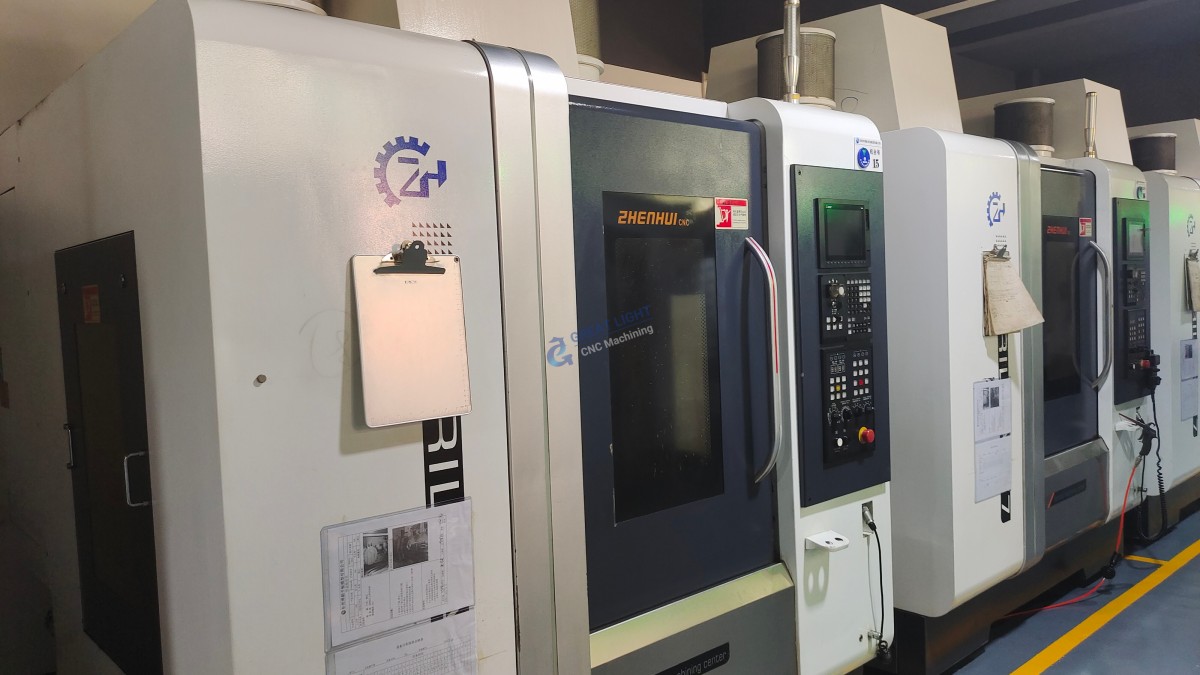
Servo Drive or Motor Faults: This is a frequent culprit. Code 96 could indicate:
Overload: The servo motor is drawing too much current due to a mechanical jam, dull tool, or incorrect feed/speed settings.
Overheat: The motor or its driver has exceeded its safe temperature limit.
Feedback Error: A discrepancy between the commanded position (from the controller) and the actual position (reported by the encoder). This could mean a broken encoder cable, a dirty encoder, or a failing motor.
Communication Loss: The communication between the main CNC controller and the servo drive amplifier has been interrupted.
PLC (Ladder Logic) Alarms: The machine’s PLC handles all non-motion functions: door interlocks, lubrication, coolant, tool changer sequence, air pressure, etc. Code 96 might be a user-defined alarm in the ladder logic for situations like:
Low Lubrication Oil Level
Hydraulic System Pressure Fault
Tool Changer Not in Home Position
Safety Door Interlock Open
Air Pressure Below Minimum
Controller Hardware or Software Issues: Rarely, but possibly, the code could point to an internal fault within the CNC unit itself or a corruption in its parameters or system software.
H4: A Step-by-Step Troubleshooting Guide for Code 96
Follow this systematic approach to diagnose and resolve the issue safely.
Step 1: Immediate Safety & Observation
Stop the machine. Press the emergency stop (E-stop) if the machine is in an unsafe state.
Note the exact moment: Did the alarm occur during tool change, axis movement, at program start, or at power-on?
Check the controller screen: Often, alongside the code number, there is a brief descriptive message (e.g., “SERVO ALARM: Y-AXIS”). Write it down.
Look for other indicators: Are any warning lights illuminated on the servo drives or main electrical cabinet?
Step 2: Consult the Definitive Source – Your Manual
Locate the alarm code list. Find “96” or a range that includes it.
The manual should provide:
Alarm Description: e.g., “Y-Axis Drive Unit Abnormal.”
Probable Cause: e.g., “Drive fault, encoder cable failure, motor overload.”
Recommended Action: e.g., “Check connector CX5 on the drive unit. Measure motor insulation.”
Step 3: Basic Physical Checks (Common Fixes)
If you don’t have immediate manual access, perform these generic checks:
Power Cycle: Turn the main breaker off for 2-5 minutes, then restart. This can clear transient electronic faults.
Check All Safety Interlocks: Ensure doors are fully closed, guards are in place, and chuck clamps are engaged.
Inspect for Mechanical Binding: Manually (with power off and caution) try to turn the ballscrews or move the axis to feel for obstruction.
Verify Auxiliary Systems: Check lubricant levels, hydraulic pressure gauges, and air pressure.
Step 4: Seeking Professional Support
If the above steps don’t resolve it, the issue is likely technical:
Contact your machine tool builder’s service department. Provide them with the machine model, serial number, control system type (e.g., Fanuc 0i-MF, Siemens 840D), and the full alarm message.
For facilities without in-house maintenance engineers, this is where a partnership with a capable machining service provider proves invaluable. A manufacturer like GreatLight Metal operates and maintains a large fleet of advanced multi-axis CNC equipment. Our engineering team is proficient in diagnosing and resolving such controller and drive system alarms across various brands, ensuring maximum equipment uptime—expertise we also apply to ensuring flawless production for our clients’ custom parts.
Conclusion: Empowerment Through Systematic Diagnosis
“What is Code 96 on a CNC machine?” is a question with a variable answer, but a constant solution path. It underscores a critical principle in modern manufacturing: understanding your equipment’s unique language is key to operational efficiency. While the code itself is a puzzle, the methodology to solve it is universal—prioritize safety, consult your manuals, perform systematic checks, and leverage expert support when needed. For businesses that rely on precision machining but wish to avoid the intricacies of machine maintenance, partnering with an expert manufacturer who has mastered these systems, such as GreatLight Metal, transforms potential production headaches into guaranteed part quality and on-time delivery. We manage the complexities of the machinery so you can focus on the innovation of your designs.
FAQ: Frequently Asked Questions About CNC Machine Error Codes
Q1: Where can I find a list of error codes for my specific CNC machine?
A1: The primary source is always the Operator’s Manual or Maintenance Manual provided by the machine tool builder. You can also often find PDF versions on the manufacturer’s website or contact their technical support directly.
Q2: Is it safe to ignore an error code if the machine seems to work after a reset?
A2: It is strongly discouraged. The error code is a symptom of an underlying issue. Ignoring it can lead to worsening damage, catastrophic failure, or unsafe operating conditions. Always investigate the root cause.
Q3: My manual is lost, and the machine builder is out of business. How can I decode an error?
A3: First, identify the make and model of the CNC control system (e.g., Fanuc, Siemens, Heidenhain, Mitsubishi). Search online for the control system’s alarm manual. Alternatively, seek out specialized CNC repair technicians or online forums dedicated to that specific control brand.
Q4: Besides the manual, what on-screen information can help diagnose an error?
A4: Modern controllers often have a detailed diagnostic screen or alarm history page. This can show the sequence of events leading to the alarm, status of input/output signals, and servo load meters, which are invaluable for diagnosis.
Q5: How can a machining service provider help me avoid machine error issues?
A5: A full-service provider like GreatLight Metal invests in regular, preventative maintenance of its equipment fleet and employs seasoned engineers who understand machine diagnostics. By outsourcing your precision part manufacturing, you transfer the risk of machine downtime and technical troubleshooting to the experts, ensuring your project flow remains uninterrupted and of consistently high quality. You can learn more about our professional approach and connect with us on our official LinkedIn page.



















