

In the world of precision manufacturing, the journey from a brilliant idea to a tangible, high-performance part begins with a single, critical step: preparing your CAD files for CNC machining. This initial phase is often where the foundation for success—or the seeds of future complications—are sown. A meticulously prepared CAD model is more than just a digital blueprint; it is a comprehensive instruction set that communicates your design intent with absolute clarity to both the quoting engineers and the machine tools. As a senior manufacturing engineer, I’ve witnessed countless projects where attention to detail at this stage has streamlined production, ensured quality, and controlled costs, while oversights have led to delays, budget overruns, and parts that fail to function. This guide will walk you through the essential principles and best practices for preparing your CAD files, transforming this preparatory work from a potential bottleneck into a catalyst for manufacturing excellence.
Understanding the Critical Role of CAD File Preparation
Before diving into the specifics, it’s crucial to understand why this step is so vital. CNC machining is a subtractive process; material is removed from a solid block to reveal the final part. Your CAD file defines the boundaries of this “final part” in a virtual space. Any ambiguity, error, or unmanufacturable feature in this digital model will translate directly into a physical problem. Proper preparation ensures:
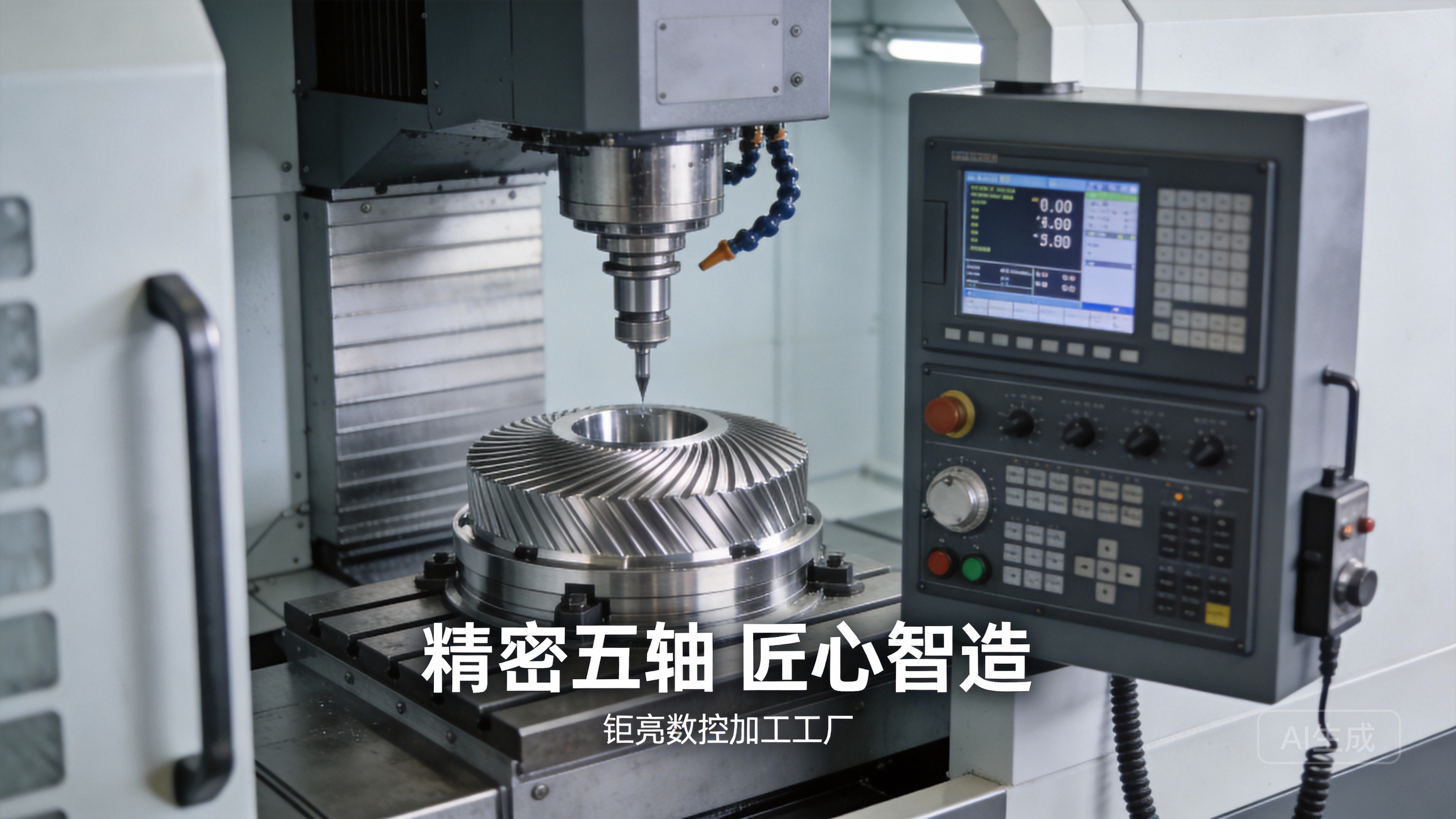
Accurate and Competitive Quoting: A clean, complete model allows suppliers like us to quickly analyze manufacturability, select the right process (3-axis, 4-axis, or 5-axis CNC machining), and generate a precise cost estimate. Vague or incomplete files lead to guesswork and contingency pricing.
Unambiguous Communication: It eliminates misinterpretation between your design team and the manufacturing team. The file should speak for itself.
First-Part Success Rate: It dramatically increases the likelihood that the first piece off the machine will meet all specifications, saving time and money on reworks.
Optimized Machining Efficiency: A well-prepared model can be easily translated into an efficient CNC toolpath, reducing machining time and tool wear.
1. The Foundation: Choosing the Correct File Format
While most modern CAD software can export numerous formats, not all are created equal for CNC machining. The goal is to provide a watertight, single solid body representation of your part.
Recommended (Native or Neutral):
STEP (.stp, .step): This is the industry-standard neutral format. It excellently preserves solid body geometry, assembly structures, and sometimes even color/material information. It is universally readable by all CAM (Computer-Aided Manufacturing) software. This is often the safest and most recommended choice.
IGES (.igs, .iges): An older but still widely accepted standard. It can sometimes have issues with complex surfaces compared to STEP, but it remains a reliable choice for simpler geometries.
Native CAD Files (e.g., .sldprt, .prt, .ipt): If you are working closely with your manufacturer and are comfortable sharing them, native files can be invaluable. They allow the manufacturing engineer to reference your design history, sketches, and parameters, which can be extremely helpful for DFM (Design for Manufacturability) analysis. However, ensure version compatibility.
Use with Caution:
Parasolid (.x_t, .x_b): A very robust kernel format, excellent for geometry transfer. Similar to STEP in reliability.
STL (.stl): Generally not recommended for CNC machining. STL files are tessellated (made of tiny triangles) and are lossy formats primarily used for 3D printing and rapid prototyping. They do not contain precise geometric data like true arcs or cylinders, which can lead to inaccuracies in CNC programming. Use only if no other format is available, and be prepared for potential interpretation issues.
Actionable Tip: When in doubt, provide both a STEP file and a PDF drawing for critical dimensions. For complex projects with a trusted partner like GreatLight Metal, sharing the native file alongside the STEP can unlock deeper collaborative optimization.
2. Ensuring Geometric Integrity: The “Watertight” Model
This is non-negotiable. Your 3D model must represent a physically realizable solid object. Common issues to eradicate include:
Gaps or Holes in Surfaces: Even a microscopic gap between surfaces means the model is not a sealed volume. CAM software will fail to calculate toolpaths correctly.
Overlapping or Intersecting Surfaces: Where surfaces incorrectly overlap, the software cannot determine the “inside” and “outside” of the part.
Non-Manifold Edges: An edge where more than two faces meet (like the center of a “T” junction) is invalid for a single solid body.
Stray or Duplicate Geometry: Loose lines, points, or hidden duplicate bodies can confuse the CAM system.
How to Check: Most CAD software has a “Check Entity” or “Validate” function. Run it. Also, try performing a simple Boolean operation like adding a small block to your part and then subtracting it. If it fails, your model has integrity issues. At GreatLight Metal, our engineering team uses advanced pre-processing software to automatically detect and often repair these issues, but providing a clean file from the start prevents any interpretation errors.
3. Adhering to Fundamental Design for Manufacturability (DFM) Principles in Your CAD
Your CAD model should be designed with the machining process in mind. Embedding these principles early avoids costly redesigns later.
Internal Sharp Corners: An end mill is round, so it cannot cut a perfect sharp internal corner. Your model should reflect this by including fillet radii at all internal corners. Specify the minimum acceptable radius, which will dictate the size of the cutting tool. A larger, consistent radius allows for larger, stronger tools and faster machining.
Cavity Depth & Wall Thickness: Avoid designing excessively deep, narrow cavities or extremely thin walls. Deep pockets require long, slender tools that are prone to deflection and vibration, affecting precision and surface finish. Very thin walls can warp during machining or break during handling. As a rule of thumb, maintain a wall thickness of at least 1mm for metals and 2mm for plastics, and be mindful of depth-to-width ratios.
Undercuts: Features that are not directly accessible from above (like dovetail slots or internal side grooves) require special tools or multi-axis machining. Clearly model these features. A 5-axis CNC machining center, a core capability at GreatLight, is exceptionally adept at handling complex undercuts in a single setup, but they must be clearly defined in the model.
Threads: The best practice is to model the thread hole (the minor diameter) but not the helical threads themselves. On your accompanying drawing, specify the thread callout (e.g., M6 x 1.0). Modeling actual threads creates an enormous and unnecessary file size and can crash CAM software. Let the machinist use the correct tap or thread mill cycle.
Text and Engraving: If you need engraved text, model it as recessed (embossed) features, not as surface textures. Ensure the font size and stroke width are large enough to be machined cleanly.
4. Specifying Tolerances, Materials, and Finishes
The CAD model defines geometry, but the drawing (PDF/DWG) defines intent. Your CAD package should always be accompanied by a detailed 2D engineering drawing for anything beyond a simple prototype. This drawing should specify:
Critical Dimensions and Tolerances: Not every dimension needs to be tight. Use Geometric Dimensioning and Tolerancing (GD&T) where applicable to clearly define functional relationships between features (like perpendicularity, concentricity, true position). This tells the machinist what is important, allowing them to optimize the process. Simply putting a ±0.001mm tolerance on every dimension is unnecessary and exponentially increases cost.
Material Specification: Clearly state the material grade (e.g., 6061-T6 Aluminum, 316L Stainless Steel, POM-C Acetal). This is crucial for tool selection, cutting parameters, and costing.
Surface Finish Requirements: Specify Ra (roughness average) values for critical bearing or sealing surfaces (e.g., Ra 0.8µm). Indicate if a finish is aesthetic (e.g., brushed, polished) or functional.
Hardware & Inserts: Call out any press-fit inserts, pins, or other non-machined features.
Part Identification: Include space for a part number, revision, and material lot marking if required.
5. The Final Checklist: What to Deliver to Your Manufacturer
To ensure a smooth launch, provide your manufacturing partner with a complete package:
3D CAD File: In STEP or Parasolid format, representing a single, watertight solid body.
2D Engineering Drawing (PDF): With all critical dimensions, tolerances (GD&T preferred), material callout, surface finishes, and notes.
Assembly Context (if applicable): A simplified model or drawing showing how the part fits with its mating components. This is invaluable for DFM feedback.
Technical Specifications: Any special requirements (e.g., anodizing color code, plating thickness, heat-treatment standards).
Quantity and Timeline: Expected volumes and target milestones.
How GreatLight Metal Elevates the Process
At GreatLight Metal Tech Co., LTD., we view CAD file preparation not as a customer burden, but as the first stage of our collaborative partnership. Our “four integrated pillars” approach directly supports this critical phase:
Deep Engineering Support (The Fourth Pillar): Before you even send a file, our engineers are available for early DFM consultations. We can review your concepts and advise on optimizations for manufacturability, cost, and performance. Once we receive your data, our team doesn’t just process it—we analyze it. Using advanced software, we perform an automated manufacturability audit, flagging potential issues like thin walls, unreachable features, or unnecessarily tight tolerances, and provide proactive solutions.
Full-Process Chain Capability: A challenge in your CAD model might be elegantly solved not by traditional machining alone, but by combining processes. For instance, a complex internal channel might be best made via metal 3D printing (SLM) and then finished with precision CNC machining. Because we control the entire chain in-house, we can offer these hybrid manufacturing solutions seamlessly.
Authority of Certifications: Our ISO 9001:2015 certified quality management system governs this entire data intake and review process, ensuring consistency and traceability. For regulated industries, our ISO 13485 (medical) and IATF 16949 (automotive) systems enforce even more rigorous validation of design inputs and manufacturing outputs, giving you peace of mind that your design intent will be faithfully and systematically executed.
Conclusion: Precision Begins in the Digital Realm
How to prepare CAD files for CNC machining is fundamentally about embracing a mindset of clarity, collaboration, and manufacturing awareness. It’s the discipline of ensuring your brilliant design can be translated efficiently and accurately into the physical world. By providing a watertight model in a standard format, adhering to core DFM principles, and supplying comprehensive specifications, you empower your manufacturing partner to deliver not just a part, but a perfect realization of your vision.
The difference between a good supplier and a great partner lies in how they engage with you during this preparatory stage. A great partner, like GreatLight Metal, brings deep technical expertise to the table, transforming file preparation from a one-way submission into a two-way dialogue that optimizes the design for reality. This collaborative foundation is what enables the reliable, high-quality, and cost-effective production of precision parts that drive innovation in fields from aerospace to medical devices. Remember, in precision machining, success is always built on a solid digital foundation.
Frequently Asked Questions (FAQ)
Q1: My CAD software only exports to STL. Is that really a problem for CNC?
A: It can be. While an experienced manufacturer can work with a high-resolution STL, it is a suboptimal format. STL approximates curves with facets, which can lead to slight inaccuracies and larger file sizes. It also lacks intelligence about features like holes or threads. For any critical component, we strongly recommend converting and exporting to STEP or IGES. Most CAD packages have this capability.
Q2: How do I determine realistic tolerances for my part?
A: Start with the function. Ask: “What does this part need to do, and what dimensions are critical to that function?” Apply tight tolerances (e.g., ±0.025mm) only to those mating or functional features. For non-critical aesthetic dimensions, use standard machining tolerances (e.g., ±0.1mm or looser). Consulting with your manufacturer’s engineering team during the design phase is the best way to establish a tolerance scheme that balances performance and cost. Our engineers at GreatLight Metal routinely guide clients through this process.
Q3: Should I model every single detail, like screw threads and surface textures?
A: No. Model functional geometry, but avoid overly detailed cosmetic features that are not machined.
Do Model: The pilot hole for a thread (the drill size), keyways, slots, and critical complex surfaces.
Do Not Model: The helical threads (use a callout on the drawing), fine grain textures, or cosmetic knurling (specify it on the drawing). This keeps your file clean and manageable.
Q4: What if I find a mistake in my CAD file after I’ve already sent it for quoting?
A: Communicate immediately. At GreatLight Metal, we understand that design is iterative. If you send a revision, we will update our analysis and provide a revised quote if the changes impact manufacturability or cost. It is far less costly to correct a digital file than to rework physical parts. Our revision control process, part of our ISO-certified system, ensures we are always working on the correct version.
Q5: Can you help if my design has manufacturability issues?
A: Absolutely. This is a core part of our value proposition. Our engineering team specializes in Design for Manufacturability (DFM) and Design for Excellence (DFX) analysis. Upon receiving your files, we will provide detailed feedback and practical suggestions for modifying your design to make it stronger, easier to machine, and more cost-effective without compromising its intent. This collaborative engineering support is what sets apart a true manufacturing partner from a simple job shop.



















