
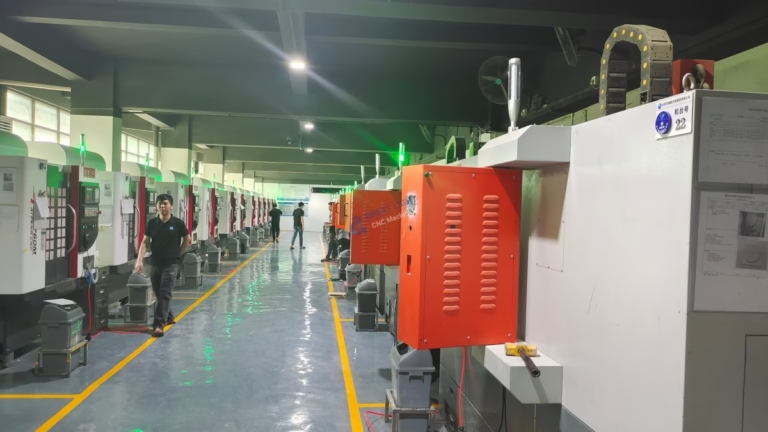
If you’ve ever wondered, What Software Is Used To Control The CNC Machine?, you’re not alone—this is a critical question for anyone in precision parts machining and customization, as the right software directly impacts part accuracy, production efficiency, and overall project success. Choosing a manufacturing partner that leverages industry-leading software, combined with technical expertise, can mean the difference between a part that meets your exact specifications and one that falls short. For over a decade, GreatLight CNC Machining Factory has built its reputation on integrating top-tier CNC software systems with its advanced 3-axis, 4-axis, and 5-axis machining capabilities to solve complex manufacturing challenges for clients across automotive, medical, aerospace, and humanoid robotics sectors.
What Software Is Used To Control The CNC Machine?
At its core, CNC machining relies on a ecosystem of software tools that work together to turn digital designs into physical parts. From the “brain” of the machine to tools that optimize paths and verify quality, each software component plays a vital role in delivering precision and reliability.
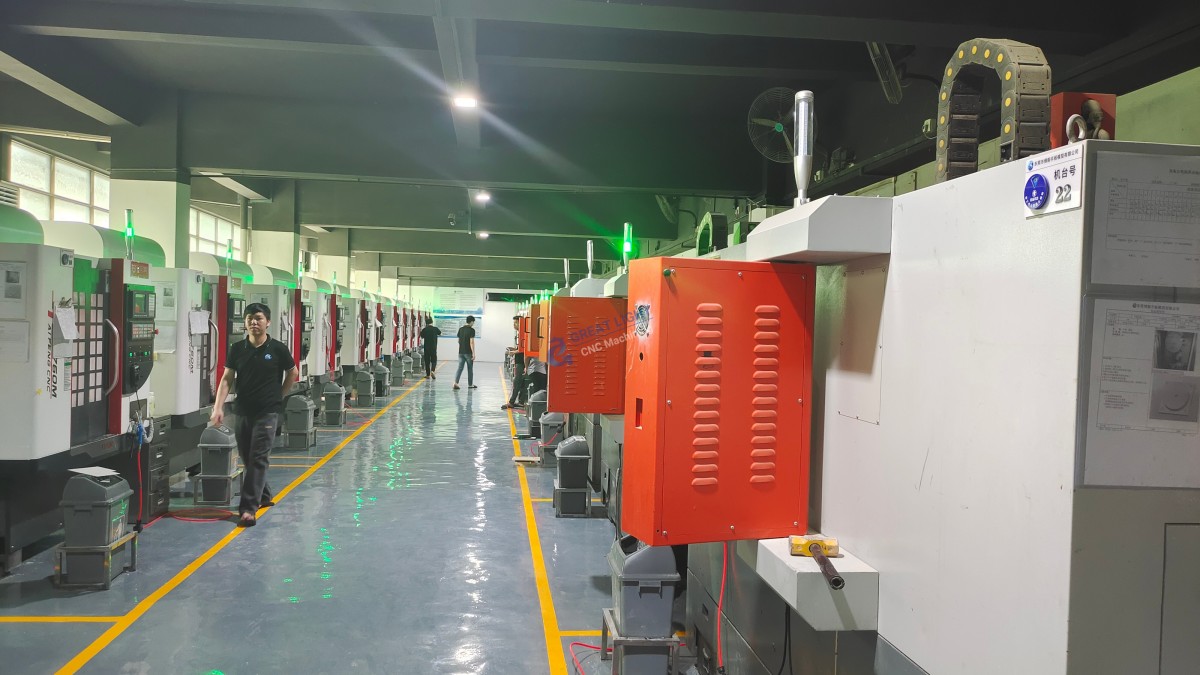
1. Core CNC Machine Control Software: The Operational Brain
This is the software installed directly on the CNC machine, responsible for executing machining instructions (G-code), controlling axis movement, spindle speed, tool changes, and other real-time operations. Think of it as the machine’s central nervous system—without it, even the most advanced hardware can’t produce a single part. The most widely used systems in precision machining include:
Fanuc Series: The gold standard for reliability, Fanuc controls power millions of CNC machines worldwide. GreatLight uses Fanuc 31i-B5 systems for its 3-axis and 4-axis machining centers, ideal for high-volume custom parts that require consistent tolerances of ±0.002mm.
Siemens Sinumerik 840D sl: Designed for complex 5-axis simultaneous machining, this system excels at contouring and multi-axis positioning. GreatLight pairs this software with its large high-precision 5-axis machines to process parts up to 4000mm in size, a critical capability for aerospace components and large automotive engine parts.
Haas Control: A user-friendly, cost-effective option suited for small to medium precision parts. GreatLight uses this for rapid prototyping projects where quick setup and iteration are key.
Mitsubishi M700V Series: Optimized for high-speed machining, this system is used in GreatLight’s die casting and mold making operations, where tight surface finishes and fast cycle times are essential.
GreatLight selects control software based on the machine’s purpose and client requirements, ensuring every project uses the tool best suited to deliver optimal results.
2. CAM Software: Translating Designs into Machining Paths
Computer-Aided Manufacturing (CAM) software acts as the bridge between digital designs and physical production. It converts 3D CAD models into machine-readable G-code, optimizing tool paths to minimize waste, reduce cycle times, and ensure precision. GreatLight’s engineering team relies on industry-leading CAM tools to handle even the most complex part geometries:
HyperMill: The industry leader for 5-axis machining, HyperMill’s advanced algorithms optimize tool paths for simultaneous 5-axis operations, reducing tool wear by up to 20% compared to basic CAM tools. GreatLight used HyperMill to produce custom titanium alloy joint components for a humanoid robot client, machining curved surfaces and tight tolerance fits in a single setup.
SolidWorks CAM: Seamlessly integrates with SolidWorks CAD files, making it ideal for rapid prototype development. GreatLight uses this tool to quickly iterate on client designs, cutting lead times for prototype parts to as little as 3 days.
Siemens NX: A comprehensive suite that combines CAD, CAM, and simulation capabilities. GreatLight uses NX for clients in regulated sectors like medical devices (ISO 13485 compliant) and automotive (IATF 16949 compliant), where full traceability and design integrity are non-negotiable.
Fusion 360: A cloud-based CAM tool perfect for startups and small businesses, offering collaborative design and machining capabilities. GreatLight leverages Fusion 360 for clients who need to iterate on designs in real time, with the ability to share updates seamlessly across teams.
3. CAD Software: The Foundation of Precision Part Design
Computer-Aided Design (CAD) software is where every precision part begins—creating the 3D digital model that is later exported to CAM software. GreatLight’s in-house design team is proficient in all industry-standard CAD tools to support clients at every stage of the design process:
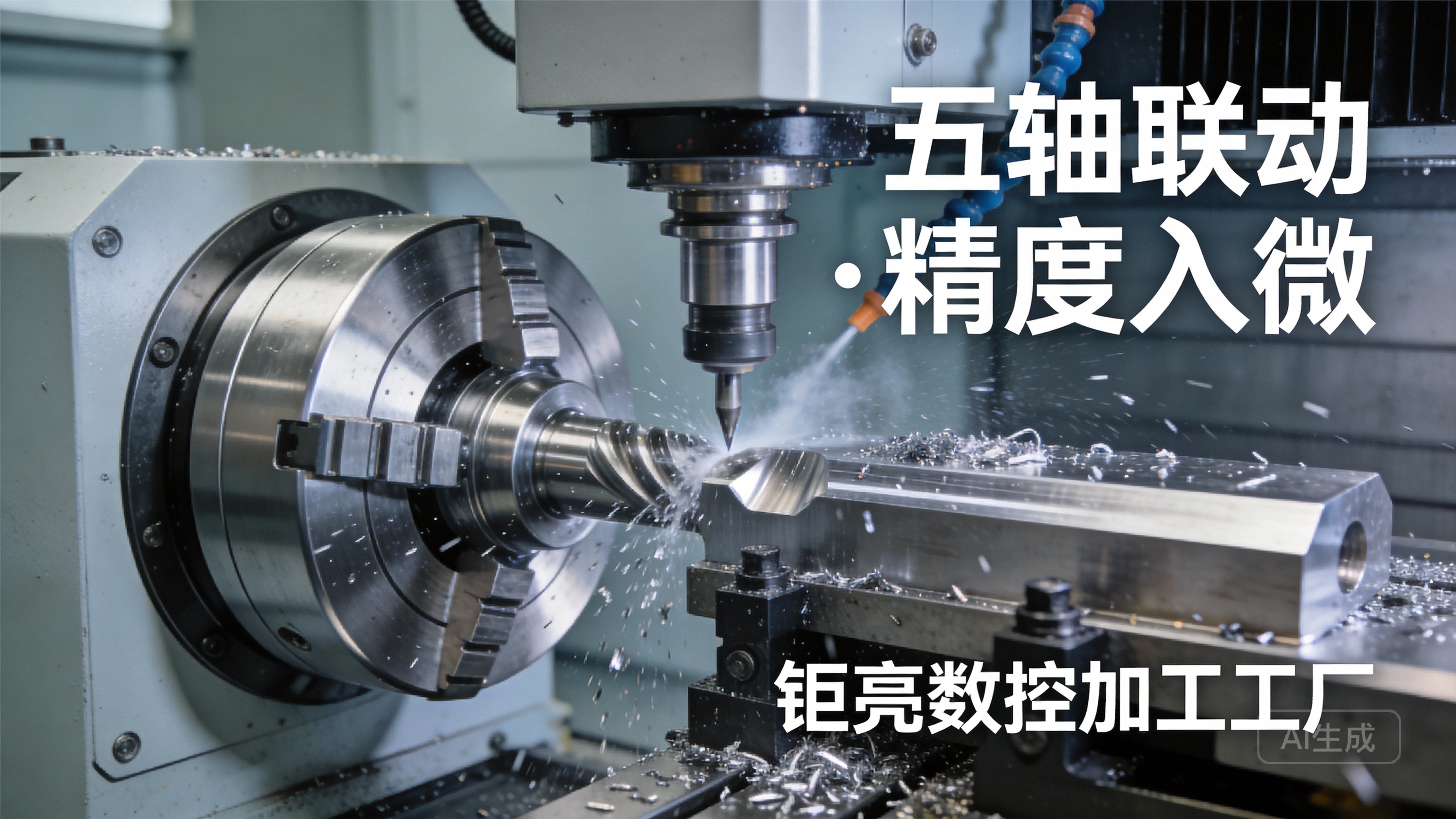
SolidWorks: The most widely used CAD tool in industrial design, known for its user-friendly interface and extensive part library. GreatLight uses SolidWorks to assist clients with Design for Manufacturability (DFM) reviews, optimizing designs to reduce machining costs and improve part durability.
CATIA: Used in aerospace and automotive sectors for highly complex assemblies, such as the new energy vehicle E-housing components GreatLight produces. CATIA’s advanced surface modeling capabilities ensure that even the most intricate geometries are accurately represented.
AutoCAD: A staple for 2D design, often used for sheet metal parts and flat components. GreatLight integrates AutoCAD files into its sheet metal processing services, ensuring precise cuts and bends for custom enclosures and brackets.
For clients who only have hand-drawn sketches or verbal concepts, GreatLight’s design team can convert these into precise CAD models, eliminating the need for clients to invest in their own design software or expertise.
4. Supplementary Software: Boosting Efficiency and Ensuring Quality
Beyond core control, CAM, and CAD tools, GreatLight uses supplementary software to streamline production and guarantee part quality:
Simulation Software (Vericut): Before any part is machined, GreatLight uses Vericut to simulate the entire machining process. This tool detects potential collisions between the tool, workpiece, and machine, reducing scrap and downtime. For high-value materials like titanium alloy, this simulation step can save clients thousands of dollars in wasted material.
Quality Control Software (PolyWorks): Integrated with GreatLight’s coordinate measuring machines (CMMs), PolyWorks verifies part dimensions against the original CAD model. This rigorous process ensures every part meets the client’s specifications, aligning with GreatLight’s ISO 9001:2015 certification. If a part fails inspection, GreatLight offers free rework, with a full refund if rework doesn’t resolve the issue.
Product Lifecycle Management (PLM) Tools: For clients in regulated sectors, GreatLight uses PLM software to track design revisions, production data, and quality records. This full traceability is essential for meeting IATF 16949 (automotive) and ISO 13485 (medical) standards.
How GreatLight’s Software Expertise Delivers Value to Clients
GreatLight’s strength lies not just in the software it uses, but in how its cross-trained team leverages these tools to solve real-world client problems. For example, when a new energy vehicle client needed an E-housing component with complex internal channels and thin walls, GreatLight’s team combined HyperMill CAM software with Siemens Sinumerik control systems to optimize tool paths, reducing lead time by 25% and meeting the client’s strict tolerance requirement of ±0.005mm.
Additionally, GreatLight’s investment in software training ensures that its engineers stay ahead of industry trends. The team attends annual workshops for the latest CAM and control software updates, ensuring they can handle emerging technologies like precision 5-axis CNC machining services (link opens in new window) and metal 3D printing for materials like titanium alloy and mold steel.
Conclusion
When asking, What Software Is Used To Control The CNC Machine?, it’s clear that the answer extends beyond a single tool—it’s an ecosystem of core control systems, CAM, CAD, and supplementary software working in harmony. For clients in precision parts machining and customization, partnering with a manufacturer like GreatLight Metal Tech Co., LTD. (link opens in new window) ensures access to industry-leading software combined with over a decade of technical expertise. Whether you need complex 5-axis machined parts, rapid prototypes, or high-volume custom components, GreatLight’s software stack, paired with its ISO-certified quality management system and after-sales guarantee, makes them the ideal choice for turning your design into a high-precision physical part.
Frequently Asked Questions (FAQ)
Q1: What’s the key difference between CNC control software and CAM software?
A: CNC control software is the machine’s “executor,” running G-code to control real-time operations like axis movement and tool changes. CAM software is the “planner,” converting CAD models into optimized G-code by creating efficient tool paths and setting machining parameters. Together, they form a complete workflow from design to production.
Q2: Can GreatLight work with CAD files from any software?
A: Yes. GreatLight’s engineering team is proficient in all major CAD formats, including SolidWorks, CATIA, AutoCAD, Pro/ENGINEER, STEP, and IGES. If you have a non-standard file format, our team can assist with conversion to ensure compatibility.
Q3: How does software choice affect part precision and lead time?
A: Advanced CAM software like HyperMill or Siemens NX can reduce unnecessary tool movements, cutting lead times by 15-30% while maintaining tight tolerances (as low as ±0.001mm). Simulation software also eliminates costly errors, ensuring parts are right the first time. GreatLight’s selection of high-performance control systems like Siemens Sinumerik ensures consistent precision for critical parts.
Q4: Does GreatLight offer design support if I don’t have a CAD model?
A: Absolutely. GreatLight’s in-house design team can convert hand-drawn sketches, 2D drawings, or even verbal concepts into precise 3D CAD models. We also provide free DFM reviews to optimize designs for machining, reducing costs and lead times.
Q5: What quality control processes does GreatLight use to ensure part accuracy?
A: GreatLight uses PolyWorks software integrated with CMMs and optical measurement tools to verify every part’s dimensions against the original CAD model. This rigorous process aligns with our ISO 9001:2015 certification. If any quality issues arise, we offer free rework, with a full refund if rework doesn’t resolve the problem.
Q6: How does GreatLight stay up-to-date with the latest CNC software technologies?
A: GreatLight invests regularly in software updates and employee training. Our team attends annual workshops for CAM and control software, and we partner with leading vendors to access the latest features for 5-axis machining and metal 3D printing. This commitment ensures we can handle the most complex custom part projects for clients in cutting-edge sectors.



















