
Building a custom CNC machine is a fascinating project that blends mechanical engineering, electronics, and software. Whether you’re a hobbyist aiming for a desktop router or an engineer prototyping a specialized industrial unit, understanding the core components is the first critical step. This guide will dissect the essential parts needed to construct a functional CNC system, from the foundational frame to the controlling software.
H2: The Structural Foundation: Frame and Base
The frame is the skeleton of your CNC machine. Its primary job is to provide rigid, stable support to resist the cutting forces and vibrations generated during operation. A weak frame will lead to chatter, poor surface finish, and dimensional inaccuracy.
Common Materials:
Aluminum Extrusions (e.g., 20×20, 40×40, 80/20 profiles): Extremely popular for DIY and hobbyist machines. They are lightweight, relatively stiff, easy to assemble with T-nuts, and allow for modular design changes.
Steel (Welded or Bolted): Offers superior stiffness and damping properties, making it the choice for industrial machines and larger-format routers. Requires welding or precise machining for assembly.
Cast Iron: The gold standard for ultra-high precision milling machines and lathes due to its exceptional vibration damping. It’s heavy and costly, typically not used for DIY builds.
Composite Materials (MDF, Plywood): A low-cost entry point for very light-duty machines (like PCB milling). Lacks long-term stability and rigidity for serious machining.
H3: The Motion System: Linear Guides and Drive Components
This system translates digital commands into precise physical movement along the X, Y, and Z axes.
H4: Linear Motion Guides
These components constrain movement to a single, straight axis.
Linear Rails and Bearings: The professional choice. Hardened steel rails paired with ball-bearing blocks offer high rigidity, load capacity, and smooth, precise motion with minimal play.
Round Supported Rails: Steel shafts supported along their entire length, used with linear bushings. A good balance of cost and performance for many builds.
V-Wheels and Extrusions: A common DIY solution (e.g., in many OpenBuilds designs). V-wheels with Delrin or polyurethane tires run on aluminum V-slot extrusions. They are affordable and easy to set up but may have more flex and wear over time compared to linear rails.
H4: Drive Mechanism
This is what actually pushes and pulls the axes.
Lead Screws and Nuts:
Threaded Rod (All-Thread): The most basic and inexpensive option. Prone to backlash and whip at higher speeds.
Trapezoidal (Acme) Screws: Better efficiency and load capacity than threaded rod, often used with anti-backlash nuts.
Ball Screws: The high-performance standard. Balls recirculate between the screw and nut, minimizing friction and virtually eliminating backlash. Essential for precision and high-speed applications.
Belts and Pulleys (Timing Belts): Often used for the X and Y axes in 3D printers and lighter CNC routers. They allow for very fast movement but can stretch under high load, making them less suitable for heavy milling operations.
H3: The Power and Movement Source: Motors and Drives
This subsystem converts electrical signals into controlled rotational force.
Stepper Motors: The most common choice for DIY and many professional CNC machines. They move in discrete “steps” (e.g., 1.8° per step). They are cost-effective, provide good low-speed torque, and hold position when powered. Their torque drops at high speeds.
Servo Motors: Used in high-end industrial machines. They incorporate an encoder for closed-loop feedback, allowing the drive to know the motor’s exact position and correct any errors in real-time. This provides higher speed, torque, and accuracy but at a significantly higher cost and complexity.
Motor Drivers/Controllers: These electronic boards take low-power step and direction signals from the control board and amplify them to the high current/voltage needed to drive the motors. They are critical for motor performance.
Power Supply Unit (PSU): Provides stable DC power (commonly 24V, 36V, or 48V) to the motor drivers and other electronics. Its amperage rating must meet the total demand of all motors.
H2: The Spindle: The Cutting Tool Driver
The spindle holds and rotates the cutting tool. Its power and runout (wobble) directly affect cutting capability and finish quality.
Router Spindles (Air-Cooled): Commonly adapted from woodworking routers. They are affordable and readily available (e.g., 1.5kW-3kW models). They can be noisy and may lack low-speed torque.
ER Collet Spindles (Water-Cooled): The professional choice for CNC milling and engraving. They are designed for machining, featuring high precision, low runout, and powerful water-cooled motors that maintain constant torque across a wide RPM range. They connect via a VFD (Variable Frequency Drive) for precise speed control.
Spindle Mount: A secure bracket or assembly that rigidly attaches the spindle to the Z-axis carriage.
H2: The Electronic Brain: Control System
This is the computer hardware and software that orchestrates everything.
CNC Controller Board: The central nervous system. It receives G-code instructions from the computer and outputs step/direction signals to the motor drivers. Popular options include:
GRBL-based Boards (e.g., Arduino with GRBL shield): Ubiquitous in the DIY world for 3-axis control. Affordable and runs on simple G-code senders.
Dedicated Motion Controllers (e.g., from Mesa, PMDX, Mach4/ESS): More powerful, capable of controlling more axes (4th, 5th), and enabling advanced features like rigid tapping and better error handling.
Computer (PC or Dedicated Controller): Runs the CNC Control Software (also called the “sender” or “host”).
Software Examples: Mach4, LinuxCNC, UCCNC, GRBL-based senders (like Universal G-code Sender, Candle).
This software loads the G-code file, provides the user interface (start, stop, pause, jog), and streams commands to the controller board in real-time.
H2: The Digital Blueprint: CAD/CAM Software
While not a physical component, no CNC machine can operate without this crucial digital toolchain.
CAD Software: Used to design the 3D model or 2D vector of the part you want to make (e.g., Fusion 360, SolidWorks, AutoCAD, FreeCAD).
CAM Software: The critical link between design and machine. CAM software takes the CAD model and generates the toolpaths—the precise routes the cutter will take. It post-processes these paths into the specific G-code that your machine’s controller understands (e.g., Fusion 360 (integrated CAM), VCarve, Mastercam).
H3: Essential Auxiliary Components
Wiring, Connectors, and Cable Management: Reliable, shielded cables for motors and sensors, along with proper strain relief, are vital to prevent electrical noise and damage.
Limit Switches/Homing Sensors: These sensors define the machine’s travel limits and allow it to find a repeatable “home” position at startup, ensuring dimensional accuracy.
Emergency Stop (E-Stop) Circuit: A mandatory safety feature—a large, red button that cuts power to the motors and spindle immediately.
Enclosure and Dust Collection (Highly Recommended): Contains chips, coolant, and noise, and improves safety. A vacuum or dust shoe is essential for material like wood, MDF, and plastics.
Conclusion
Building a CNC machine is a complex integration project where the performance of the whole is dictated by its weakest component. A meticulously designed aluminum frame becomes ineffective if paired with a wobbly spindle. High-torque servo motors are wasted on a drive system riddled with backlash. Success lies in carefully selecting components that match your target materials, desired precision, and budget, ensuring they work in harmony.
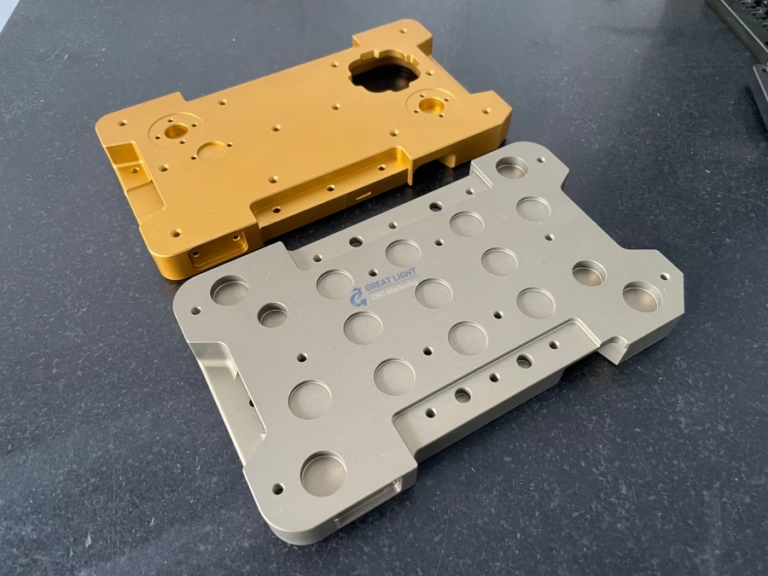
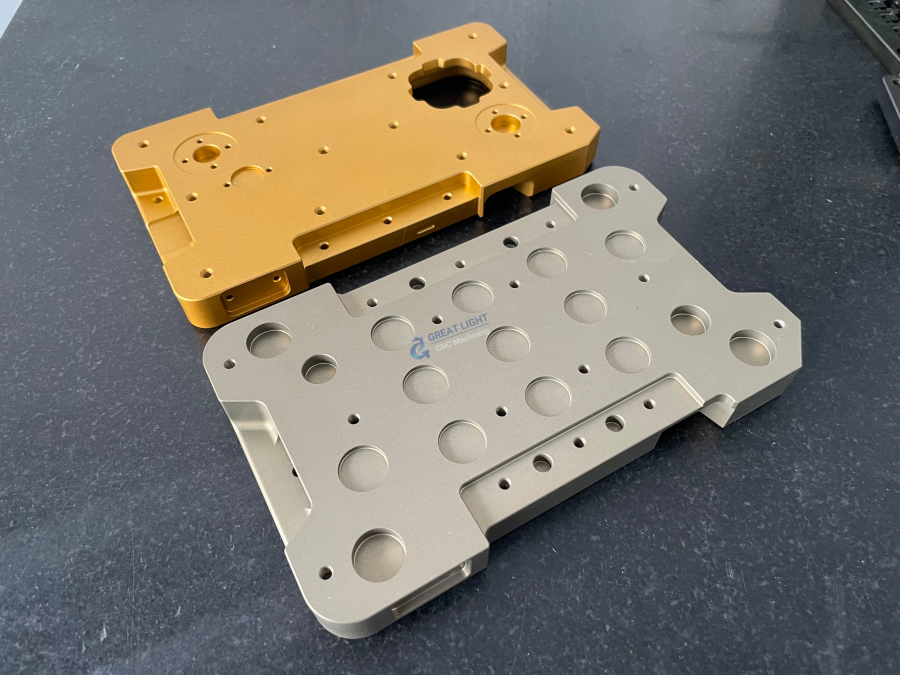
For the vast majority of engineers and businesses who require precision parts machining and customization not for building a machine, but for producing end-use parts or prototypes, sourcing from a professional manufacturer is the most efficient and reliable path. This is where partnering with an expert like GreatLight CNC Machining Factory provides immense value. Instead of investing capital and engineering time into machine development, maintenance, and process tuning, you gain immediate access to industrial-grade five-axis CNC machining capabilities, along with comprehensive finishing services, allowing you to focus on your core product design and innovation.
FAQ: Frequently Asked Questions
H3: Q1: What is the most expensive part of building a CNC machine?
A: For a precision-oriented build, the cost drivers are typically the spindle (a quality water-cooled spindle and VFD) and the linear motion system (high-grade ball screws and linear rails). For larger machines, the material cost for a rigid steel frame also becomes significant.
H3: Q2: Can I use a regular 3D printer as a CNC machine?
A: Generally, no. While they share similar motion systems (steppers, belts/leadscrews), 3D printers are designed for very light, additive extrusion forces. A CNC machine must withstand significant lateral and torsional cutting forces. A 3D printer’s frame, motors, and firmware are not suited for this, and attempting to convert one is often less effective than building a dedicated machine.

H3: Q3: What’s the key difference between open-loop and closed-loop control?
A: Open-loop systems (common with stepper motors) send movement commands but have no feedback to verify the move was completed. If the motor misses a step due to overload, the error is uncorrected. Closed-loop systems (used with servo motors or advanced stepper systems with encoders) constantly monitor position. If a discrepancy is detected, the controller corrects it immediately, ensuring unparalleled accuracy and preventing crash-related damage.
H3: Q4: How do I decide between a router spindle and a machining spindle?
A: Choose based on your primary materials:
Router Spindle: Best for wood, plastics, acrylics, and soft aluminum at high RPMs. It’s a cost-effective starting point.
ER Collet Machining Spindle: Necessary for engineering metals (steel, titanium, hardened aluminum), detailed engraving, or any high-precision work. Its rigidity, low runout, and torque at lower RPMs are critical for these applications.
H3: Q5: Is building a CNC machine cheaper than buying one?
A: It can be for a basic, small-format router, especially if you source parts carefully. However, when factoring in the value of your time for design, sourcing, assembly, calibration, and troubleshooting, a pre-built machine often becomes more economical. For reliable, production-ready precision, a professional machine from an established manufacturer or outsourcing to a specialized shop like GreatLight Metal is almost always more cost-effective in the long run.



















