

How To Create Drawings For CNC Machine?
In the world of precision parts machining and customization, creating accurate drawings for CNC machines is a crucial step that can significantly impact the quality and efficiency of the manufacturing process. GreatLight CNC Machining Factory, also known as Great Light Metal Tech Co., LTD., is a professional five – axis CNC machining manufacturer with advanced equipment and rich experience in this field. Let’s explore how to create drawings for CNC machines and see how GreatLight Metal can assist in this process.
Understanding the Basic Requirements of CNC Drawings
Before creating a drawing, it’s essential to understand what information the CNC machine needs. A CNC drawing typically includes the following elements:
Geometric Dimensions: These define the shape and size of the part. Precise measurements are crucial, as even a small error can lead to a defective part. For example, if you’re creating a part for an automotive engine, the tolerances for dimensions like the bore diameter might be extremely tight, often within ±0.001mm.
Tolerances: Tolerances specify the acceptable variation in the dimensions. Different applications require different levels of tolerance. For instance, aerospace parts usually demand higher precision and stricter tolerances compared to consumer product parts.
Material Specification: The type of material used for the part must be clearly stated. Different materials have different machining properties. For example, aluminum is relatively easy to machine, while titanium is more difficult and requires special cutting tools and machining parameters.
Surface Finish: The desired surface quality of the part, such as roughness, is also indicated in the drawing. A smooth surface finish might be required for parts that will be in contact with other components to reduce friction.
Software Tools for Creating CNC Drawings
There are several software tools available for creating CNC drawings:
CAD (Computer – Aided Design) Software: Programs like AutoCAD, SolidWorks, and Fusion 360 are widely used. These software packages allow you to create 2D and 3D models of the part. You can define the geometry, dimensions, and other features with high precision. For example, in SolidWorks, you can create complex 3D models of mechanical parts and then generate detailed 2D drawings from those models.
CAM (Computer – Aided Manufacturing) Software: Once the CAD model is created, CAM software is used to generate the machining code that the CNC machine can understand. CAM software takes the part geometry from the CAD model and calculates the tool paths, cutting speeds, and feed rates. Examples of CAM software include Mastercam and HSMWorks.
Steps to Create CNC Drawings
Conceptualization: First, understand the requirements of the part. Whether it’s for a custom – made humanoid robot component or a medical hardware part, having a clear idea of its function and design constraints is essential.
Create the 3D Model: Use CAD software to build the 3D model of the part. Start by sketching the basic shapes and then add details, such as holes, grooves, and chamfers. Take advantage of the software’s features like parametric modeling, which allows you to easily modify the dimensions and features as needed.
Define Dimensions and Tolerances: Once the 3D model is complete, add the dimensions and tolerances. Make sure to use a consistent system of measurement, such as the metric system. Label each dimension clearly on the drawing.
Generate 2D Drawings: From the 3D model, generate 2D drawings that show different views of the part, such as the front, top, and side views. Include section views if necessary to show the internal structure of the part. Add notes and labels to provide additional information, such as the surface finish requirements.
Verify and Review: Before sending the drawing to the CNC machine, review it carefully to ensure its accuracy. Check for any missing dimensions, incorrect tolerances, or potential manufacturing issues. You can also collaborate with the machining team at GreatLight CNC Machining Factory during this stage. They have the expertise to identify any problems and provide suggestions for improvement.
Why Choose GreatLight CNC Machining Factory for Your CNC Drawing and Machining Needs
GreatLight Metal has several advantages that make it an ideal choice for CNC drawing – related and machining services:
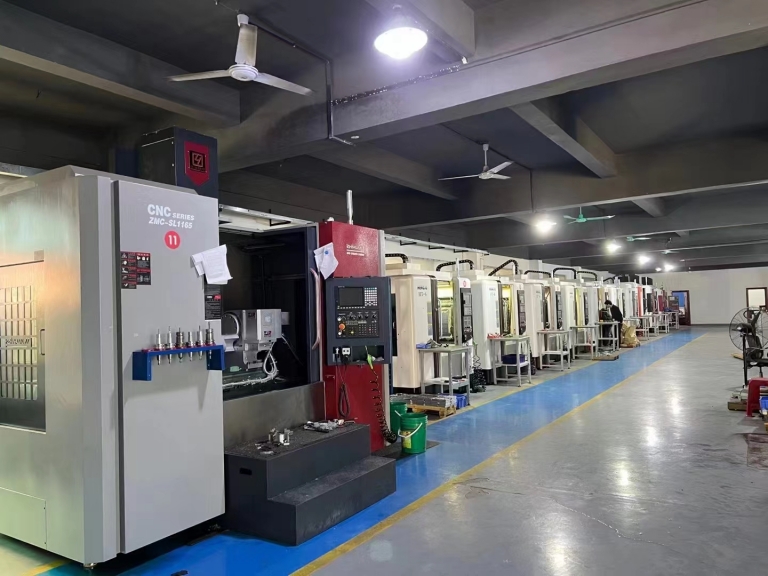
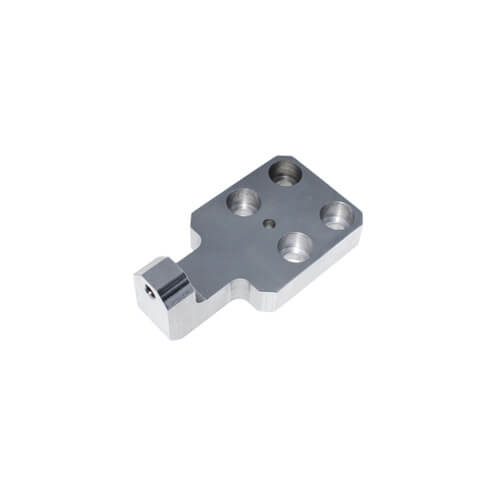
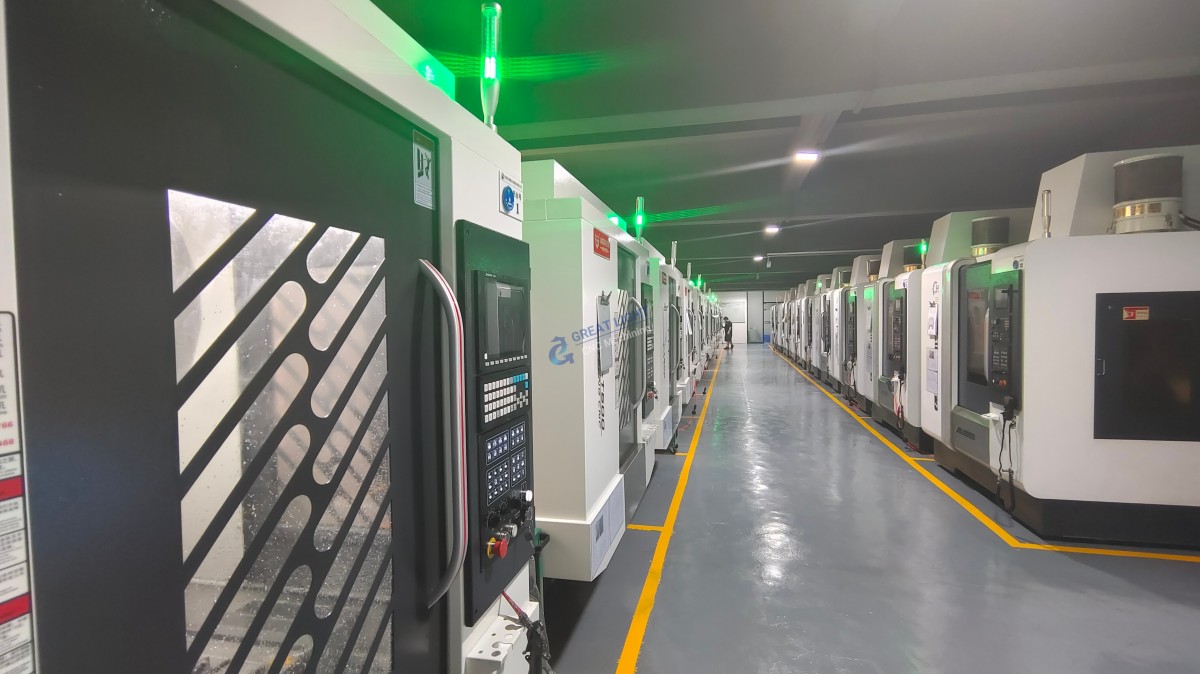
Advanced Equipment: The factory is equipped with 127 pieces of precision peripheral equipment, including large high – precision five – axis, four – axis, and three – axis CNC machining centers. These machines can handle complex geometries and high – precision requirements, ensuring that the final part matches the drawing accurately.
Technical Expertise: With over a decade of experience in precision prototype model processing, the team at GreatLight Metal has the knowledge and skills to understand and implement complex drawings. They can also provide technical support during the drawing creation process, helping you optimize the design for manufacturability.
Quality Assurance: GreatLight CNC Machining Factory is an ISO 9001:2015 certified manufacturer. This means that they follow strict quality control procedures throughout the manufacturing process, from the initial review of the drawing to the final inspection of the part. They also have in – house precision measurement and testing equipment to verify that all parts meet the specified dimensions and tolerances.
One – Stop Service: In addition to CNC machining, GreatLight Metal offers a comprehensive range of services, including die casting mold/metal die casting processing services, vacuum casting customization, sheet metal processing customization, and 3D printing. This one – stop service can save you time and effort in coordinating multiple suppliers.
Conclusion
Creating accurate drawings for CNC machines is a multi – step process that requires a good understanding of the requirements, the use of appropriate software tools, and careful review. By following the steps outlined above and partnering with a reliable manufacturer like GreatLight CNC Machining Factory, you can ensure that your precision parts are manufactured to the highest standards. Whether you’re in the automotive, aerospace, medical, or other industries, GreatLight Metal has the capabilities to meet your custom – machining needs. So, if you’re looking to create high – quality precision parts, start by creating a detailed and accurate drawing and let GreatLight CNC Machining Factory bring your design to life.
Frequently Asked Questions (FAQ)
Q1: What file formats are commonly used for CNC drawings?
A1: Commonly used file formats for CNC drawings are DXF (Drawing Exchange Format) for 2D drawings and STEP (Standard for the Exchange of Product model data) or IGES (Initial Graphics Exchange Specification) for 3D models. These formats are widely supported by CAD and CAM software.
Q2: Can I create a CNC drawing without using CAD software?
A2: While it’s technically possible to create a basic CNC drawing by hand, it is extremely difficult and error – prone, especially for complex parts. CAD software offers precise control over dimensions, geometries, and tolerances, making it the preferred choice for creating accurate CNC drawings.
Q3: How can I ensure that my CNC drawing is manufacturable?
A3: You can collaborate with the machining team at GreatLight CNC Machining Factory during the drawing creation process. They have the practical experience and knowledge to identify any potential manufacturing issues, such as features that are difficult to machine or dimensions that are out of tolerance. They can provide suggestions to optimize the design for manufacturability.
Q4: What if there are changes to the CNC drawing after the manufacturing process has started?
A4: If there are changes to the drawing, it’s important to communicate them to the machining team as soon as possible. Depending on the stage of the manufacturing process, the team at GreatLight Metal will assess the impact of the changes and determine the best course of action. In some cases, minor changes can be accommodated with minimal disruption, while major changes may require additional time and cost.
Q5: How long does it take to create a CNC drawing?
A5: The time required to create a CNC drawing depends on the complexity of the part. Simple parts may take a few hours, while complex parts with intricate geometries and tight tolerances can take several days or even weeks. It’s best to discuss your specific requirements with GreatLight CNC Machining Factory to get a more accurate estimate of the time required.



















