
Can Sherline CNC Machines Connect To Internet?
Can Sherline CNC Machines Connect to the Internet? Direct Answer
Most standard Sherline CNC machines do not come with built-in internet connectivity. Sherline’s core focus is on compact, affordable, and user-friendly precision machines designed for prototyping, hobbyist projects, and small-batch production, so their stock controllers prioritize basic local operation over networked features. However, with third-party upgrades, workarounds, and accessory additions, it is entirely possible to enable internet connectivity for remote monitoring, control, and data logging on Sherline CNC machines.
Practical Methods to Enable Internet Connectivity for Sherline CNC Machines
Below are the most reliable and widely used approaches to add internet access to your Sherline setup, tailored to different user needs and budget constraints:
1. Upgrade to a Network-Compatible CNC Controller
Sherline’s stock controllers (like the Sherline CNC Controller Kit) are limited to local, USB or serial-based operation. Replacing or supplementing this with a third-party controller that supports internet connectivity unlocks advanced network features:
Mach4 Controller: This popular industrial-grade CNC software offers plugins and modules for remote monitoring and control over local area networks (LAN) or the internet. Users can access machine status, adjust parameters, and queue jobs from any connected device.
LinuxCNC: Open-source and highly customizable, LinuxCNC can be configured with web interfaces (e.g., Axis WebUI) or SSH access to enable remote control and monitoring. It is ideal for users comfortable with basic system administration.
GRBL-Based Controllers: GRBL is a lightweight, open-source firmware for CNC machines. Ethernet-enabled GRBL boards (like the SmoothStepper Ethernet) can connect directly to a network, allowing remote command sending and status tracking via web tools or custom apps.
2. Install an Ethernet-Enabled Motion Control Board
For users who want to retain some of Sherline’s original components, adding an Ethernet-connected motion control board is a viable option:
Boards like the SmoothStepper Ethernet or Ethernet SmoothStepper for Mach3/Mach4 act as a bridge between the host computer and the machine’s stepper motors. These boards connect directly to the local network, enabling low-latency remote control and monitoring without relying on the host computer’s USB port.
This method is particularly suitable for users who prioritize stable, real-time control for precision machining tasks, as wired Ethernet connections minimize latency compared to Wi-Fi.
3. Remote Desktop/Screen Sharing Workaround
The most cost-effective approach requires no hardware upgrades—if your Sherline is controlled by a local computer (the standard setup for most models), use remote access tools to connect to that computer over the internet:
Tools to Use: TeamViewer, VNC Viewer, Windows Remote Desktop, or Apple Screen Sharing. These tools mirror the control computer’s screen on your remote device (laptop, phone, tablet), allowing you to operate the machine as if you were physically present.
Pros: No additional cost, easy to set up, works with all Sherline models.
Cons: Relies on the host computer being powered on and connected to the internet; high latency on unstable connections may affect real-time precision tasks like micro-machining.
4. IoT Gateway for Serial-to-Internet Bridging
For users focused on data logging or remote status checks rather than real-time control, an IoT gateway can bridge the Sherline’s serial or USB port to the internet:
Use a low-cost device like a Raspberry Pi or Arduino with Wi-Fi/Ethernet capabilities. Connect the gateway to the Sherline’s serial port (via a USB-to-serial adapter if needed) and program it to forward machine status data (e.g., spindle speed, feed rate, job progress) to a cloud platform or mobile dashboard.
This method is ideal for tracking production metrics, receiving alerts for job completion or errors, and integrating with basic inventory or quality control systems. Note: It is not recommended for real-time machining due to potential latency.
Key Benefits of Internet Connectivity for Sherline CNC Users
Enabling internet access on your Sherline machine can transform your workflow, especially for small-scale production or prototyping shops:
Remote Monitoring: Check job progress, spindle temperature, or feed rate from anywhere—critical for long-running jobs that don’t require constant supervision.
Troubleshooting & Support: Share remote access with technicians or Sherline’s customer support team to diagnose issues without on-site visits, reducing downtime.
Job Scheduling & Automation: Queue jobs or start/stop operations remotely, allowing you to optimize production hours (e.g., running jobs overnight).
Data Backup & Traceability: Log machining parameters and job data to cloud storage for quality control audits, compliance, or replicating successful runs.
Integration with Smart Manufacturing: For shops scaling up, connect to a Manufacturing Execution System (MES) to align Sherline machining with broader production workflows.
Critical Considerations Before Connecting Your Sherline CNC to the Internet
Before implementing any internet connectivity solution, keep these factors in mind to ensure safety, precision, and reliability:
Security: Protect your machine from unauthorized access by using strong passwords, enabling firewalls on the host computer or gateway, and using a virtual private network (VPN) for remote connections. Avoid exposing the machine directly to the public internet.
Latency: Real-time machining tasks (e.g., high-precision milling) require low latency. Wired Ethernet connections are more reliable than Wi-Fi for these tasks; avoid using remote desktop tools on unstable internet connections for critical operations.
Compatibility: Verify that upgrades (controllers, motion boards) are compatible with your specific Sherline model (e.g., mill vs. lathe, older vs. newer stock controllers).
Cost: Controller upgrades or IoT gateways may add to your initial investment. Weigh the benefits against your workflow needs—for example, a remote desktop workaround is sufficient for occasional remote monitoring, while a networked controller is better for frequent remote control.
Sherline CNC vs. High-End Precision Machining Systems (Like GreatLight Metal’s)
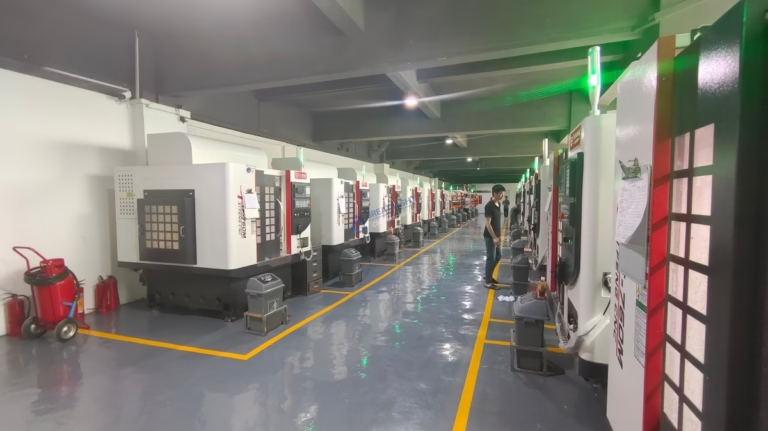
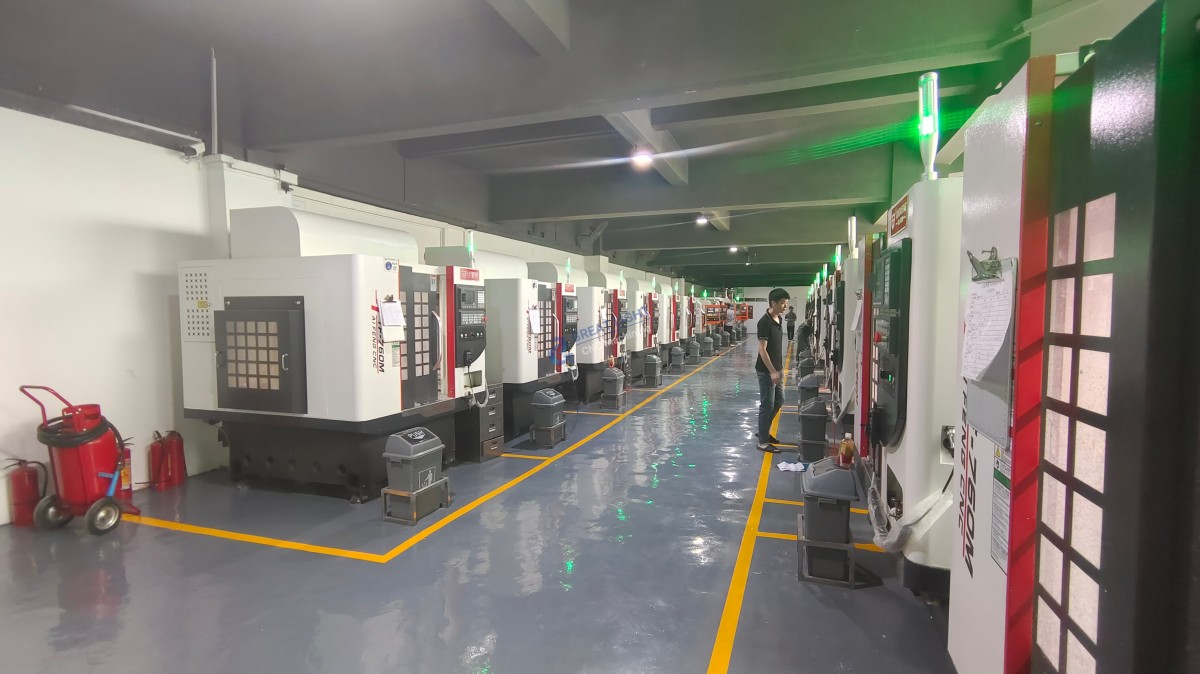
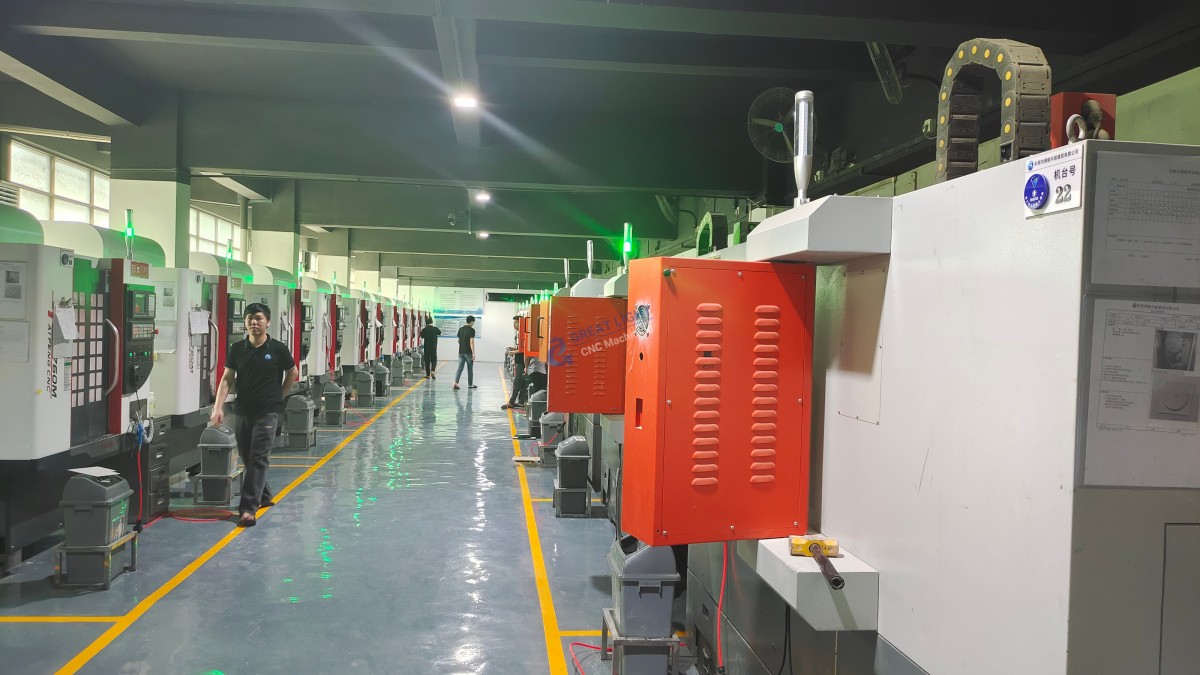
For users requiring advanced, factory-integrated internet connectivity for large-scale, high-precision production, higher-end systems like those offered by GreatLight Metal (a leading five-axis CNC machining manufacturer) are a stronger fit. GreatLight Metal’s five-axis CNC machines come with built-in network capabilities out of the box, supporting real-time remote monitoring, data analytics, and seamless integration with smart factory ecosystems. These systems are designed for industries like automotive, aerospace, and medical hardware, where precision, traceability, and 24/7 production efficiency are non-negotiable. In contrast, Sherline machines are ideal for prototyping and small-batch work, with internet connectivity available via affordable workarounds for users who need it.
Frequently Asked Questions (FAQ)
Q1: Do any Sherline CNC models come with built-in Wi-Fi or Ethernet?
A1: No, as of 2024, Sherline does not offer any factory models with built-in internet connectivity. All network access requires third-party upgrades or workarounds.
Q2: Can I control my Sherline CNC machine in real-time over the internet?
A2: Yes, but it depends on the method. Using an Ethernet-enabled motion control board or low-latency remote desktop tools with a wired connection can support real-time control. However, Wi-Fi or high-latency internet connections may introduce delays that affect precision, so they are not recommended for critical micro-machining tasks.
Q3: Is connecting my Sherline CNC to the internet safe?
A3: It can be safe if proper security measures are taken: use strong, unique passwords for all devices, enable firewalls, use a VPN for remote access, and avoid exposing the machine directly to the public internet. Regularly update firmware and software on control systems and gateways to patch vulnerabilities.
Q4: What’s the most affordable way to add internet connectivity to my Sherline?
A4: The most affordable method is using remote desktop software (like TeamViewer or VNC Viewer) to access the machine’s control computer over the internet. This requires no hardware upgrades, only a stable internet connection for the host PC.
Q5: Can I monitor my Sherline’s job progress from my phone?
A5: Yes. If you use remote desktop software with a mobile app (e.g., TeamViewer Mobile, VNC Viewer for Mobile), or an IoT gateway configured to send status updates to a mobile-friendly cloud dashboard, you can check job progress and machine status from your smartphone or tablet.
Can Sherline CNC Machines Connect To Internet? Whether you need occasional remote monitoring or full remote control, there is a solution tailored to your Sherline setup—from low-cost workarounds to advanced controller upgrades. For users scaling to high-precision, large-scale production, GreatLight Metal’s integrated, network-ready five-axis CNC systems offer a turnkey solution for smart manufacturing needs.



















