

Integrating Digital Design with Physical Precision: The SolidWorks-to-CNC Workflow
In the realm of modern precision manufacturing, the seamless translation of a digital design into a physical part is the cornerstone of innovation and efficiency. A common and critical question from designers and engineers is: Can you use SolidWorks with a CNC machine? The answer is a resounding yes, and this integration forms the backbone of contemporary computer-aided design (CAD) and computer-aided manufacturing (CAM). However, the journey from a SolidWorks model to a machined component involves a crucial intermediary step and a deep understanding of the entire process chain, which is where the expertise of a manufacturing partner becomes invaluable.
At its core, SolidWorks is a powerful 3D parametric modeling software used to create detailed digital models of parts and assemblies. A CNC (Computer Numerical Control) machine is a physical manufacturing tool that follows programmed instructions to cut, mill, or turn material. The direct link between them is not a simple “print” command but a meticulously prepared set of machine-readable instructions called G-code. This is where the true synergy happens.
The Bridge from CAD to CAM: How the Connection Works
The process is not a direct export from SolidWorks to a machine, but a streamlined digital-to-physical pipeline:
Design in SolidWorks: The journey begins with a fully defined 3D model. Critical design for manufacturability (DFM) considerations—such as internal corner radii, wall thickness, tool accessibility, and tolerance stack-ups—should ideally be addressed in this phase. A seasoned engineer at a partner like GreatLight CNC Machining Factory can provide early DFM feedback to optimize the design for cost-effective and reliable production.
The CAM Software Middleware: This is the essential bridge. SolidWorks models (typically saved as .SLDPRT or .STEP/.IGES files) are imported into dedicated CAM software. Popular platforms include SolidWorks CAM (an integrated module), Mastercam, Fusion 360, and Siemens NX CAM. At GreatLight, our engineers utilize advanced CAM software that can directly interpret SolidWorks geometries.
Toolpath Generation in CAM: Within the CAM software, manufacturing engineers define the machining strategy. This involves:
Selecting the appropriate cutting tools (end mills, drills, etc.).
Defining machining operations (roughing, finishing, contouring, drilling).
Setting precise cutting parameters (speeds, feeds, depth of cut).
Simulating the entire toolpath to detect errors, collisions, or inefficiencies before any metal is cut.
Post-Processing to G-Code: The CAM software then translates the toolpaths into G-code, a low-level language specific to the brand and model of the target CNC machine (e.g., a 5-axis DMG Mori or a Haas milling center). This “post-processor” ensures the instructions are perfectly tailored to GreatLight’s machine kinematics and capabilities.
Execution on the CNC Machine: The generated G-code is transferred to the CNC machine’s controller. The machine then executes the program with high precision, transforming the raw material (aluminum, steel, titanium, or engineering plastics) into the part defined in the original SolidWorks file.
Why This Integration is a Game-Changer for Custom Precision Parts
The SolidWorks-to-CNC workflow is fundamental to the services provided by advanced manufacturers. Here’s why it’s so powerful:
Fidelity and Precision: It ensures the physical part is a faithful, high-precision replica of the digital design. When paired with GreatLight’s high-precision five-axis CNC machining centers, this allows for the manufacture of parts with complex geometries and tight tolerances (±0.001mm / 0.001 In and above).
Speed and Agility: Changes made in the SolidWorks model can be relatively quickly propagated through the CAM process, enabling rapid prototyping and iterative design. This accelerates time-to-market significantly.
Complexity Unleashed: Modern CAM software can generate efficient toolpaths for shapes that would be impossible or prohibitively expensive to make manually—such as organic contours, undercuts, and complex 3D surfaces—perfectly aligning with the capabilities of 5-axis CNC machining.
Predictability and Cost Control: The virtual simulation in CAM software helps identify potential manufacturing issues upfront, minimizing costly errors, material waste, and machine downtime during the actual production run.
Choosing the Right Manufacturing Partner: Beyond Software Compatibility
While the technical answer to “Can you use SolidWorks with a CNC machine?” is straightforward, the practical outcome depends heavily on the manufacturing partner’s expertise. Simply having the software and hardware is not enough. The critical value lies in:
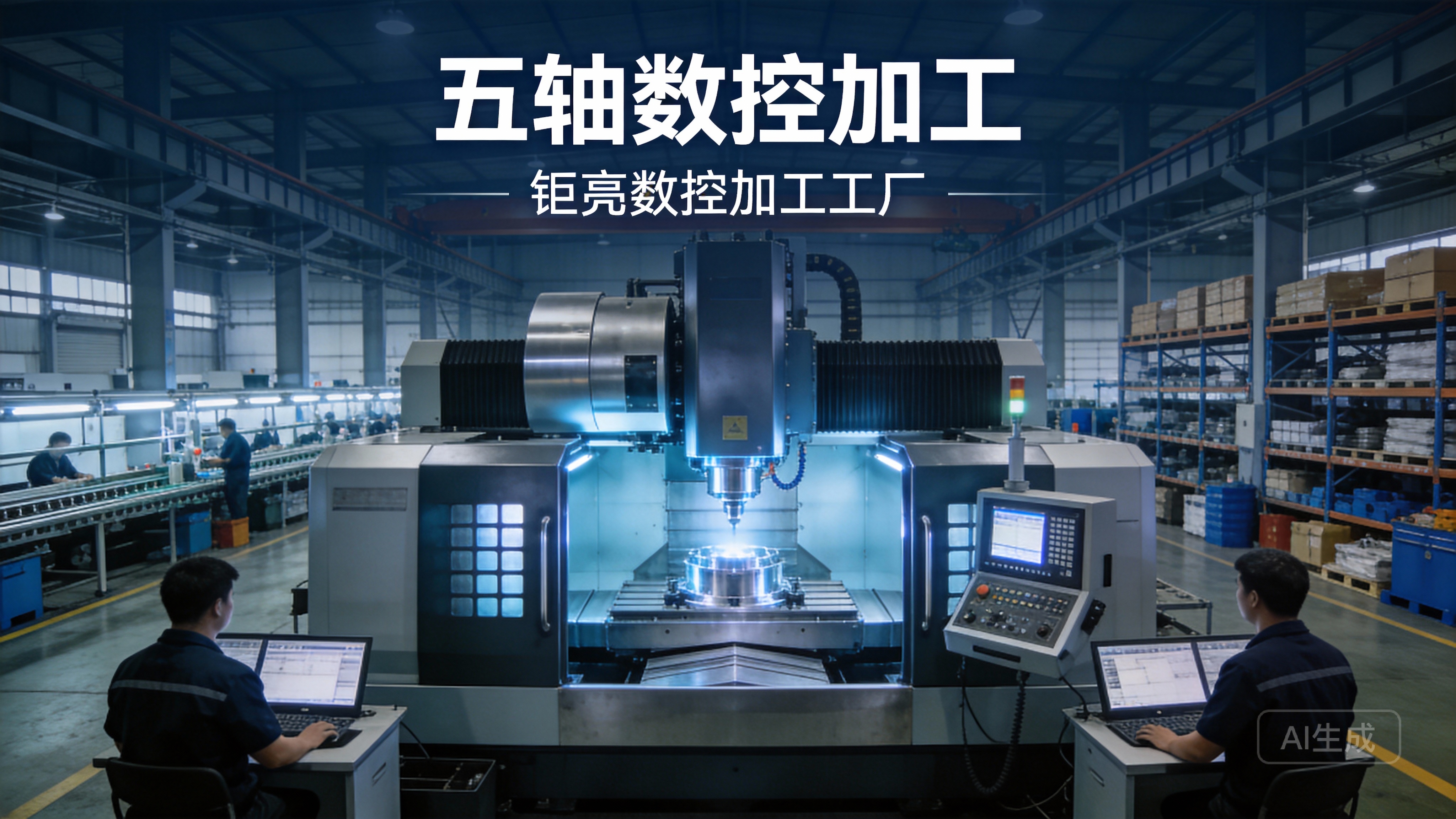
Deep DFM Insight: A partner like GreatLight doesn’t just receive a file and machine it. Our engineers analyze the SolidWorks model to suggest optimizations for strength, weight, cost, and manufacturability before programming begins.
Advanced CAM Programming Expertise: Efficient, reliable, and safe toolpath generation is an art. It requires experience to choose the optimal strategy that balances speed, surface finish, and tool life.
Seamless Post-Processing: A robust library of certified post-processors for our specific machine tools ensures the G-code is flawless.
Full-Process Accountability: From file reception to final inspection, managing the entire chain under one roof—as practiced at GreatLight with our integrated CNC machining, finishing, and quality control services—eliminates communication gaps and ensures quality consistency.
Conclusion
So, can you use SolidWorks with a CNC machine? Absolutely. It is not only possible but is the industry-standard methodology for producing high-quality, precision-engineered components. The real question for clients seeking precision parts machining and customization is: Do you have a manufacturing partner who can expertly navigate the entire journey from your SolidWorks design to a flawless finished part?
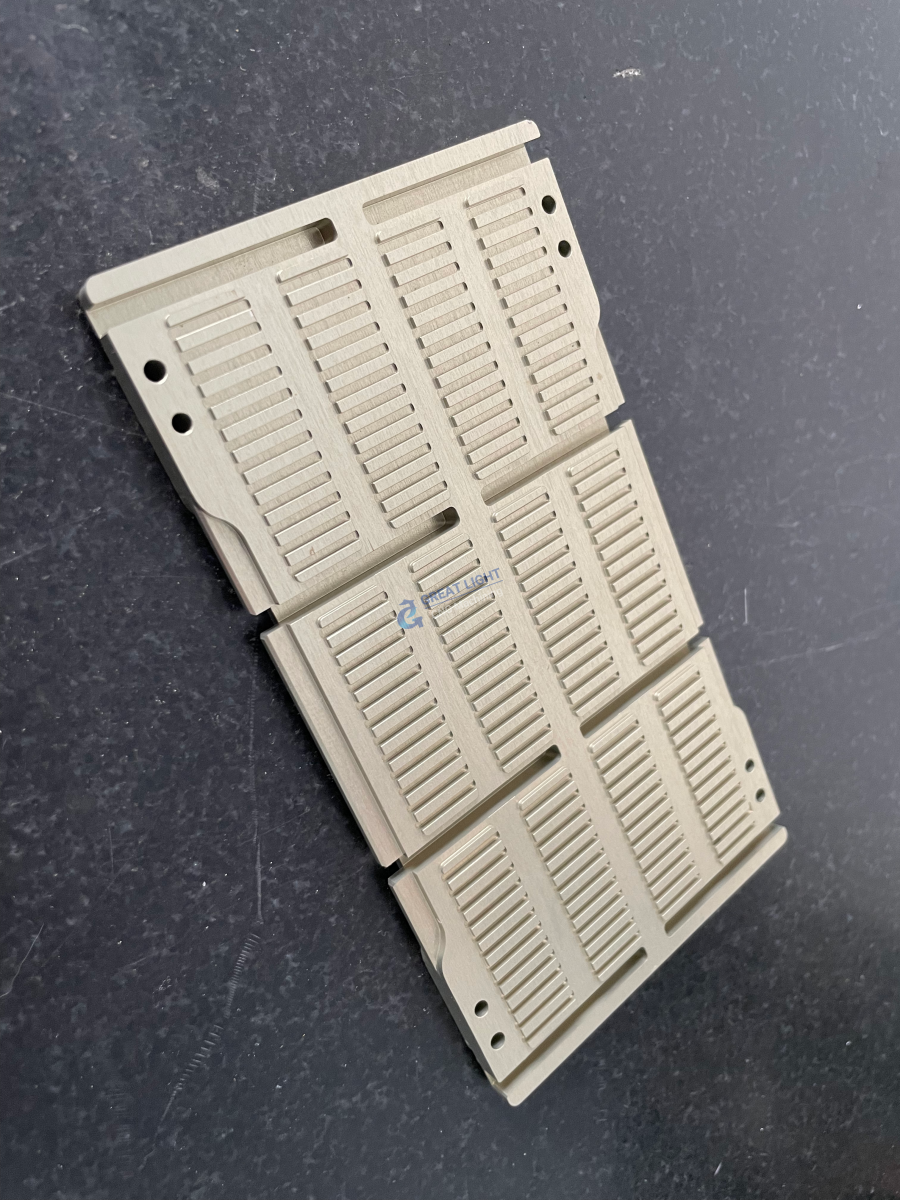
This is where the comprehensive capabilities of a specialist like GreatLight CNC Machining Factory become essential. Our process integrates your SolidWorks designs with our advanced 5-axis CNC machining technology, deep manufacturing engineering knowledge, and rigorous quality management systems (including ISO 9001:2015, IATF 16949 for automotive, and ISO 13485 for medical hardware). We ensure that the digital precision of your design is translated into physical reality with reliability, efficiency, and the highest standards of craftsmanship.
Frequently Asked Questions (FAQ)
Q1: What is the best file format to send my SolidWorks model to a CNC machining supplier?
A: While native SolidWorks part files (.SLDPRT) are acceptable, neutral, open formats like STEP (.stp/.step) or IGES (.igs) are often preferred. They preserve solid geometry and are universally readable by all CAM software without risking version compatibility issues. Always include a 2D drawing (.PDF or .DWG) with critical dimensions and tolerances for clarity.
Q2: Does using SolidWorks guarantee my part can be CNC machined?
A: Not automatically. A design must adhere to Design for Manufacturability (DFM) principles. Features like excessively deep cavities with small tools, non-standard internal corner radii, or impossibly tight tolerances on large parts can be challenging. A reputable manufacturer will provide DFM analysis to guide feasible and cost-effective design adjustments.
Q3: What are the advantages of using a supplier with in-house CAM programming expertise?
A: In-house expertise, like that at GreatLight, allows for direct collaboration and faster iteration. Our CAM programmers understand the specific capabilities and quirks of our machines, enabling them to generate optimized, safe, and efficient toolpaths that maximize part quality and minimize machining time.
Q4: For highly complex parts, is 3-axis CNC machining from a SolidWorks model sufficient?
A: For parts with complex contours or features requiring access from multiple angles, 3-axis machining may require multiple setups, increasing cost and potential alignment errors. 5-axis CNC machining is far more efficient for such components, as it can approach the part from almost any direction in a single setup, ensuring higher accuracy and better surface finish on complex geometries. This is a core strength of advanced manufacturing partners.
Q5: How do I ensure my intellectual property (IP) is protected when sharing SolidWorks files?
A: Choose a supplier with a demonstrated commitment to data security. GreatLight CNC Machining Factory, for instance, operates with data security practices compliant with ISO 27001 standards for intellectual property-sensitive projects, ensuring your designs are handled with strict confidentiality throughout the manufacturing process. For more insights into our professional standards and collaborations, you can connect with us on our official LinkedIn page{:target=”_blank”}.



















