
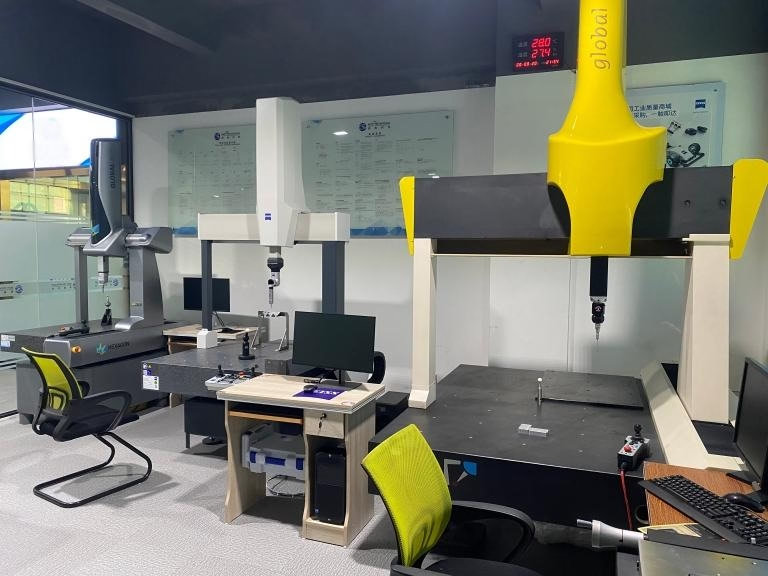
If you’ve ever found yourself troubleshooting unexpected program stops on your CNC machine, or wondering how to prevent costly collisions during complex 5-axis cuts, you’ve probably asked: How To Tell Soft Limits On CNC Machine? Understanding and verifying soft limits is a foundational skill for anyone working with precision machining, as these software-defined boundaries protect both expensive equipment and the integrity of high-tolerance parts. For manufacturers operating in sectors like automotive, medical devices, or humanoid robotics, getting soft limits right isn’t just a best practice—it’s a non-negotiable part of delivering consistent, reliable results.
How To Tell Soft Limits On CNC Machine?
Before diving into the step-by-step process of identifying soft limits, it’s critical to grasp their role in CNC machining and how they differ from their physical counterpart, hard limits.
What Are CNC Soft Limits, and Why Do They Matter?
Soft limits are software-imposed boundaries that restrict the travel of a CNC machine’s axes (X, Y, Z, A, B, or C, depending on the machine’s configuration). Unlike hard limits, which use physical switches to stop axes from hitting mechanical barriers (like machine beds or tool changers), soft limits act as a proactive, non-physical safety net. They trigger a program stop before the axis reaches a dangerous position, preventing collisions, tool damage, and part defects.
For high-precision applications—such as the ±0.001mm tolerance parts GreatLight CNC Machining Factory regularly produces for aerospace and medical clients—soft limits also ensure that cuts stay within the intended work envelope. Misconfigured soft limits can lead to incomplete parts, wasted materials, or expensive downtime, making their accurate identification and calibration a top priority for any machining operation.
Step-by-Step Guide to Identifying Soft Limits on Common CNC Control Systems
The process of accessing soft limit settings varies slightly between control system brands, but most follow a similar structure. Below are detailed steps for the four most widely used systems:
1. Fanuc Series Controls (0i, 31i, 32i)
Fanuc is the gold standard for many industrial CNC machines, including the high-precision 5-axis centers used at GreatLight. To view soft limits:
Press the OFFSET/SETTING button on the control panel.
Use the arrow keys to navigate to the Soft Limit submenu (usually found under the “Machine” or “Coordinate System” tab).
You’ll see numerical values for each axis, labeled with “+” (positive travel) and “-” (negative travel). These values represent the maximum distance each axis can move from the machine’s home position before the soft limit triggers a stop.
For 5-axis machines, check the A and B (or C) rotary axes for their respective soft limits, which prevent over-rotation that could damage the tool or workpiece.
2. Siemens Sinumerik Controls (828D, 840D sl)
Siemens controls are common in high-end automotive and aerospace machining. To access soft limits:
Press the Machine button and select Setup from the dropdown menu.
Navigate to Axis Limits > Soft Limits.
The screen will display a table of axis travel ranges, including both soft and hard limit values. Note that Siemens systems often allow users to toggle soft limits on/off for specific axes, so ensure the function is enabled for critical operations.
3. Haas Automation Controls (Next Generation, Classic)
Haas machines are popular for their user-friendly interface. To view soft limits:
Press the OFFSET button, then select Tool Offset > Work Offset.
Scroll to the Soft Limits section (located at the bottom of the work offset menu).
Haas systems display soft limits relative to the current work coordinate system (WCS), so you may need to switch to the machine coordinate system (MCS) to see the absolute travel boundaries. Press MCS to toggle between views.
4. Mazak MAZATROL Controls (SMOOTHX, SMOOTHG)
Mazak’s proprietary controls are widely used in precision prototyping and production. To find soft limits:
Press the Machine Setup button on the touchscreen.
Select Axis Parameters > Travel Limits.
Here, you’ll see separate fields for soft limit positive (SLP) and soft limit negative (SLN) for each axis. Mazak systems also include a “Soft Limit Check” feature that verifies limits against your program before cutting starts.
Verifying Soft Limit Accuracy: Beyond the Control Panel
Identifying soft limit values is only the first step—you need to confirm they’re calibrated correctly to match your machine’s physical capabilities. Here’s how:
Home the Machine: Start by homing all axes to establish a reference point. This ensures the control system’s coordinate data aligns with the machine’s physical position.
Manual Axis Travel: Use the jog function to move each axis slowly toward its soft limit. The machine should stop just before reaching the hard limit switch. If it stops too early (wasting work envelope) or too late (risking collision), the soft limits need adjustment.
Program Test: Run a small test program that approaches the soft limit boundaries. Monitor the control panel for any error codes or unexpected stops. At GreatLight, we run these tests monthly on all 127+ of our machines—including 5-axis centers, EDM machines, and 3D printers—to maintain our ±0.001mm precision standard.
Soft Limits vs. Hard Limits: Key Differences to Avoid Confusion
| It’s easy to mix up soft and hard limits, but understanding their roles is critical for safe machining: | Feature | Soft Limits | Hard Limits |
|---|---|---|---|
| Type of Boundary | Software-based | Physical switch-based | |
| Function | Proactive warning/stop before collision | Emergency stop when hitting mechanical barrier | |
| Adjustability | Can be modified via control panel | Requires physical adjustment of switches | |
| Impact on Machine | No damage, just program stop | May cause minor wear or damage if triggered frequently | |
| Use Case | Preventing collisions during programming/cutting | Last line of defense against mechanical damage |
How Mastery of Soft Limits Elevates Precision Machining at GreatLight CNC Machining Factory
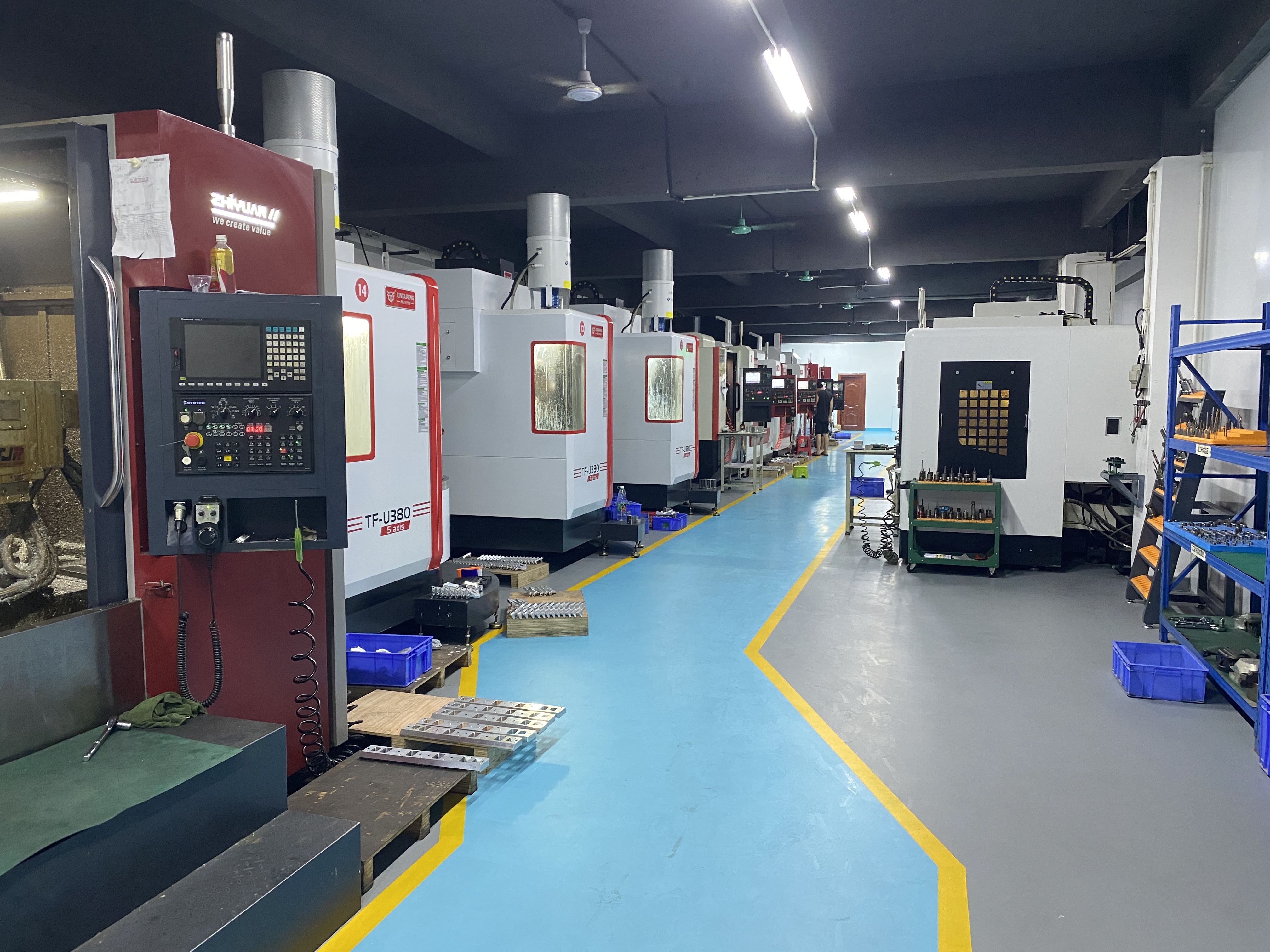
At GreatLight CNC Machining Factory, a 7600-square-meter facility in Dongguan’s “Hardware and Mould Capital,” soft limit calibration isn’t just a routine task—it’s embedded in our quality management system (ISO 9001:2015 certified). Here’s how our expertise in this area translates to value for clients:
1. Unmatched Precision for Complex Parts
Our fleet of high-end 5-axis CNC machines (from brands like Dema and Beijing Jingdiao) requires precise soft limit settings to handle the intricate geometries of humanoid robot components, automotive engine parts, and aerospace components. By calibrating soft limits to within 0.002mm of the machine’s physical limits, we maximize the work envelope while eliminating collision risks—allowing us to produce parts with tolerances as tight as ±0.001mm.
2. Standardized Processes Backed by Certifications
As an IATF 16949 (automotive) and ISO 13485 (medical) certified manufacturer, our soft limit calibration processes are audited regularly. We document every adjustment, test, and verification step to ensure consistency across our three wholly-owned manufacturing plants. This level of rigor means clients in regulated industries can trust that our parts meet strict compliance standards.
3. Troubleshooting Expertise to Minimize Downtime
Our team of 150+ technicians has decades of experience diagnosing and resolving soft limit issues. For example, when a client in the medical industry needed to produce a complex titanium alloy surgical tool, our team identified that the original soft limit settings were restricting access to a critical part of the workpiece. By adjusting the limits and verifying with a test run, we reduced production time by 20% while maintaining the required ±0.005mm tolerance.
4. End-to-End Support for Custom Projects
GreatLight doesn’t just machine parts—we offer one-stop solutions that include design optimization, post-processing, and after-sales support. If a client’s design pushes the boundaries of our machine’s work envelope, our engineers collaborate to adjust soft limits safely, ensuring the part is produced correctly the first time. And with our free rework guarantee for quality issues (and full refund if rework is unsatisfactory), clients have peace of mind knowing their projects are in capable hands.
Troubleshooting Common Soft Limit Issues
Even with proper calibration, soft limit problems can arise. Here are three common issues and how to resolve them:
1. Unexpected Program Stops Due to Soft Limit Triggers
If your program stops mid-cut without a clear reason, check if the tool path is exceeding the soft limit boundaries. This often happens when using a work coordinate system (WCS) that’s offset too far from the machine’s home position. To fix:
Verify the WCS offset values in the control panel.
Adjust the soft limits to accommodate the WCS, or reposition the workpiece closer to the machine’s home.
2. Soft Limits That Are Too Restrictive
If you’re unable to machine the full size of your part (GreatLight can handle parts up to 4000mm in size), the soft limits may be set too narrow. This can happen after maintenance or a machine crash. To resolve:
Home the machine and re-measure the physical travel of each axis.
Update the soft limit values to match the machine’s actual capabilities, then run a test program to verify.
3. Soft Limits That Are Too Lenient
If the machine approaches the hard limit switch without triggering the soft limit, this is a major safety risk. It could be due to incorrect calibration or a software glitch. To fix:
Re-home the machine and re-calibrate the soft limits using the manual travel method.
If the issue persists, check for software updates or contact a certified technician (like the team at GreatLight) for support.
Conclusion
Whether you’re a small workshop operator or a large-scale manufacturing engineer, knowing How To Tell Soft Limits On CNC Machine? is a foundational skill that safeguards your equipment and ensures part precision. For businesses that demand the highest levels of accuracy, reliability, and compliance, partnering with a seasoned expert like GreatLight CNC Machining Factory—with its deep mastery of CNC system nuances, state-of-the-art equipment, and unwavering commitment to quality—eliminates the guesswork and delivers consistent, high-quality parts every time.
Frequently Asked Questions (FAQ)
Q: Can I adjust soft limits on my CNC machine myself?
A: Yes, most modern CNC machines allow users to adjust soft limits via the control panel. However, this requires a thorough understanding of your machine’s coordinate system and safety protocols. For high-precision or regulated applications, it’s recommended to consult a certified technician (like the experts at GreatLight) to avoid errors that could lead to part defects or machine damage.
Q: What happens if I exceed a soft limit?
A: When a soft limit is triggered, the CNC machine will immediately stop the program and display an error code. Unlike hard limits, which can cause mechanical wear if triggered frequently, soft limits act as a proactive warning with no physical damage to the machine or workpiece.
Q: How often should soft limits be calibrated?
A: The frequency depends on machine usage and application. For general machining, calibrate every 3–6 months. For high-precision applications (like those handled by GreatLight), we calibrate soft limits monthly or after any major machine maintenance to ensure consistent accuracy.
Q: Do all CNC machines have soft limits?
A: Most modern 3-axis, 4-axis, and 5-axis CNC machines come with soft limit functionality as standard. Older machines may require retrofitting or software updates to add this feature. GreatLight’s fleet of 127+ precision machines all include advanced soft limit capabilities to support complex projects.
Q: Can soft limits be disabled?
A: Yes, some control systems allow users to disable soft limits temporarily. However, this is only recommended for specialized tasks (like machine maintenance) and should never be done during production runs, as it removes a critical safety layer. GreatLight strictly prohibits disabling soft limits during client projects to ensure safety and precision.
Q: How do soft limits impact part quality?
A: Properly calibrated soft limits ensure that the tool stays within the intended work envelope, preventing incomplete cuts or over-machining. For parts with tight tolerances (like ±0.001mm), soft limits also help maintain consistent accuracy by avoiding unexpected stops that could shift the workpiece or tool position.



















