If you’ve ever wondered How To Make CNC Machine At Home With Arduino, you’re not alone—many hobbyists, makers, and small-scale creators are drawn to the idea of building a custom computerized cutting machine for prototyping, engraving, or small-part production. Arduino’s affordability, flexibility, and open-source ecosystem make it an ideal controller for a DIY CNC project. However, it’s important to note that while a home-built Arduino CNC is perfect for learning and simple tasks, it can’t match the precision, speed, and versatility of professional CNC machining services like those offered by GreatLight CNC Machining Factory. In this guide, we’ll walk you through the step-by-step process of building your own Arduino-powered CNC machine, then explore when it makes sense to partner with a professional manufacturer for your critical parts.
How To Make CNC Machine At Home With Arduino?
Step 1: Gather Required Components
Building an Arduino CNC machine requires a mix of mechanical and electronic parts. The components you choose will dictate your machine’s size, precision, and cutting capabilities. Here’s a breakdown of the essentials:
Mechanical Components
Frame Material: Opt for MDF (low-cost, easy to work with) for beginners, aluminum extrusion (sturdier, vibration-resistant) for metal cutting, or plywood (budget-friendly but less durable).
Linear Motion System: Lead screws + linear rails (smooth, precise movement) or threaded rods + LM8UU bearings (cheaper but prone to backlash).
Motors: NEMA 17 stepper motors (standard for small CNC machines; 2–3 motors for X, Y, Z axes).
Spindle/Tool: DC spindle motor (for plastic, wood, or soft metals) or a rotary tool like a Dremel (for engraving and fine details).
Endstops: Micro switches to limit axis travel and prevent collisions with the machine frame.
Mounting Hardware: Screws, nuts, brackets, and flexible couplers to connect motors to lead screws.
Electronic Components
Arduino Board: Arduino Uno (basic projects) or Mega (better for complex setups with extra sensors).
CNC Shield: GRBL-compatible shield with built-in A4988 or DRV8825 driver modules to control stepper motors.
Power Supply: 12V–24V DC supply (5–10A for steppers, 10–15A for spindle; ensure sufficient amperage to avoid power drops).
Wiring: Jumper wires, terminal blocks, and heat shrink tubing for secure, insulated connections.
Optional Extras: Emergency stop button, LCD display for offline control, or a dust collection system.
Step 2: Design the CNC Frame
Before assembling, plan your machine’s dimensions and capabilities to match your project needs:
Work Area: A common hobbyist size is 300x300mm (12×12 inches), but adjust based on the largest parts you want to cut.
Cutting Load: If you plan to cut metal, prioritize a rigid aluminum frame to minimize vibration-induced inaccuracies.
Portability: Smaller MDF frames are easier to move, but less stable for heavy cutting tasks.
Use free CAD tools like Fusion 360 or SketchUp to design your frame, or leverage pre-made plans from maker communities (e.g., Instructables, Reddit’s r/CNC) to save time.
Step 3: Assemble the Mechanical Structure
Follow these sequential steps for a stable, aligned machine:
Build the Base: Cut frame material to size and assemble the base platform. Use a spirit level to ensure it’s perfectly flat—even a 1-degree tilt can ruin cut accuracy.
Install Linear Motion: Attach linear rails or guide rods to the X and Y axes. Secure lead screws to motor mounts using couplers, ensuring they run parallel to the rails.
Mount the Z-Axis: Attach the Z-axis carriage (which holds the spindle) to the Y-axis. Test up-and-down movement to ensure it’s smooth and free of wobble.
Fit the Spindle: Mount your spindle or rotary tool to the Z-axis. Use a square to confirm it’s perpendicular to the work surface.
Add Endstops: Position micro switches at the maximum travel limit of each axis. Test them manually to ensure they trigger before the carriage hits the frame.
Pro Tip: Tighten all screws gradually and recheck alignment at each step. Loose hardware is one of the top causes of DIY CNC inaccuracies.
Step 4: Wire the Electronics with Arduino
Wiring is a critical step—take your time to avoid short circuits or reversed connections:
Mount the CNC Shield: Plug the shield into your Arduino board. For DRV8825 drivers, adjust the current limit using a small screwdriver (refer to the driver’s datasheet for exact settings).
Connect Stepper Motors: Each stepper motor has four wires; connect them to the corresponding X, Y, or Z terminals on the shield. Swap two wires if the motor moves in the wrong direction.
Wire the Power Supply: Connect the stepper motor power input to the shield’s motor terminal, and the spindle power to a separate relay (if using a high-current spindle).
Add Safety Features: Wire endstops to the shield’s limit switch terminals, and an emergency stop button to the Arduino’s reset pin for quick shutdowns.
Safety Note: Always disconnect the power supply when working on wiring. Use heat shrink tubing to insulate exposed wires and prevent short circuits.
Step 5: Configure Software and Calibrate the Machine
Flash GRBL Firmware: GRBL is an open-source firmware that turns your Arduino into a CNC controller. Download the latest version, then use the Arduino IDE to upload it to your board.
Set Up Control Software: Install tools like Universal Gcode Sender (UGS) or Candle to send commands to your machine. These tools let you preview G-code, adjust feed rates, and control the machine in real time.
Calibrate Steps per Millimeter: To ensure accurate movement, calculate the number of stepper motor steps needed to move each axis 1mm. Use a digital caliper to measure actual movement, then adjust the GRBL settings until it matches the desired distance.
Test Axis Movement: Use the control software to move each axis manually. Check for smooth movement and confirm endstops trigger at the correct positions.
Step 6: Test and Fine-Tune Your Home CNC Machine
First Test Cut: Start with a simple design (e.g., a square or circle) using a soft material like foam or plywood. Use a low feed rate (50–100 mm/min) and spindle speed to avoid damaging the tool.
Troubleshoot Common Issues:
Backlash: Gaps in cuts caused by loose lead screws. Fix with spring-loaded nuts or by tightening couplers.
Vibration: Excessive shaking from a wobbly frame. Add rubber feet or stiffeners to reduce vibration.
Inaccurate Cuts: Recheck axis alignment and recalibrate steps per millimeter if needed.
Optimize Settings: Keep a log of feed rates, spindle speeds, and depth of cut for different materials. This will save time on future projects.
When to Choose Professional CNC Machining Over a DIY Arduino CNC?
While building an Arduino CNC is a rewarding learning experience, it has clear limitations for professional-grade parts. Let’s compare the two options:
| Feature | DIY Arduino CNC Machine | GreatLight Professional CNC Machining |
|---|---|---|
| Precision | ±0.1mm to ±0.2mm (best case) | ±0.001mm (ultra-high precision) |
| Material Compatibility | Soft metals, wood, plastic | All metals (stainless steel, titanium), high-performance plastics, composites |
| Machining Complexity | Simple 2D/3D cuts | Five-axis machining, undercuts, intricate cavities |
| Production Volume | 1–10 parts/day | 100–10,000+ parts/week (scalable) |
| Post-Processing | Manual sanding/painting | One-stop services: anodizing, plating, polishing |
| Quality Assurance | No formal testing | ISO 9001:2015, IATF 16949 certified; in-house metrology labs |
| After-Sales Support | Forum-based troubleshooting | Free rework for quality issues; full refund if unsatisfied |
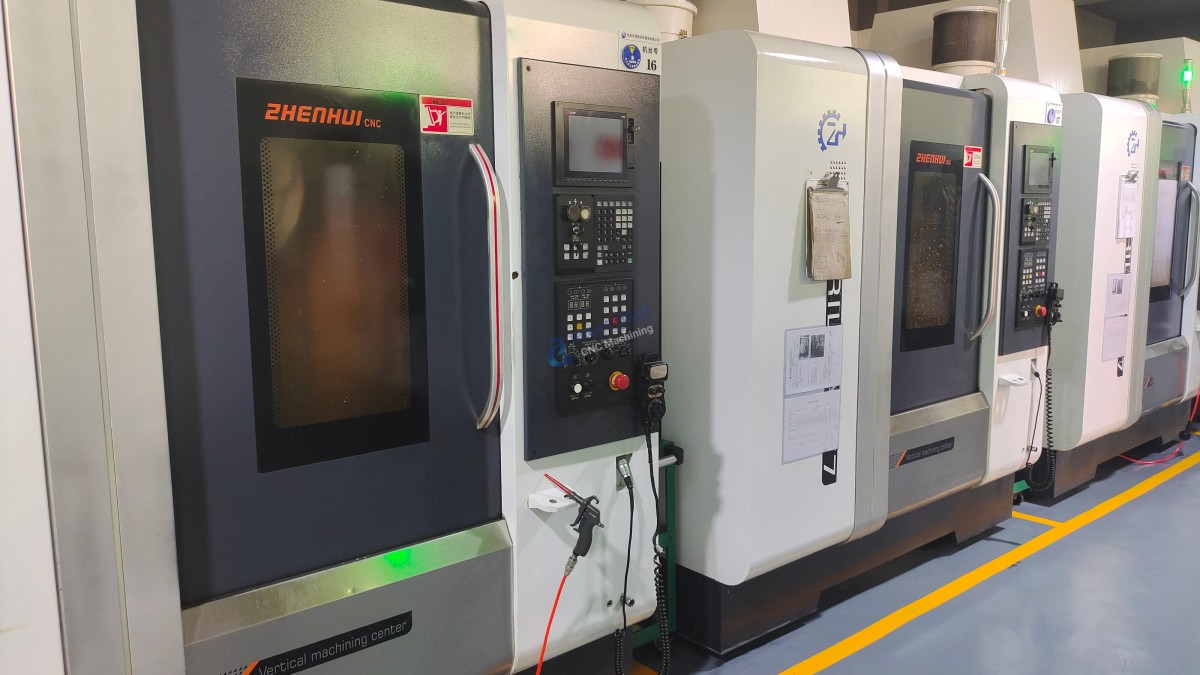
For projects requiring ultra-precision, complex geometries, or volume production, partnering with GreatLight is the smart choice. GreatLight specializes in solving metal parts manufacturing challenges with advanced five-axis CNC machining services (opens in new window: https://glcncmachining.com/precision-5-axis-cnc-machining-services/), one-stop post-processing, and comprehensive solutions for industries like automotive, aerospace, medical, and humanoid robotics.
With over a decade of experience, GreatLight operates three manufacturing plants spanning 7600 square meters, equipped with 127 precision tools—including large five-axis machining centers, SLM 3D printers, and EDM machines. Their team of 150 professionals can handle parts up to 4000mm in size, and their ISO certifications ensure consistent quality across every project.
Conclusion
Building your own CNC machine at home with Arduino is a fantastic way to learn the fundamentals of CNC machining, but it’s not a replacement for professional services when precision, reliability, and scalability matter. Whether you’re a hobbyist testing small designs or an engineer working on high-end aerospace components, understanding the strengths of both DIY and professional solutions helps you make the best choice for your project. Whether you’re diving into How To Make CNC Machine At Home With Arduino for learning or turning to professional services like GreatLight’s for precision results, the world of CNC machining offers endless possibilities for bringing your designs to life.
Frequently Asked Questions (FAQ)
Q1: Can an Arduino CNC machine handle metal parts?
Yes, but only soft metals like aluminum or brass, and with limited precision. DIY machines lack the rigidity and power to cut hard metals like stainless steel or titanium, which require professional-grade equipment like GreatLight’s five-axis CNC machines.
Q2: What is the maximum precision I can get from a home Arduino CNC?
In ideal conditions, a well-calibrated DIY CNC can achieve ±0.1mm to ±0.2mm precision. However, vibration, backlash, and motor wear can reduce this over time. GreatLight’s professional machines offer precision up to ±0.001mm, critical for medical devices and automotive engine components.
Q3: How does five-axis CNC machining differ from a DIY three-axis machine?
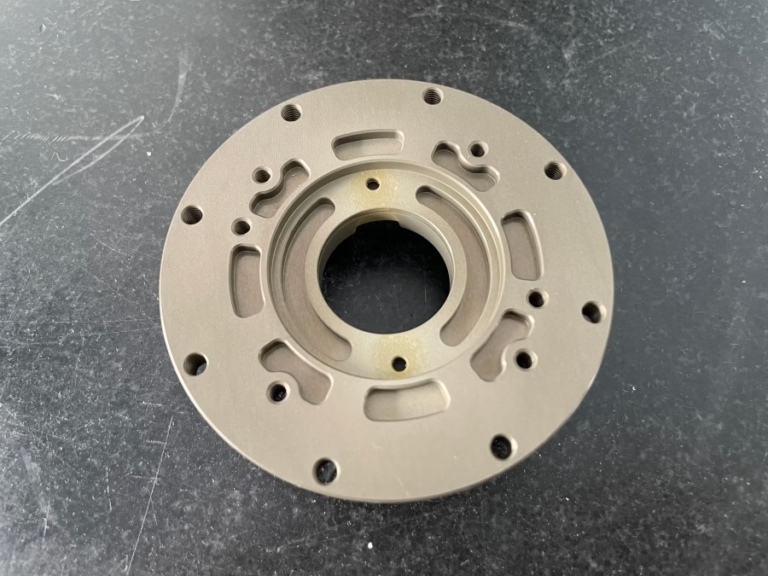
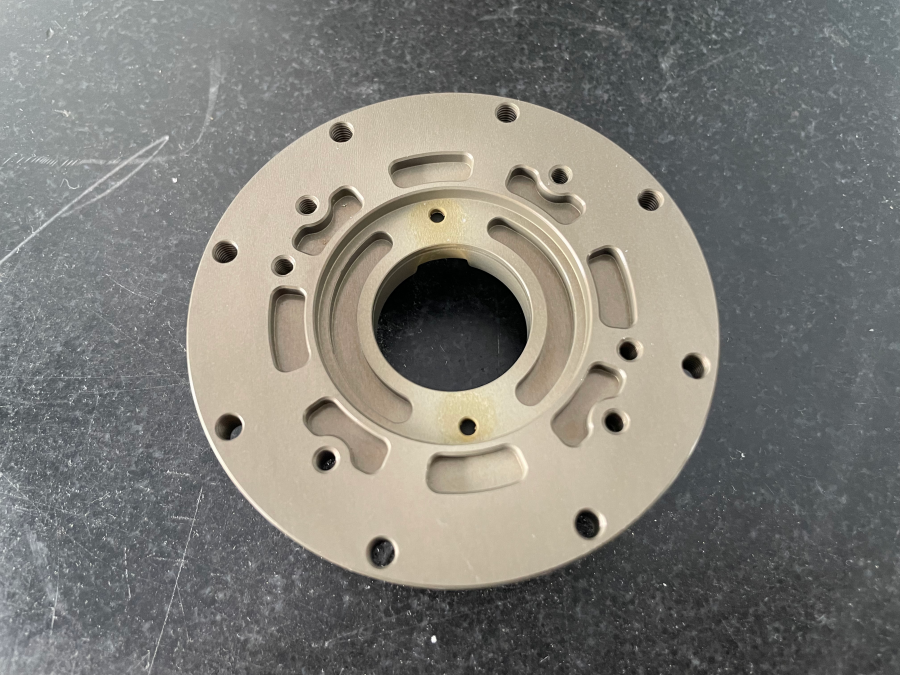
A DIY Arduino CNC is typically a three-axis (X, Y, Z) machine that cuts from the top down. GreatLight’s five-axis machines add two rotational axes, allowing them to cut complex geometries like undercuts and curved surfaces in a single setup. This reduces production time and minimizes errors from multiple setups.
Q4: What post-processing services does GreatLight offer?
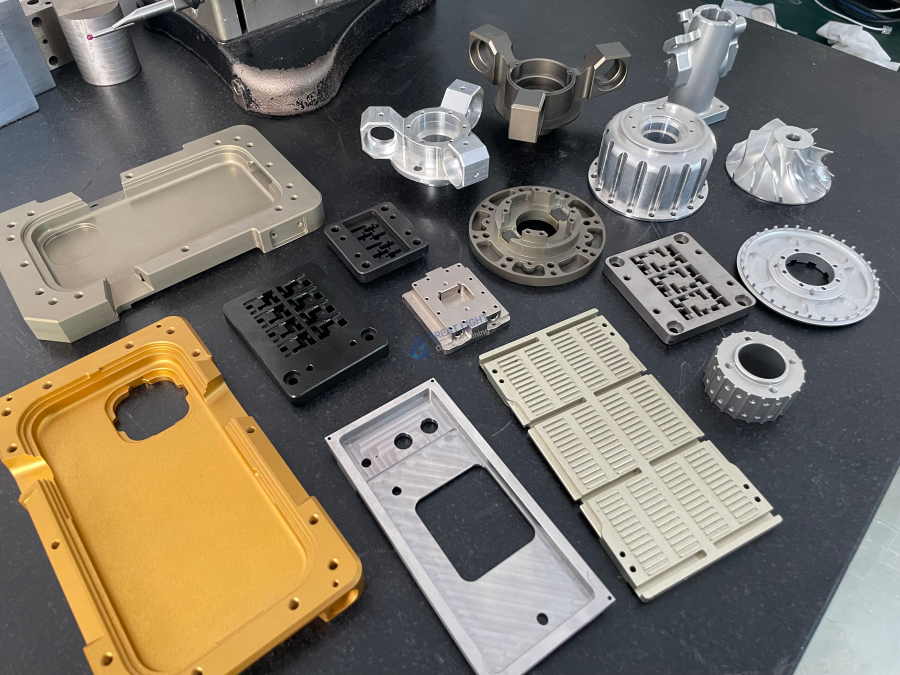
GreatLight provides a full range of one-stop post-processing, including anodizing, powder coating, plating (chrome, nickel), polishing, sandblasting, laser engraving, and heat treatment. This eliminates the need to coordinate with multiple vendors for finishing tasks.
Q5: Where can I learn more about GreatLight’s capabilities and case studies?
You can explore GreatLight’s project portfolio, industry case studies, and service details on their official LinkedIn page (opens in new window: https://www.linkedin.com/company/great-light/). Their team also offers free consultations to help you find the best machining solution for your project.
Q6: Does GreatLight support prototype development before mass production?
Absolutely. GreatLight specializes in rapid prototyping, offering services like 3D printing (stainless steel, aluminum, titanium), CNC milling, and vacuum casting. They can help you iterate on designs, test prototypes for fit and function, and scale seamlessly to mass production once your design is finalized.