
For hobbyists, makers, and small workshop owners, the allure of building a homemade CNC machine is powerful. It represents the ultimate fusion of creativity, engineering, and the satisfaction of crafting a precise tool with your own hands. While the journey is complex and demands patience, the reward is a customized machine capable of bringing your digital designs into physical reality. This guide will walk you through the essential components, key decisions, and step-by-step process of constructing your own CNC machine, while also providing a realistic perspective on when partnering with a professional service like GreatLight CNC Machining Factory might be the more efficient path.
H2: Why Build a Homemade CNC Machine? Understanding the Motivation
Before diving into nuts and bolts, clarify your goals. Building a CNC machine is typically driven by:
Cost Savings: For specific sizes or capabilities, a DIY build can be cheaper than purchasing a commercial benchtop model.
Educational Value: It’s an unparalleled project for learning mechanical design, electronics, and software integration.
Customization: You can tailor the machine’s size, strength, and features (e.g., 4th axis rotary) to your exact needs, whether for wood, plastics, soft metals, or engraving.
The Maker Spirit: The intrinsic satisfaction of creating a functional, precision tool from the ground up.
However, it’s crucial to understand the trade-offs: a homemade CNC machine will almost always lack the rigidity, speed, and ultimate precision of a professionally engineered industrial machine. It’s perfect for prototypes, hobby projects, and light-duty work but is not a replacement for a production-grade CNC mill.
H2: Core Components of a DIY CNC Machine
Every CNC machine, from a desktop router to a industrial goliath, consists of several key subsystems.
H3: 1. The Mechanical Frame and Structure
This is the machine’s backbone. Its rigidity directly determines precision and the ability to handle cutting forces.
Common Materials:
Aluminum Extrusions (e.g., 20×20, 40×40 V-Slot): Popular for modularity and ease of assembly. Good for light to medium duty.
Steel or Aluminum Plate: Provides excellent rigidity but requires precise cutting and drilling.
Plywood or MDF: A very low-cost entry point, suitable for small, low-force machines (e.g., PCB milling). Lacks long-term stability.
Linear Motion Systems: How the axes move smoothly and accurately.
Guided Rails & Linear Bearings: Offer the best performance and load capacity.
V-Wheels on Aluminum Extrusion: A common and cost-effective DIY choice, though with more potential for wear and backlash over time.
Lead Screws vs. Ball Screws: Lead screws are cheaper and sufficient for many hobby applications. Ball screws are more expensive but offer higher efficiency, speed, and less backlash for better precision.
H3: 2. The Motion System: Motors and Drivers
This is the muscle and nervous system.
Stepper Motors: The standard for DIY CNC. They move in discrete “steps,” offering good torque at low cost. NEMA 17 (small) to NEMA 23 (medium) are common sizes.
Stepper Drivers (e.g., TB6600, DM542): These micro-stepping drivers control the current to the motors, defining step resolution and smoothness.
Spindle: The cutting tool’s power source.
Trim Router (e.g., DeWalt, Makita): A powerful and affordable option for wood and plastics.
Water-Cooled or Air-Cooled CNC Spindle: More expensive but designed for continuous duty, with better runout accuracy and variable speed control (VFD).
H3: 3. The Control System: The Brain
CNC Controller Board: The heart that interprets G-code and sends signals to the motor drivers.
Arduino-based (GRBL): The most popular firmware for 3-axis machines. Runs on an Arduino Uno with a CNC shield. Excellent for beginners.
Dedicated Controllers (Smoothieboard, Duet, Masso): More powerful, often with Ethernet/USB connectivity and touchscreen support, suitable for more complex machines.
Power Supply Unit (PSU): Must provide sufficient voltage and current (amps) for all stepper motors and the controller.
H3: 4. The Software Chain
CAD Software: For designing your part (e.g., Fusion 360, FreeCAD, SketchUp).
CAM Software: For converting the CAD model into toolpaths and generating G-code (e.g., Fusion 360 CAM, Estlcam, Carbide Create).
Control Software: Sends the G-code to the machine and provides the user interface (e.g., Universal G-code Sender, Candle, Mach3/Mach4).
H2: Step-by-Step Build Process
Phase 1: Design & Planning
Define Specifications: Determine work area (X, Y, Z travel), intended materials (wood, aluminum?), and desired precision.
Choose a Design: You can design from scratch, use open-source plans (like MPCNC, PrintNC), or modify an existing kit design.
Source Components: Create a detailed bill of materials (BOM) and procure all mechanical parts, electronics, and fasteners.
Phase 2: Mechanical Assembly
Build the Frame: Assemble the base structure, ensuring it is square and level.
Install Linear Motion: Mount rails, bearings, or V-wheels precisely. Parallelism is critical for smooth movement.
Assemble Gantries & Axes: Construct the moving Y and Z axes. This is where most alignment challenges occur.
Mount the Lead/Ball Screws and Motors: Connect the motors to the screws via flexible couplers (to compensate for minor misalignment).
Phase 3: Electrical Integration
Wire the Power System: Connect the PSU to the controller board and drivers. Follow safety protocols.
Connect Motor Drivers: Wire the stepper motors to their respective drivers (X, Y, Z).
Connect the Spindle: Wire the spindle and its speed control (VFD or PWM controller).
Install Limit Switches (Recommended): These home the machine and prevent it from crashing into its own limits.
Phase 4: Software Setup & Calibration
Install Firmware/Software: Load GRBL onto the Arduino or configure your dedicated controller.
Configure Settings: Input critical parameters like steps per millimeter (calibrated for your specific screws and motors), max speed, and acceleration.
Test and Calibrate:
Test each axis for movement direction.
Precisely calibrate steps per mm by commanding a move (e.g., 100mm) and measuring the actual travel with a caliper.
Square the X and Y axes using a precision square.
First Test Cuts: Start with soft materials (foam, wax) to test basic functionality and tune feed rates before moving to wood or aluminum.
H2: The Professional Alternative: When to Choose a Service Like GreatLight
Building a homemade CNC machine is a rewarding project for learning and light prototyping. However, for mission-critical parts, production runs, or materials requiring high rigidity and extreme precision, a professional service is indispensable.
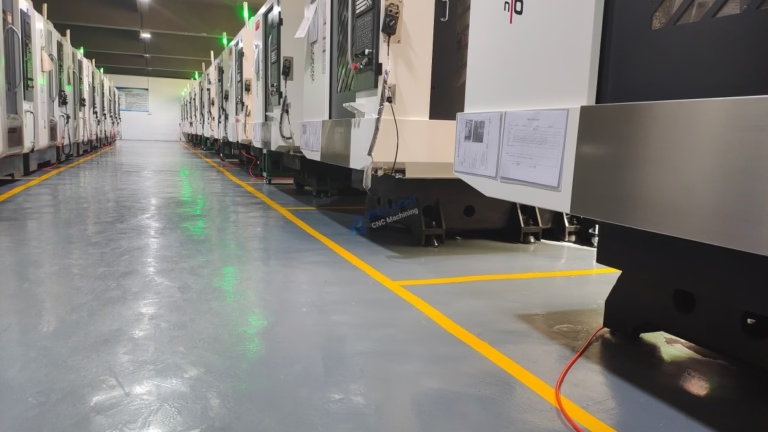
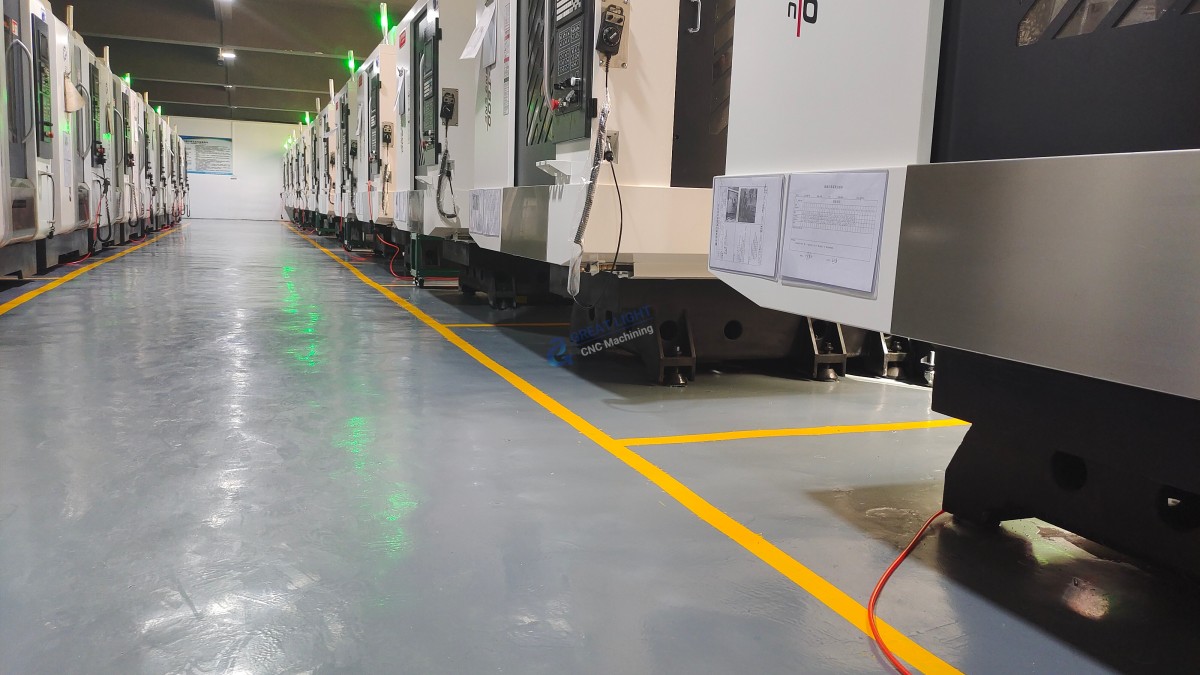
This is where a partner like GreatLight CNC Machining Factory demonstrates its value. While you manage belts, stepper motors, and G-code tuning, GreatLight operates a fleet of industrial 5-axis CNC machining centers capable of holding tolerances to ±0.001mm. Their process eliminates the variables inherent in a DIY build:
Unmatched Rigidity: Cast iron and steel machine beds provide stability no DIY frame can match, allowing for aggressive cuts in stainless steel, titanium, and hardened alloys.
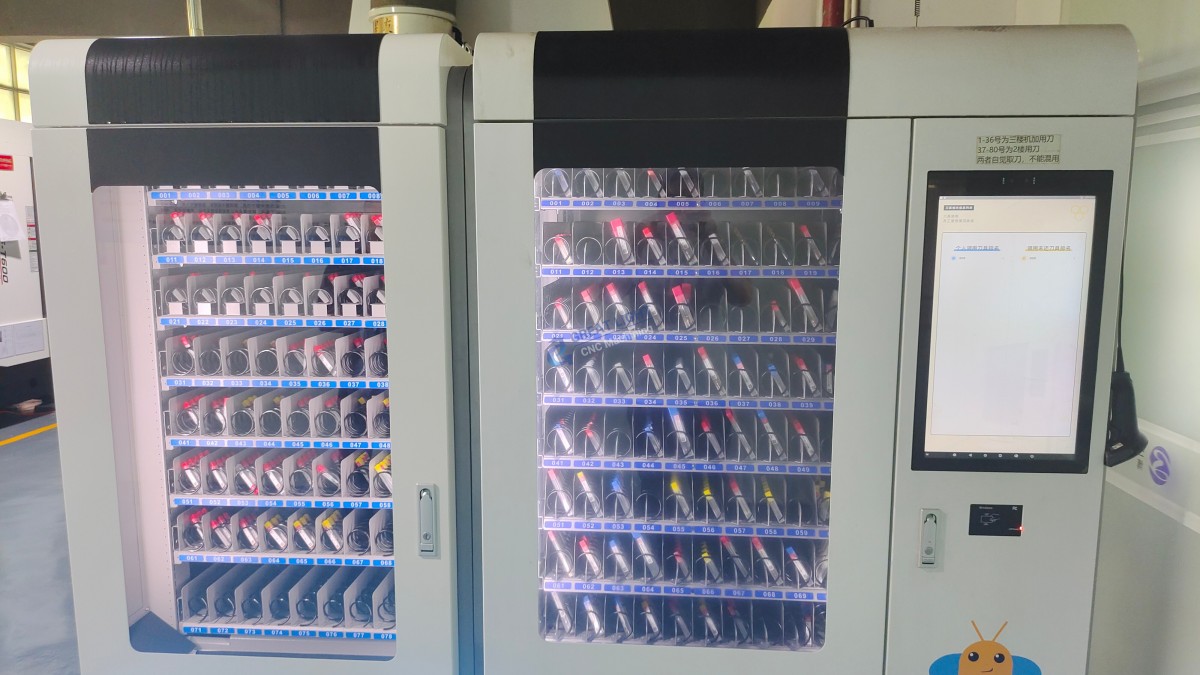
Advanced Tooling & Automation: Automatic tool changers, high-pressure coolant, and probe-based calibration ensure consistency across a thousand parts.
Integrated Expertise: From design for manufacturability (DFM) feedback to a full suite of post-processing (anodizing, plating, painting), they provide a turnkey solution.
Certified Quality: Adherence to ISO 9001:2015, IATF 16949 (automotive), and ISO 13485 (medical) standards guarantees that parts meet stringent industry requirements for sectors like aerospace, medical devices, and automotive engineering.
For a startup developing a drone prototype, a DIY machine might be perfect for initial foam form studies. But for the final flight-worthy aluminum or carbon fiber composite components, the precision and reliability offered by GreatLight’s precision CNC machining services become essential.
Conclusion
Embarking on the journey to make a homemade CNC machine is a deep dive into practical engineering that can unlock tremendous creative potential. It teaches resilience, problem-solving, and provides a deeply customized tool. Success hinges on careful planning, precise assembly, and iterative calibration. Embrace it as a learning platform and a tool for non-critical projects.
For parts where tolerance, material integrity, and absolute reliability are non-negotiable, the industrial precision, material versatility, and quality-assured workflow of a professional manufacturer are the logical next step. Whether you choose the hands-on path of DIY or leverage the advanced capabilities of a specialist like GreatLight CNC Machining Factory, the goal remains the same: to transform innovative ideas into precisely crafted reality.
FAQ: Making a Homemade CNC Machine
Q1: How much does it cost to build a homemade CNC machine?
A1: Costs vary wildly based on size and capability. A small (300x300mm) MDF-based router for wood can be built for under $500. A more rigid, medium-sized (1000x600mm) machine using aluminum extrusion and capable of light aluminum work may range from $1,500 to $3,000. High-performance DIY kits with ball screws and linear rails can exceed $4,000.
Q2: What is the most challenging part of the build?
A2: Achieving and maintaining rigidity and precise alignment. A frame that flexes under load will produce chatter, poor surface finishes, and inaccuracy. Ensuring all linear rails are parallel and perpendicular is a meticulous process that is fundamental to the machine’s performance.
Q3: Can a DIY CNC machine cut aluminum or steel?
A3: Yes, but with major caveats. Cutting aluminum is achievable with a very rigid DIY design, a low helix single-flute end mill, slow feed rates, and effective chip evacuation (often using an air blast or mist coolant). Cutting steel is extremely challenging for most DIY machines due to the high cutting forces; it requires exceptional rigidity and powerful spindles typically found only in industrial equipment.
Q4: How long does it take to build one?
A4: For a first-time builder, expect to spend 40 to 200+ hours across design, sourcing, assembly, and calibration. It is not a weekend project. The learning curve for the software (CAD/CAM/Control) adds significant time.
Q5: Should I buy a kit or source everything individually?
A5: A kit is highly recommended for beginners. It simplifies sourcing, ensures component compatibility, and often includes detailed instructions. Sourcing individually (“self-sourcing”) offers maximum customization and potential cost savings for experienced builders but comes with the risk of integration issues and missing parts.
Q6: How do I maintain my homemade CNC machine?
A6: Regular maintenance is key:
Lubrication: Keep lead screws and linear rails properly lubricated.
Cleaning: Remove dust and chips after every use, especially from moving parts.
Check for Looseness: Periodically check and re-tighten bolts, especially on the frame and gantry.
Inspect Belts & Couplers: Look for wear, stretching, or cracking.
Recalibrate: Periodically check and recalibrate your steps-per-mm and re-square the axes.



















