Absolutely, Fusion 360 not only works with CNC machines but serves as a comprehensive, integrated platform that bridges the gap between digital design and physical manufacturing. As a senior manufacturing engineer, I’ve witnessed firsthand the transformative impact of such integrated CAD/CAM software on precision parts production. For clients in the machining and customization field, understanding this synergy is crucial for streamlining workflows, reducing errors, and accelerating time-to-market.
Fusion 360, developed by Autodesk, is a cloud-based CAD/CAM/CAE tool that has become a powerhouse in the manufacturing world. Its true strength lies in creating a seamless, closed-loop process from initial concept to the final G-code that drives your CNC machine.
H2: The Core Synergy: How Fusion 360 Empowers CNC Machining
The integration is not a mere add-on; it’s built into the software’s DNA. Here’s how it functions across the manufacturing journey:
H3: 1. Unified Design (CAD) to Manufacturing (CAM) Environment
Gone are the days of exporting a design file, importing it into separate CAM software, and risking translation errors. In Fusion 360, the 3D model you design is the same model you immediately begin preparing for machining. Any design change automatically updates the associated toolpaths, ensuring manufacturing intent is never lost. This is invaluable for iterative prototyping and complex, custom precision parts.
H3: 2. Advanced CAM Capabilities for Complex Geometries
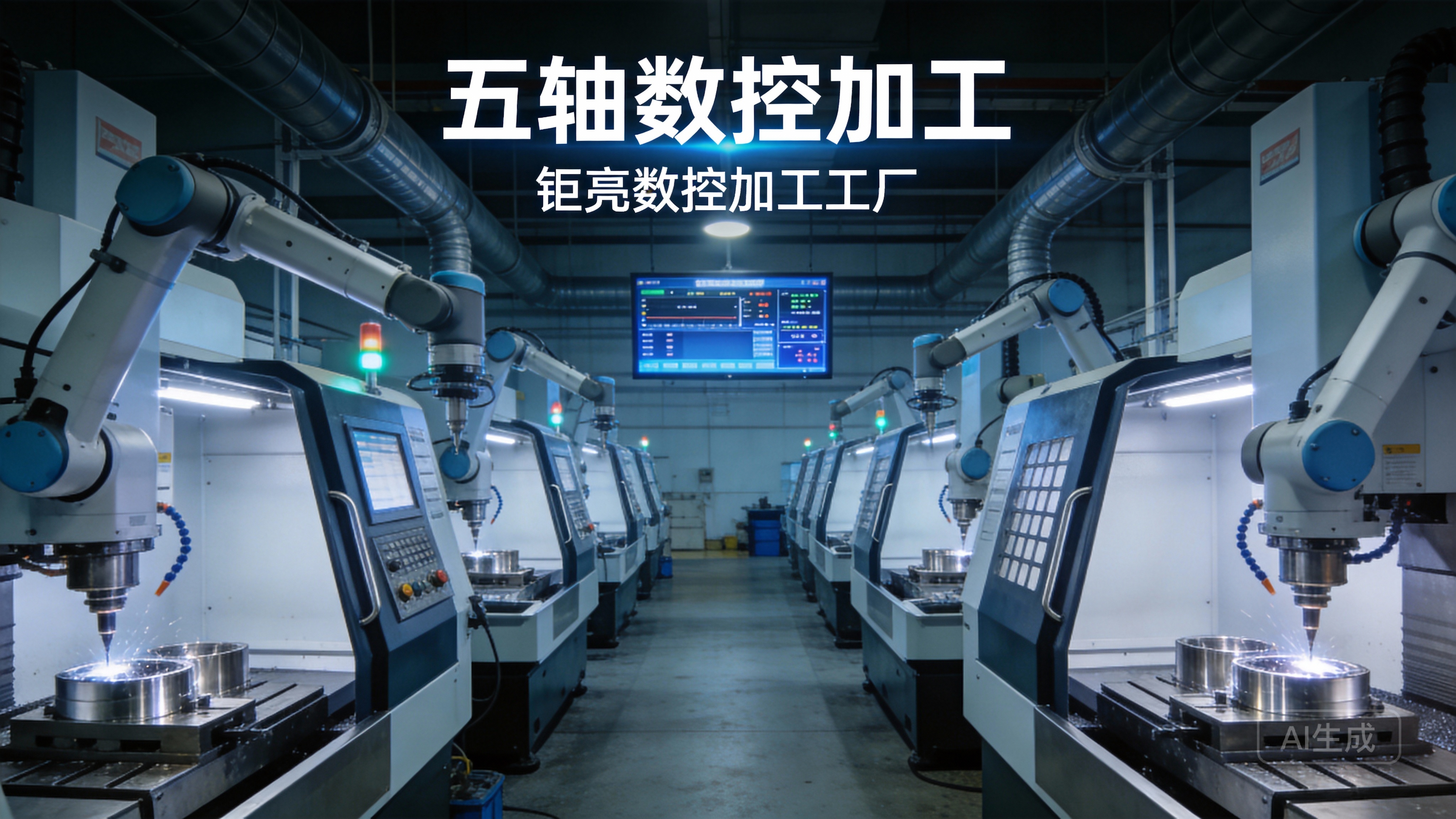
For shops engaged in high-mix, low-volume or highly complex work—like those utilizing 5-axis CNC machining services—Fusion 360’s CAM module is exceptionally capable. It supports:
2.5 to 5-Axis Machining: Generate efficient toolpaths for simultaneous 5-axis operations, crucial for aerospace components, medical implants, and intricate molds.
Adaptive Clearing: Proprietary toolpaths that maintain constant tool load, allowing for faster material removal and longer tool life, which directly impacts cost and efficiency.
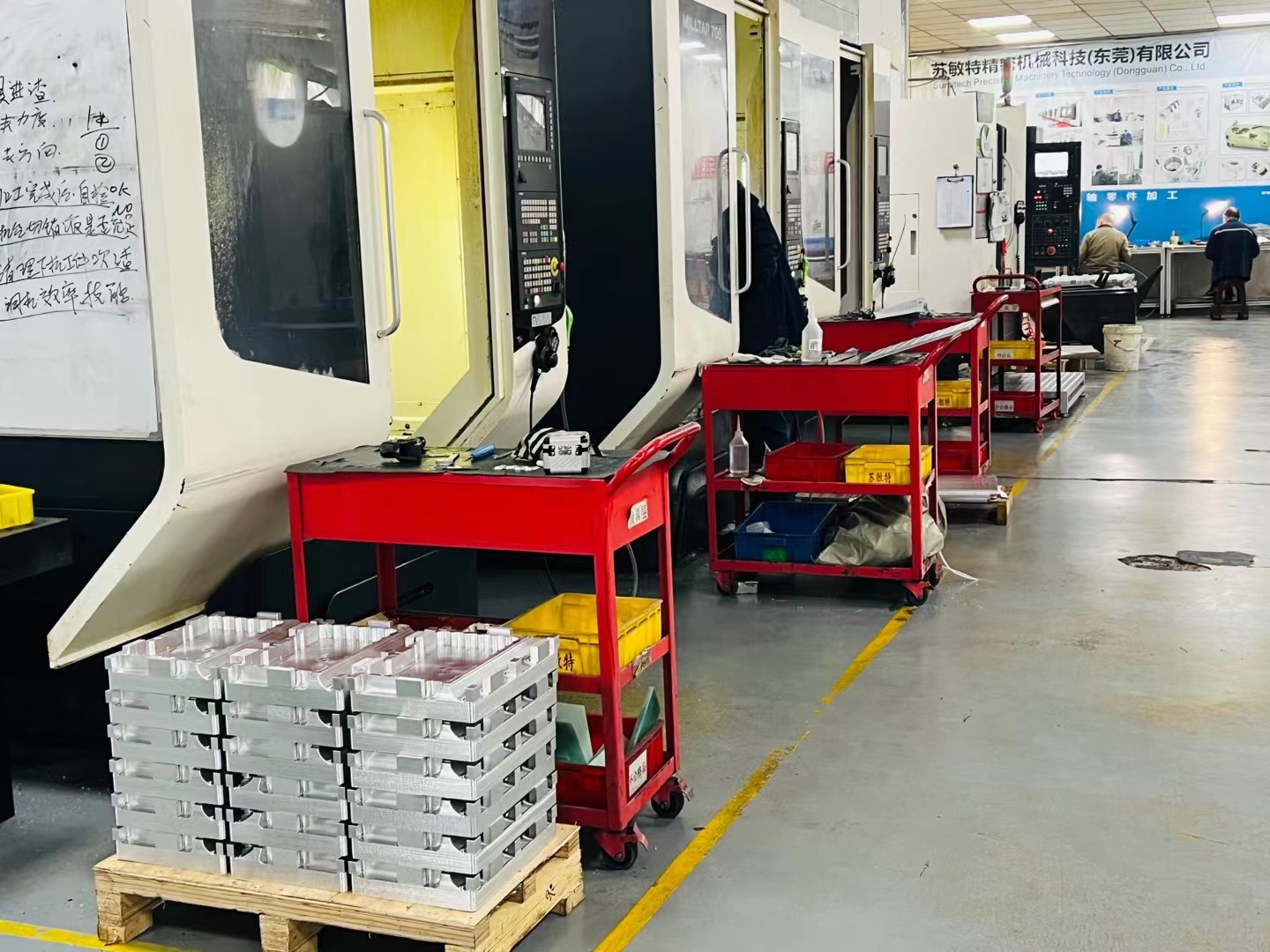
Tombstone Machining: Perfect for production environments, allowing programming for multi-sided machining on a single setup.
H3: 3. Seamless Post-Processing for Any Machine
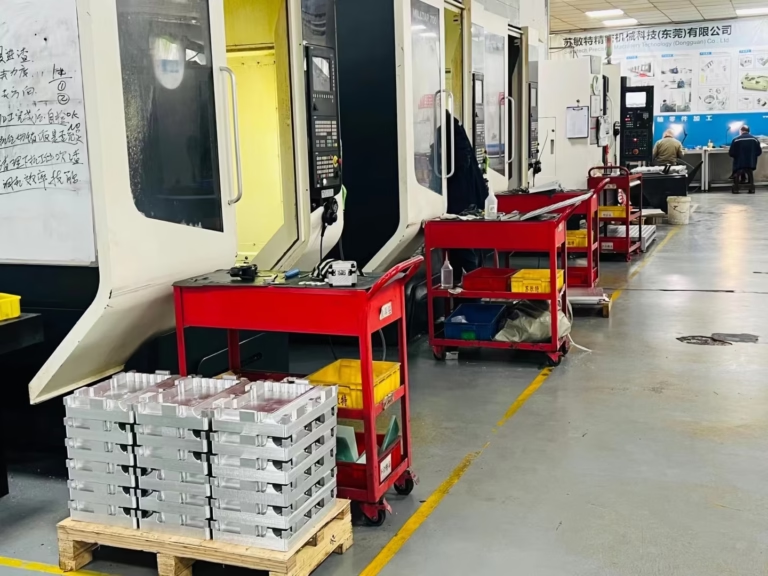
This is the critical link. Fusion 360 contains a vast, configurable library of post-processors. A post-processor translates the software’s generic toolpath data into specific G-code and M-code that your particular brand and model of CNC machine (e.g., Haas, DMG MORI, Heidenhain, Fanuc) can understand. GreatLight CNC Machining Factory, for instance, leverages this capability to ensure the flawless execution of complex programs across our diverse fleet of advanced multi-axis CNC centers.
H4: 4. Simulation and Verification
Perhaps its most vital function for avoiding costly mistakes is in-machine simulation. Fusion 360 allows you to visually simulate the entire machining process, checking for collisions, verifying fixturing, and ensuring the toolpath is efficient and safe before a single piece of material is loaded. This virtual verification builds immense confidence, especially for first-run parts.
H2: Why This Integration Matters for Your Custom Parts Project
For a client seeking precision machining services, a partner using an integrated platform like Fusion 360 offers tangible benefits:
Reduced Lead Times: The seamless CAD-to-CAM flow eliminates file handoff delays and translation issues.
Enhanced Accuracy: A single, master 3D model ensures the machined part is a perfect reflection of the design intent.
Design for Manufacturability (DFM) Feedback: Engineers at forward-thinking manufacturers like GreatLight Metal can open your design in Fusion 360 and provide immediate, actionable DFM advice—suggesting fillet sizes, checking for tool accessibility, or recommending material-efficient setups.
Transparency and Collaboration: Cloud-based features allow for secure sharing of designs and manufacturing plans, fostering clearer communication between client and manufacturer.
H2: A Practical Comparison: Fusion 360 in the Manufacturing Ecosystem
| Feature/Aspect | Fusion 360 | Traditional Standalone CAD & CAM | GreatLight Metal’s Applied Workflow |
|---|---|---|---|
| Integration | Fully integrated CAD/CAM/CAE. | Separate software, requiring file export/import. | Uses Fusion 360 as a core platform to create a unified digital thread from client file to machine code. |
| Data Integrity | Single source of truth; design changes auto-update toolpaths. | High risk of version mismatch and manual update errors. | Eliminates errors, ensuring the final part always matches the latest approved revision. |
| Complexity Handling | Excellent for 3+ axis and complex surface machining. | Often requires high-end, expensive dedicated CAM software. | Leverages its full capabilities to tackle the most challenging geometries for automotive, aerospace, and robotics clients. |
| Collaboration | Cloud-enabled for easy review and markup. | Typically localized files, shared via email or drives. | Facilitates smooth, iterative feedback loops with global clients. |
| Cost Structure | Subscription-based, lower upfront cost. | High perpetual licenses for separate CAD and CAM suites. | The efficiency gains from using an integrated tool contribute to overall project cost-effectiveness. |
Conclusion
So, does Fusion 360 work with CNC machines? The answer is a resounding yes—it is engineered to be a command center for modern CNC machining. It transcends simple compatibility, offering a cohesive ecosystem that enhances precision, efficiency, and collaboration. For businesses seeking a manufacturing partner, choosing one that harnesses such integrated technologies—like GreatLight Metal—is a strategic decision. It signifies a commitment to a streamlined, error-resistant process capable of transforming intricate designs into flawless, high-precision components, ready to meet the stringent demands of industries from medical devices to next-generation robotics. To see how such technical expertise is applied in a professional context, you can follow our insights on https://www.linkedin.com/company/great-light/.
FAQ Section
H2: Frequently Asked Questions (FAQ)
H3: 1. Do I need to know Fusion 360 to work with a machine shop that uses it?
No, not at all. As a client, you can provide your design in any standard format (STEP, IGES, SLDPRT, etc.). The manufacturing partner imports your file into their Fusion 360 environment to handle all CAM programming, simulation, and post-processing.
H3: 2. Can Fusion 360 generate G-code for any brand of CNC machine?
Through its extensive and customizable post-processor library, it can generate compatible code for the vast majority of CNC controllers on the market (Fanuc, Siemens, Heidenhain, Mitsubishi, etc.). Reputable machine shops will have verified posts for their specific equipment.
H3: 3. Is Fusion 360 suitable for high-volume production machining?
While excellent for prototyping, custom parts, and mold making, its CAM strategies and toolpath optimization are also robust enough for many production scenarios, especially where complex milling is involved. For extremely high-volume, simple 2.5-axis work, dedicated high-speed CAM software might be used, but Fusion 360 remains a highly capable all-rounder.
H3: 4. What’s the main advantage over free or simpler CAM software?
The seamless integration with a professional-grade CAD system is the key differentiator. It ensures design integrity, allows for easy modification, and provides advanced simulation and toolpath strategies (like 5-axis simultaneous and adaptive clearing) that are often absent or limited in simpler, standalone CAM packages.
H3: 5. How does a manufacturer like GreatLight Metal use it to ensure quality?
Beyond programming, the simulation function acts as a critical quality gate. Engineers simulate the entire job to prevent machine crashes and verify dimensions virtually. Furthermore, the software aids in creating efficient, stable toolpaths that produce better surface finishes and more consistent tolerances, which are then validated with in-house CMMs and other metrology equipment.