
There are many character modeling websites these days, but many of them are still only at the 3D digital modeling stage. Today Mohou.com shares a character modeling website with you. Not only can you create your own 3D character model, but you can also combine it. With 3D models from Mohou.com’s Cloud Model Library, export to stl or obj directly for 3D printing, to truly make it your own!
Character modeling site:Ready Player Me – Create a full 3D avatar from a photo
1. Modeling process
Select gender
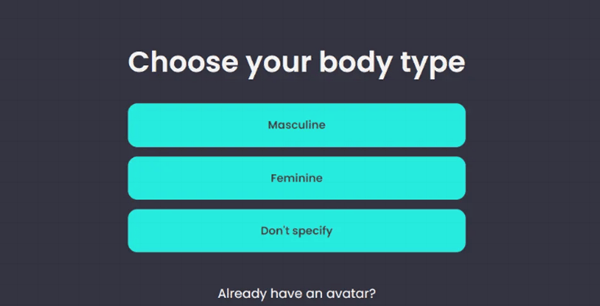
After accessing the website, start the modeling process. First, you will be asked to choose gender, male, female, unknown.
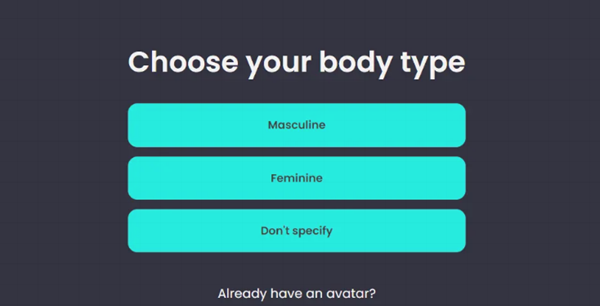
Male: Man
Feminine: woman
Do not specify: unclear
2. Upload your photos
Take a photo of yourself here and upload it. It also supports on-site photography. For example, if you open a website on a computer, you can take photos through the computer’s camera.
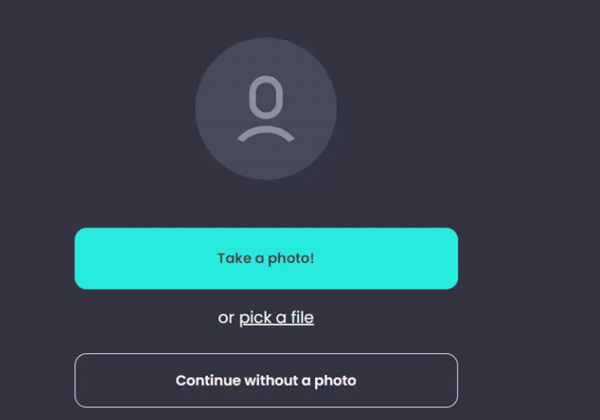
take a photo: call the camera
choose a file: select an image
continue without photo: skip uploading the photo and move on to the next step.
3. Character modeling
Here, everyone can customize it according to their own preferences based on the materials provided.
4. File Export
There are two ways here.
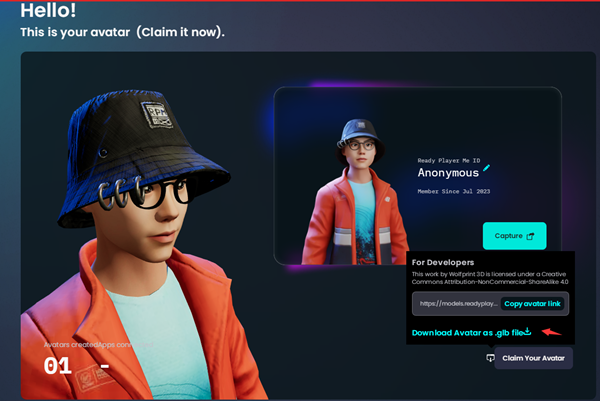
copy avatar link: introduced via resource link
Upload: upload to local import, uploaded in GLB format
5. Log in to Mohou Cloud on Mohou.com
URL:
Click to download the 3D model in glb format on Mohou Cloud
After downloading, you can click to preview
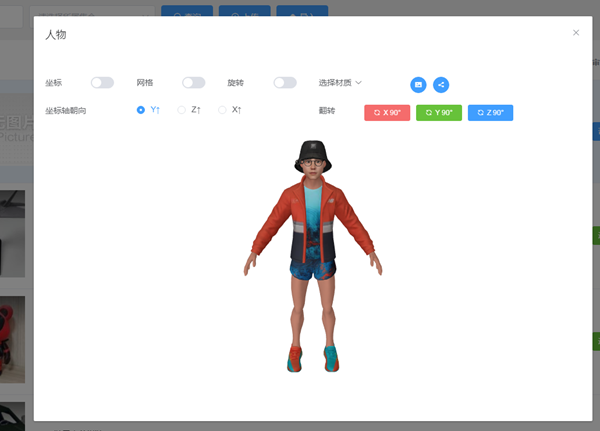
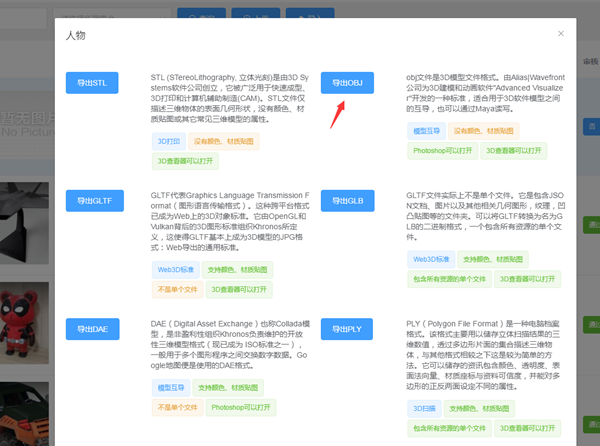
6. Download the 3D model in STL or OBJ format
Daguang focuses on providing solutions such as precision CNC machining services (3-axis, 4-axis, 5-axis machining), CNC milling, 3D printing and rapid prototyping services.



















