
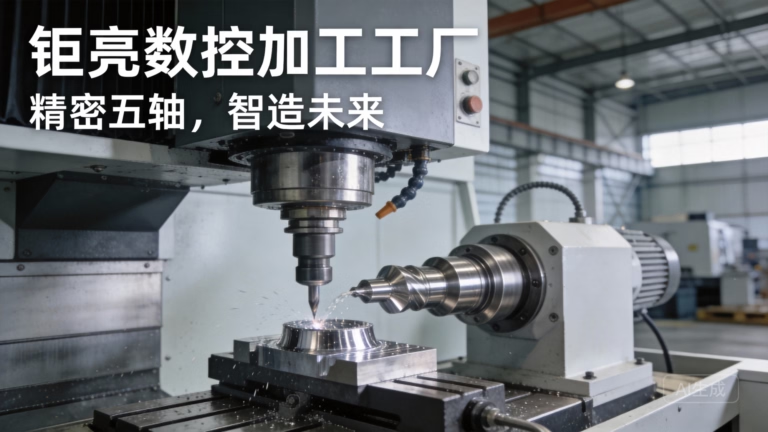
In the world of precision manufacturing, the consistent accuracy of every part produced hinges on a fundamental yet often overlooked step: how to set home position in CNC machine. This procedure is the cornerstone of establishing a reliable coordinate system from which all tool movements are referenced. For engineers, machinists, and procurement specialists sourcing custom precision parts, understanding this process is key to communicating effectively with suppliers and ensuring your designs are translated into physical components with unwavering fidelity.
What is the Home Position and Why is it Critical?
In CNC machining, the home position (often called machine zero or reference point) is a fixed, predefined location on a machine tool to which all axes are periodically returned. It is physically defined by limit switches or precision markers on each axis rail. This position serves as the machine’s absolute “true north.” All other coordinates—the workpiece zero (G54, G55, etc.), tool offsets, and fixture offsets—are defined relative to this unchanging datum.
Why does this matter for your custom parts? An inaccurately or inconsistently set home position introduces systemic error into the entire machining process. Imagine designing a complex aerospace bracket with ±0.025mm tolerances. If the machine’s home is misaligned by even 0.01mm, this error propagates to every feature machined, potentially leading to part rejection, assembly issues, or catastrophic field failure. Establishing a precise and repeatable home position is the first non-negotiable step in achieving the high-precision results demanded in industries like medical devices, automotive, and robotics.
The Core Methods: Manual vs. Automated Homing
The process of how to set home position in CNC machine typically follows one of two primary methodologies, each with its own applications and levels of precision.
1. Manual Homing (Common on Older or Retrofit Machines)
This method relies on the operator’s skill and the machine’s physical reference marks.
Process: The operator manually jogs each axis (X, Y, Z) until a specific alignment mark on the axis scale lines up with a fixed indicator on the machine body. Once visually aligned, the operator manually inputs a command or presses a “Zero Set” button to register this position as home.
Considerations: This method is prone to human error and is less repeatable. It is generally unsuitable for high-precision work where micron-level consistency is required. It underscores the value of partnering with a manufacturer whose processes eliminate such variability.
2. Automated Homing via Reference Return (Standard on Modern CNC Machines)
This is the industry standard for precision machining. The machine uses proximity or limit switches to find its home position automatically with high repeatability.
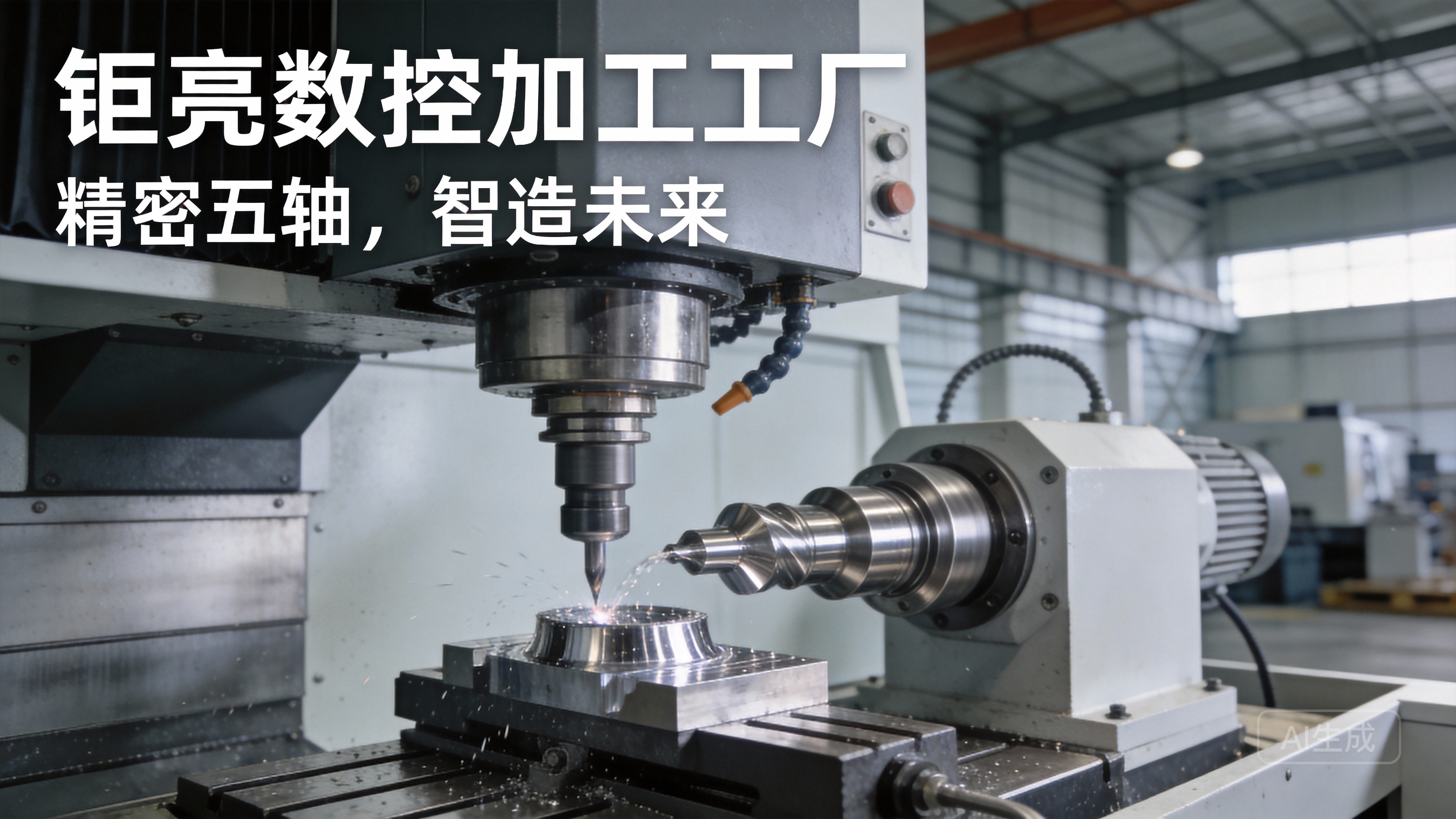
Process: The operator initiates a “Reference Return” or “Zero Return” cycle (often via G28 or G29 G-code commands). The machine moves each axis at a rapid traverse in a positive direction until it triggers the home position switch. It then slows and moves precisely until it reads an encoder index pulse (a highly accurate signal from the motor encoder), which defines the exact home coordinate for that axis.
Advantages: This method is fast, highly repeatable (often within ±1 micron), and eliminates operator influence. It’s a foundational practice in shops like ours at GreatLight Metal, where our advanced 5-axis CNC machining centers perform this routine automatically upon startup, ensuring a consistent baseline for every job.
Step-by-Step Guide to a Standard Homing Procedure
For a typical 3-axis vertical machining center, the automated homing sequence is systematic:
Power-Up & Warm-Up: The machine is powered on. A controlled warm-up cycle is often run to allow the spindle and ball screws to reach a stable thermal state, minimizing thermal drift—a critical step for ultra-high precision work.
Clear the Workspace: Ensure the work envelope is clear of tools, fixtures, or debris that could cause a collision during the homing sequence.
Initiate Reference Return: Navigate to the machine control panel or MDI (Manual Data Input) mode and select the “Zero All Axes” or “Ref Return” function. Alternatively, command G28 G91 Z0. (return Z to home), followed by G28 G91 X0. Y0. (return X and Y to home) via MDI.
Observe the Sequence: The machine will typically move the Z-axis upward first to clear the table, then move X and Y to their respective home positions. The control panel will indicate when each axis has successfully completed its return.
Verification: Confirm on the machine’s position display that the machine coordinate values for X, Y, and Z are at zero (or the predefined home coordinate values). This confirms the home position is successfully set.
Advanced Considerations for Multi-Axis and Complex Setups
When dealing with the sophisticated capabilities of 5-axis CNC machining, the concept of home position expands. In addition to the linear X, Y, Z axes, the rotational A and/or C axes must also be homed. These rotary axes have their own home switches and index markers. The sequence and interdependence of these axes are crucial, as the kinematic model of the machine (the relationship between all axes) relies on accurate home positions for all five to calculate correct tool center point (TCP) control. A mis-homed rotary axis can cause severe geometric errors in contoured surfaces, which is why rigorous calibration and homing procedures are paramount for complex part geometries.
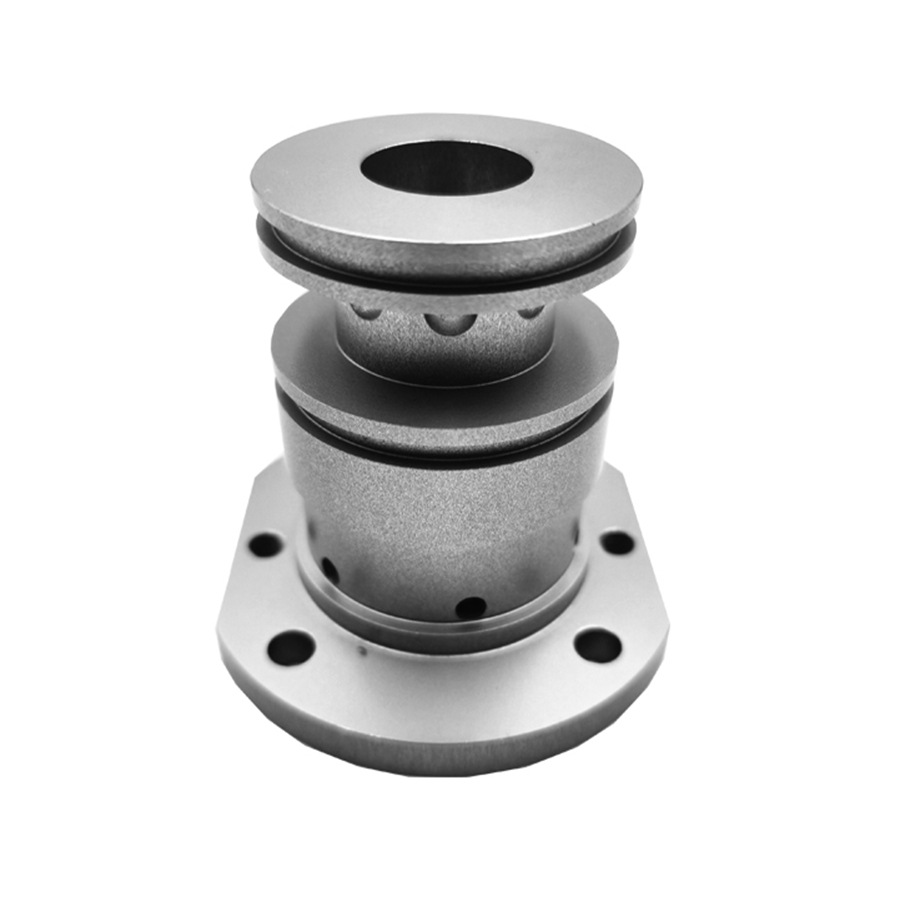
Furthermore, for palletized systems or machines with multiple work zones, each pallet may have a dedicated home position that is correlated to the machine home via precise calibration. This allows for seamless part setup offline while another is being machined, maximizing throughput without sacrificing accuracy—a common practice in high-mix, high-volume environments.
Common Pitfalls and Best Practices
Understanding how to set home position in CNC machine also involves recognizing what can go wrong and how to prevent it.
Lost Home Position: A power outage or servo fault during movement can cause the machine to “lose” its home. Most modern controls have absolute encoders that retain position, but machines with incremental encoders require a full re-homing procedure.
Switch Failure or Contamination: Physical home switches can fail or become contaminated with coolant or chips, leading to unreliable homing. Regular preventive maintenance is essential.
Thermal Effects: As noted, failing to allow for thermal stabilization can mean the “home” drifts as the machine warms up, affecting precision. This is why leading manufacturers implement temperature-controlled environments and machine warm-up protocols.
Best Practice: The gold standard is to establish and document a Standard Operating Procedure (SOP) for machine homing. This includes pre-homing checks, a defined sequence, and verification steps. This procedural rigor, backed by certifications like ISO 9001:2015 and IATF 16949, is what separates ad-hoc workshops from reliable manufacturing partners. It ensures that every machine, every shift, starts from the same perfect zero, guaranteeing consistency for your parts from prototype to production run.
Conclusion
Mastering how to set home position in CNC machine is far more than a routine button-press; it is the act of calibrating the very foundation of precision. It transforms a powerful machine tool from a collection of moving parts into a predictable, reliable instrument of manufacture. For clients seeking precision parts machining and customization, the rigor and methodology a supplier applies to this fundamental process are a strong indicator of their overall capability and commitment to quality. It is a silent yet critical part of the journey from your digital design to a flawlessly executed physical component, ensuring that every dimension, every contour, and every tolerance is realized as intended.
Frequently Asked Questions (FAQ)
Q1: How often should a CNC machine’s home position be set?
A: The home position should be re-established every time the machine is powered on from a complete shutdown. Machines with absolute encoders may not require a physical re-homing after a brief power cycle, but a reference return cycle is always recommended as part of a daily startup procedure to ensure accuracy.
Q2: Can a wrong home position damage the machine or my parts?
A: Absolutely. An incorrectly set home position will cause all subsequent coordinates to be offset, leading to tool crashes, fixture damage, and scrapped parts. This is why verification after homing is critical.
Q3: Does the type of material being machined affect the homing procedure?
A: Not directly. The homing procedure is a function of the machine tool itself. However, for machining challenging materials like titanium or Inconel that generate significant heat, the subsequent machine warm-up and thermal management strategies post-homing become even more critical to hold tight tolerances.
Q4: What’s the difference between “Machine Home” and “Work Zero” (G54)?
A: Machine Home is the fixed, physical datum of the machine. Work Zero (like G54) is a programmable coordinate system you set on the workpiece itself (e.g., a corner or center). The CNC control calculates all movements by offsetting the Work Zero coordinates from the Machine Home. You must have a stable Home to accurately define any Work Zero.
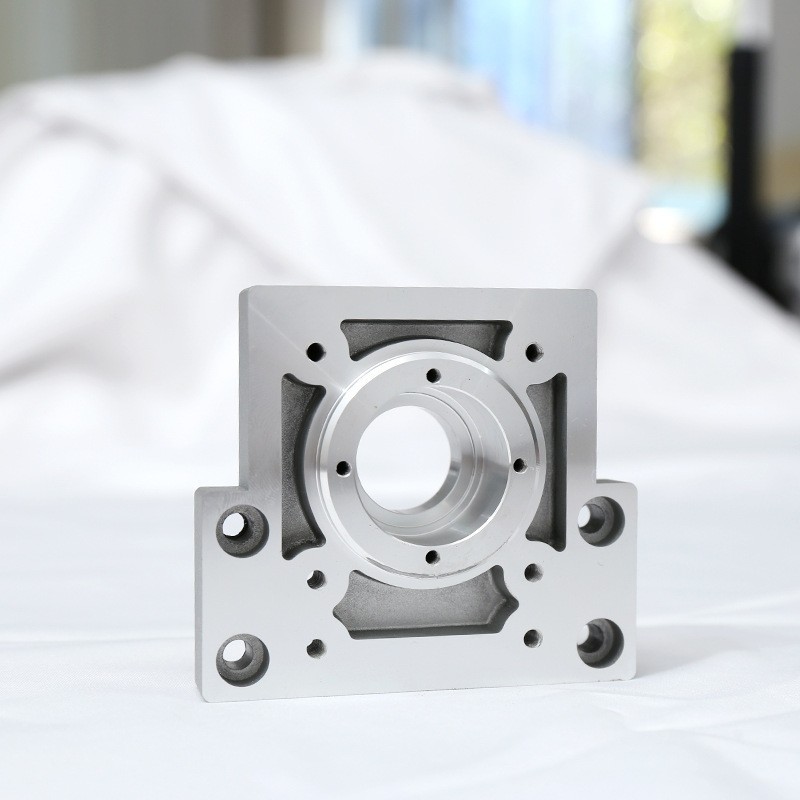
Q5: Why would my supplier mention homing procedures in relation to part quality?
A: A reputable supplier, like GreatLight Metal, emphasizes such fundamentals because they directly impact quality control. Consistent homing is the first link in the traceability chain. It ensures that the precision promised in your quote—whether it’s ±0.001mm or ±0.01mm—is demonstrably and repeatably achieved on the shop floor, giving you confidence in the production process. For more insights into our operational excellence, you can connect with us on LinkedIn{:target=”_blank”}.



















