
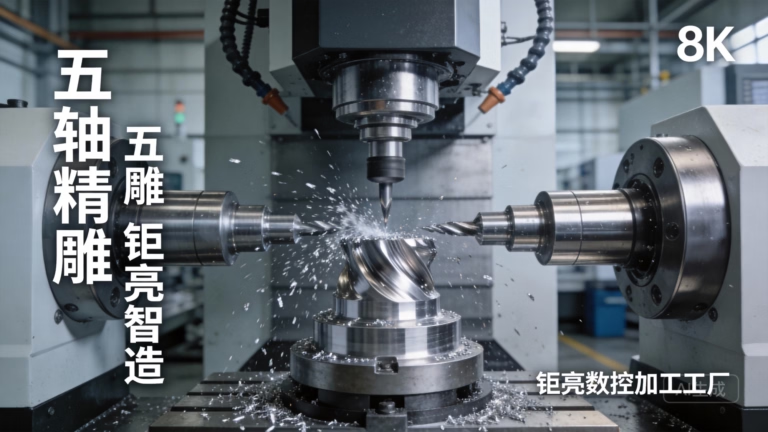
The Art and Engineering of Building a CNC Wood Carving Machine
The desire to transform a block of wood into intricate art, detailed signage, or precision components has driven craftsmen for centuries. Today, the fusion of traditional woodworking with digital technology has made this more accessible and repeatable than ever through the Computer Numerical Control (CNC) wood carving machine. Whether you’re a hobbyist looking for a rewarding project, a small workshop aiming to expand capabilities, or a designer prototyping ideas, understanding how to make a CNC wood carving machine is a journey through mechanical design, electronics, and software integration. This comprehensive guide delves into the process, from fundamental principles to advanced considerations, equipping you with the knowledge to embark on your build or make an informed decision about sourcing.
Understanding the Core Components
A CNC machine is essentially a robotic tool carrier. For wood carving, it must translate digital designs (G-code) into precise, three-dimensional physical movements. Every machine, regardless of scale, comprises several key subsystems:
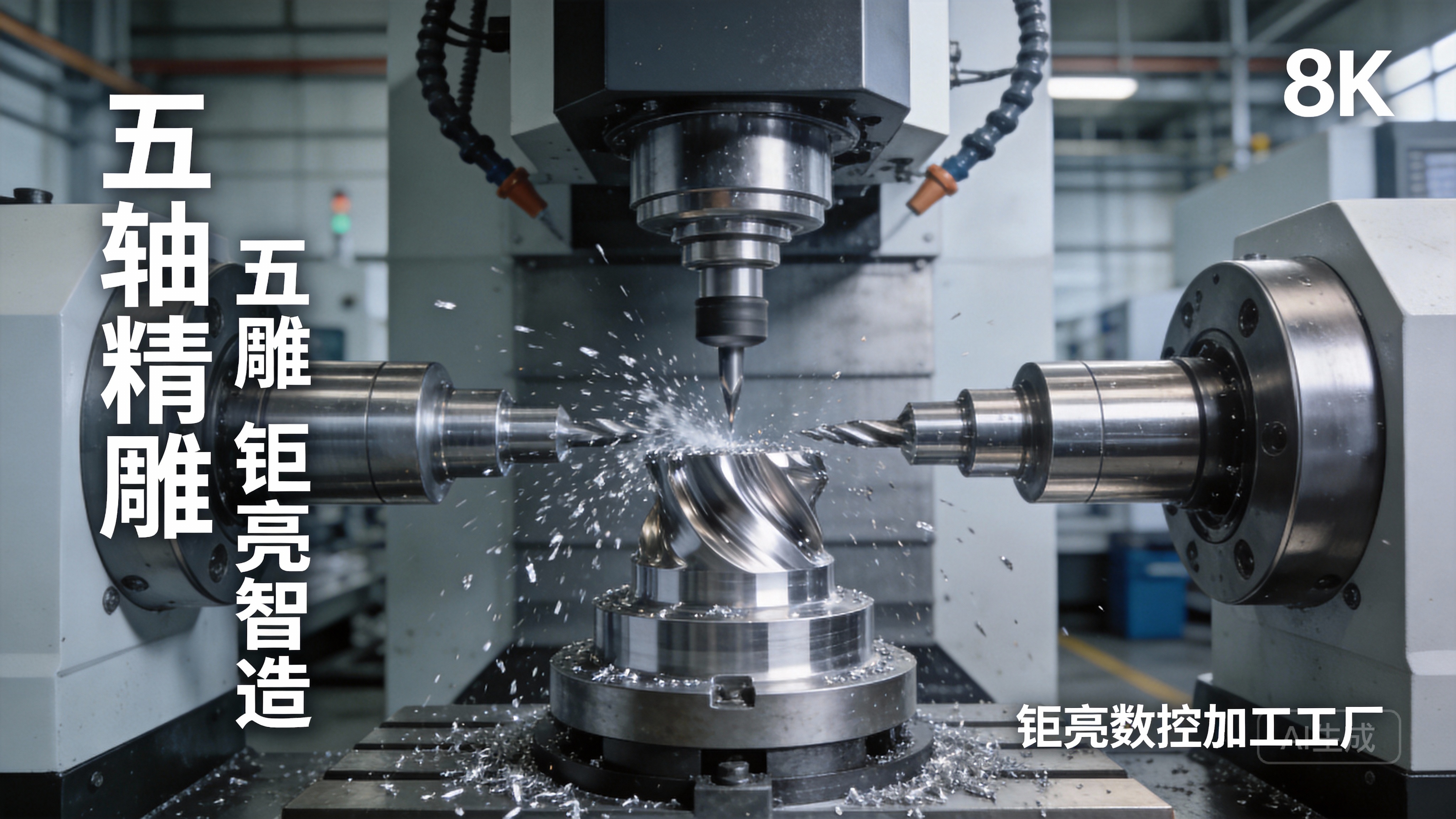
1. The Structural Frame (The Bones)
This is the foundation that determines rigidity, accuracy, and vibration damping. Common materials include:
Aluminum Extrusions (e.g., 2040, 2080 profiles): Popular for DIY builds due to modularity, ease of assembly, and good stiffness-to-weight ratio. T-slots allow for flexible component mounting.
Steel Welded Frame: Offers superior rigidity and mass, which is critical for dampening vibrations during aggressive cutting. This is more common in industrial-grade machines.
Cast Iron or Polymer Concrete: Used in high-end machines for exceptional vibrational damping and thermal stability, though impractical for most DIY projects.
2. Motion System (The Muscles and Joints)
This system dictates how the tool or workpiece moves along the X, Y, and Z axes.
Linear Guides: These bear the load and ensure smooth, precise linear motion. Options include:
Round Rails: Cost-effective and easier to align, suitable for lighter-duty machines.
Profile Rails (Linear Guides): Offer much higher rigidity, load capacity, and precision. These are the standard for professional machines.
Drive Mechanism: This converts rotary motor motion into linear movement.
Leadscrews: Simple and cost-effective, but can suffer from backlash and lower speed.
Ball Screws: The professional choice. They provide high efficiency, minimal backlash, and excellent positional accuracy, essential for detailed carving.
Belt Drives: Often used for the X and Y axes on larger-format, high-speed router-style machines where extreme torque is less critical than speed.
3. Drive Components (The Nerves)
Stepper Motors vs. Servo Motors: Stepper motors are ubiquitous in DIY and hobbyist CNC builds due to their simplicity, low cost, and good low-speed torque. Servo motors offer higher speed, torque at high RPM, and closed-loop feedback for error correction, making them the choice for industrial equipment.
Motor Drivers: These electronic boards control the current to the motors, interpreting step and direction signals from the controller.
CNC Controller: The “brain” of the operation. It receives G-code instructions from a computer and outputs the step/direction signals to the motor drivers. Popular options include Arduino-based controllers (GRBL firmware) for simple builds, and more advanced standalone motion controllers from brands like MachMotion, Centroid, or Syntec for professional setups.
4. The Spindle (The Tool)
This is the cutting heart of the machine. The choice dramatically affects carving quality, material range, and noise.
Trim Routers (e.g., DeWalt, Makita): A common entry point for DIY builds. They are inexpensive and powerful but can be loud, lack low-speed torque, and may not be designed for continuous duty cycles.
Water-Cooled or Air-Cooled CNC Spindles: These are purpose-built for CNC applications. Key advantages include:
Variable Frequency Drive (VFD) Control: Allows precise RPM control from the CNC software.
ER Collet System: Provides superior tool-holding accuracy and runout.
Designed for Continuous Duty: Can run for hours without overheating.
Quieter Operation: Especially with water-cooled models.
5. Software Ecosystem (The Mind)
CAD Software: Used to create the 2D vector or 3D model of the part (e.g., Fusion 360, SolidWorks, QCAD).
CAM Software: Translates the CAD model into toolpaths, calculating the cutter’s movement and generating the G-code (e.g., Fusion 360 CAM, VCarve, Mastercam).
CNC Control Software: Sends the G-code to the machine controller and provides the machine interface (e.g., UGS, Mach4, LinuxCNC).
Step-by-Step Build Process: A Framework
Phase 1: Design & Planning
Define Specifications: Determine your maximum workpiece size (X, Y, Z travel), desired positional accuracy and repeatability (e.g., ±0.1mm for hobby work, ±0.025mm or better for professional parts), materials you’ll cut (basswood to hard maple or aluminum), and budget.
Create Detailed Drawings: Use CAD software to model every component. This “digital twin” allows you to check for interferences, calculate stresses, and create a precise parts list.
Select Components: Based on your specs, choose the frame material, linear guides, ball screws (diameter and lead), motor size (Nema 23 or 34), spindle power (1.5kW to 3kW is common for wood), and electronics kit.
Phase 2: Fabrication & Assembly
Frame Construction: Machine or assemble the frame, ensuring it is square and level. This is the single most critical step for overall machine accuracy.
Install Motion Components: Mount the linear rails and ball screws with extreme care. Misalignment here introduces friction, wear, and inaccuracy. Use precision levels and dial indicators.
Mount Drives and Spindle: Attach the motors, couplings, and the spindle mount. Ensure the spindle is perfectly perpendicular to the machine table.
Wire Electronics: Connect motors to drivers, drivers to the controller, and the controller to power supplies. Implement proper cable management and shielding to prevent electrical noise from causing missed steps.
Safety Systems: Install limit switches at the ends of each axis to prevent crashes, and consider emergency stop circuits. Dust collection is also a crucial safety and maintenance system for wood carving.
Phase 3: Calibration & Software Setup
Tune Motors: Set the current limit on your drivers and tune the steps-per-millimeter value in your control software. This ensures a commanded 10mm move equals an actual 10mm move.
Square the Machine: Precisely adjust the gantry so its movement is perfectly perpendicular to the X-axis.
Test and Optimize: Run calibration patterns to check for backlash, resonance, or other issues. Adjust acceleration and velocity settings in the software to find the machine’s optimal performance envelope without losing steps.
Common Pitfalls and Professional Solutions for Precision
While building your own machine is an invaluable learning experience, several challenges often arise that can compromise results for critical projects:
Cumulative Error: Minor imperfections in frame squaring, rail alignment, and lead screw backlash can compound, leading to noticeable inaccuracies in large or complex carvings.
Vibration and Chatter: A lack of rigidity in the frame or spindle mount causes vibration, resulting in a poor surface finish, tool wear, and broken bits.
Thermal Drift: Motors and drives generate heat, which can cause the frame to expand minutely, shifting the machine’s zero point during long jobs.
Software/Electronics Integration: Troubleshooting communication errors, ground loops, and software bugs can be a significant time sink.
This is where the distinction between a capable hobby machine and a professional tool becomes clear. For prototypes, end-use parts, or small-batch production where dimensional accuracy, surface finish, and reliability are non-negotiable, partnering with a professional manufacturer is often the most efficient and cost-effective path.
The Professional Alternative: Leveraging Precision CNC Machining Services
Why would you machine the parts for a CNC machine on another CNC machine? Because it guarantees the precision you’re seeking. Companies specializing in 5-axis CNC machining services{:target=”_blank”} are equipped to manufacture the high-tolerance components that form the backbone of a reliable machine.
Consider the critical components of a high-performance wood carving machine:
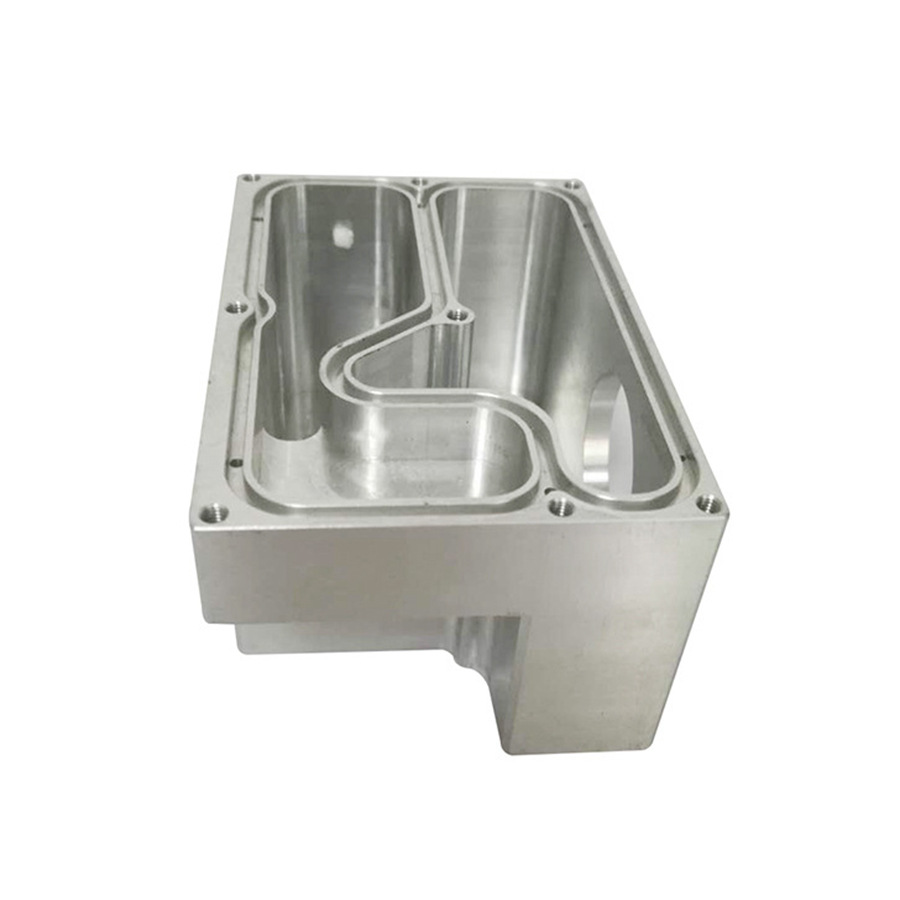
Gantry Side Plates: Require precise bore spacing for linear rails and ball screw bearings, and perfect perpendicularity.
Spindle Mount: Must have exceptional rigidity and bore accuracy to minimize tool runout.
Motor Mounts and Couplers: Need accurate alignment features to prevent binding and vibration.
Custom Fixturing and Tool Holders: For holding specific workpieces or tools.
A manufacturer like GreatLight CNC Machining Factory exemplifies this capability. With a foundation built on advanced multi-axis CNC equipment, stringent ISO 9001:2015 quality management, and deep material expertise, they can produce these structural and mechanical components from materials like 6061 Aluminum, Steel, or even engineered plastics with tolerances that are simply unattainable in a typical home workshop. Their full-process chain—from CAD/CAM engineering support to precision machining and finishing—ensures that every part not only fits perfectly on the first assembly but also contributes to the long-term stability and accuracy of the final machine.
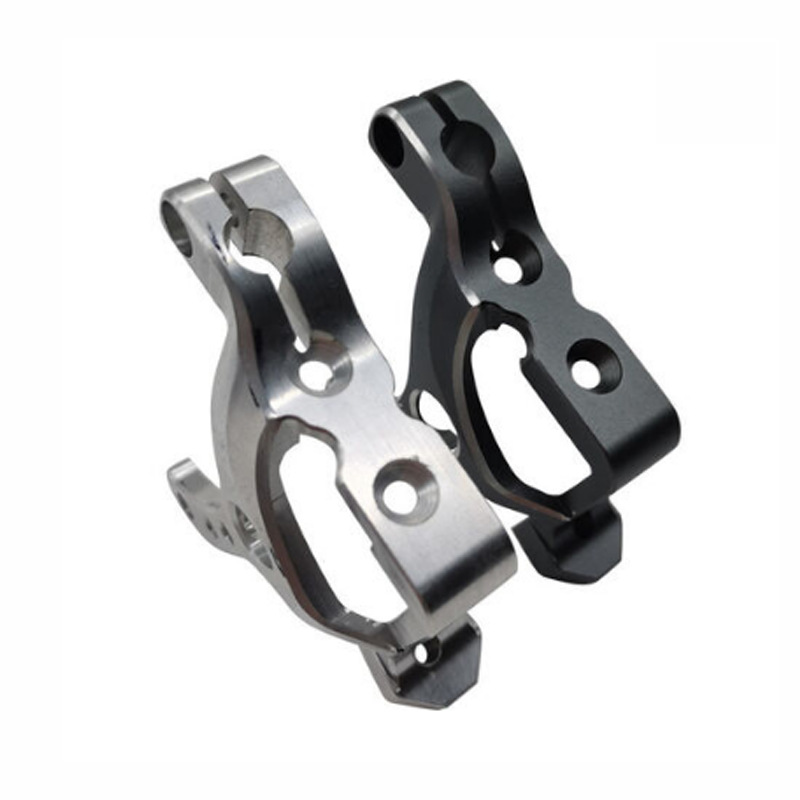
For an entrepreneur looking to commercialize a CNC machine design or a workshop needing an upgrade that performs predictably, outsourcing the manufacture of key components to a precision partner bridges the gap between ambitious design and industrial-grade reality.
Conclusion
Learning how to make a CNC wood carving machine is a multifaceted project that demystifies modern manufacturing. It empowers you with a deep understanding of mechatronics and digital fabrication. The DIY route offers immense satisfaction and customization for hobbyist applications. However, for missions where precision, repeatability, and professional results are paramount, the expertise, equipment, and quality systems of a professional precision machining partner become indispensable. They ensure that the machine you build—or the parts you use—are capable of turning your most intricate digital designs into flawless wooden realities, time after time.
Frequently Asked Questions (FAQ)
Q1: What is the approximate cost range for building a DIY CNC wood carving machine?
A: Costs vary dramatically with size and quality. A small (300x300mm) desktop machine from a kit can start at $800-$1,500. A robust, mid-size (1200x1200mm) DIY build with ball screws, profile rails, and a 2.2kW spindle typically ranges from $3,000 to $6,000+ in parts. Industrial-grade machines cost tens of thousands.
Q2: Can a DIY CNC machine cut metals like aluminum, or is it only for wood?
A: It depends on the machine’s rigidity. A well-built DIY machine with a rigid frame, ball screws, and a capable spindle can perform light aluminum machining with appropriate feeds, speeds, and tooling. However, steel cutting requires the substantial rigidity of an industrial machine.
Q3: What is the most common cause of inaccuracy in a DIY CNC build?
A: Lack of rigidity is the primary culprit, leading to flex, vibration, and chatter. This is often followed by improper assembly and alignment of the linear motion components, and backlash in the drive system.
Q4: How important is dust collection for a wood CNC machine?
A: It is critically important for safety (fire hazard from fine dust, respiratory health), machine maintenance (dust ingress into bearings and screws), and visibility/cleanliness. A dedicated dust shoe connected to a powerful extractor is a essential component, not an accessory.
Q5: I have a design for a professional-grade CNC machine but lack manufacturing capability. What should I do?
A: This is an ideal scenario for engaging a precision contract manufacturer. Look for a partner with multi-axis CNC capabilities, a proven quality management system (like ISO 9001), and experience in manufacturing structural and mechanical components. They can provide Design for Manufacturability (DFM) feedback, select optimal materials and processes, and deliver high-tolerance parts ready for assembly, turning your design into a reliable product. For insights into industry capabilities and trends, following established manufacturers on professional networks like LinkedIn{:target=”_blank”} can be valuable.



















