
127 Sets Processing 4000mm 127 Sets High-Precision CNC Lathes
15 Years of Experience

Are G-Codes The Same On All CNC Machines?

Understanding G-Codes in CNC Machining: Are They Truly Universal? When exploring five-axis CNC machining services and precision part customization, one of the most frequently asked questions by engineers and procurement professionals is: “Are G-codes the same on all CNC machines?” The short answer is no, but the reality is more nuanced than a simple yes […]

Understanding G-Codes in CNC Machining: Are They Truly Universal?

When exploring five-axis CNC machining services and precision part customization, one of the most frequently asked questions by engineers and procurement professionals is: “Are G-codes the same on all CNC machines?” The short answer is no, but the reality is more nuanced than a simple yes or no. As a senior manufacturing engineer with years of experience in precision machining, I’ll break down the technical, practical, and operational aspects of G-code compatibility across CNC platforms—especially in the context of high-precision services like those offered by GreatLight CNC Machining Factory.


What Are G-Codes, and Why Do They Matter?

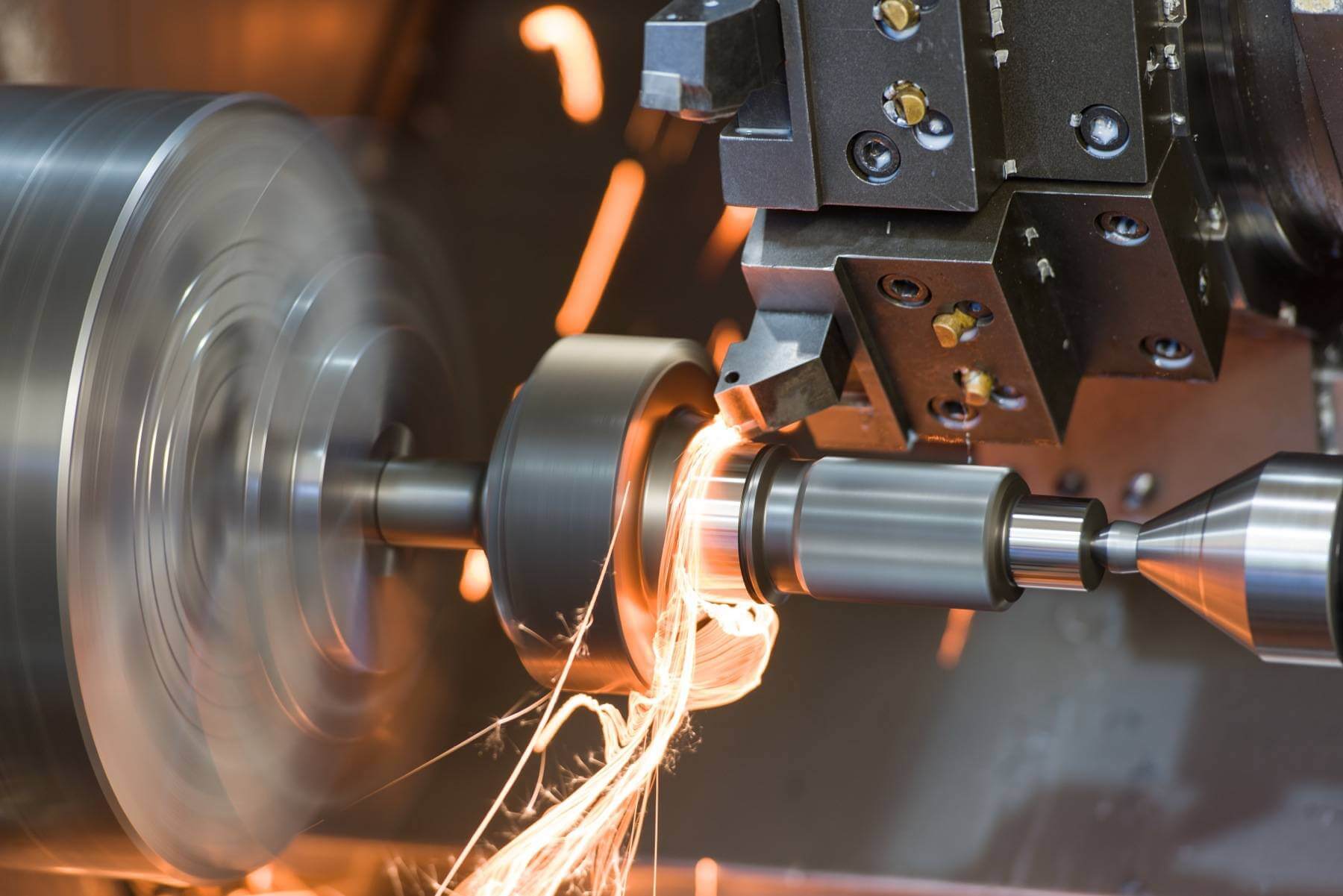
G-codes (short for geometric codes) are the foundational programming language used to control CNC (Computer Numerical Control) machines. They instruct the machine on movement, speed, tool changes, and other operational parameters. For example:

G00 commands rapid positioning.
G01 controls linear interpolation (movement at feed rate).
G02/G03 manage circular interpolation (clockwise/counter-clockwise).

In precision machining—especially for complex components like medical devices, aerospace parts, or robotic components—the accuracy and consistency of these commands are critical.
图片

The Myth of “Universal” G-Codes

While G-codes are standardized by organizations like the ISO (International Organization for Standardization) and ANSI (American National Standards Institute), not all CNC machines interpret them identically. Here’s why:

1. Machine-Specific Configurations

Different CNC machines—whether 3-axis, 4-axis, or 5-axis CNC machining centers—have unique configurations, control systems (e.g., Fanuc, Siemens, Haas, Mitsubishi), and post-processors. A G-code file generated for a Haas VF-2SS might not run flawlessly on a DMG MORI NLX 2500 without adjustments.

2. Controller Variations

CNC controllers (the “brain” of the machine) can interpret G-codes differently. For instance:

Fanuc controllers may require specific syntax for tool radius compensation.
Siemens SINUMERIK systems might use alternative codes or parameters for the same function.
Heidenhain and Mazak controllers have proprietary extensions that deviate from standard G-code conventions.

3. Post-Processing Differences

CAD/CAM software (like Mastercam, SolidWorks CAM, or Fusion 360) generates G-code based on the target machine’s controller. A post-processor translates the generic G-code into machine-specific instructions. If the post-processor isn’t correctly configured, even “standard” G-codes can cause errors.


Real-World Implications for Precision Machining

For clients sourcing custom precision parts from manufacturers like GreatLight CNC Machining Factory, understanding G-code compatibility is crucial. Here’s how it impacts production:

Standardized Core G-Codes (Mostly Universal)

Basic motion commands (G00, G01, G02, G03) and spindle controls (M03, M05) are largely consistent across machines. This means simple parts with straightforward geometries can often be machined with minimal adjustments.

⚠️ Complex Parts Require Customized G-Code

For high-precision components (e.g., titanium implants, aerospace turbine blades, or robotic joints), advanced features like:

5-axis simultaneous machining
Toolpath optimization
Custom tool compensation
may require machine-specific G-code tweaks to ensure accuracy within ±0.001mm tolerances.

🛠️ Manufacturer Expertise Matters

Reputable manufacturers like GreatLight CNC Machining Factory (established in 2011, ISO 9001:2015 certified) have in-house CAM engineers who optimize G-code for their specific five-axis CNC machining centers, ensuring:

Zero rework due to code errors
Faster production cycles
Consistent quality across batches


How to Ensure G-Code Compatibility for Your Parts

If you’re sourcing precision-machined components, follow these best practices:

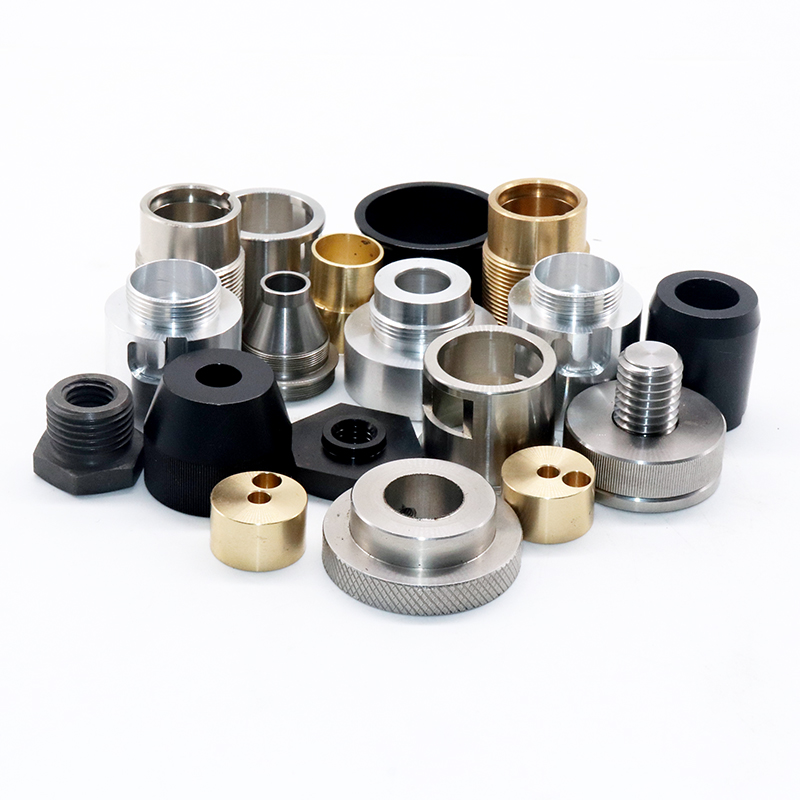
Provide Detailed CAD Files
图片

Use STEP, IGES, or native CAD formats to minimize translation errors.
Specify tolerances, surface finishes, and critical dimensions.

Confirm Machine & Controller Type

Ask your supplier (e.g., GreatLight Metal) which CNC controller they use (Fanuc, Siemens, etc.).
Ensure your CAD/CAM software’s post-processor matches the target machine.

Request a Digital Twin or Simulation

Leading manufacturers often provide G-code simulation reports to verify toolpaths before production.

Work with ISO-Certified Suppliers

Companies like GreatLight CNC Machining Factory adhere to strict quality protocols, reducing risks from G-code misinterpretation.


Conclusion: G-Codes Are Standardized, But Execution Is Not

While core G-codes are broadly similar across CNC machines, their implementation varies due to controller differences, machine configurations, and post-processing requirements. For precision parts machining, especially in 5-axis CNC machining, working with an experienced manufacturer like GreatLight CNC Machining Factory ensures that G-codes are optimized for their specific equipment, guaranteeing high accuracy, reliability, and repeatability.

When in doubt, always consult with your machining partner to confirm G-code compatibility—because in precision manufacturing, small deviations can lead to big consequences.


Frequently Asked Questions (FAQ)

1. Can I use the same G-code file for different CNC machines?

No. While basic G-codes (like G01 for linear movement) are similar, machine-specific controllers (Fanuc, Siemens, etc.) may require adjustments. Always verify with your CNC provider.

2. Why do some CNC machines reject my G-code?

This usually happens due to:
图片

Incorrect post-processing (G-code not tailored to the machine’s controller).
Unsupported commands (e.g., using Haas-specific codes on a DMG MORI machine).
Syntax errors or missing parameters.

3. How does GreatLight CNC Machining Factory handle G-code compatibility?

They use in-house CAM engineers who optimize G-code for their 5-axis CNC machining centers, ensuring zero errors and tight tolerances (±0.001mm).

4. What’s the difference between G-code and M-code?

G-codes control movement (e.g., G01 for linear motion).
M-codes control machine functions (e.g., M03 for spindle start, M05 for stop).

5. How can I ensure my CAD file generates accurate G-code?

Use high-quality CAD models (STEP/IGES preferred).
Specify tolerances and critical features.
Work with a certified manufacturer (like GreatLight Metal) for expert G-code optimization.

By understanding these nuances, you can streamline your precision machining process and avoid costly errors. Choose a partner with proven expertise—in both G-code and five-axis CNC machining.


CNC Experts

Picture of JinShui Chen

JinShui Chen

Rapid Prototyping & Rapid Manufacturing Expert

Specialize in CNC machining, 3D printing, urethane casting, rapid tooling, injection molding, metal casting, sheet metal and extrusion

CNC Recent Posts

CNC News

Welcome to GreatLight Metal,Maximum Processing Size 4,000 mm

Precision Machining CNC Quote Online

Loading file

Upload Click here to upload or drag and drop your model to the canvas.

The model is too large and has been resized to fit in the printer's build tray. [Hide]

The model is too large to fit in the printer's build tray. [Hide]

The model is too large, a fitting printer is selected. [Hide]

The model is too small and has been upscaled. [Hide]

Warning: The selected printer can not print in full color [Hide]

Warning: obj models with multiple meshes are not yet supported [Hide]

Warning: Unsupported DXF entity  [Hide]

Warning: could not arrange models [Hide]


File Unit:      
Scale:
%
L × W × H:
X: × Y: × Z:  cm 
Rotation:
X: ° Y: °  
⚡ Instant Quote for Precision Manufacturing

Submit your design files (STEP/IGES/DWG) and receive a competitive quote within 1 hour, backed by ISO 9001-certified quality assurance.

📋 How It Works

  1. Upload & SpecifyShare your 3D model and select materials (Aluminum/Stainless Steel/Titanium/PEEK), tolerances (±0.002mm), and surface treatments.

  2. AI-Powered AnalysisOur system calculates optimal machining strategy and cost based on 10+ years of automotive/aerospace data.

  3. Review & ConfirmGet a detailed breakdown including:
    - Volume pricing tiers (1-10,000+ units)
    - Lead time (3-7 days standard)
    - DFM feedback for cost optimization

Unit Price: 

Loading price
5 Axis CNC Machining Equipment
4 Axis CNC Machining Equipment
3 Axis CNC Machining Equipment
CNC Milling & Turning Equipment
Prototype and Short-Run Injection Moldings Exact plastic material as final design
Volume Metal Die Casting Services - Precision Cast Parts
Bridge the Gap From Prototype to Production – Global delivery in 10 days or less
Custom high-precision sheet metal prototypes and parts, as fast as 5 days.
Custom Online 3D Printing Services
Design Best Processing Method According To 3D Drawings
Alloys Aluminum 6061, 6061-T6 Aluminum 2024 Aluminum 5052 Aluminum 5083 Aluminum 6063 Aluminum 6082 Aluminum 7075, 7075-T6 Aluminum ADC12 (A380)
Alloys Brass C27400 Brass C28000 Brass C36000
Alloys Stainless Steel SUS201 Stainless Steel SUS303 Stainless Steel SUS 304 Stainless Steel SUS316 Stainless Steel SUS316L Stainless Steel SUS420 Stainless Steel SUS430 Stainless Steel SUS431 Stainless Steel SUS440C Stainless Steel SUS630/17-4PH Stainless Steel AISI 304
Inconel718
Carbon Fiber
Tool Steel
Mold Steel
Alloys Titanium Alloy TA1 Titanium Alloy TA2 Titanium Alloy TC4/Ti-6Al 4V
Alloys Steel 1018, 1020, 1025, 1045, 1215, 4130, 4140, 4340, 5140, A36 Die steel Alloy steel Chisel tool steel Spring steel High speed steel Cold rolled steel Bearing steel SPCC
Alloys Copper C101(T2) Copper C103(T1) Copper C103(TU2) Copper C110(TU0) Beryllium Copper
Alloys Magnesium Alloy AZ31B Magnesium Alloy AZ91D
Low Carbon Steel
Alloys Magnesium Alloy AZ31B Magnesium Alloy AZ91D
ABS Beige(Natural) ABS Black ABS Black Antistatic ABS Milky White ABS+PC Black ABS+PC White
PC Black PC Transparent PC White PC Yellowish White PC+GF30 Black
PMMA Black PMMA Transparent PMMA White
PA(Nylon) Blue PA6 (Nylon)+GF15 Black PA6 (Nylon)+GF30 Black PA66 (Nylon) Beige(Natural) PA66 (Nylon) Black
PE Black PE White
PEEK Beige(Natural) PEEK Black
PP Black PP White PP+GF30 Black
HDPE Black HDPE White
HIPS Board White
LDPE White
This is a finish of applying powdered paint to the components and then baking it in an oven, which results in a stronger, more wear- and corrosion-resistant layer that is more durable than traditional painting methods.
No coating required, product’s natural color!
This is a finish of applying powdered paint to the components and then baking it in an oven, which results in a stronger, more wear- and corrosion-resistant layer that is more durable than traditional painting methods.
This finishing option with the shortest turnaround time. Parts have visible tool marks and potentially sharp edges and burrs, which can be removed upon request.
Sand blasting uses pressurized sand or other media to clean and texture the surface, creating a uniform, matte finish.
Polishing is the process of creating a smooth and shiny surface by rubbing it or by applying a chemical treatmen
A brushed finish creates a unidirectional satin texture, reducing the visibility of marks and scratches on the surface.
Anodizing increases corrosion resistance and wear properties, while allowing for color dyeing, ideal for aluminum parts.
Black oxide is a conversion coating that is used on steels to improve corrosion resistance and minimize light reflection.
Electroplating bonds a thin metal layer onto parts, improving wear resistance, corrosion resistance, and surface conductivity.
This is a finish of applying powdered paint to the components and then baking it in an oven, which results in a stronger, more wear- and corrosion-resistant layer that is more durable than traditional painting methods.
Please provide additional text description for other surface treatment requirements!
Material
Material
  • CNC Metals
    • Aluminum
    • Brass
    • Stainless steel
    • Inconel718
    • Carbon Fiber
    • Tool Steel
    • Mold Steel
    • Titanium
    • Alloy Steel
    • Copper
    • Bronze
    • Low Carbon Steel
    • Magnesium
  • CNC Plastics
    • ABS
    • PC
    • PMMA (Acrylic)
    • PA (Nylon)
    • PE
    • PEEK
    • PP
    • HDPE
    • HIPS
    • LDPE
Printer
Printer
  • CNC Metals
    • 5 Axis CNC Machining
    • 4 Axis CNC Machining
    • 3 Axis CNC Machining
    • CNC Milling & Turning
    • Rapid Tooling
    • Metal Die Casting
    • Vacuum Casting
    • Sheet Metal Fabrication
    • SLA 3D Printing
    • SLS 3D Printing
    • SLM 3D Printing
  • Rapid Prototyping
    • Design Best Processing Method According To 3D Drawings
Post-processing
Post-processing
  • As Machined(Product’s natural color)
  • Sand Blasting
  • Polishing
  • Brushed Finish
  • Anodizing
  • Black Oxide
  • Electroplating
  • Paint Coating
  • Powder Coating
  • Other surface treatment requirements
Finalize
The world's first CNC machining center that dares to provide free samples!

Free for first product valued at less than $200. (Background check required)

precision machining cnc quote online

15 Years CNC Machining Services

When you’re ready to start your next project, simply upload your 3D CAD design files, and our engineers will get back to you with a quote as soon as possible.
Scroll to Top

ISO 9001 Certificate

ISO 9001 is defined as the internationally recognized standard for Quality Management Systems (QMS). It is by far the most mature quality framework in the world. More than 1 million certificates were issued to organizations in 178 countries. ISO 9001 sets standards not only for the quality management system, but also for the overall management system. It helps organizations achieve success by improving customer satisfaction, employee motivation, and continuous improvement. * The ISO certificate is issued in the name of FS.com LIMITED and applied to all the products sold on FS website.

greatlight metal iso 9001 certification successfully renewed
GB T 19001-2016 IS09001-2015
✅ iso 9001:2015
greatlight metal iso 9001 certification successfully renewed zh

IATF 16949 certificate

IATF 16949 is an internationally recognized Quality Management System (QMS) standard specifically for the automotive industry and engine hardware parts production quality management system certification. It is based on ISO 9001 and adds specific requirements related to the production and service of automotive and engine hardware parts. Its goal is to improve quality, streamline processes, and reduce variation and waste in the automotive and engine hardware parts supply chain.

automotive industry quality management system certification 01
Certification of Production Quality Management System for Engine Hardware Parts Engine Hardware Associated Parts
automotive industry quality management system certification 00
发动机五金零配件的生产质量管理体系认证

ISO 27001 certificate

ISO/IEC 27001 is an international standard for managing and processing information security. This standard is jointly developed by the International Organization for Standardization (ISO) and the International Electrotechnical Commission (IEC). It sets out requirements for establishing, implementing, maintaining, and continually improving an information security management system (ISMS). Ensuring the confidentiality, integrity, and availability of organizational information assets, obtaining an ISO 27001 certificate means that the enterprise has passed the audit conducted by a certification body, proving that its information security management system has met the requirements of the international standard.

greatlight metal technology co., ltd has obtained multiple certifications (1)
greatlight metal technology co., ltd has obtained multiple certifications (2)

ISO 13485 certificate

ISO 13485 is an internationally recognized standard for Quality Management Systems (QMS) specifically tailored for the medical device industry. It outlines the requirements for organizations involved in the design, development, production, installation, and servicing of medical devices, ensuring they consistently meet regulatory requirements and customer needs. Essentially, it's a framework for medical device companies to build and maintain robust QMS processes, ultimately enhancing patient safety and device quality.

greatlight metal technology co., ltd has obtained multiple certifications (3)
greatlight metal technology co., ltd has obtained multiple certifications (4)

Get The Best Price

Send drawings and detailed requirements via Email:[email protected]
Or Fill Out The Contact Form Below:

All uploads are secure and confidential.











