
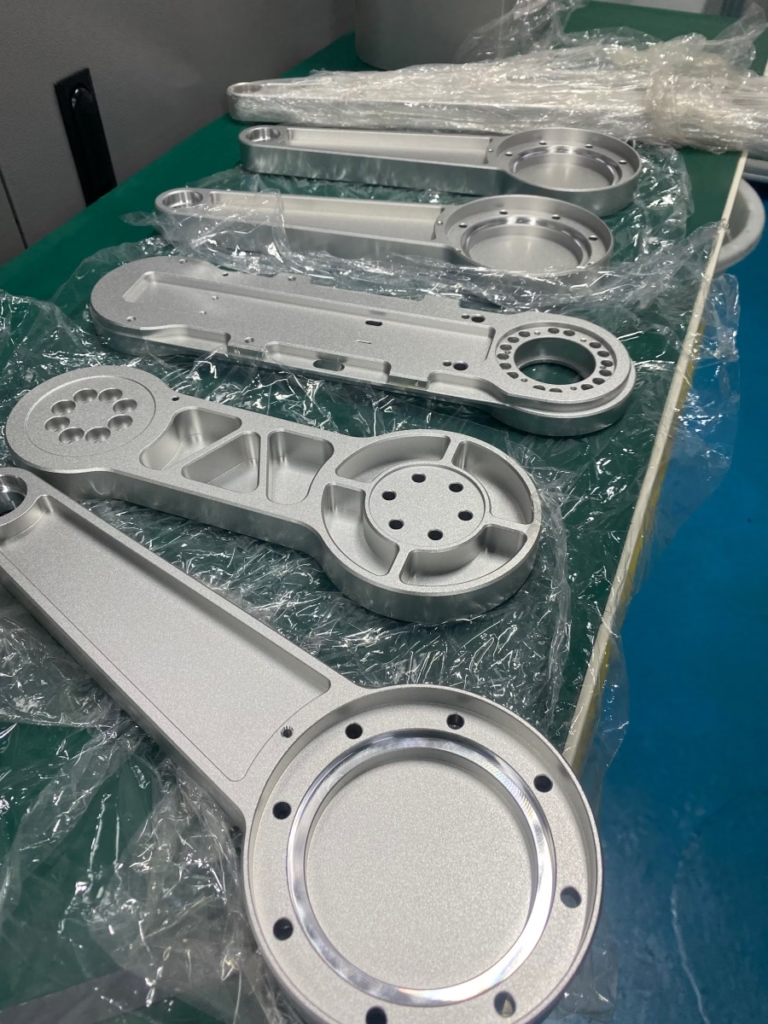
When stepping into a modern precision machining workshop, the symphony isn’t just one of whirring spindles and cutting metal. It begins much earlier, in the silent, digital realm where design intent is translated into machine instruction. For clients seeking precision parts machining and customization, understanding the ecosystem of software that drives CNC machines is not just technical trivia—it’s key to evaluating a manufacturing partner’s capability, efficiency, and ultimately, the fidelity with which your design becomes reality.
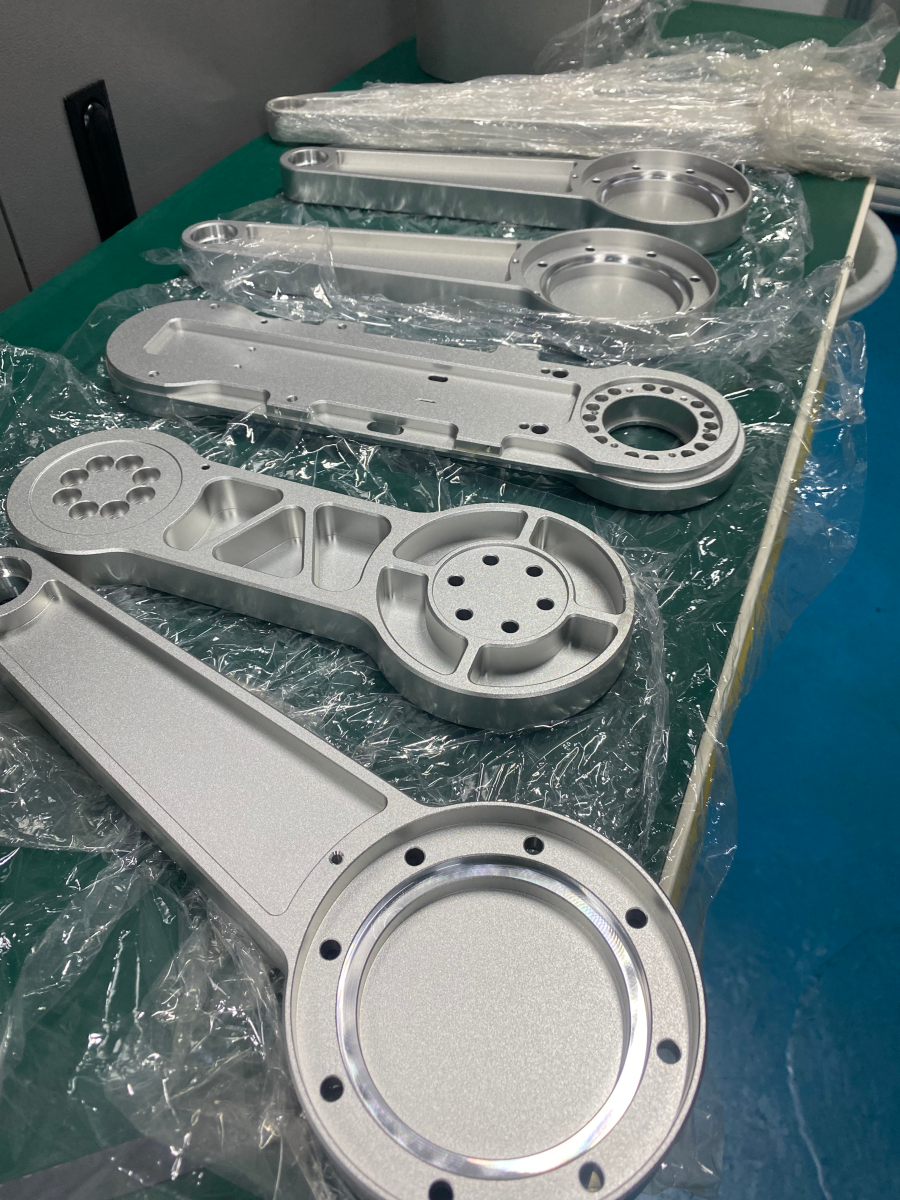
The software used for CNC machine operation forms a critical digital pipeline, often referred to as the CAD/CAM/CNC workflow. Each stage employs specialized tools, and the seamless integration between them is a hallmark of a sophisticated manufacturer like GreatLight CNC Machining Factory.
H2: The Digital Foundation: CAD Software (Computer-Aided Design)
This is where every part begins. CAD software is used by designers and engineers to create the detailed 2D drawings or 3D models that define the part’s geometry, dimensions, and tolerances.
Industry-Standard Heavyweights:
SolidWorks: Ubiquitous in mechanical design, known for its user-friendly parametric modeling and powerful assembly management. Ideal for complex mechanisms and detailed engineering drawings.
Autodesk Inventor: Similar to SolidWorks, offering robust 3D mechanical design, documentation, and product simulation tools. It has strong integration with other Autodesk products.
CATIA: The powerhouse for complex surface modeling, widely used in aerospace, automotive, and other industries requiring advanced Class-A surfaces and complex assemblies.
Siemens NX: A high-end, integrated solution that spans product design (CAD), engineering simulation (CAE), and manufacturing (CAM). It excels in handling extremely complex parts and full product development cycles.
PTC Creo (formerly Pro/ENGINEER): Known for its parametric, feature-based modeling and strong data management capabilities, favored in many established manufacturing sectors.
Why it matters for you: The CAD model is the “single source of truth.” A manufacturer’s ability to natively work with your chosen CAD format (e.g., .sldprt, .ipt, .step, .igs) without data loss is crucial. At GreatLight Metal, our engineering team is proficient across this spectrum, ensuring your design intent is perfectly understood from the outset.
H2: The Strategic Translator: CAM Software (Computer-Aided Manufacturing)
This is the heart of the CNC machining process. CAM software takes the 3D CAD model and generates the toolpaths—the precise instructions (G-code) that tell the CNC machine where to move, how fast to spin, how deep to cut, and which tool to use.
Leading CAM Platforms:
Mastercam: One of the most widely used CAM systems globally, known for its reliability, extensive post-processor library (machine-specific translators), and powerful toolpath strategies for 2D, 3D, and multi-axis machining.
Siemens NX CAM: As part of the NX suite, it offers unmatched integration from design to manufacturing, featuring highly advanced multi-axis, turbine blade, and synchronous machining capabilities.
Fusion 360 (with integrated CAM): Autodesk’s cloud-based platform that combines CAD, CAM, and CAE. Its CAM module is powerful and accessible, excellent for prototyping and smaller-scale production.
SolidWorks CAM / CAMWorks: These are integrated CAM solutions that work directly inside SolidWorks, promoting a tightly coupled Design for Manufacturability (DFM) workflow.
HyperMill (by OPEN MIND): Renowned for its exceptional high-performance and 5-axis machining strategies, particularly for complex molds, aerospace components, and impellers.
Esprit (by DP Technology): A high-end CAM system known for its powerful multi-tasking mill-turn and Swiss-type lathe programming, ideal for complex, precision turned parts.
The GreatLight Advantage: We invest in high-end CAM software like Mastercam and HyperMill, specifically for our advanced 5-axis CNC machining centers. This allows our programmers to create highly optimized, efficient, and collision-free toolpaths for the most complex geometries, minimizing machining time and ensuring superior surface finish.
H2: The Virtual Proving Ground: Simulation & Verification Software
Before a single line of G-code touches the machine, it undergoes rigorous virtual testing. This step is non-negotiable for preventing costly crashes and ensuring quality.
Machine Simulation (e.g., Vericut, NX Machine Tool Simulator): These tools create a digital twin of the actual CNC machine, including its kinematics, tool holders, and fixtures. The entire machining program is run in this virtual environment to detect collisions, validate travel limits, and optimize the sequence of operations.
Toolpath Verification & Analysis: Built into advanced CAM systems or available as standalone modules, this software visually simulates material removal, checks for remaining stock, and analyzes cutting conditions.
Our Commitment to Safety and Precision: At our factory, simulation is a mandatory step, especially for complex 5-axis jobs. This virtual rehearsal guarantees that your valuable material and our precision equipment are protected, delivering first-part correctness.
H2: The Machine’s Mother Tongue: CNC Control Software
This is the software embedded in the CNC machine’s controller (the onboard computer). It interprets the G-code and directly commands the machine’s motors and drives.
Dominant Control Systems:
Siemens Sinumerik: A top-tier control known for its advanced functionalities, superb high-speed machining performance, and seamless integration with digital factory concepts. Often found on high-precision German and European machines.
Heidenhain TNC & CNC Pilot: Highly regarded for user-friendly programming, exceptional precision, and robust shop-floor programming capabilities. A favorite in mold and die making.
Fanuc: The most widely used control in the world, known for its extreme reliability, stability, and vast ecosystem. It’s the workhorse of countless manufacturing facilities.
Mazak Mazatrol: Proprietary to Mazak machines, it’s celebrated for its conversational programming that simplifies complex operations, boosting efficiency for machine operators.
GreatLight’s Technological Backbone: Our workshop is equipped with machines featuring these industry-leading controls. Our technicians’ deep familiarity with systems like Siemens Sinumerik and Heidenhain allows us to unlock their full potential for precision, surface quality, and efficient production.
H2: The Orchestrator: Manufacturing Execution & Management Software
Beyond a single machine, modern workshops use software to manage the entire production flow.
Manufacturing Execution Systems (MES): Tracks orders, schedules jobs, manages tooling, and monitors machine status in real-time, ensuring on-time delivery and optimal shop floor efficiency.
Tool Management Software: Manages the lifecycle of thousands of cutting tools—tracking location, usage, wear, and replenishment—which is critical for maintaining consistent quality in precision machining.
Conclusion
The question “which software is used for CNC machine?” reveals a layered ecosystem, from creative design (CAD) to strategic planning (CAM), rigorous validation (Simulation), and precise execution (CNC Control). The choice and mastery of this software stack directly correlate with a manufacturer’s ability to tackle complexity, ensure reliability, and deliver precision at scale.
For clients, the takeaway is to look beyond the hardware. A partner like GreatLight CNC Machining Factory distinguishes itself not just by its array of 5-axis CNC machining centers, but by its strategic investment in and expert command of the advanced software that makes these machines intelligent and trustworthy extensions of your engineering vision. This integrated digital-physical capability is what transforms a challenging design into a flawlessly machined component, ready for its critical application.
Frequently Asked Questions (FAQ)
H3: Q1: As a client, do I need to provide a file in a specific CAD format?
A: While most professional manufacturers can handle common neutral formats like STEP (.stp) or IGES (.igs), providing your native CAD file (e.g., SolidWorks .sldprt) along with detailed drawings is ideal. It preserves design features and intent, allowing for smoother DFM feedback and CAM programming. We at GreatLight Metal work with all standard formats.
H3: Q2: Is more expensive CAM software always better?
A: Not necessarily for every job. The “best” software is the one that is optimally matched to the part complexity and machine technology. A complex aerospace impeller demands a high-end 5-axis CAM like HyperMill, while a simple bracket may be efficiently programmed in Mastercam or even Fusion 360. A good manufacturer selects the right tool for the job.
H3: Q3: Who typically handles the CAM programming—the client or the manufacturer?
A: In most custom machining scenarios, the manufacturer handles the CAM programming. This is a core part of their service, as it requires deep knowledge of their specific machines, tooling, and processes. Clients provide the design (CAD), and the manufacturer engineers the manufacturing process (CAM). Close collaboration during this phase is key for DFM.
H3: Q4: Why is machine simulation so important, and do all shops use it?
A: Simulation is critical for preventing catastrophic machine crashes, protecting expensive workpieces and equipment, and verifying the program’s correctness. While it is a best practice, not all shops rigorously use dedicated simulation software, especially for simpler jobs. For complex multi-axis machining, it is an essential, non-negotiable step that shops like ours employ for every relevant project.
H3: Q5: How does a manufacturer’s software capability affect my project’s cost and timeline?
A: Directly and significantly. Efficient, optimized CAM programming reduces machining cycle times, saving on machine hours. Powerful simulation avoids errors and rework, protecting timelines. Integrated management software (MES) ensures smooth workflow and on-time delivery. Investing in advanced software ultimately translates to greater cost-effectiveness and reliability for the client. You can see how industry leaders approach this integration on platforms like LinkedIn.



















