
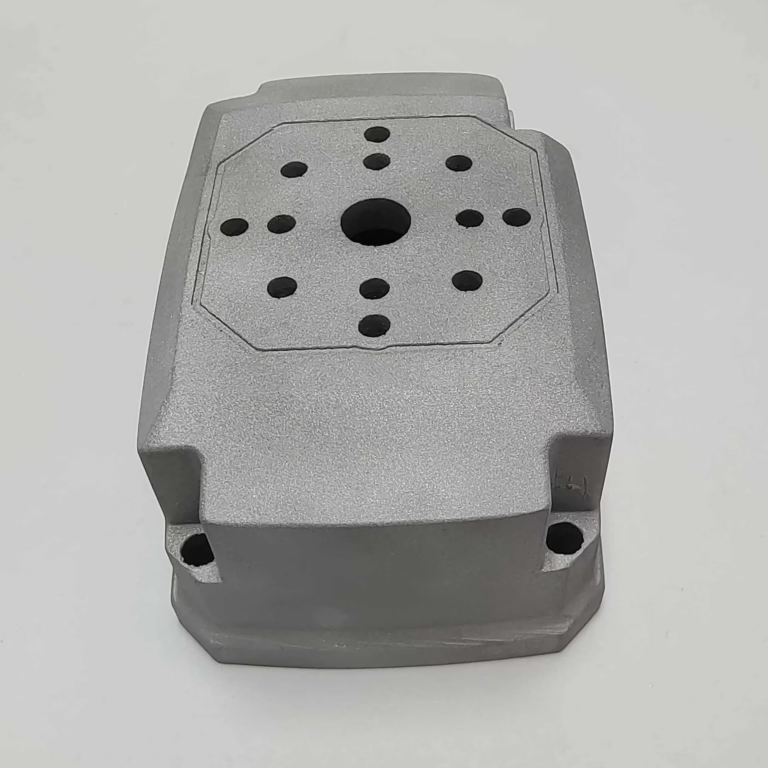
When embarking on a new production run, the question of how to setup CNC machine is pivotal. It is the critical bridge between a digital design and a physical part of impeccable quality. An improperly configured machine can lead to catastrophic tool breakage, scrapped components, wasted material, and compromised safety. For clients seeking precision parts machining and customization, understanding this process—or partnering with a manufacturer who has mastered it—is fundamental to ensuring project success, cost-efficiency, and timely delivery.
This guide, drawn from extensive industry experience, will walk through the systematic procedure for setting up a CNC machine, emphasizing the meticulous attention to detail required for high-precision work.
The Imperative of a Methodical Setup
A CNC machine setup is far more than just loading a program and pressing start. It is a series of deliberate, verified steps that transform a static machine into a predictable, high-precision production system. Skipping or rushing any step introduces variability, which is the enemy of precision manufacturing.
A Step-by-Step Guide to CNC Machine Setup
The following workflow represents a standardized best-practice approach, applicable to milling, turning, and especially complex 5-axis operations.
Step 1: Pre-Setup Preparation & Safety
Review Documentation: Thoroughly examine the part drawing, 3D CAD model, and the CNC program (G-code). Understand all critical dimensions, tolerances, surface finish requirements, and material specifications.
Job Planning Sheet: Create or reference a setup sheet that details tools needed, tool lengths, fixture locations, cutting parameters (speeds, feeds, depth of cut), and coordinate system positions.
Safety First: Ensure the machine’s safety guards are in place. Verify the emergency stop is functional. Wear appropriate personal protective equipment (PPE) – safety glasses, hearing protection, and no loose clothing.
Step 2: Machine Preparation & Homing
Power Up & Warm-Up: Power on the CNC control and the machine. Execute a controlled warm-up cycle (if the machine has been idle) to allow the spindle, axes, and ball screws to reach a stable thermal state. This is crucial for maintaining accuracy, especially in high-tolerance work.
Reference Point Return (Homing): Command the machine to move all axes to their machine reference points (or “home” positions). This establishes the machine coordinate system, which is the foundation for all subsequent positioning.
Step 3: Workholding & Fixture Installation
Clean the Worktable: Meticulously clean the machine table and the bottom of your fixture or vise of any chips, burrs, or dirt. Even a small particle can cause misalignment.
Secure the Fixture: Using precision parallels, indicators, or dedicated mounting systems, align and securely clamp the fixture (vise, tombstone, custom jig) to the machine table. For complex, multi-sided parts, this is where the flexibility of a 5-axis machine’s tilting/rotating table must be precisely calibrated.
Load and Clamp the Workpiece: Securely mount the raw material (stock) into the fixture. Ensure the clamping force is sufficient to resist cutting forces without distorting the part.
Step 4: Tooling Setup & Presetting
Load Tools into the Magazine: Based on the tool list, load the required end mills, drills, taps, etc., into the machine’s tool magazine or turret. Record their assigned tool numbers (e.g., T01, T02).
Establish Tool Offsets: This is a core precision step. Using a tool pre-setter (highly recommended for efficiency and accuracy) or the machine’s touch probe, measure the precise length and diameter of each tool. This data is entered into the CNC control’s Tool Length Offsets (H-codes) and Tool Diameter/Cutter Radius Offsets (D-codes). This tells the machine the exact geometry of each tool relative to the spindle.
Step 5: Establishing Work Coordinate Systems (WCS)
This defines where the part is located in the machine’s working envelope. A single setup may use multiple coordinate systems (e.g., G54, G55).
Probing or Edge Finding: Use a precision edge finder or a spindle-mounted touch probe to locate the part’s datum features (edges, center of a bore, a specific corner).
Set Work Zero (G54, etc.): The measured X, Y, Z positions are entered into the corresponding work coordinate system register in the CNC control. For 5-axis work, this also involves defining the orientation of the part, which is critical for simultaneous multi-axis machining.
Step 6: Program Verification & Dry Run
Load the CNC Program: Transfer the verified G-code program to the machine control.
Graphical Simulation: Use the control’s built-in toolpath graphics to visually check for any gross errors, collisions, or unexpected movements.
Dry Run (No-Cut Mode): Run the program with the spindle off and the machine in rapid traverse override (often at 25% or 50% speed). Closely watch the axis movements and the distance-to-go readouts to ensure the toolpaths are clear of fixtures and clamps. This is a non-negotiable safety and verification step.
Step 7: First Part Run & In-Process Inspection
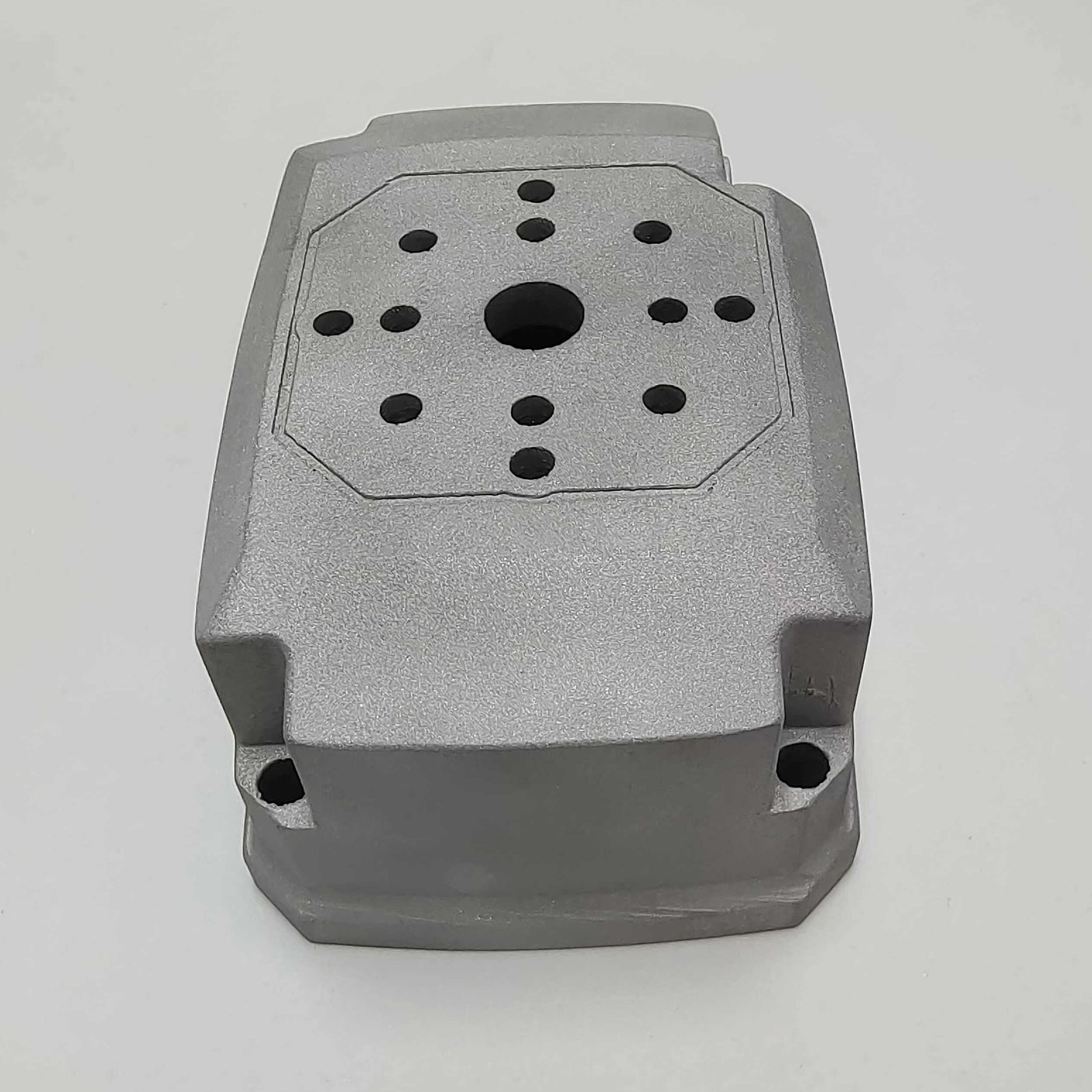
Single Block & Feed Hold: For the very first part, run the program in Single Block mode. This executes one line of code at a time, allowing the operator to verify each move. Have your finger on the Feed Hold button.
Prove-Out Cuts: For initial critical depth cuts (like profiling or pocketing), you may temporarily reduce the depth of cut to take a “skin cut,” then stop and measure.
In-Process Measurement: After the first part is complete, or after critical operations, remove it from the fixture (if possible) and perform a comprehensive first-article inspection using micrometers, calipers, CMM, or other metrology equipment. Compare all dimensions to the drawing.
Fine-Tune Offsets: Based on inspection results, make micro-adjustments to tool offsets or work coordinates to bring dimensions perfectly into the center of the tolerance band. This proactive compensation is the hallmark of a skilled machinist.
Step 8: Production Run & Monitoring
Once the first part is approved, the machine can run in full automatic mode. However, vigilant monitoring is still required for tool wear, chip evacuation, coolant flow, and any unusual sounds or vibrations.
mermaid
flowchart TD
A[Start: Pre-Setup & Safety] –> B[Machine Prep & Homing]
B –> C[Workholding & Fixture Install]
C –> D[Tooling Setup & Presetting]
D –> E[Establish Work Coordinate Systems WCS]
E –> F{Program Verification & Dry Run}
F — Simulation & Run OK –> G[First Part Run & Inspection]
F — Error Detected –> H[Debug Program/Fixturing] –> F
G –> I{Inspection Results OK?}
I — Yes –> J[Begin Monitored Production Run]
I — No –> K[Fine-Tune Offsets/WCS] –> G
Why Partnering with an Expert Like GreatLight Matters
While the steps above provide a framework, the true art of how to setup CNC machine lies in the depth of experience, the quality of equipment, and the rigor of the quality system behind it. This is where a specialist manufacturer distinguishes itself.
At GreatLight CNC Machining Factory, our approach to machine setup is engineered for zero-defect precision. Our process is reinforced by:
Advanced 5-Axis Calibration: Our multi-axis centers undergo regular and meticulous calibration to ensure the synergistic movement of all rotary and linear axes is mathematically perfect, a non-negotiable requirement for complex aerospace or medical components.
Integrated Tool Presetting & Management: We use offline tool presetters to measure tools away from the machine, drastically reducing non-cut time and ensuring offset data is loaded accurately before production even begins.
Process-Driven Work Instructions: Every setup is guided by detailed process sheets and digital work instructions, eliminating reliance on tribal knowledge and ensuring consistency across shifts and operators.
First-Article Inspection Protocol: Our in-house metrology lab, equipped with CMMs and high-precision gauges, rigorously validates the first part from every new setup against the original CAD data, not just the print.
For clients, this translates to confidence. You receive parts that are not just “within print,” but are consistently produced at the highest level of accuracy our machines can deliver, batch after batch.
Conclusion
Mastering how to setup CNC machine is a blend of disciplined procedure, profound technical knowledge, and relentless attention to detail. It is the unseen yet critical foundation upon which every successful precision machining project is built. For businesses that cannot maintain this expertise in-house, selecting a manufacturing partner whose entire operation is built upon these principles is the most strategic decision you can make.
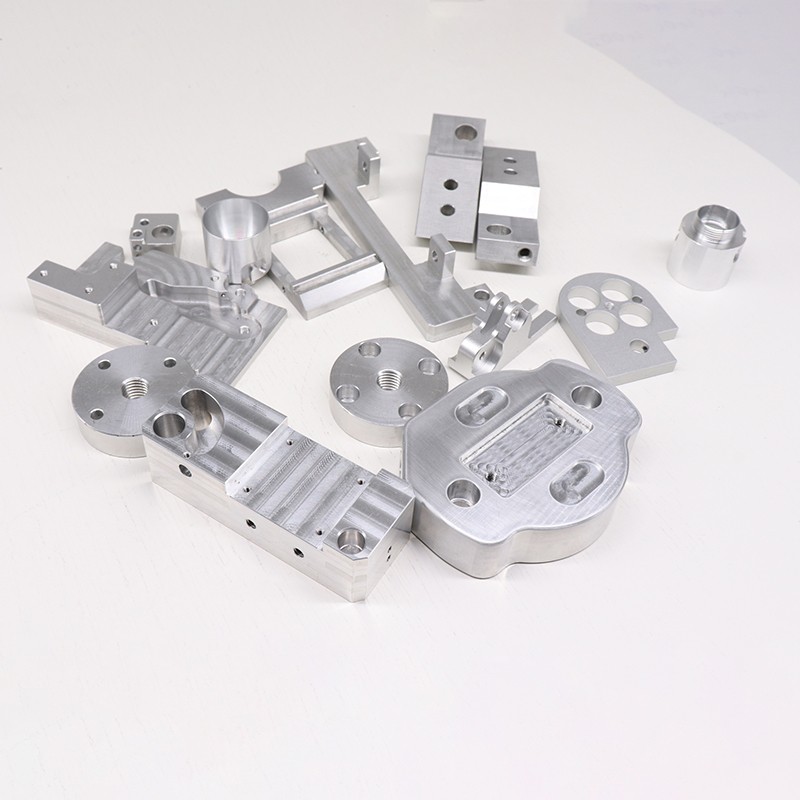
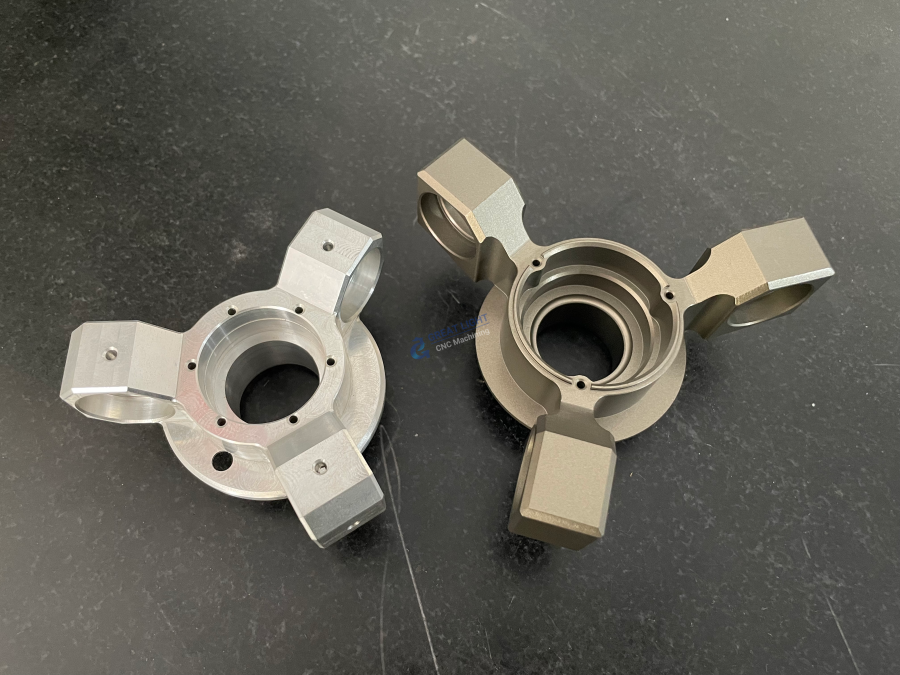
Choosing a partner like GreatLight means entrusting your most demanding projects to a team that treats every setup with the care and precision it deserves, ensuring your journey from design to delivered part is seamless, reliable, and of the highest quality.
Frequently Asked Questions (FAQ)
Q1: How long does a typical CNC setup take?
A: Setup time varies dramatically. A simple 2.5D milling job in a vise might take 30-60 minutes. A complex, multi-fixture 5-axis setup for a aerospace component with dozens of tools can take 4-8 hours or more. The goal of advanced planning and tool presetting is to maximize “spindle-cutting” time and minimize setup time.
Q2: What is the most common mistake during CNC setup?
A: Two mistakes are prevalent: 1) Incorrect Work Zero Setting: A small error in establishing the X, Y, or Z zero point will propagate through the entire part, scrapping it. 2) Forgetting to Update Offsets: Using an old tool length offset from a previous job after changing a tool is a common cause of crashes or shallow/deep cuts.
Q3: Can setup errors be corrected after machining starts?
A: Some minor dimensional deviations can be corrected by adjusting tool wear offsets during a production run. However, errors in fundamental positioning (WCS) or program logic often result in irreparable scrap. This is why the dry run and first-article inspection are so critical.
Q4: How does 5-axis setup differ from 3-axis?
A: 5-axis setup is significantly more complex. In addition to X, Y, Z zeros, you must also accurately establish the orientation of the part relative to the two rotary axes (e.g., A and C). This often requires specialized probing cycles and a perfect understanding of the kinematic chain of the machine to avoid positional errors when the table tilts and rotates.
Q5: What role does CAM software play in setup?
A: Modern CAM software is indispensable. It generates efficient, collision-free toolpaths and, crucially, can output detailed setup sheets and tool lists automatically. It can also simulate the entire machining process, including the fixture, to visually verify the setup before any G-code is sent to the shop floor. For more insights into industry practices, you can follow expert discussions on platforms like LinkedIn.



















