In the world of precision parts machining and customization, programming CNC machines is a crucial skill. One of the most popular software for this task is Mastercam. If you’re looking to learn how to program CNC machines using Mastercam, you’ve come to the right place. GreatLight CNC Machining Factory, a professional five – axis CNC machining manufacturer, has in – depth knowledge and experience in this area, and we’ll explore the programming process with you.
Understanding Mastercam Basics
Mastercam is a powerful CAD/CAM software that allows users to design parts and generate toolpaths for CNC machines. Before you start programming, it’s essential to understand its interface and basic functions.
User Interface: When you open Mastercam, you’ll see a workspace with various menus, toolbars, and a graphics area. The menus contain commands for different operations such as file management, geometry creation, and toolpath generation. The toolbars provide quick access to frequently used functions.
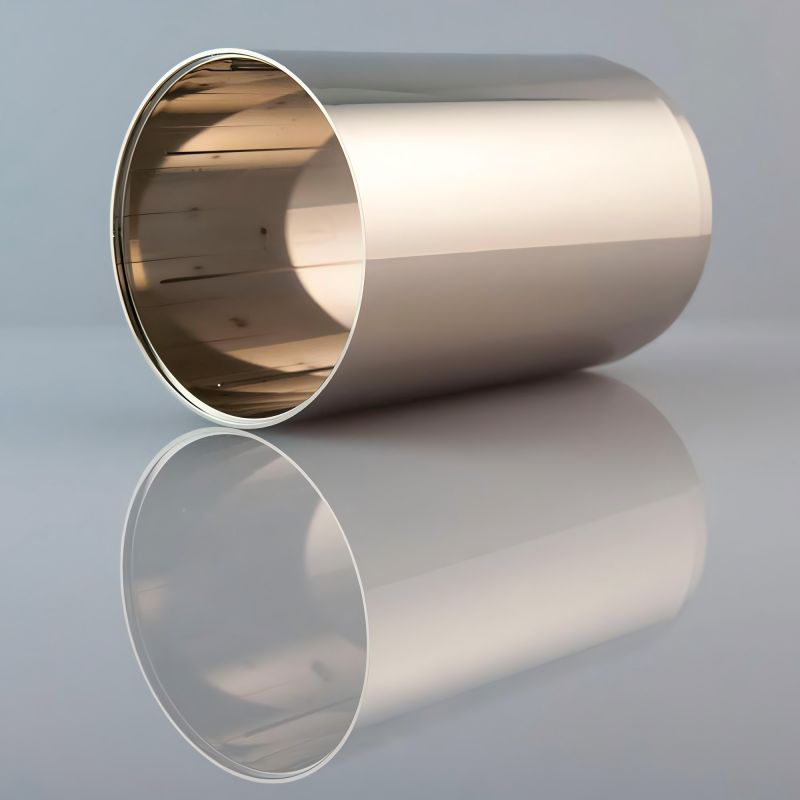
Geometry Creation: To program a CNC machine, you first need to create the geometry of the part you want to machine. Mastercam offers a wide range of tools for creating 2D and 3D geometries. You can draw lines, arcs, circles, and more. For example, if you’re machining a simple cylindrical part, you can use the circle – drawing tool to create the cross – section of the cylinder.
Setting Up the Machine and Stock
Once you’ve created the geometry, the next step is to set up the machine and the stock.
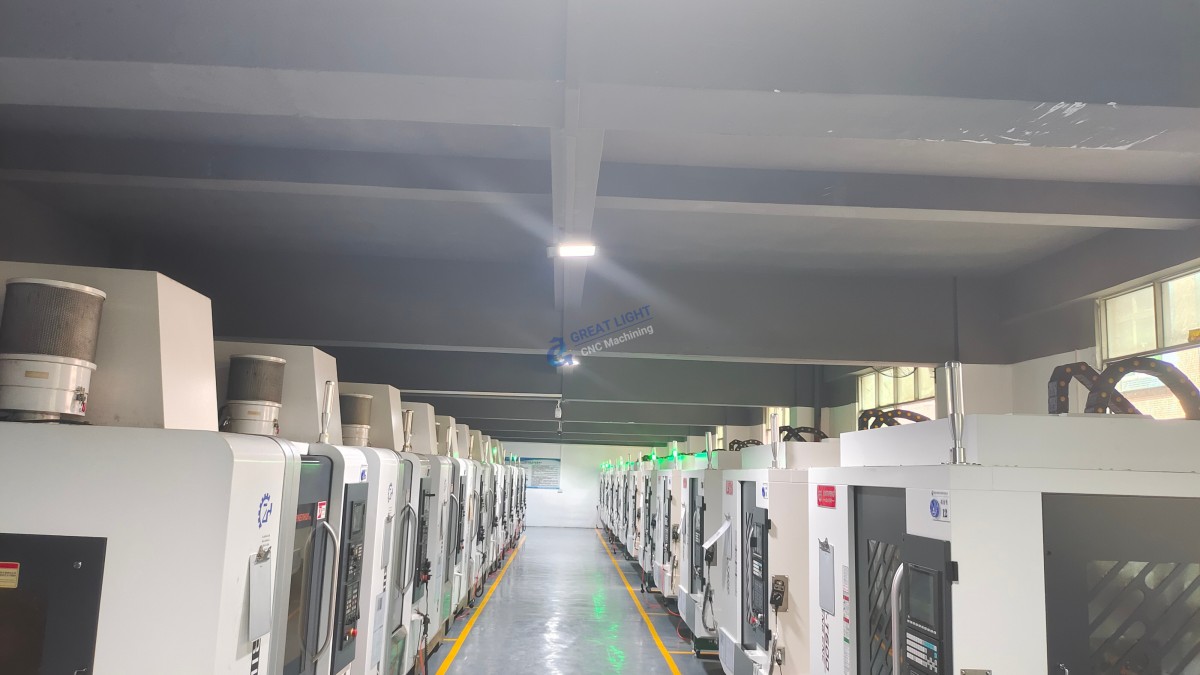
Machine Setup: In Mastercam, you need to define the type of CNC machine you’re using. This includes specifying the number of axes (such as 3 – axis, 4 – axis, or 5 – axis), the spindle speed, feed rate, and other machine – specific parameters. GreatLight CNC Machining Factory, with its advanced five – axis CNC machining equipment, can handle complex machine setups with ease.
Stock Definition: You also need to define the stock material. This involves specifying the size, shape, and material type of the stock. For instance, if you’re machining a metal part from a rectangular block of aluminum, you’ll define the length, width, and height of the block in Mastercam.
Generating Toolpaths
Toolpath generation is the heart of CNC programming using Mastercam.
Selecting Tools: First, you need to select the appropriate cutting tools for the job. Mastercam has a tool library where you can choose from a variety of tools, such as end mills, ball mills, and drills. The choice of tool depends on the material being machined and the features of the part.
Defining Operations: After selecting the tools, you define the machining operations. This could include roughing, finishing, drilling, and tapping. For example, in roughing operations, you remove large amounts of material quickly, while finishing operations are used to achieve the final surface finish.
Calculating Toolpaths: Once you’ve defined the operations, Mastercam calculates the toolpaths based on the geometry, stock, and tool information. You can preview the toolpaths in the graphics area to ensure they are correct.
Post – Processing and Simulation
After generating the toolpaths, you need to post – process them and simulate the machining process.
Post – Processing: Post – processing converts the toolpaths generated by Mastercam into a format that the CNC machine can understand. You need to select the appropriate post – processor for your machine. GreatLight CNC Machining Factory, with its strict adherence to ISO quality standards, ensures that the post – processed programs are accurate and error – free.
Simulation: Simulation allows you to verify the machining process before sending the program to the CNC machine. You can check for collisions, over – cuts, and other potential issues. This helps to save time and materials by preventing mistakes on the actual machine.
Conclusion
Learning how to program CNC machines using Mastercam is a valuable skill in the precision parts machining and customization field. With its user – friendly interface, powerful geometry creation tools, and efficient toolpath generation capabilities, Mastercam simplifies the programming process. GreatLight CNC Machining Factory, with its advanced equipment, experienced team, and commitment to quality, can provide you with the best support in CNC machining. Whether you’re a beginner or an experienced programmer, Mastercam and GreatLight CNC Machining Factory can help you achieve high – precision and efficient machining results.
Frequently Asked Questions (FAQ)
Is Mastercam suitable for beginners?
Yes, Mastercam has a relatively user – friendly interface and provides a lot of tutorials and documentation. Beginners can start with simple projects and gradually learn more advanced features.
Can I use Mastercam for different types of CNC machines?
Yes, Mastercam supports a wide range of CNC machines, including 3 – axis, 4 – axis, and 5 – axis machines. You just need to select the appropriate post – processor for your specific machine.
How long does it take to learn Mastercam?
The learning time depends on your prior knowledge of CAD/CAM and CNC machining. For someone with some basic knowledge, it may take a few weeks to a few months to become proficient in using Mastercam for simple projects. For more complex projects, it may take longer.
What if I encounter problems during the programming process?
GreatLight CNC Machining Factory has a professional technical support team that can assist you. Additionally, there are many online communities and forums where you can ask questions and get help from other Mastercam users.
Click here to learn more about GreatLight CNC Machining Factory’s precision 5 – axis CNC machining services. You can also visit this LinkedIn page for more information about the company.