
Demystifying the Workshop Powerhouse: A Senior Engineer’s Guide to Operating a CNC Milling Machine
In the realm of modern manufacturing, the CNC milling machine stands as a cornerstone of precision and efficiency. From prototyping intricate components to high-volume production runs, its ability to translate digital designs into physical reality is unparalleled. For clients and partners in the precision parts machining and customization field, understanding how to operate this sophisticated equipment is key to unlocking its full potential and ensuring the success of your projects. At GreatLight, we believe that an informed client is our best partner. This guide will walk you through the fundamental principles, operational workflow, and best practices for running a CNC milling machine, drawing from our extensive hands-on experience in delivering high-tolerance parts for industries ranging from aerospace to medical devices.
Understanding the CNC Milling Machine: More Than Just a Machine Tool
Before diving into the controls, it’s crucial to grasp what a CNC milling machine is at its core. CNC stands for Computer Numerical Control. Essentially, it is a milling machine whose movements are dictated by a computer program (G-code). This program precisely controls the motion of the cutting tool along multiple axes (typically 3, 4, or 5) and the rotation of the spindle, enabling it to remove material from a workpiece (blank) to create a desired shape.
The core advantages that make CNC milling indispensable include:
Extreme Precision and Repeatability: Capable of achieving tolerances within ±0.001mm, ensuring every part in a batch is identical.
Complex Geometry Machining: Can produce shapes that are virtually impossible with manual machining, such as complex contours, pockets, and 3D surfaces.
Automation and Efficiency: Once set up and programmed, the machine can run unsupervised for hours, significantly boosting productivity.
Flexibility: A simple program change allows the same machine to produce a completely different part.
The Step-by-Step Operational Workflow
Operating a CNC milling machine is a systematic process that blends digital preparation with physical execution. Skipping or rushing any step can compromise safety, quality, and efficiency.
Phase 1: The Foundation – Pre-Machining Preparation
This phase is arguably the most critical, where 80% of potential errors are identified and resolved.
1. Programming & Simulation (The Digital Blueprint):
CAD Model: Everything begins with a perfect 3D CAD model of the final part. At GreatLight, our engineering team often collaborates with clients to review and optimize designs for manufacturability (DFM), suggesting modifications that enhance strength, reduce machining time, or lower cost without affecting function.
CAM Programming: Using Computer-Aided Manufacturing (CAM) software, a programmer defines the toolpaths. This involves selecting the appropriate cutting tools, specifying spindle speeds (RPM), feed rates (IPM), depth of cut, and the sequence of operations (roughing, semi-finishing, finishing). For complex 5-axis work, this requires exceptional skill to avoid collisions and ensure optimal tool engagement.
Post-Processing & Simulation: The CAM toolpaths are converted into machine-specific G-code via a post-processor. Crucially, the entire program is then run through a simulation software. This virtual run checks for errors, collisions between the tool/holder/spindle and the fixture or machine, and verifies the final geometry. We never skip this step.
2. Workpiece Setup & Fixturing:
Material Selection & Blank Preparation: The correct material (aluminum, stainless steel, titanium, engineering plastic) is selected and cut to a manageable size, often with some excess stock (overstock) for holding and finishing.
Fixturing: The blank must be immovably secured to the machine table. This can involve vises, custom machined fixtures, modular fixture systems, or vacuum plates. The choice depends on the part’s geometry, batch size, and required precision. Poor fixturing is a leading cause of part failure and scrapped components.
3. Tooling Preparation:
A tooling sheet derived from the CAM program lists all required tools (end mills, drills, taps, etc.). Each tool is loaded into a precision collet or hydraulic holder and measured on a presetter to determine its exact length and diameter. These values are critical for accurate G-code execution.
4. Machine Setup & Workpiece Zero (WCS):
The fixture is cleaned and mounted onto the machine table, ensuring it is square and level.
The Work Coordinate System (WCS), or “part zero,” is established. This is a reference point on the workpiece (often a corner or center) from which all tool movements are calculated. Using a precision touch probe or edge finder, the operator meticulously sets the X, Y, and Z zero points for this coordinate system in the machine’s controller.
5. The First Article Run (Prove-Out):
Before a full production run, a “first article” is machined. This is a non-negotiable best practice. It often involves:
Dry Run: Running the program without the spindle on or without a workpiece to check for gross motion errors.
Air Cutting: Running the program with the spindle on but with the tool offset raised above the workpiece surface.
Single-Block & Low Feed Rate: Machining the first part using a reduced feed rate and running the program block-by-block, allowing the operator to verify each move.
Phase 2: Execution – Machining and Monitoring
Once the setup is verified, full production can commence.
1. Initiating the Cycle:
The correct program is loaded, tools are confirmed, and the door is closed. The cycle start button is pressed.
Modern machines often feature automated tool changers (ATC) and pallet changers, allowing for continuous, lights-out operation.
2. In-Process Monitoring & Inspection:
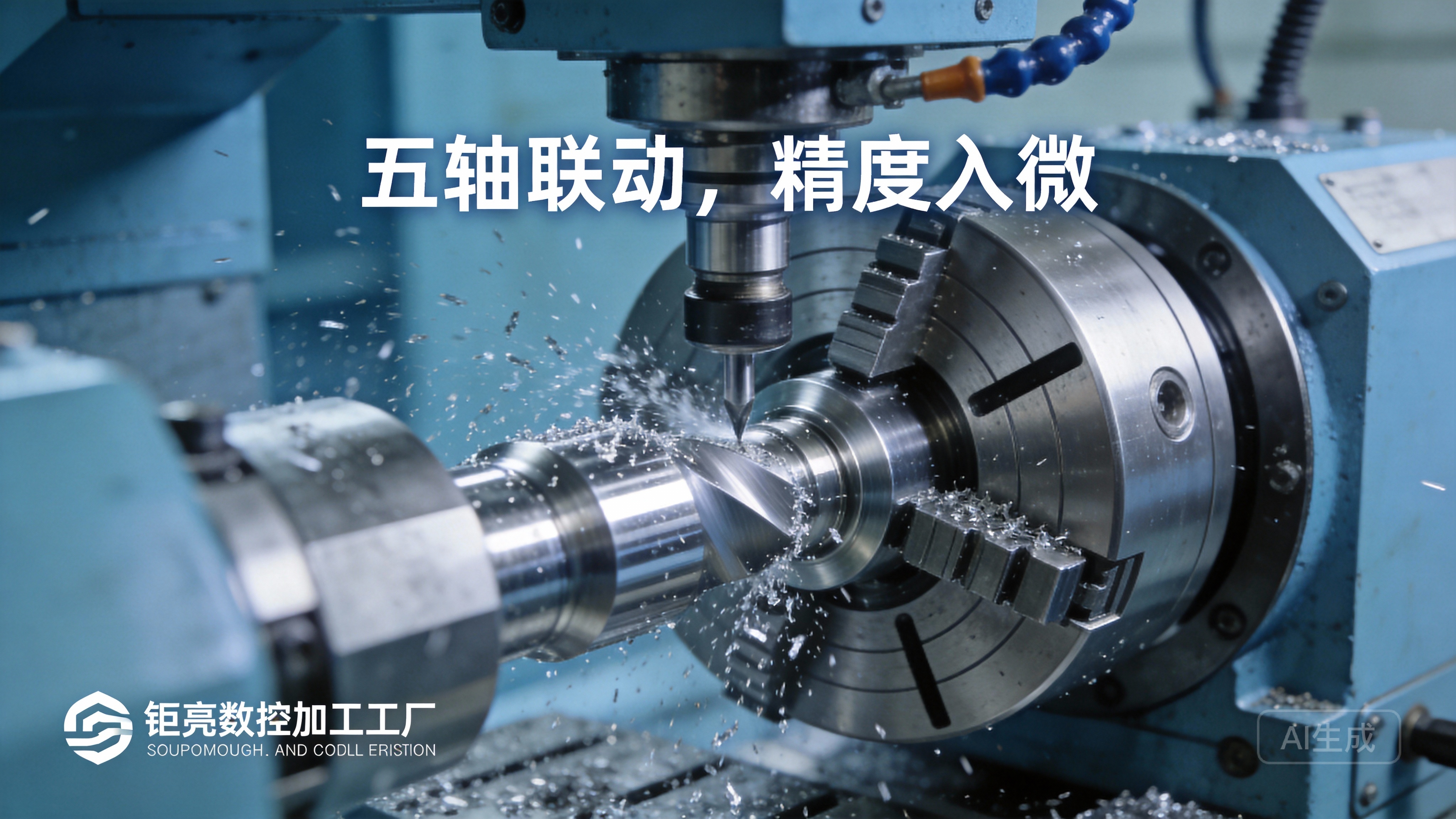
An operator’s job is not passive. We monitor for:
Unusual Sounds: Squealing, chattering, or heavy vibrations indicate poor cutting conditions.
Chip Formation: The color, shape, and flow of chips are vital indicators of correct speed, feed, and tool health. Long, stringy chips in aluminum or blue chips in steel can signal issues.
Coolant Flow: Ensuring the cutting area is properly flooded or misted to control heat, flush chips, and prolong tool life.
Periodic In-Process Checks: Using calibrated micrometers, calipers, and gauges, critical dimensions are checked at predefined intervals to catch any drift from tool wear or other factors early.
3. Optimizing the Process:
Based on feedback from the first articles and in-process monitoring, fine-tuning may occur. This could involve slightly adjusting feed rates, spindle speeds, or tool paths in the CAM program to achieve a better surface finish, reduce cycle time, or extend tool life.
4. Post-Machining:
Once the cycle is complete, the part is carefully removed. Deburring—removing sharp edges and corners—is almost always a necessary manual or tumbling operation.
The part then moves to the Quality Control (QC) department for a full inspection using tools like Coordinate Measuring Machines (CMM), optical comparators, or surface profilometers to verify it meets all drawing specifications.
Advanced Operations and Best Practices
Beyond the basics, mastering a CNC milling machine involves leveraging its advanced capabilities:
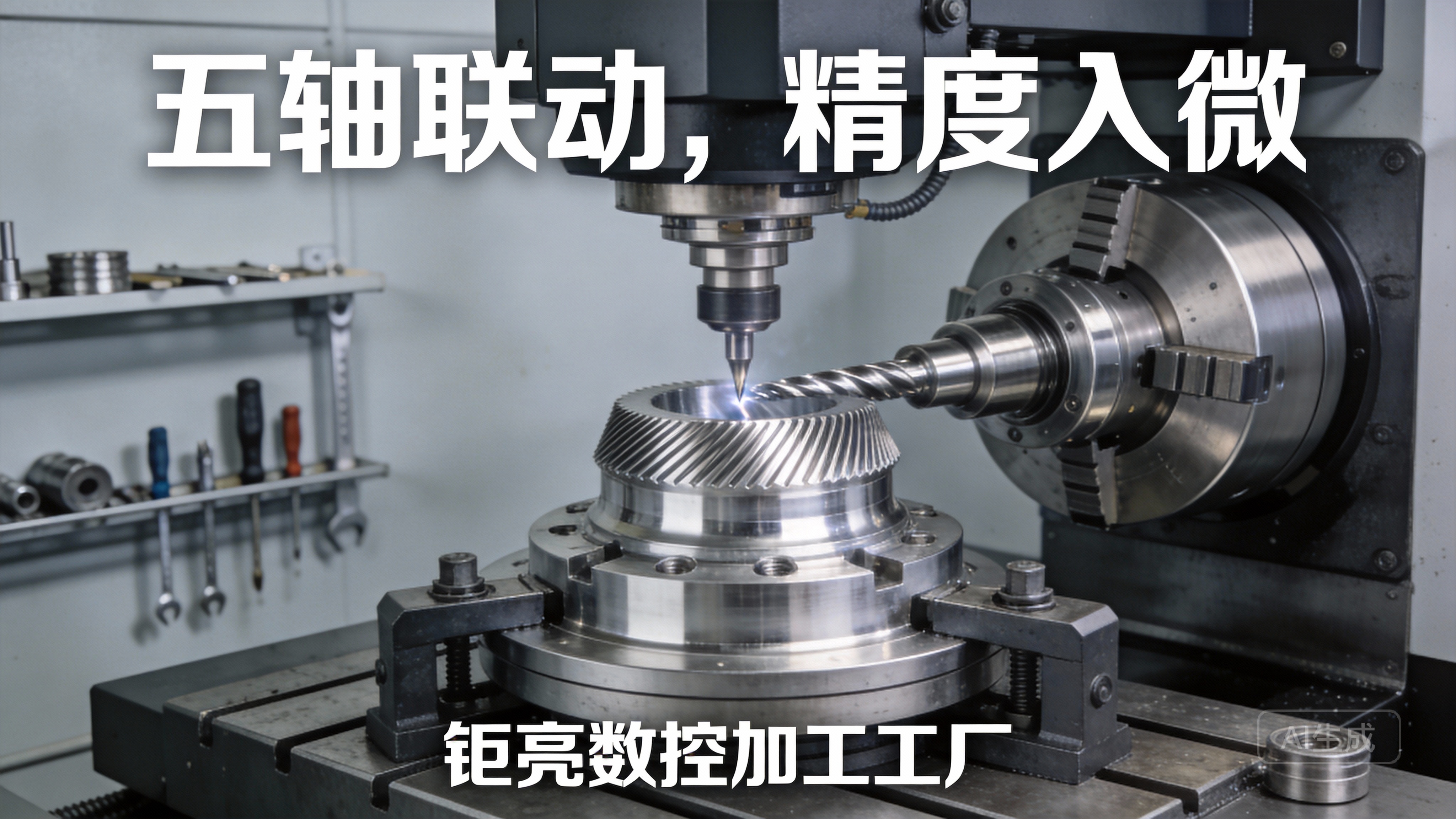
High-Speed Machining (HSM): Using specialized toolpaths and parameters to maintain a constant chip load and high feed rates, dramatically reducing machining time for softer materials like aluminum.
Adaptive or Dynamic Milling: A CAM strategy that maintains an optimal radial depth of cut, allowing for much higher axial depths. This reduces tool wear, minimizes heat, and is excellent for roughing tough materials.
Utilizing Probing Systems: Machine-integrated touch probes can automate workpiece setting, tool breakage detection, and even in-process dimensional verification, pushing automation and reliability to new levels.
The Non-Negotiable: Safety First
No discussion on operation is complete without emphasizing safety:
Always wear appropriate PPE: Safety glasses, hearing protection, and no loose clothing or jewelry.
Never reach into a running machine.
Ensure all guards and doors are in place and functional.
Be fully trained on emergency stops and machine-specific safety protocols.
Know the material you are machining; some produce hazardous dust or chips.
Conclusion: Partnership in Precision
Learning how to operate a CNC milling machine effectively is a journey that combines software mastery, mechanical understanding, and meticulous attention to detail. While this guide outlines the framework, true expertise comes from years of hands-on experience solving real-world machining challenges—experience that defines partners like GreatLight. We don’t just run machines; we engineer solutions. Our comprehensive approach, from DFM consulting and advanced CAM programming to rigorous in-process QC and full post-processing services, ensures that your vision is realized with uncompromising precision and reliability. When you partner with us, you gain access to this deep operational expertise, allowing you to focus on your core innovation while we handle the complexities of precision manufacturing.
Frequently Asked Questions (FAQ)
Q1: What software is most commonly used to program CNC milling machines?
A: The industry standard for advanced programming is CAM software. Popular high-end packages include Siemens NX, Mastercam, Fusion 360, and HyperMill. At GreatLight, our engineers are proficient in multiple platforms, allowing us to choose the best tool for the job, whether it’s a simple 2.5D part or a complex 5-axis impeller.
Q2: How do you ensure the machining precision meets our strict tolerances (e.g., ±0.001mm)?
A: Precision is a system, not a single step. We ensure it through: 1) High-Rigidity Machines: Our 5-axis and other CNC centers are regularly maintained and calibrated. 2) Temperature-Controlled Environment: Minimizing thermal expansion of machines and materials. 3) Precision Tooling & Presetting: Using premium tools and knowing their exact geometry. 4) Probing Technology: For accurate workpiece and tool setting. 5) Process Control: In-process checks and final verification with metrology equipment like CMMs that are more precise than the tolerance required.
Q3: Can you handle both prototype/small-batch and large-volume production?
A: Absolutely. This is a key strength of our integrated service model. For prototypes and small batches, we optimize for speed and flexibility, often using our in-house 3D printing or fast-turnaround CNC setups. For large volumes, we leverage our expertise in designing efficient fixtures, optimizing cycle times, and implementing statistical process control (SPC) to ensure consistent quality across thousands of parts.
Q4: What is the typical lead time for a CNC machined part?
A: Lead time depends on part complexity, material availability, and order quantity. A simple, single prototype part might be shipped in 3-5 days. Complex parts or higher volumes require more time for programming, fixture design, and production scheduling. We provide a detailed project timeline upfront after reviewing your RFQ, and our project management team keeps you updated throughout the process.
Q5: How does your ISO 9001:2015 and IATF 16949 certification benefit my project?
A: These certifications are not just plaques on the wall; they are active, audited management systems. ISO 9001 ensures every process—from order review to final inspection—is documented, controlled, and continuously improved. IATF 16949 (for automotive) imposes even stricter requirements for risk management, traceability, and defect prevention. For you, this translates to predictable quality, reduced risk, and a supplier capable of meeting the demands of regulated industries. You can learn more about our professional standards and network on our LinkedIn page.



















