

The Allure of the DIY Mini CNC Machine: A Hobbyist’s Gateway to Precision
The dream of creating precise, complex parts right at your workbench is a powerful draw for makers, engineers, and hobbyists. Building a mini CNC machine at home represents not just a project, but a deep dive into the fundamentals of mechatronics, digital fabrication, and precision engineering. While a commercial-grade five-axis CNC machining system represents the pinnacle of industrial capability, constructing your own desktop version is an immensely educational and satisfying endeavor. This guide walks you through the core concepts, components, and steps to bring your own compact CNC machine to life.
Understanding What You’re Building: Core Components of a Mini CNC
A CNC (Computer Numerical Control) machine is essentially a robotic carving tool. Your home-built version will translate digital designs (G-code) into precise physical movements. Here’s what you’ll need to assemble:

1. The Mechanical Frame (The Bones)
This is the structure that provides rigidity and defines the machine’s working area. Common materials include:
Aluminum Extrusions (e.g., 20×20 or 20×40 series): Popular for their modularity, ease of assembly, and good stiffness-to-weight ratio.
MDF or Plywood: A cost-effective and easy-to-work-with option, though it can be susceptible to moisture and may lack long-term rigidity for harder materials.
Steel or Aluminum Plate: Offers superior rigidity but requires more sophisticated tools for fabrication.
2. Motion System (The Muscles)
This system moves the tool head along the X, Y, and Z axes.
Linear Rails & Bearings: Provide smooth, low-friction linear motion. V-slot wheels on aluminum extrusion are a very common and budget-friendly alternative.
Lead Screws or Ball Screws: Convert the rotary motion of the motor into precise linear movement. Lead screws are cheaper; ball screws are more efficient and accurate but costlier.
Belts (Timing Belts): Sometimes used for the X and Y axes on very lightweight machines for high speed, but they lack the rigidity and precision of screws for cutting forces.
3. Drive System (The Nerves)
Stepper Motors: The standard choice for DIY CNC. They move in discrete “steps,” allowing for precise positional control. NEMA 17 (smaller) or NEMA 23 (more torque) are typical sizes.
Stepper Drivers (e.g., DRV8825, TMC2208): These electronic modules control the current to the stepper motors, dictating their movement and micro-stepping for smoother operation.
Spindle or Router (The Tool): This is the cutting tool. A DC spindle (e.g., 500W-800W) with an ER collet is a good balance of power and control for a mini machine. A trim router is more powerful but often louder and less speed-controllable.
4. Control System (The Brain)
CNC Controller Board: This is the heart. Boards like the Arduino Uno paired with a GRBL shield, or an all-in-one board like a MKS Gen L running Marlin firmware, are ubiquitous in the DIY community. They interpret G-code and send step/direction signals to the motor drivers.
Power Supply Unit (PSU): You’ll need a robust DC power supply (e.g., 24V or 36V) capable of delivering enough current to run all motors and the spindle simultaneously.
5. Software Ecosystem (The Mind)
CAD Software: To design your parts (e.g., Fusion 360, FreeCAD, Tinkercad).
CAM Software: To convert your CAD model into toolpaths and generate the G-code (e.g., Fusion 360 CAM, Estlcam, Carbide Create).
Control Software: To send the G-code to your machine and provide a user interface (e.g., Candle, Universal G-code Sender, GRBL-Web).
Step-by-Step Build Process: From Components to First Cut
Phase 1: Design and Planning
Before buying a single part, design your machine. Decide on the work area (e.g., 300mm x 200mm x 100mm is a common mini size). Use CAD software to model the frame and ensure all parts fit together. Many open-source designs are available online (e.g., MPCNC, LowRider, PrintNC variants) which can serve as excellent blueprints.
Phase 2: Sourcing and Assembling the Mechanics
Cut and assemble your frame according to your design, ensuring it is square and rigid.
Mount the linear rails or V-slot wheels onto the frame.
Attach the lead screws or ball screws to their stepper motors (using flexible couplers to account for minor misalignment) and mount them to the frame.
Assemble the moving gantry (Y-axis) and the Z-axis assembly that will hold the spindle.
Phase 3: Wiring the Electronics
Mount the control board, stepper drivers, and PSU in a protective enclosure.
Crucially, follow a reliable wiring diagram. Connect the stepper motors to the drivers, the drivers to the control board, and the control board to the PSU.
Wire the spindle and its speed controller (if applicable).
Connect limit switches (highly recommended for safety and homing).
Phase 4: Software Configuration and Calibration
Install the necessary firmware (like GRBL) onto your controller board and configure the settings ($ parameters) for your specific machine: steps per millimeter for each axis, max speeds, and acceleration.
Connect your control software to the machine.
Perform calibration: Command the machine to move 100mm and physically measure the actual travel. Adjust the steps/mm setting until physical movement matches the commanded movement.
Phase 5: First Test and Safety Check
Without the spindle running, run a simple air-cut job (like a square or circle) to verify movement is correct and there are no binding axes.
Always wear safety glasses. Secure your workpiece firmly (using clamps or a vise). Start with a soft material like foam or softwood (balsa, pine) using a low feed rate.
Gradually work up to harder materials (hardwood, plastics) as you gain confidence in your machine’s rigidity and your own understanding of feeds and speeds.
The Reality Check: Homemade vs. Professional CNC Machining
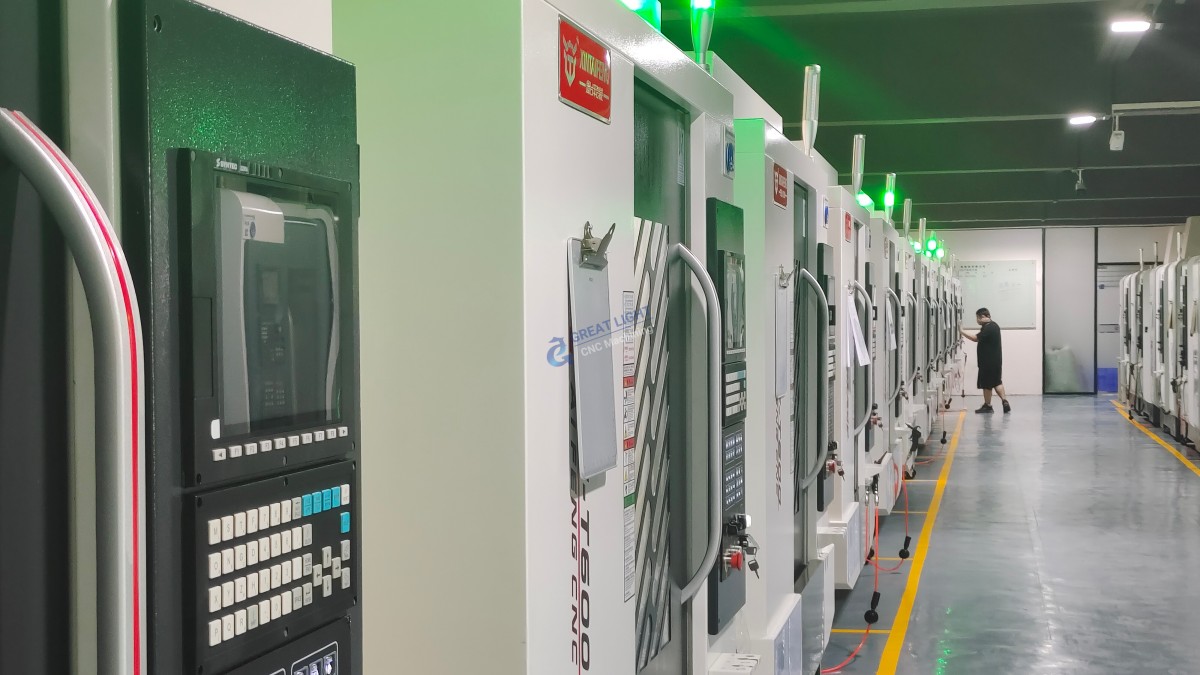
Building a mini CNC machine at home teaches invaluable skills. However, it’s important to understand its inherent limitations compared to industrial solutions from partners like GreatLight CNC Machining Factory:
Precision & Accuracy: A well-tuned DIY machine might achieve ±0.1mm repeatability on a good day. Industrial 5-axis machines from GreatLight routinely hold tolerances of ±0.001mm or better, thanks to monolithic cast iron frames, precision ground ball screws, and laser feedback systems.
Material Capability: Your mini machine will be limited to woods, plastics, and maybe soft aluminum with very light cuts. GreatLight’s professional equipment can efficiently machine stainless steel, titanium, and high-strength alloys.
Reliability & Repeatability: A DIY project is prone to thermal drift, wear, and requires constant tweaking. Professional CNC machining is a controlled, ISO-certified process ensuring every part in a batch of 10 or 10,000 is identical.
Complexity: A 3-axis DIY machine can do 2.5D carving. Truly complex, organic geometries requiring undercuts or multi-sided machining demand the simultaneous 5-axis capability that is the specialty of advanced suppliers.
Conclusion
Embarking on the journey to make a mini CNC machine at home is a rewarding project that demystifies automated manufacturing and empowers you with hands-on skills. It’s perfect for prototyping ideas, crafting custom parts for other hobbies, and educational exploration. It embodies the spirit of making.
When your project’s requirements outgrow the capabilities of a desktop machine—when you need metallic parts with extreme precision, complex geometries, or consistent volume production—the expertise and industrial might of a professional partner become indispensable. This is where the journey from a hobbyist’s workshop seamlessly connects to the world of professional manufacturing, with specialists like GreatLight CNC Machining Factory ready to translate your refined designs into flawless, high-performance reality.
Frequently Asked Questions (FAQ)
Q1: How much does it cost to build a mini CNC machine at home?
A: Costs can range significantly. A very basic machine from scrap parts might cost under $200. A robust, new-component machine with a decent work area (300x200mm) and a proper spindle typically ranges from $500 to $1500, depending on the quality of linear components, screws, and electronics.
Q2: What is the most challenging part of the build?
A: Most builders find achieving and maintaining rigidity to be the biggest challenge. A floppy frame will lead to chatter, poor surface finishes, and inaccuracy. The second is proper calibration and configuration of the software/firmware, which requires patience and meticulous attention to detail.
Q3: Can I use 3D-printed parts for my CNC machine frame?
A: Yes, and many designs do. However, 3D-printed parts (especially in PLA) can creep under constant load and are sensitive to heat. They are excellent for brackets, motor mounts, and non-critical components, but the primary structural elements are better made from metal or composite for long-term stability.
Q4: My machine is making strange noises or losing steps. What’s wrong?
A: Losing steps (where the motor doesn’t move the commanded distance) is often caused by:
Excessive feed rate or acceleration (too fast for the machine’s rigidity).
Insufficient motor current (adjust the potentiometer on your stepper driver carefully).
Mechanical binding (check that all axes move smoothly by hand when powered off).
Strange noises often point to resonance or mechanical issues like loose components or misaligned couplings.
Q5: When should I consider using a professional CNC service instead of my DIY machine?
A: Consider professional services like GreatLight when:
You require tolerances tighter than ±0.1mm.
Your part needs to be made from hard metals (steel, titanium).
You have a complex, multi-sided part that requires precise fixtures or 4th/5th axis machining.
You need more than a few identical parts with guaranteed consistency.
The part is critical for safety or function (e.g., drone components, engine parts).
Q6: Are there good resources or communities for DIY CNC builders?
A: Absolutely. Forums like CNCZone, Reddit’s r/hobbycnc, and dedicated Discord servers for projects like the PrintNC are invaluable. Websites like YouTube host countless build logs and troubleshooting guides from the community.



















